
GOOGLE CALENDAR INTEGRATION
Turn Google Calendar into a smarter booking experience
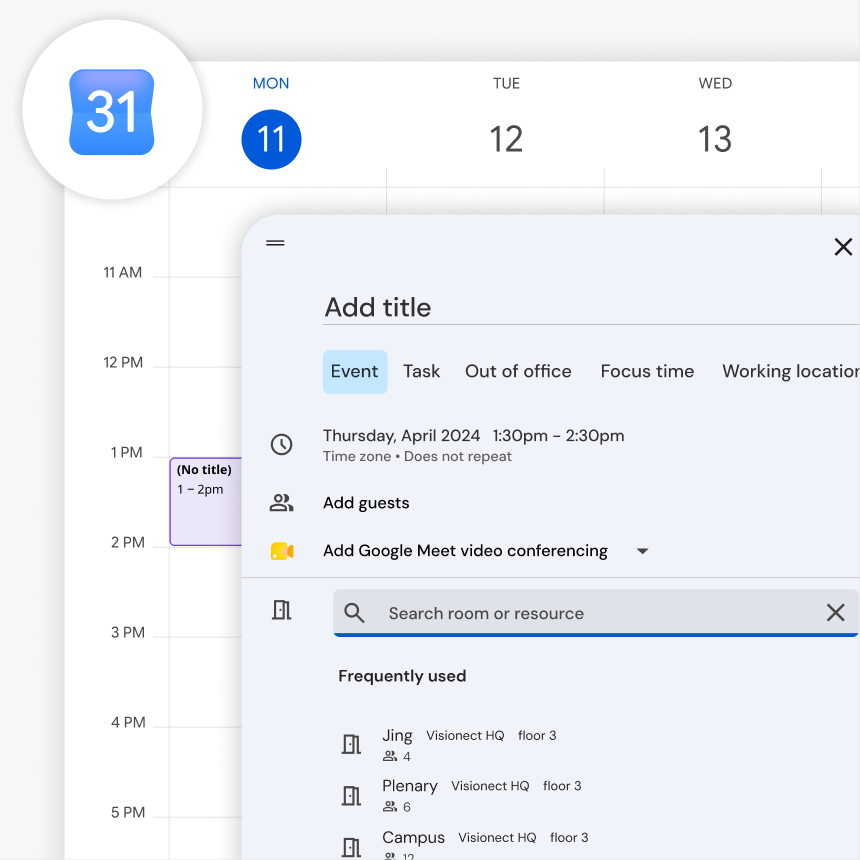
Connect Joan to your Google Calendar and bring room availability right outside every meeting room. Your team can continue managing meetings in Google Calendar, while Joan keeps room displays up to date and makes walk-up booking simple.

Connect Joan to Google Calendar in three simple steps
Connect your room calendars once, and Joan takes care of keeping your meeting room displays in sync.

Create a Google account for each room
Set up a free Google account to act as the room’s calendar resource — for example, [email protected]. One account per room.

Connect in MyJoan
At the Calendar step in MyJoan, select Google Workspace — this option works for free Gmail accounts too. Sign in and grant Joan the requested calendar permissions.

Add the room and go live
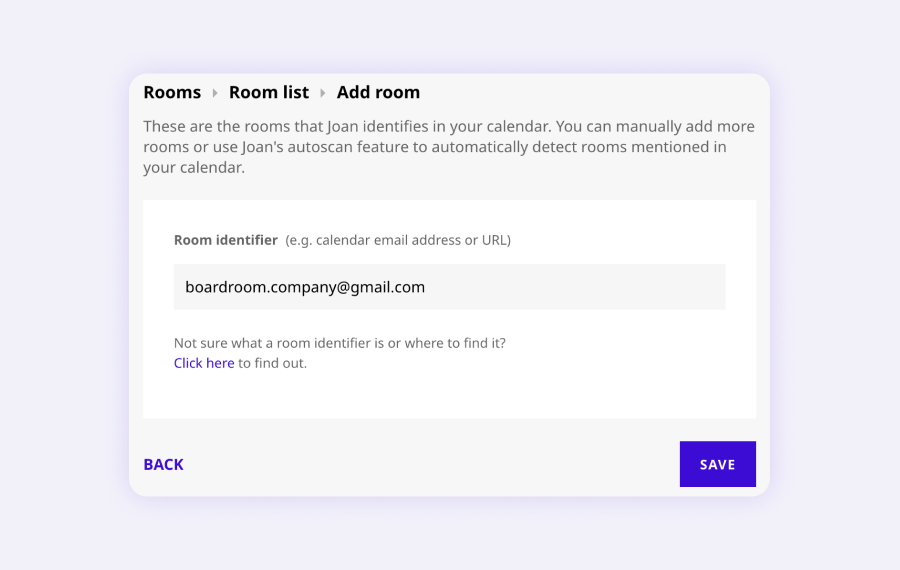
In MyJoan go to Rooms → Add a room, enter the Gmail address as the room identifier, and save. Joan starts syncing and the display goes live.
Make Google Calendar room booking easier for everyone
Keep your existing calendar workflow while giving employees a simpler way to find, book, and manage meeting rooms.
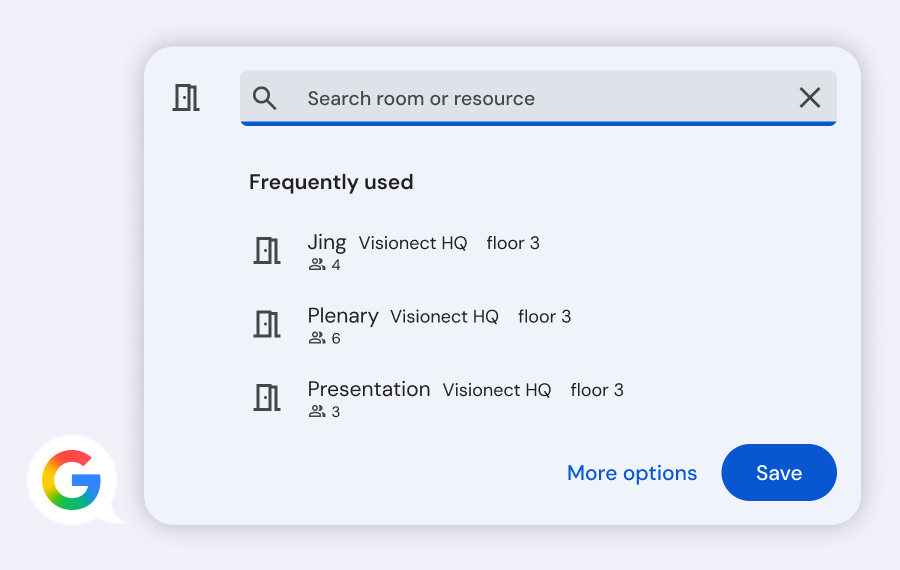
Book meeting rooms through Google Calendar
Your team can continue managing meetings in Google Calendar. Joan syncs with the connected room calendars and displays the latest booking information outside each meeting room.
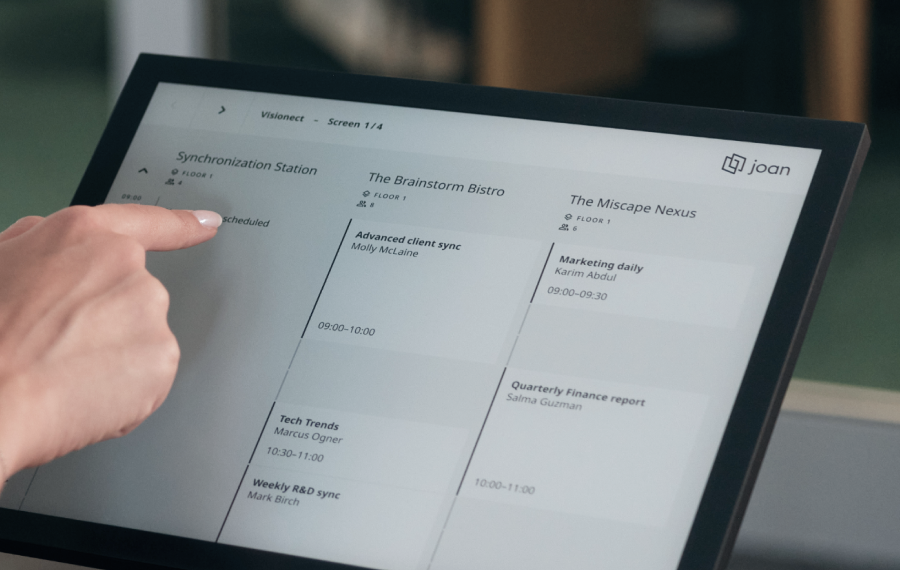
See room availability at a glance
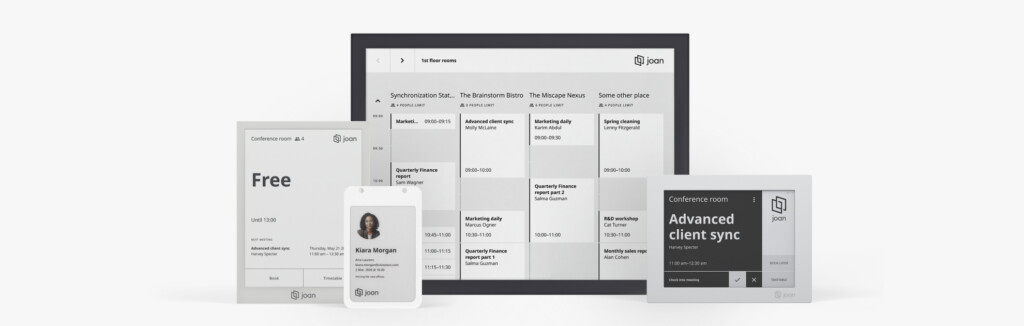
Give every meeting room a Joan display or any other tablet. Employees can instantly see whether a room is occupied, when the next meeting starts, and when it’s available again.
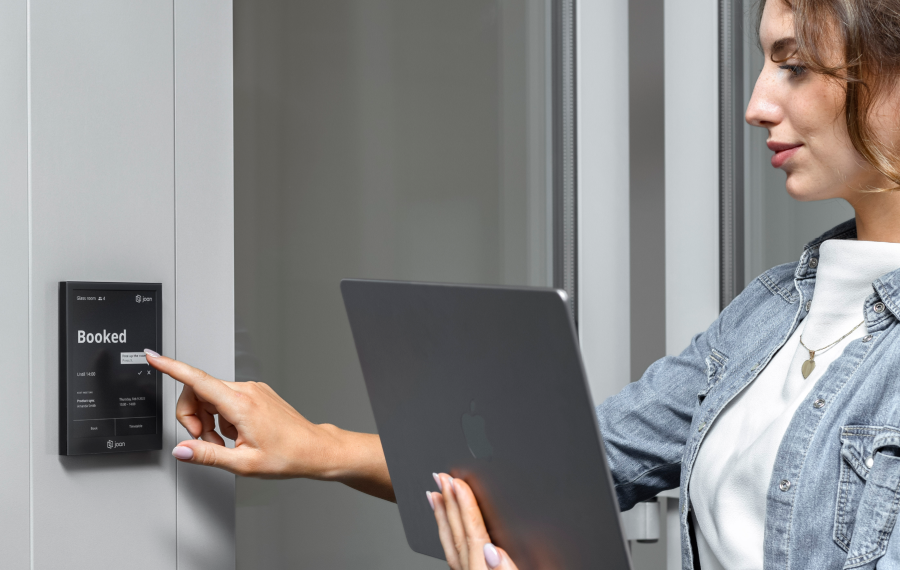
Book rooms right outside the door
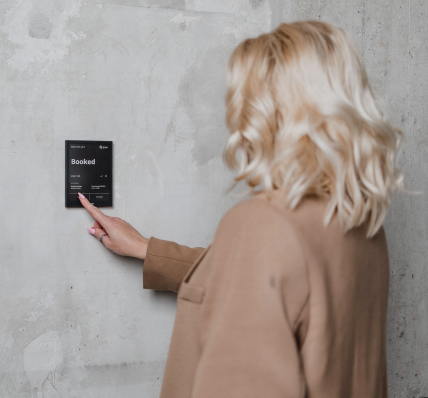
Need a room immediately? Employees can check availability and reserve an open room directly from the Joan display. The booking is added to the connected Google Calendar.
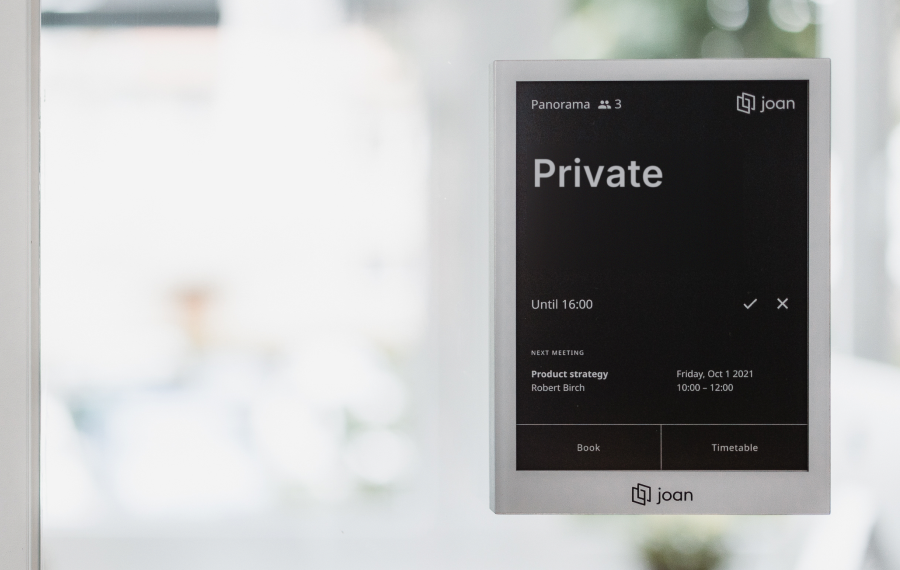
Keep meeting details private
Meeting titles appear on room displays to help employees identify upcoming bookings. When a meeting is marked private in Google Calendar, Joan displays “Private” instead of the meeting details.
No Google Workspace subscription required
Joan works with free Google accounts as well as paid Google Workspace accounts. Give your team professional meeting room booking without investing in an additional Workspace subscription.
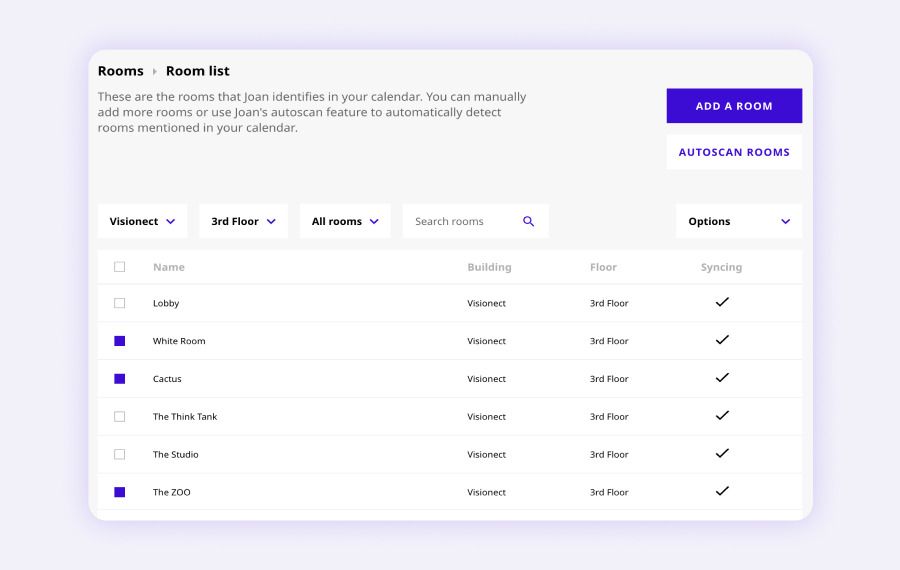
Manage every room from one portal
Add meeting rooms, review booking history, and configure display settings from the Joan web portal. Keep all your room calendars organized in one place.
Need help connecting Joan to Google Calendar?
Our setup guide walks you through every step — choosing the calendar in MyJoan, granting permissions, and adding your Gmail address as a room.

€49 per month to start
All solutions above are included in every plan.
Rated by the people who use it.
4.5 out of 5 on G2 · 248 reviews
Happy users worldwide share their satisfaction with Joan solutions and devices every day. And here’s the proof.
The only room booking tablet an idiot like me could implement
Great Tool for Desk and Workplace Management
Makes people happy


Frequently asked questions
Do I need Google Workspace to use this?
No. Joan works with any free Google account — no paid Google Workspace subscription needed.
Can I use any Gmail address, or do I need a dedicated account?
Any Google account works, but we strongly recommend a dedicated account per room (for example, [email protected]) to keep room events separate from personal email.
What permissions does Joan need?
During setup, Google shows a consent screen asking you to allow Joan the requested permissions, including calendar access. Joan uses the account’s calendar to show and create room bookings.
Can employees book rooms directly from Google Calendar?
Without Google Workspace, the “Add rooms” feature in Google Calendar isn’t available. Your team books from the Joan display or through the Joan web portal.
What’s the difference between this and the Google Workspace integration?
The Google Workspace integration is for paid Workspace accounts and lets employees book rooms from inside Google Calendar. This setup uses free Google accounts — a good fit for smaller teams that don’t need Workspace.