
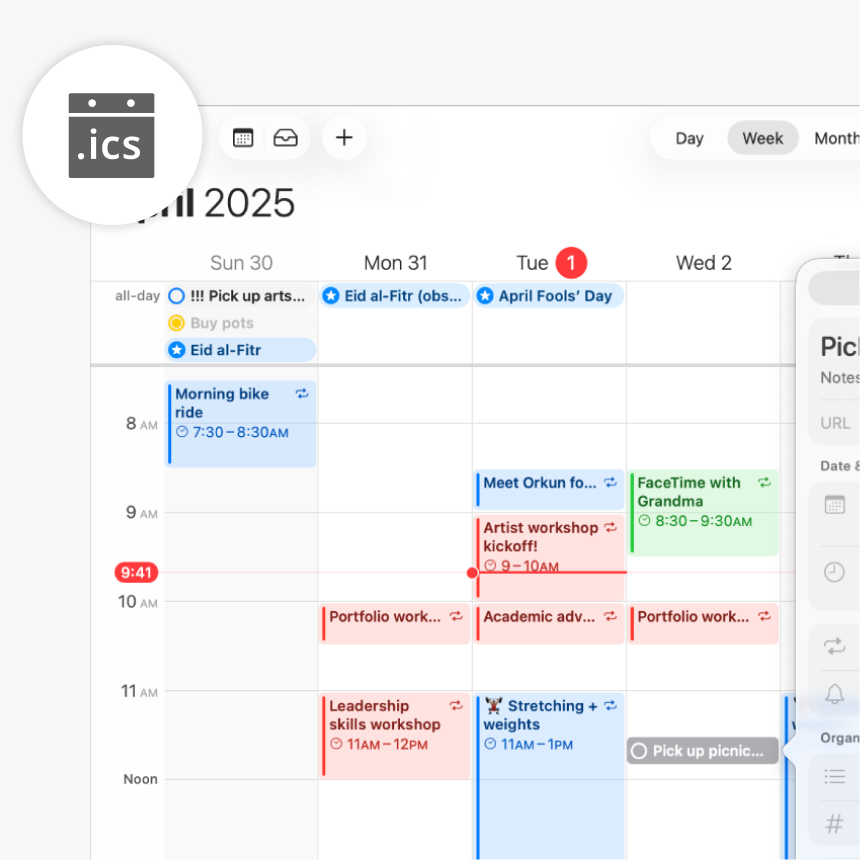
ICALENDAR integration
Joan Workplace + iCalendar integration
Connect a public iCalendar feed to each Joan device and your room schedules appear automatically — works with Google Workspace, Microsoft 365, Exchange, Apple Calendar, and more.
How Joan connects to iCalendar
Three steps for IT to set up. Zero steps for the rest of the team.


Enter the URL in MyJoan
Go to Settings → Integrations in your MyJoan account and paste the iCalendar URL for each room you want Joan to display. No admin credentials required.

Joan displays the room schedule automatically
Once connected, Joan devices show the room’s upcoming meetings in real time. Pair the device with a room and the display is ready — no further configuration needed.
What you can do with Joan and iCalendar
Here’s what the integration covers — what your team can actually do once Joan is connected to your Workspace.
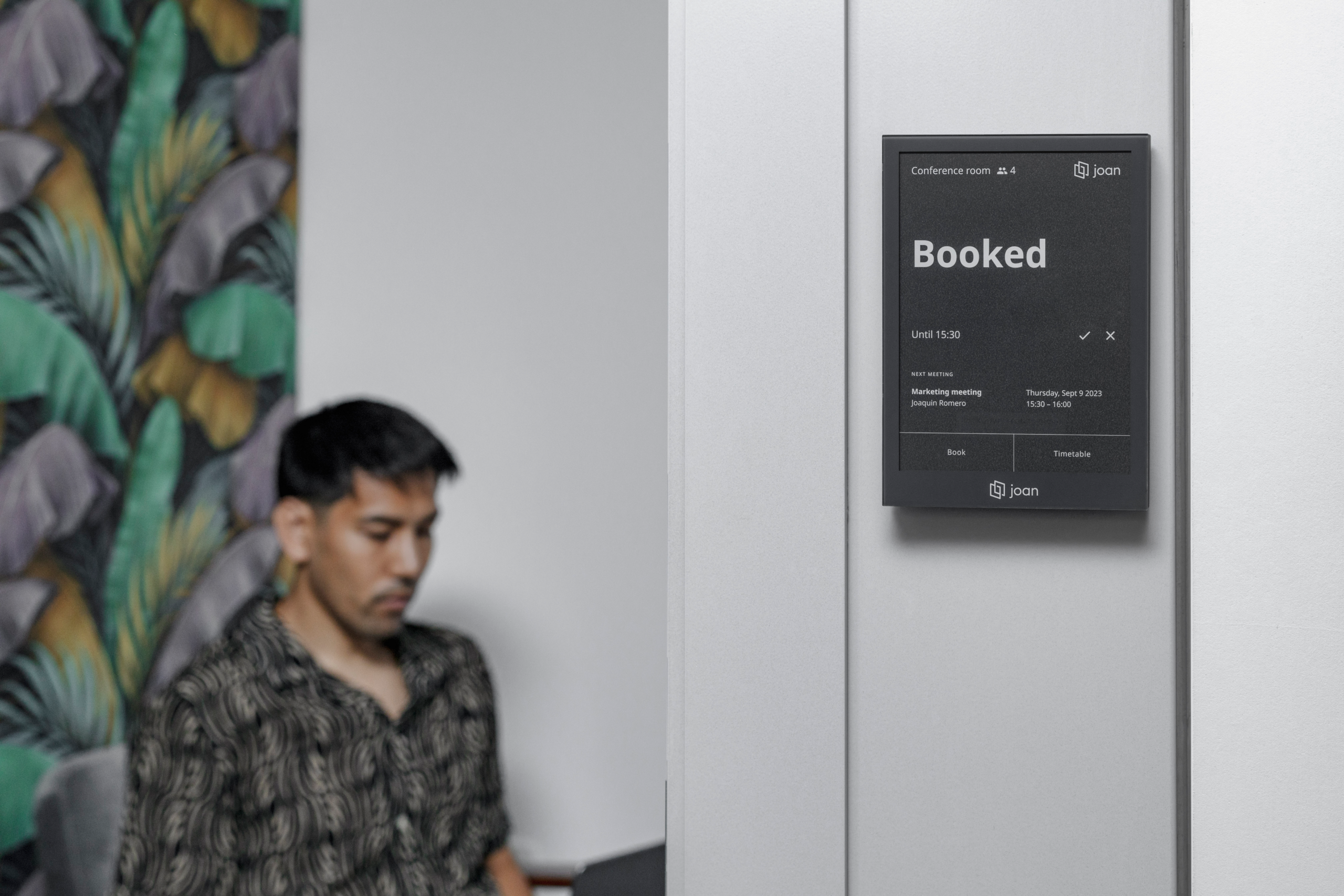
See any room’s schedule at a glance
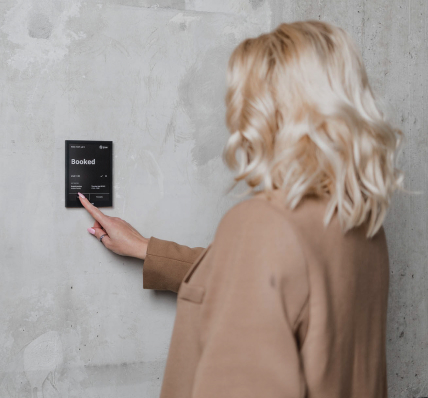
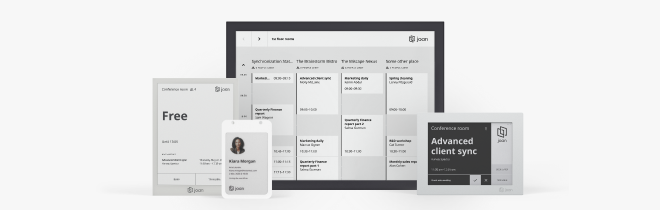
Joan pulls the read-only iCalendar feed and displays current and upcoming meetings on the room panel — so anyone walking past knows instantly whether the room is free.
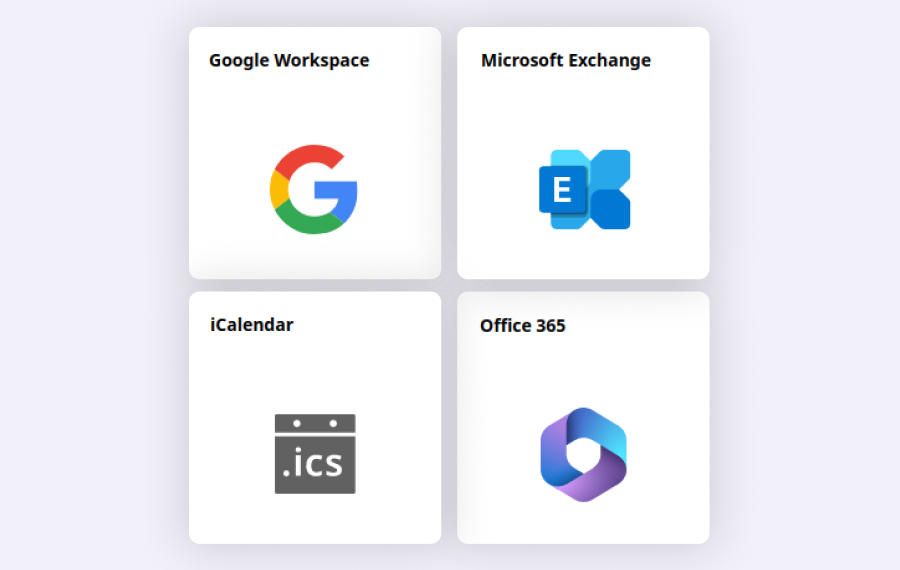
Works with almost every calendar platform
Google Workspace, Office 365, Microsoft Exchange 2010/2013/2016, Apple Calendar — if it outputs a public .ics URL, Joan can connect to it without migrating your existing setup.
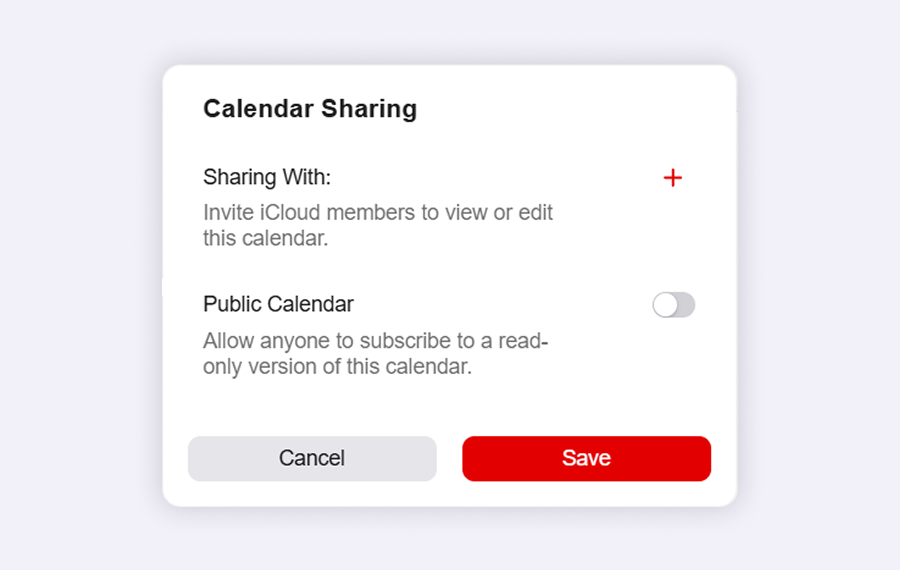
One URL per room, setup in minutes
Each room only needs its publicly accessible .ics link entered once in MyJoan. No service accounts, no OAuth flows, no admin approvals beyond generating the URL.
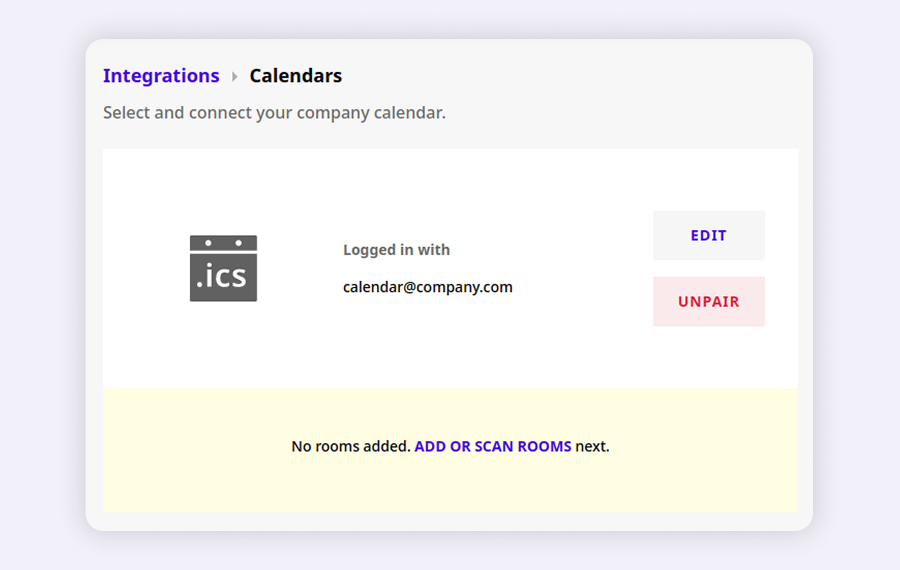
Room assignments changeable at any time
Reassign which iCalendar feed each Joan device displays under Settings → Rooms → Devices in MyJoan — no hardware changes, no reinstallation.
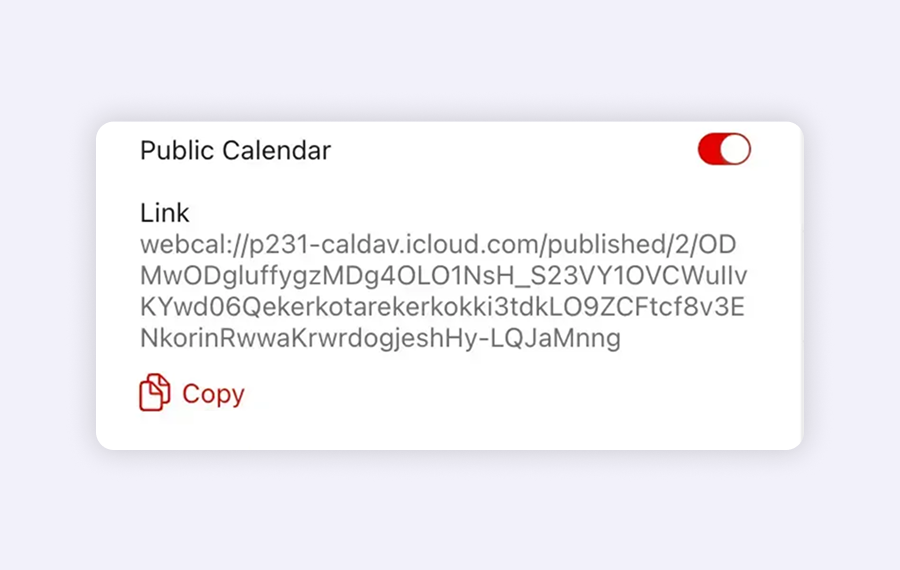
No dedicated platform? No problem.
iCalendar is a universal standard. If your organisation uses a less common or self-hosted calendar system, Joan can still display room schedules as long as the .ics URL is reachable.
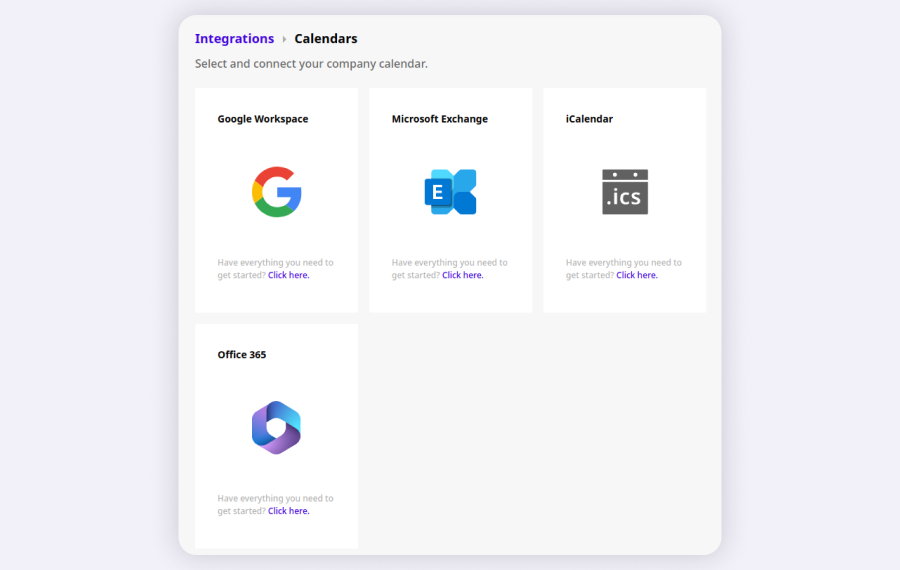
Coexists with other Joan integrations
Rooms using iCalendar and rooms connected via Microsoft 365 or Google Workspace can live in the same Joan account — each device connects to the source that fits its room.
Need help connecting your iCalendar feed?
Everything is in the setup guide — from generating the .ics URL in your calendar platform to entering it in MyJoan and going live.

$51 per month to start
All solutions above are included in every plan.
Rated by the people who use it.
4.5 out of 5 on G2 · 248 reviews
Happy users worldwide share their satisfaction with Joan solutions and devices every day. And here’s the proof.
The only room booking tablet an idiot like me could implement
Great Tool for Desk and Workplace Management
Makes people happy




Frequently asked questions
What is the iCalendar integration?
iCalendar (.ics) is a standard calendar format supported by most platforms. The Joan iCalendar integration lets you connect a room’s public .ics feed to a Joan device so the display shows current and upcoming meetings.
Which calendar platforms work with the iCalendar integration?
Any platform that generates a publicly accessible .ics URL: Google Workspace, Office 365, Microsoft Exchange 2010, 2013, or 2016, Apple Calendar, and most other calendar systems that support the iCal standard.
Can I book rooms directly from the Joan display using iCalendar?
No — the iCalendar integration is read-only. Joan displays the room’s schedule from the .ics feed, but new bookings must be made in your calendar platform. For on-screen room booking, use the Google Workspace, Microsoft 365, or Exchange integrations.
Does the iCalendar URL need to be publicly accessible?
Yes. Joan retrieves the feed from the URL you provide, so it must be reachable from the internet — not behind a login, VPN, or firewall.
Where do I find the iCalendar URL for a room?
In your calendar platform’s room resource settings or sharing settings. Look for an option labelled “iCal”, “ICS”, or “public URL”. The exact location varies by platform — your calendar administrator can usually provide it.
How many rooms can I connect with iCalendar?
One .ics URL per Joan device. You can connect as many rooms as you have Joan devices, and each can point to a different calendar feed.
How often does Joan sync the iCalendar feed?
Joan refreshes the feed periodically. A stable Wi-Fi connection is important — poor or unstable connections slow down sync and affect display accuracy and battery life.
Can iCalendar rooms coexist with other integrations in the same Joan account?
Yes. Rooms using iCalendar and rooms connected via Microsoft 365 or Google Workspace can coexist in the same Joan account — each device connects to the source that fits its room.
Where do I get help if the iCalendar feed is not showing events?
Verify the URL is publicly accessible and correctly formatted. For further help, contact [email protected] (Monday–Friday, 08:00–24:00 CET) or follow the step-by-step guide on the Joan Help Centre.