

EVERY DETAIL. ALL ON YOU.
Get the office under control
You’re not just “keeping things running.”
You’re the person who gets pulled in when a room doesn’t work, when someone can’t find space, when a visitor arrives unexpectedly, when parking is full again, or when nobody knows what’s happening in the office today.
And most of it isn’t even a decision — it’s interruptions.
Constant ones. Across calendars, chats, emails, and a dozen “quick questions” that somehow always land with you.
Let Joan handle office coordination
Joan is a workplace management platform that takes the daily space logistics off your plate — so the office stays organised without it becoming the thing that interrupts everything else you’re doing.

Space that manages itself
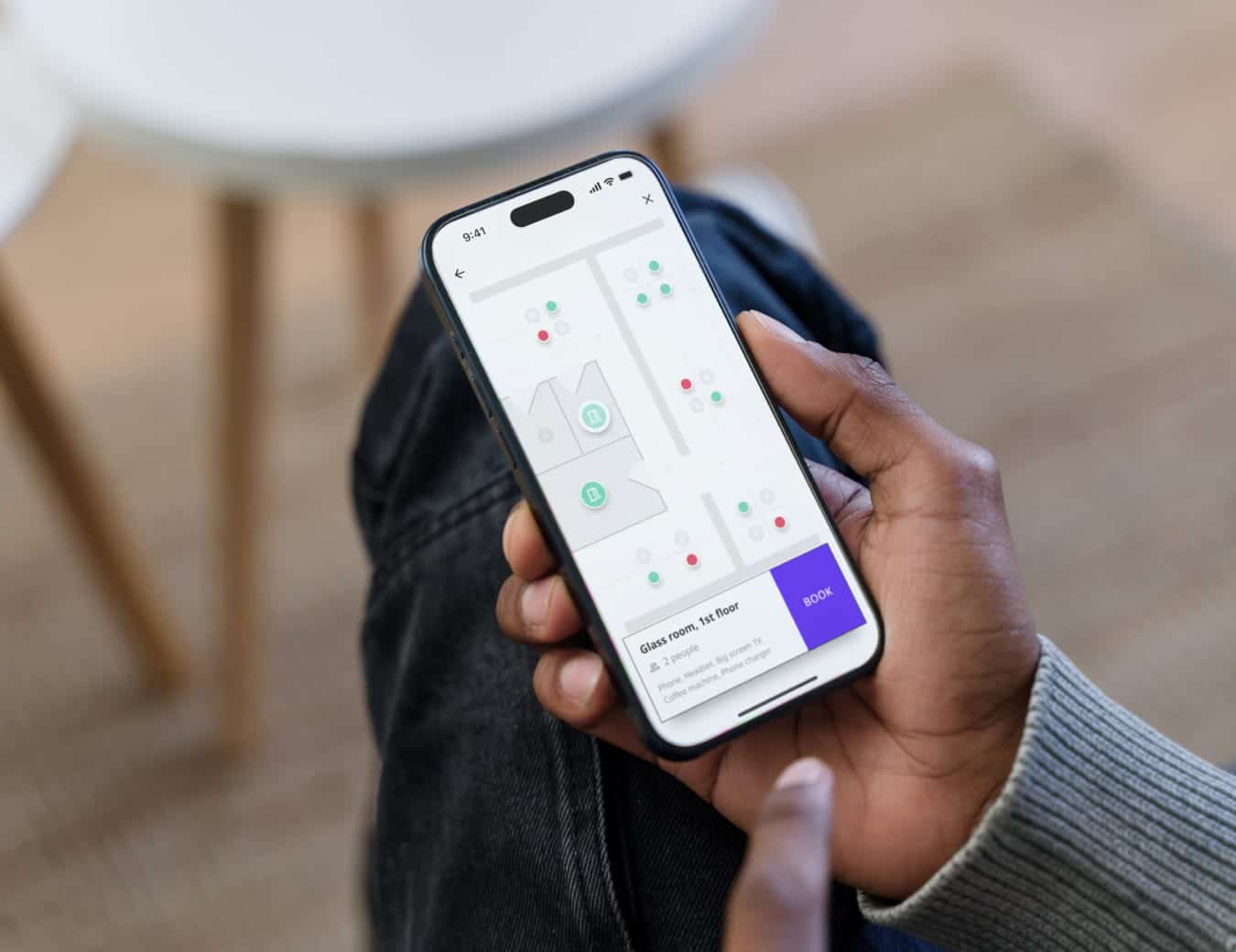
Rooms booked, desks reserved, equipment and shared assets tracked and claimed, without the request landing on your desk.

Office that reflects reality
Live availability, automatic release of unused spaces, and utilisation data you can actually use when decisions need to be made.

Smooth visitor experience
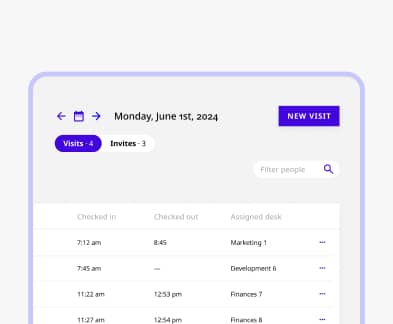
Pre-registered guests, instant host notifications, digital check-in, wireless badges — a smooth front-of-house experience.
EVERY QUESTION COMES TO YOU
Your inbox is not a booking system
Someone needs a room. They message you. You check the calendar. You confirm it’s free. You book it. You send them the details.
Multiply that by fifteen people, every day, and it’s not office management anymore — it’s a full-time service desk job you didn’t sign up for.
With Joan, employees book their own spaces directly. You set the rules; Joan enforces them automatically.
SPACES DON’T MATCH REALITY
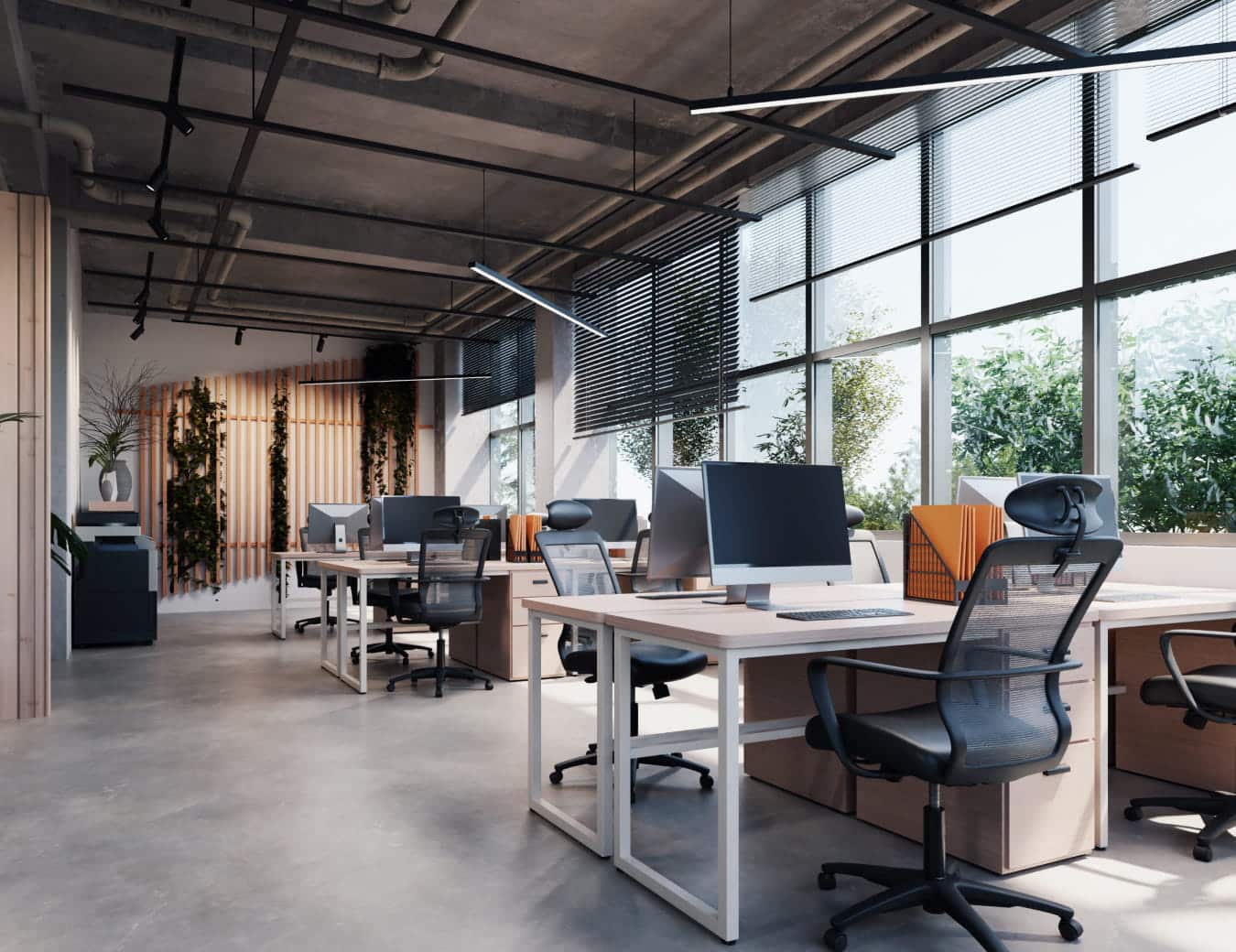
You can’t manage what you can’t see
HR is asking if there’s enough desk capacity for three new hires next month.
Finance wants to understand whether the floor you’re renting is actually being used.
And someone just asked where the portable screen went — last seen Thursday, no one’s sure who took it.
Joan gives you utilisation data across rooms, desks, and attendance, and a live view of shared equipment
THE VISITOR IS STILL WAITING
Reception isn’t on you to fix
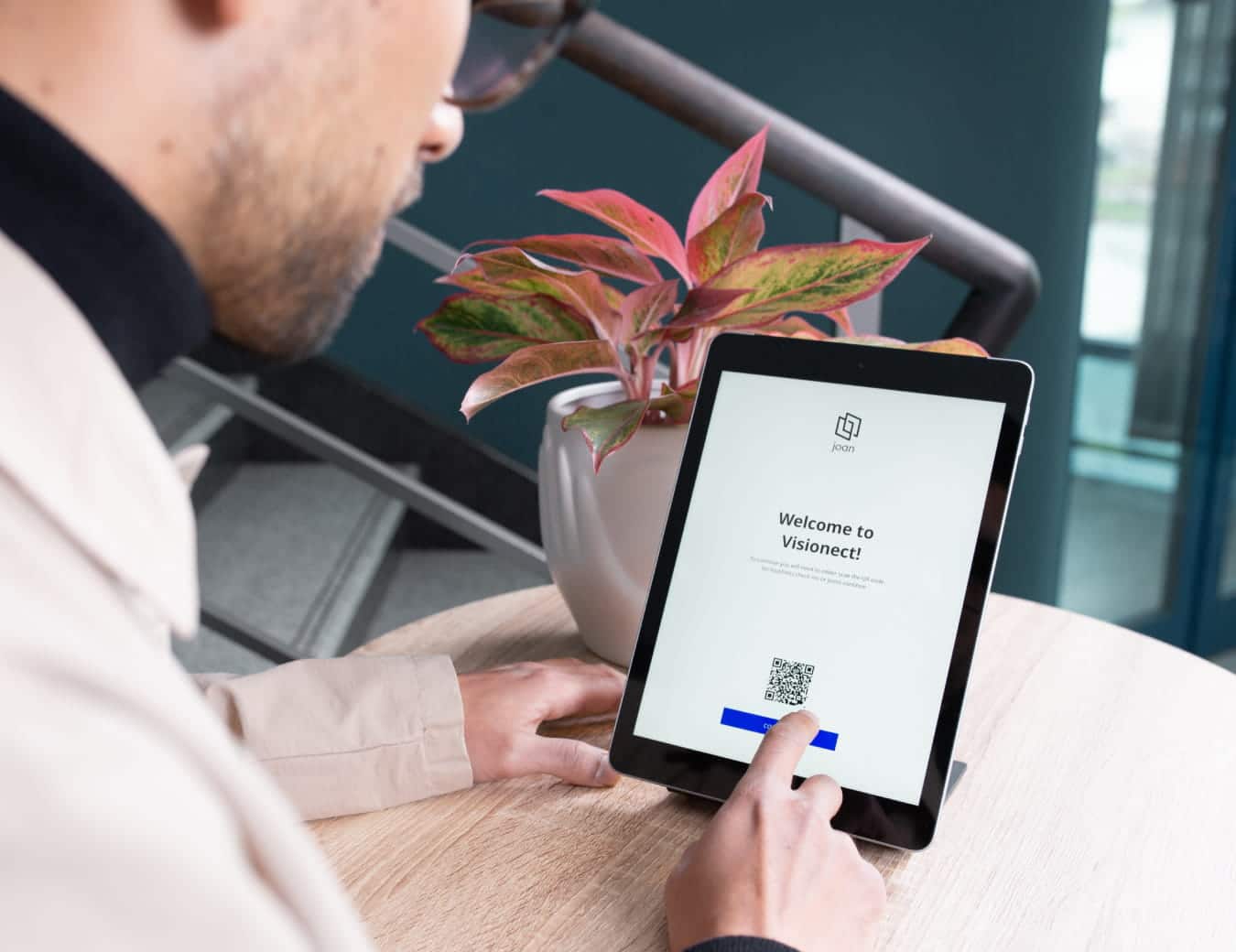
A client arrives at the front desk. No one is there. Their host wasn’t notified. They wait, unsure whether to sit down, call someone, or leave.
By the time the meeting starts, the apologies are already part of the agenda. And you’re the one who hears about it afterwards.
Joan notifies hosts the moment a visitor checks in — automatically, without anyone needing to be at the front desk.
NOBODY SAW THE UPDATE
Notifications going unnoticed
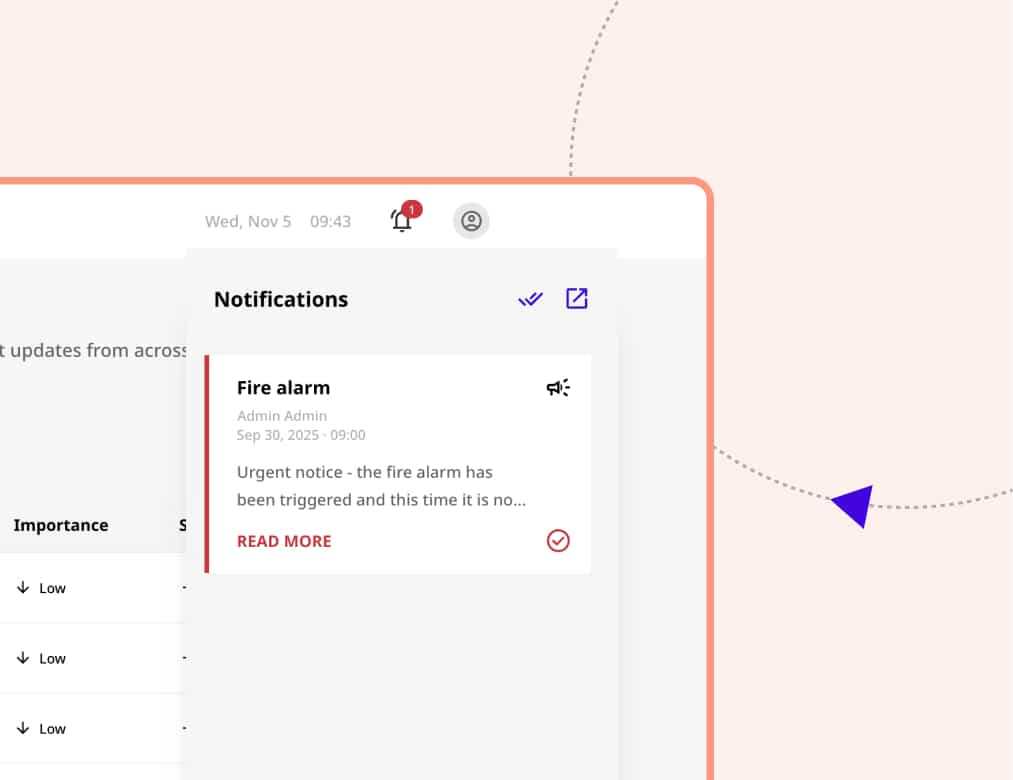
The room on the third floor is out of service next week. The desk booking process is changing. There’s a new policy for external visitors.
You put it in the newsletter. Mentioned it in the all-hands. Sent a message in Slack. Someone still didn’t follow the new process. And you’re the one who has to handle the fallout.
Joan surfaces workplace updates where people actually need to see them.

Frequently asked questions
Does Joan offer a free trial?
Yes. You can try Joan free for 30 days with no commitment. We also offer a 30-day money-back guarantee on all device purchases. So you can test it properly before deciding.
Can I set rules for how rooms can be booked — time limits, check-in requirements, advance notice?
Yes. You control the booking parameters: how far ahead rooms can be reserved, whether check-in is required before a booking is confirmed, and how long before an unused room is automatically released. The system enforces the rules so you don’t have to.
What happens to rooms that get booked but not used?
Joan’s auto-release feature frees the space when no one checks in by a set time. The room goes back into the available pool instead of showing as occupied while physically empty — so your inventory reflects reality.
Can I see how office space is actually being used?
Yes. Joan gives you utilisation data across rooms, desks, and attendance — which spaces are overbooked, which are consistently underused, and how occupancy shifts across days and weeks. Useful for layout decisions, reporting to leadership, or understanding whether your current setup matches how people actually work.
How does visitor management work when we have a high volume of guests?
Hosts pre-register visitors before they arrive. On arrival, guests check in digitally and are issued a wireless e-paper badge — no printing, no paper sign-in sheets, no one needing to physically wait at the door. You get a full log of who visited, when, and who they met.
Can employees book rooms, desks, and parking through the same system?
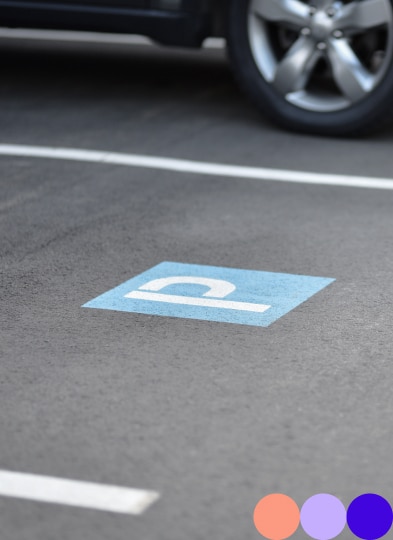
Yes. Everything goes through one platform — rooms, desks, parking, and shared assets. Employees see what’s available, book what they need, and you have a single view across all of it.
Does Joan integrate with Microsoft 365 or Google Workspace?
Yes. Joan integrates with both, so bookings sync with existing calendars and employees can work within tools they already use. You don’t need to rebuild how the office schedules things — Joan fits into it.
Can I manage shared equipment and assets through Joan as well?
Yes. Shared assets — screens, laptops, AV equipment — are bookable through the same platform. You can see who has what, when it’s available, and set rules around how it gets reserved.