

JOAN AI AGENT
The missing link between AI and your workplace
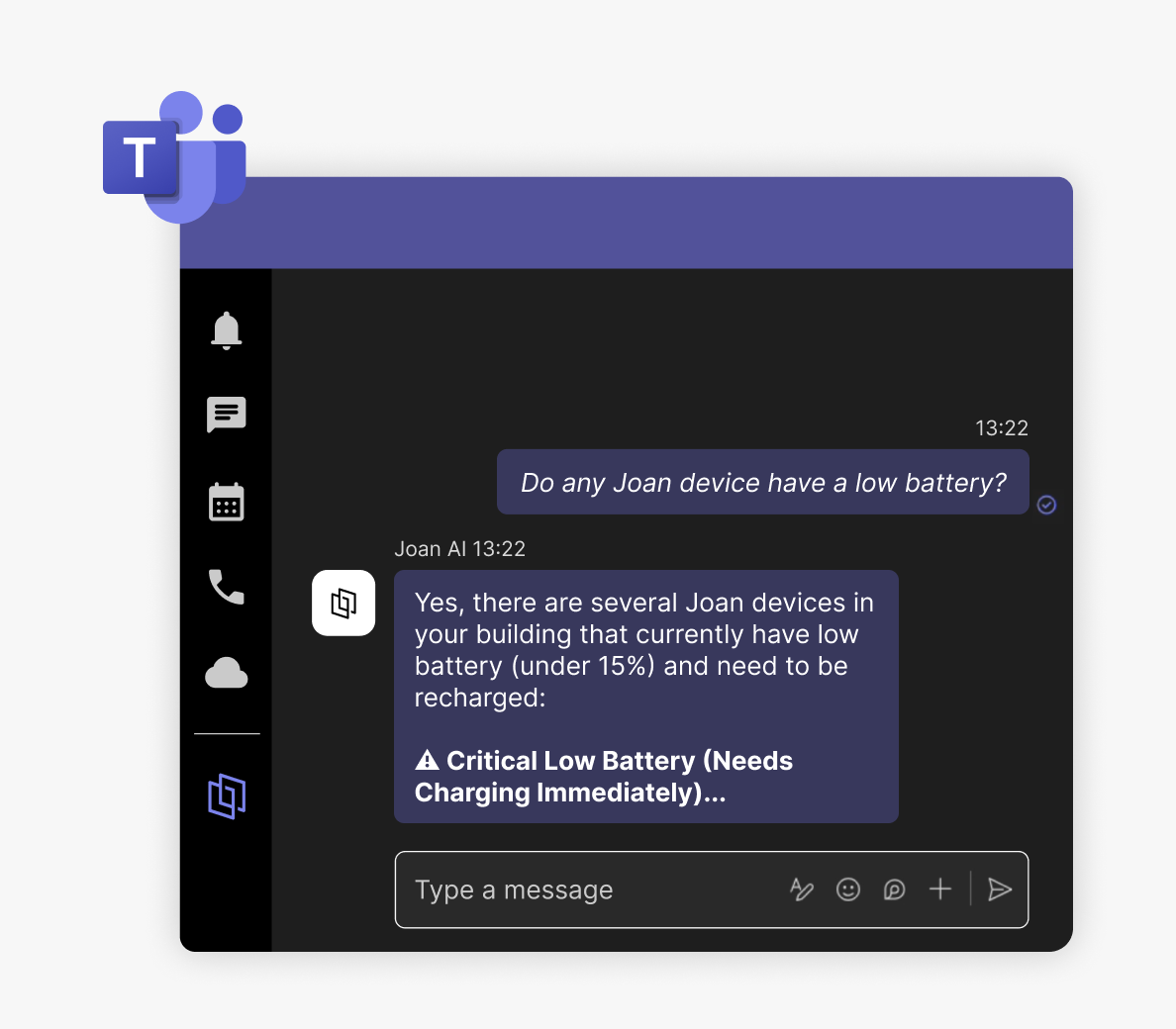
Joan AI turns everyday chat into real workplace action. Book desks and rooms, invite visitors, check your office devices, and get instant answers — all from a normal conversation, now inside Microsoft Teams.
Watch the video to see Joan AI in action.
Smart Workplace Assistant
What is Joan AI?
Joan AI is a workplace assistant that lives inside Microsoft Teams. Instead of clicking through separate systems to book a desk, reserve a room, register a visitor, or check a device, you simply tell Joan what you need in plain language and it does it for you.
The difference is that Joan doesn’t just answer questions about your office — it acts on them.
Ask, and it’s done.
How does Joan AI work in Microsoft Teams?
An admin enables Joan AI for your organization from the Microsoft Marketplace / Teams app store — a one-time setup.
Open a direct chat with Joan in Teams — like any 1:1 conversation.
Ask in plain language. Joan understands natural requests and completes them against your live Joan workplace data.

Why Joan AI, not a patchwork?
Joan AI reaches across your entire workplace — desks, rooms, parking and assets, visitors, devices, and office information, everything from one assistant and one platform.
There’s no stitching together separate tools for each job, no extra admin console per feature, and no complex setup to get value on day one.
It’s the same unified Joan platform your team already trusts, now available where they already talk.
Frequently Asked Questions
Is Joan AI available in Microsoft Teams?
Yes. Joan AI is available as a Microsoft Teams app. An admin enables it for your organization from the Microsoft Marketplace; after that, anyone on the team can start a direct chat with Joan.
Can I book a desk or meeting room from Microsoft Teams?
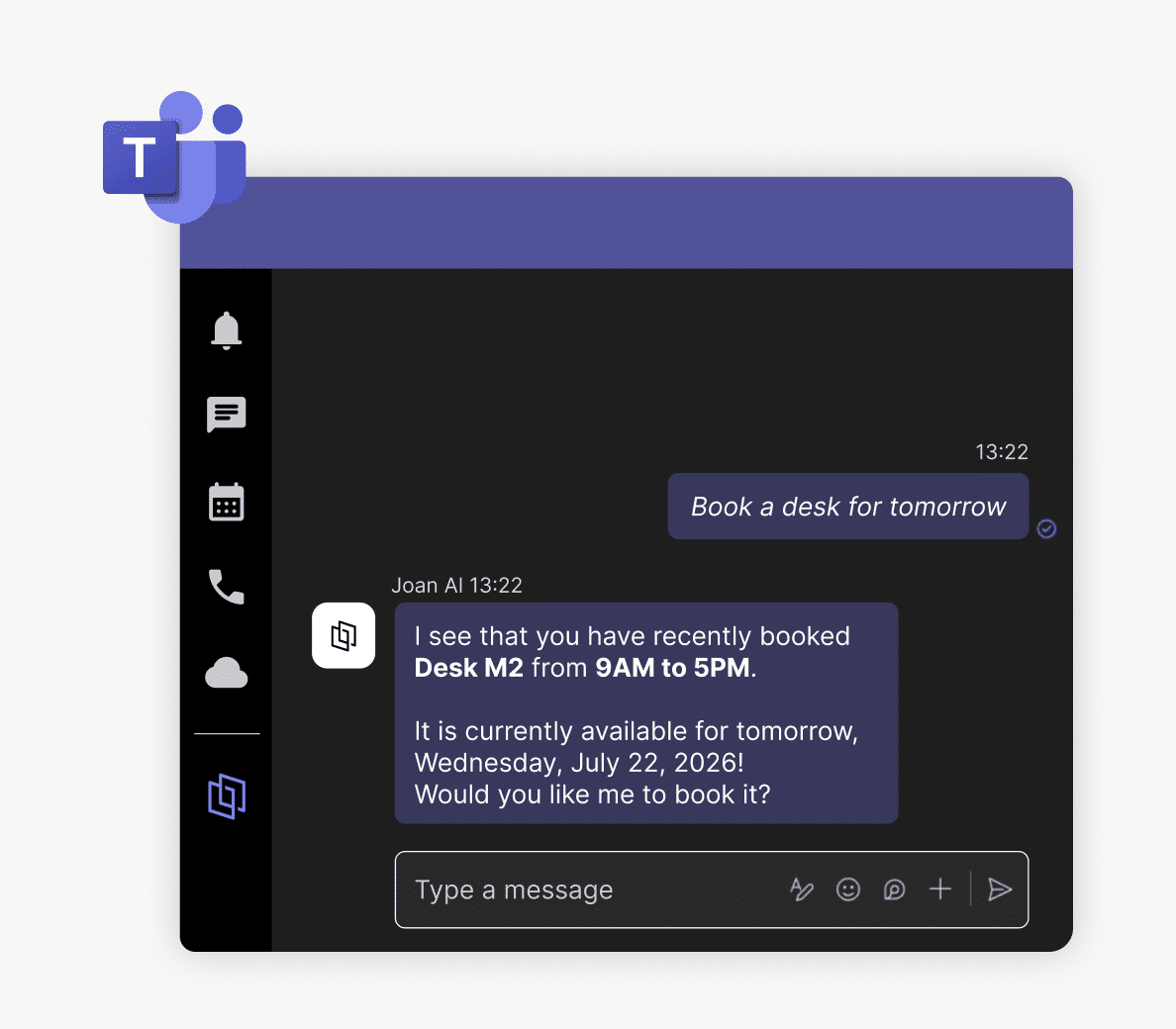
Yes. Ask Joan in a Teams chat — for example, “Book a desk for tomorrow” or “Is the Boardroom free at 2 PM?” — and Joan completes the booking in your Joan workplace.
Does Joan AI work in Teams channels?
Joan AI is available via direct messages in Teams. Channel chat isn’t supported.
Do I need a separate tool for visitors, parking, or signage?
No. Visitor management, parking and asset booking, and device management are all part of the Joan platform Joan AI works from.
How much does Joan AI cost?
Joan AI is included in the Joan platform. Start a free trial to try it.