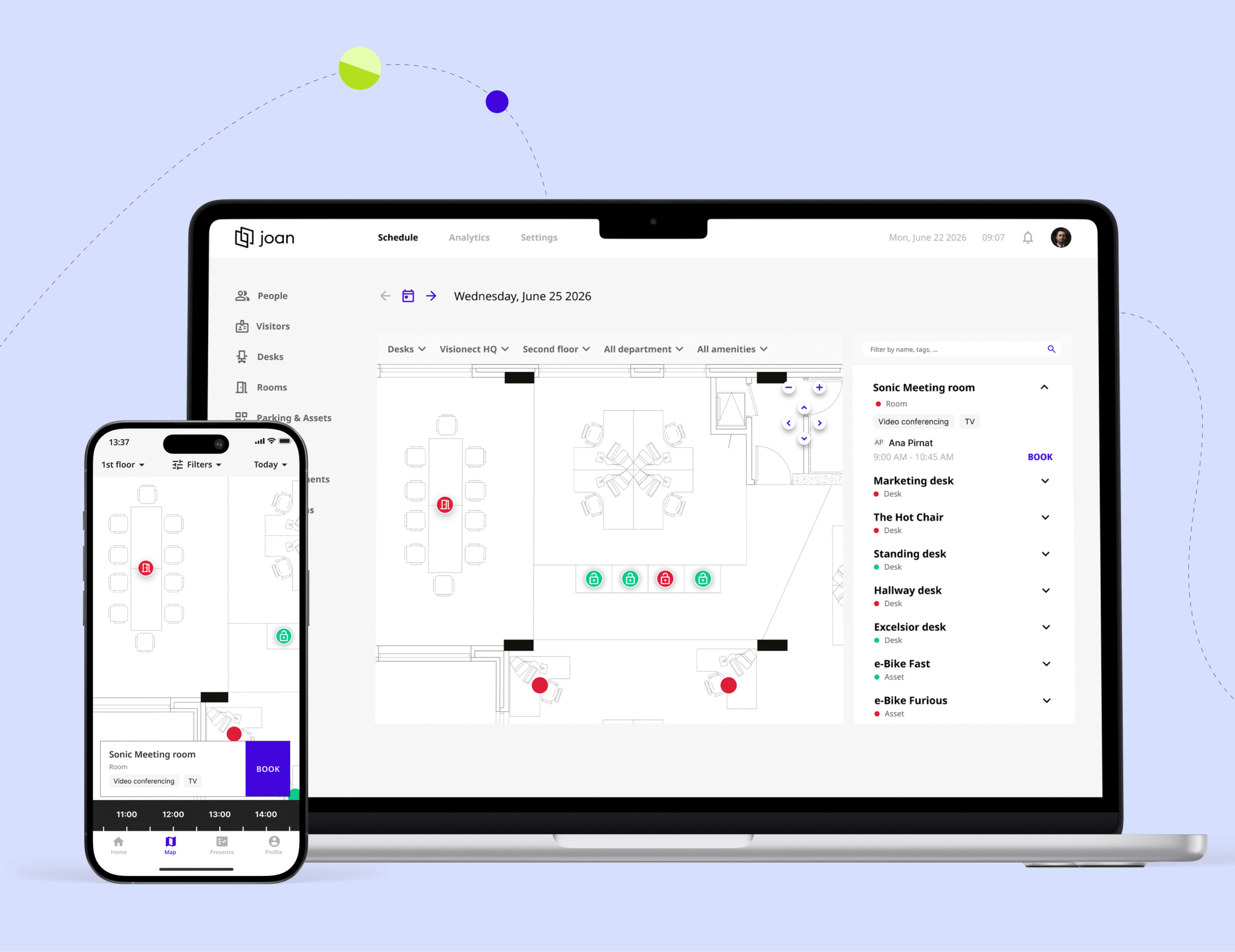
ONE MAP. EVERYTHING IN IT.

Book every asset right from the floor plan

Rooms, desks, parking spaces, lockers, and equipment — everything lives on one floor plan. See availability at a glance and book what you need directly from the map.

Booking without seeing where something is not the way to go.

Visual booking, no guessing.

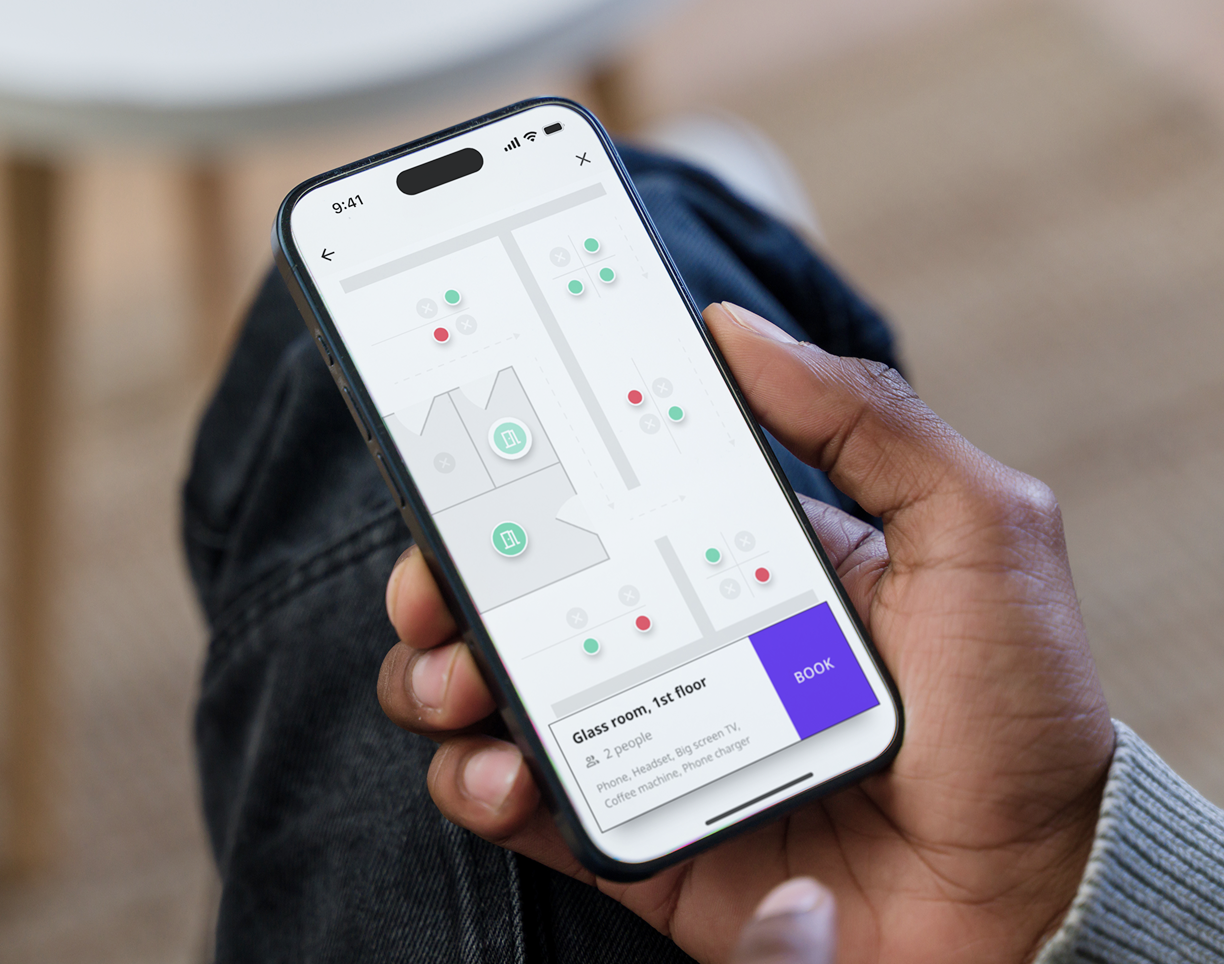
Meeting rooms

Meeting rooms, phone booths, focus pods — all bookable from the map.

Hand holding smartphone showing Joan app floorplan with room availability and a booking option for a glass meeting room.

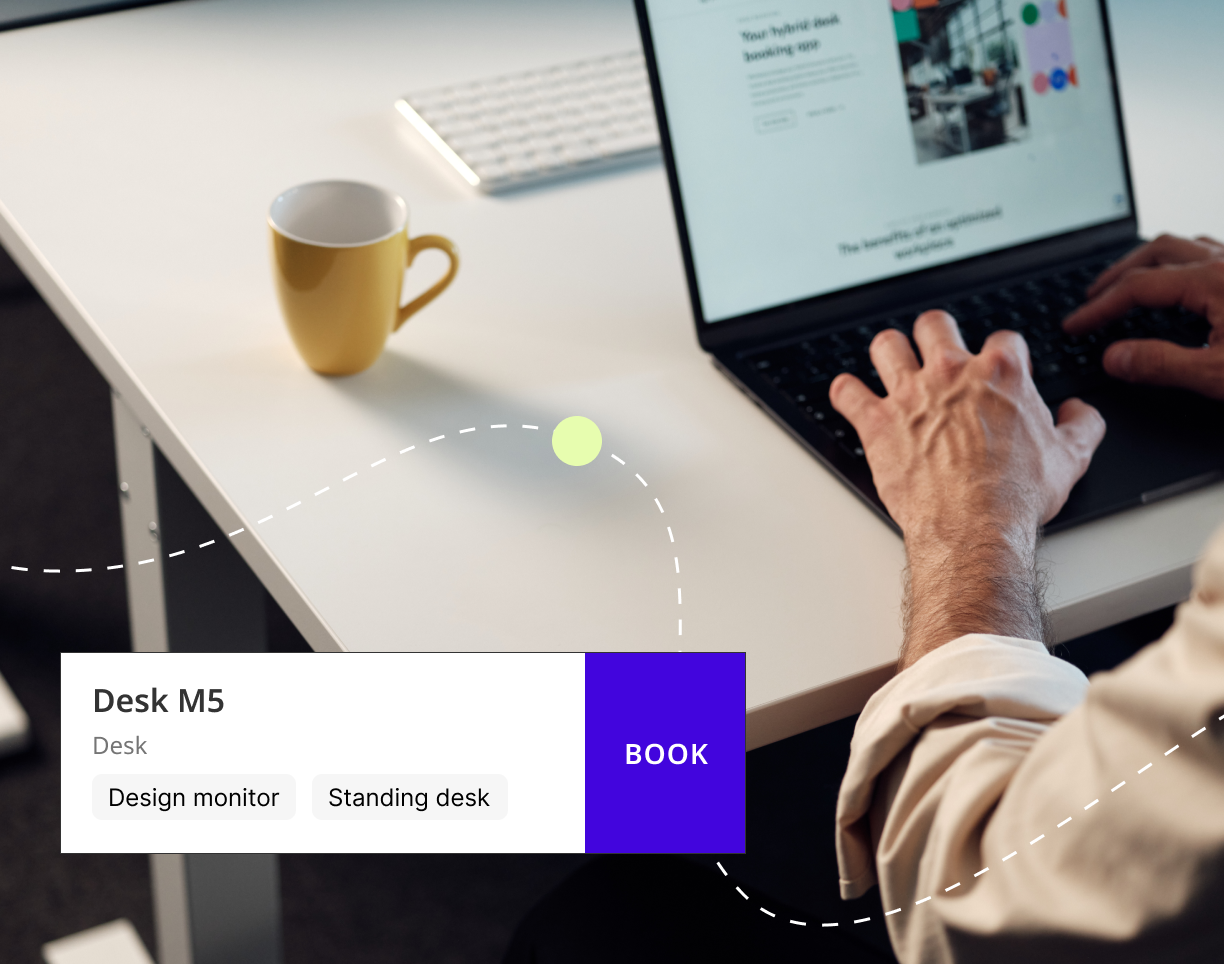
Desks

Hot desks and assigned seats, visible and bookable in one click.

Person at desk with laptop and a desk booking interface card showing Desk M5 with a Book button.

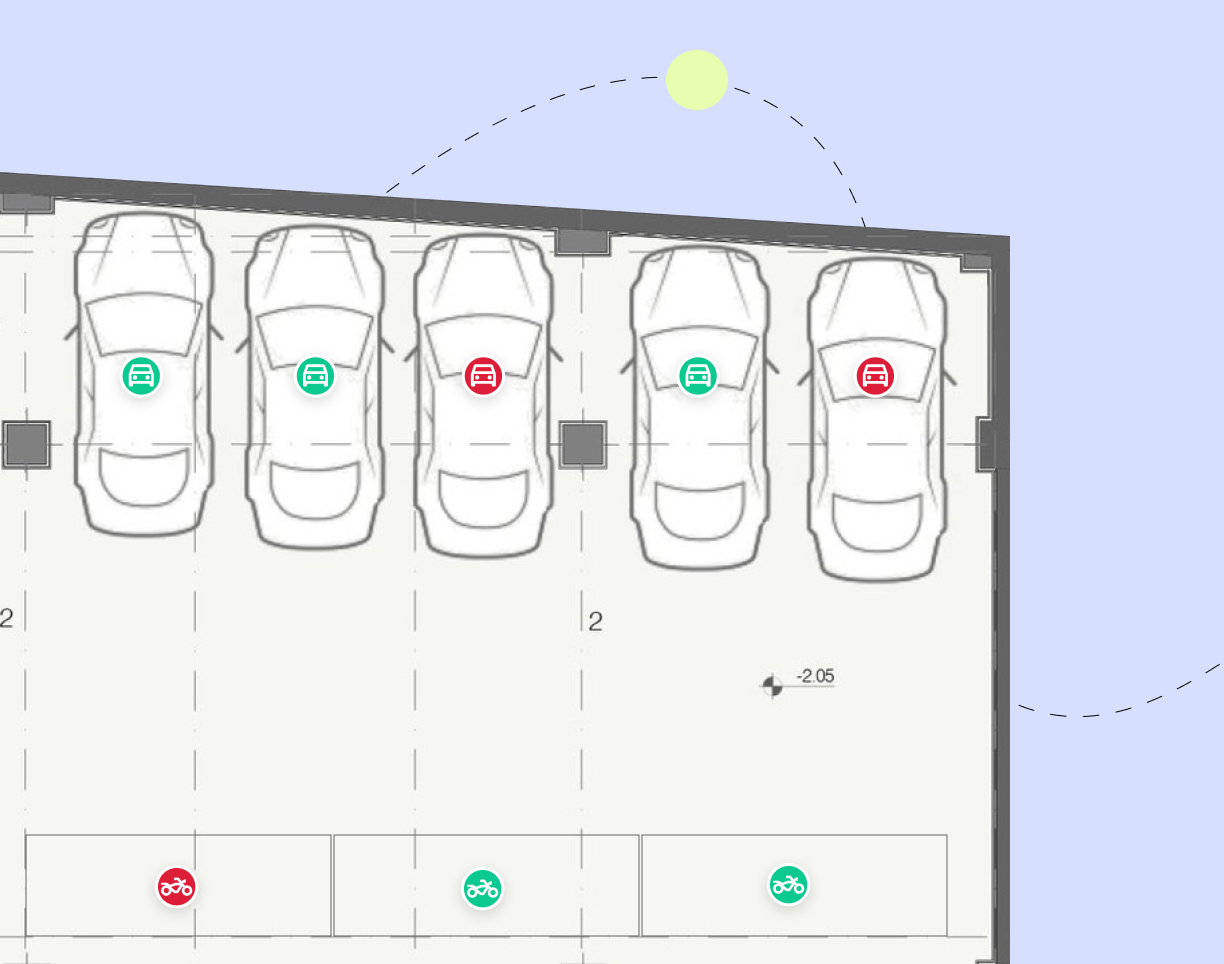
Parking

Parking spaces right on the floor plan. No more hunting for a spot.

Parking floor plan with green available and red occupied car and motorcycle space indicators.

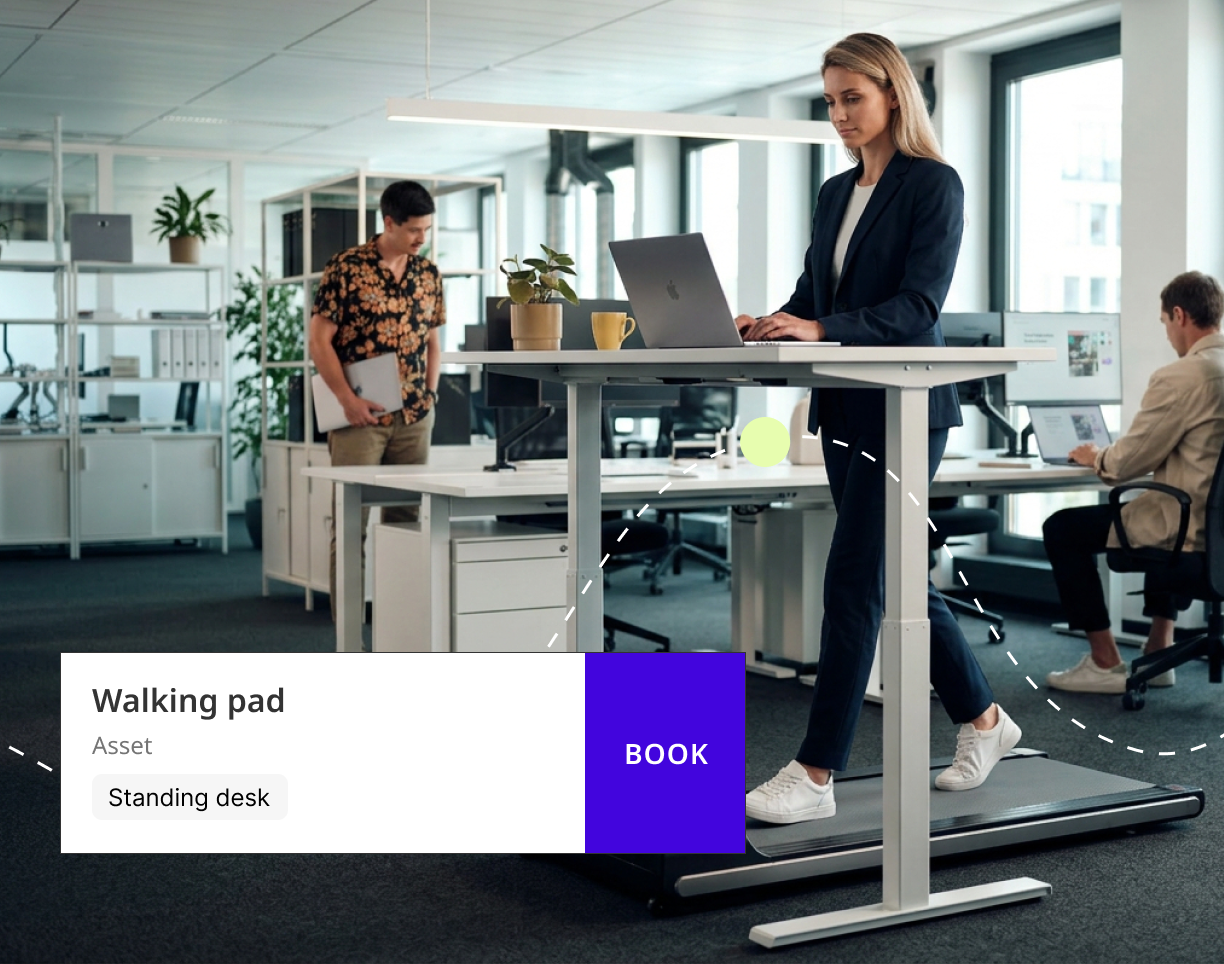
Any office asset

Lockers, projectors, bikes, and any custom asset you define.

Woman using laptop on standing desk with walking pad, showing a booking overlay for office assets.

4 steps to start visual booking

Upload your floor plan

Bring in your existing CAD or PDF floor plan. Joan maps it automatically.

Joan Joan Announcements Landing Page 1 1

Place your assets

Drag and drop desks, rooms, parking spots, lockers — anything your workspace has.

Joan Joan Announcements Landing Page 2 2

Share it with your team

Employees tap any asset on the map to see availability and book instantly.

Joan Joan Announcements Landing Page 3 3

Display the floor plan on a TV

Display the floor plan on a big TV to make the bookings visible to everyone.

Joan Joan Announcements Landing Page 4

Ready for seamless booking?

Join thousands of teams who’ve streamlined their workplace experience by making bookings directly from the floor plan.
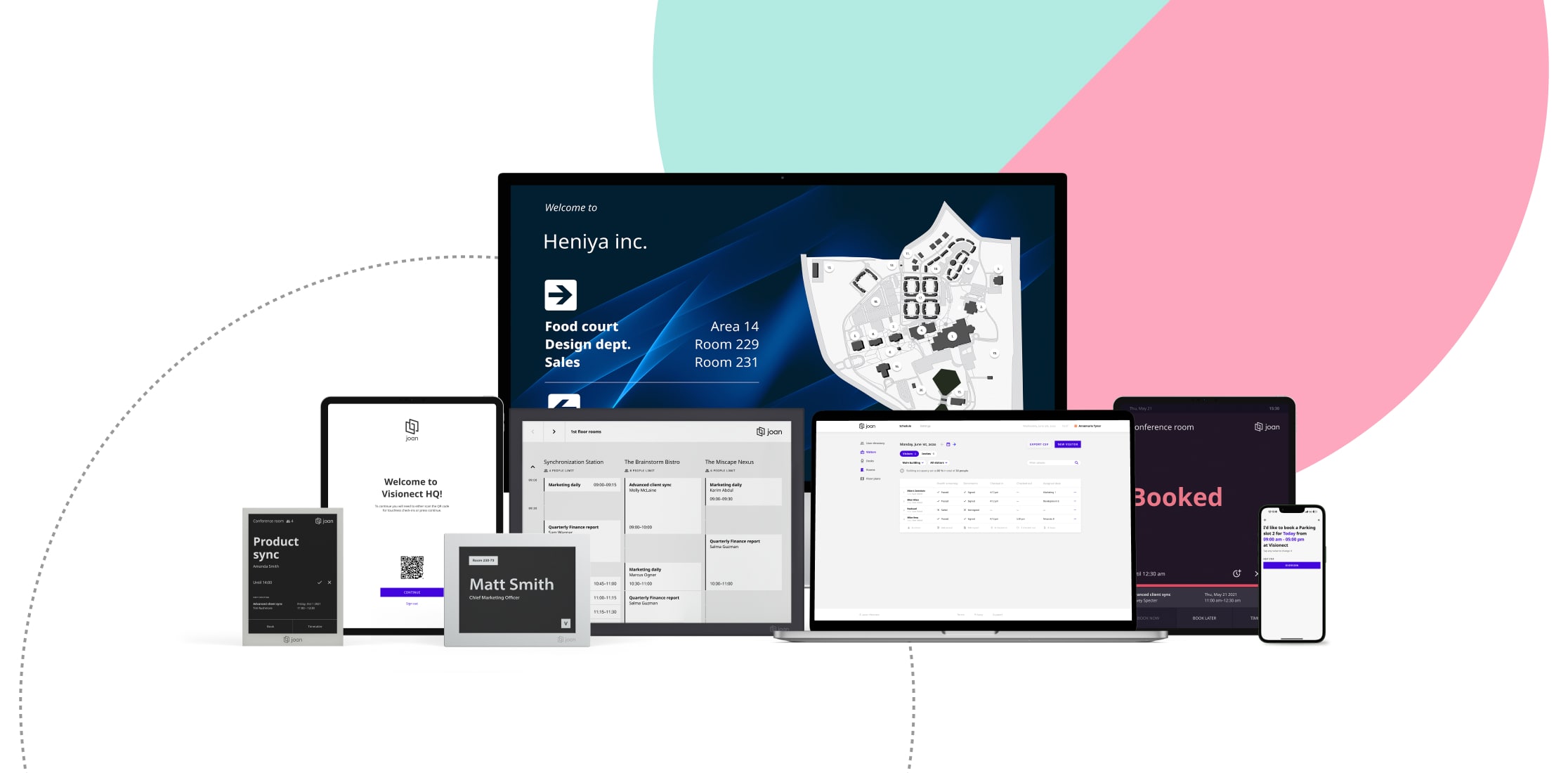
Joan Workplace Joan Portal

The workplace of the future is fluid.

Give your team the ultimate tool for managing their office life with a simple tap on a smartphone.