
JOAN MOBILE APP
Your office tasks don’t need a laptop
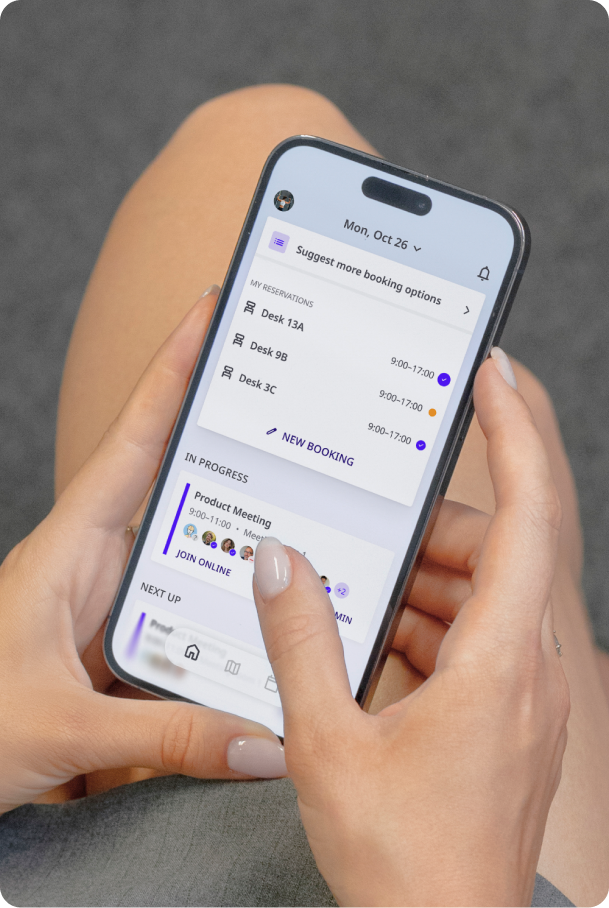
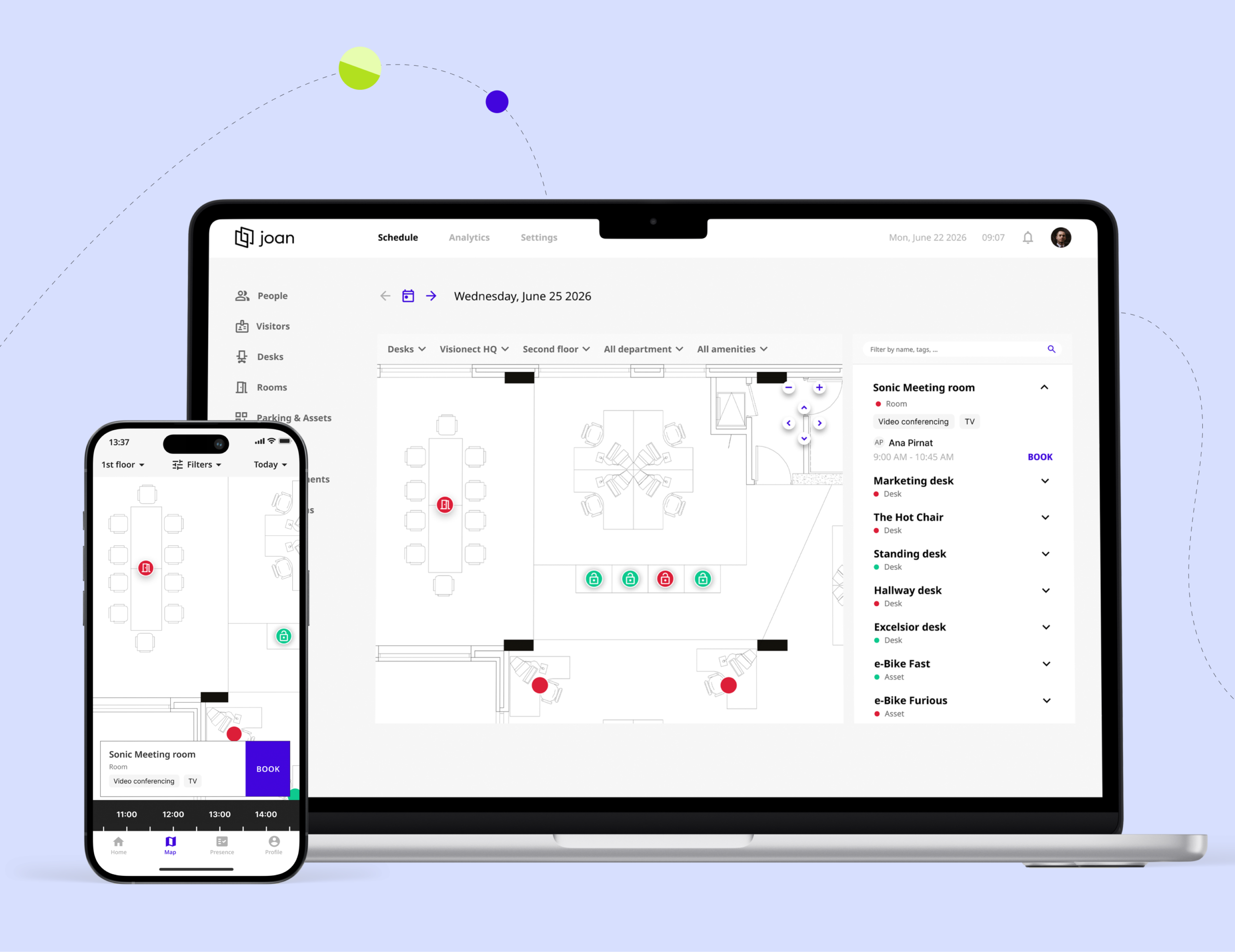
With the Joan app, employees book a desk, room or parking spot from the train, the sofa or the corridor, and check in the moment they arrive.
Office and HR managers prepare and update employee ID badges right where the new hire is standing.
Create a Joan account, then download the app from the App Store or Google Play.
Your office day, and the people who run it
One app for the people who use the office and the people who run it.
Employees: your day in the office
Book what you need, check in when you arrive and find your team, all from one Home screen of the Joan mobile app.
Office and HR managers: workplace identity
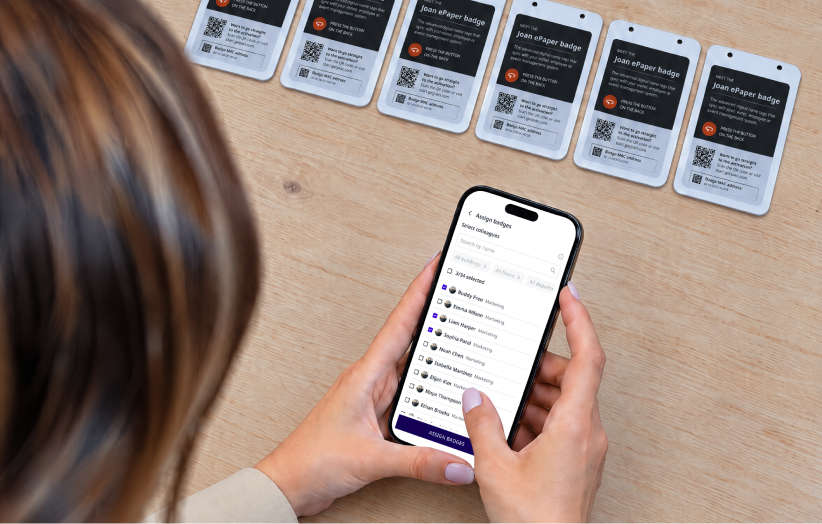
Give every employee an up-to-date ID badge, created right on your phone in the Joan mobile app.
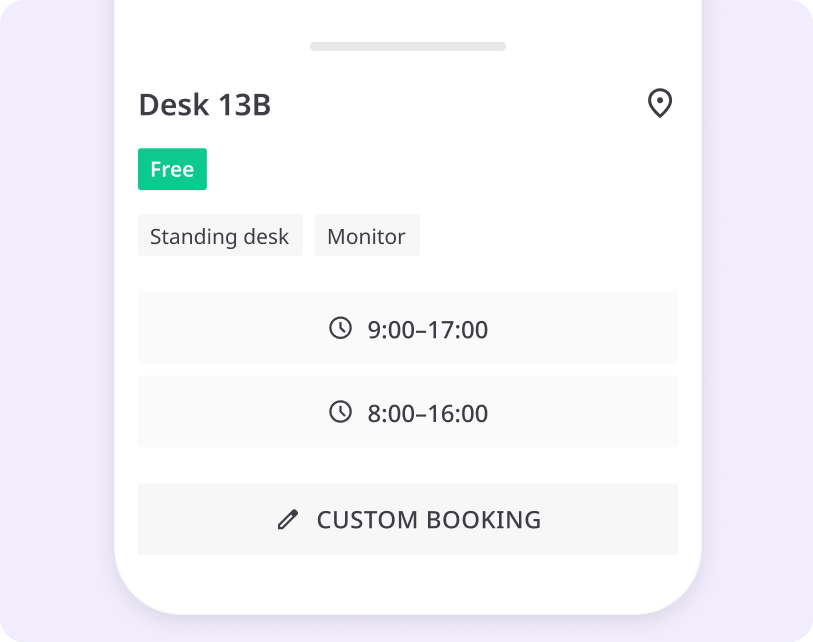
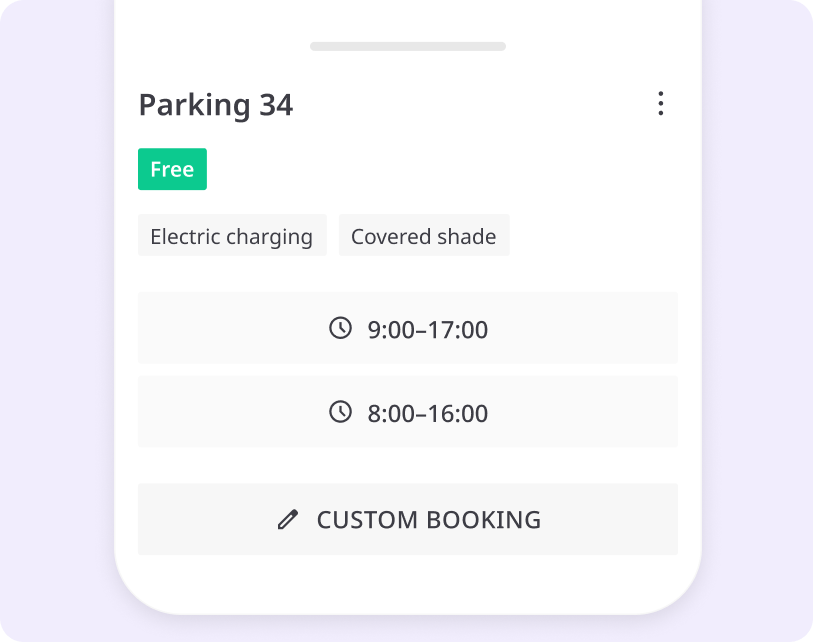
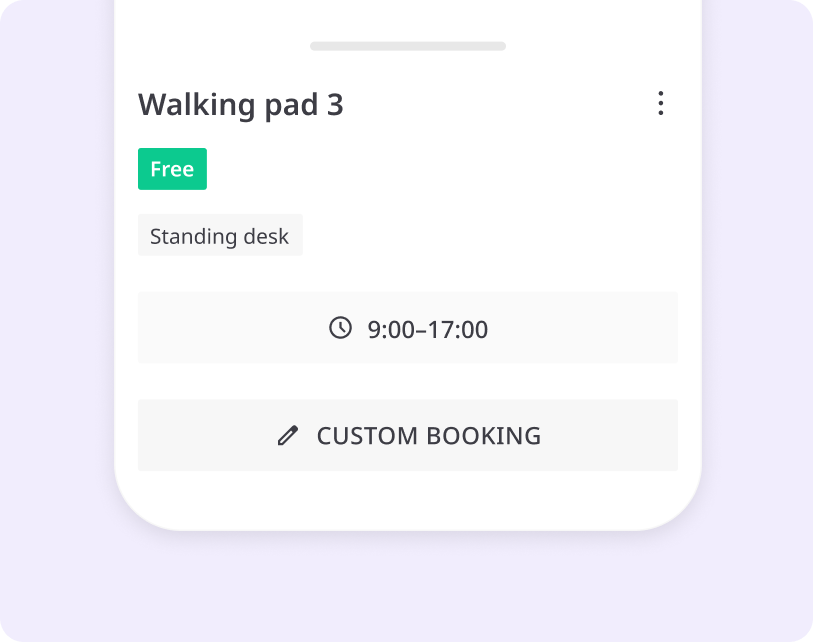
Two ways to confirm desk bookings
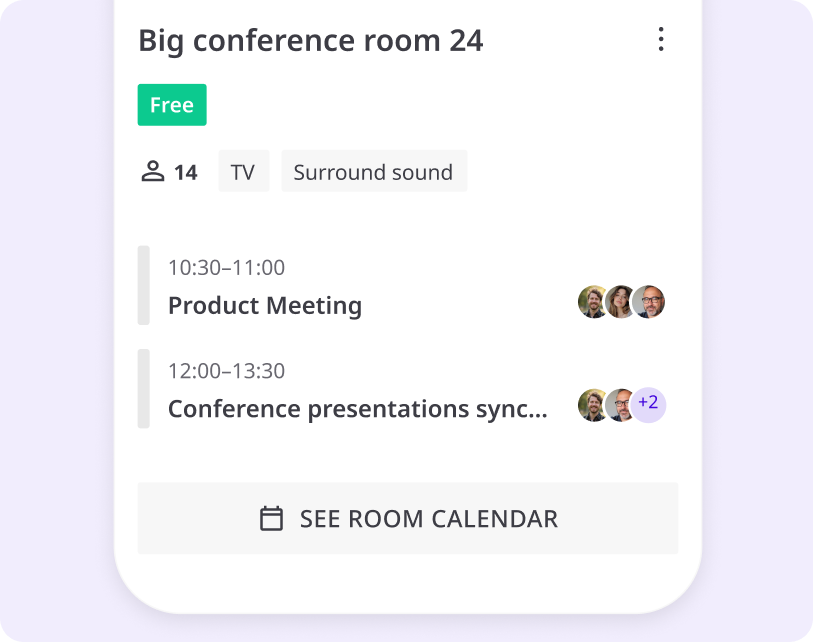
After booking a desk, check in to hold your reservation. If you don’t check in within the configured grace period, the space is released for others.


The Joan app does more than bookings
Stay connected with your team and see who’s coming in on any given day. Get important announcements on the days you’re working from the office.


EMPLOYEE id BADGES
How can office and HR managers use the Joan app?
The Joan mobile app is not designed only for creating bookings and managing them. Office and HR managers can use it for setting up employee ID badges.
Setting up takes four steps: scan the badges in, pick one of four company templates, assign them from the user directory and sync them over Bluetooth in batches.
Your employee badge system, in three moments
Every identity change is handled in the same app, by the people who already own onboarding and offboarding.

New hire
Assign a badge from the Joan user directory and sync it before day one, so every new hire starts with an up-to-date ID.

New role or department
Update the name, role or department and re-sync over Bluetooth. Want a better photo? Employees add one in MyJoan, and it shows after the next sync.

Lost badge or leaver
Mark a lost badge Lost/Stolen and it’s revoked centrally. When someone leaves, offboard it, clear it and hand it to the next person.
try for free
Get the Joan mobile app
Create your account in MyJoan, download the app on your mobile phone and start experiencing the benefits of managing your workplace bookings on the go.
After the trial period, an active Joan subscription is needed to use the Joan App.


What our customers are saying
Joan mobile app: frequently asked questions
What is the Joan mobile app?
The Joan mobile app is the workplace app for iOS and Android from Joan Workplace. Employees use it to book desks, meeting rooms, parking spaces, equipment and lockers, check in at the office and see which colleagues are in. Office and HR managers use the same app to manage digital employee ID badges: reusable ePaper badges that show each person’s photo, name, role and department, and that can open doors where the building’s access control system supports it. Your company needs an active Joan subscription to use the app.
Is the Joan app available for iOS and Android?
Yes. Download it from the App Store or Google Play.
Is the Joan app free?
The app is free to download. To log in, your company needs an active Joan subscription and your admin needs to add you as a user.
How do I log in?
Enter the work email your admin used to set up your account, then type the 6-digit code we email you.
What can I book in the Joan app?
Desks, meeting rooms, parking spaces, equipment and lockers, depending on the Joan solutions your company uses.
How do I check in to a desk with the app?
Scan the QR code at the desk, or turn on location access and Joan checks you in when you arrive. If you don’t check in within the grace period, the desk is released for others.
What is a digital employee ID badge?
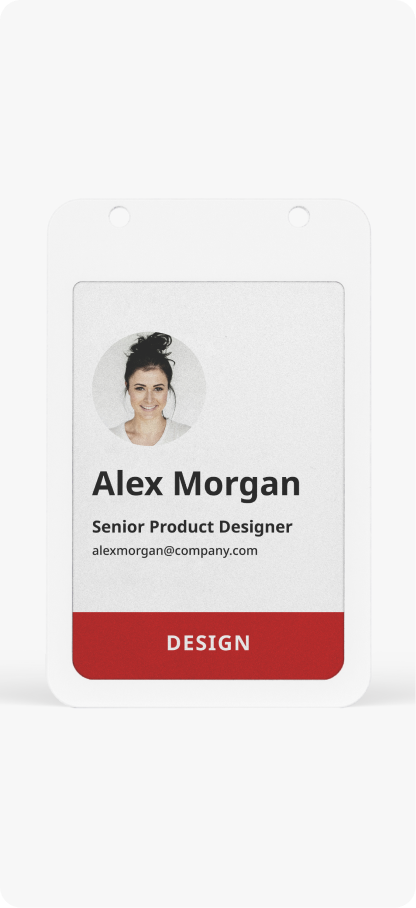
It’s a reusable badge with an ePaper screen that shows an employee’s photo, name, role and department. Joan badges are updated over Bluetooth from the Joan app, so a new role means a re-sync, not a new card.
Who can manage employee badges in the app?
Admins only. They see an extra Employee badges tab to connect, assign, sync, revoke and offboard badges. Employees don’t see it.
How do I deactivate a lost employee badge?
Mark it Lost/Stolen in the Joan app or the Joan Portal. It’s revoked centrally and can’t be synced again. If it turns up, mark it as found. The screen keeps its last image until the badge is back in Bluetooth range.
Can the badge open doors?
Yes, where your access control system supports it. Each badge carries an NXP MIFARE DESFire EV3 chip that your system keys with its own keys. Your Visionect contact can help you and your integrator connect it.
Does the badge track where I am?
No. The badge is an ID, not a tracker: it doesn’t log location or attendance.