
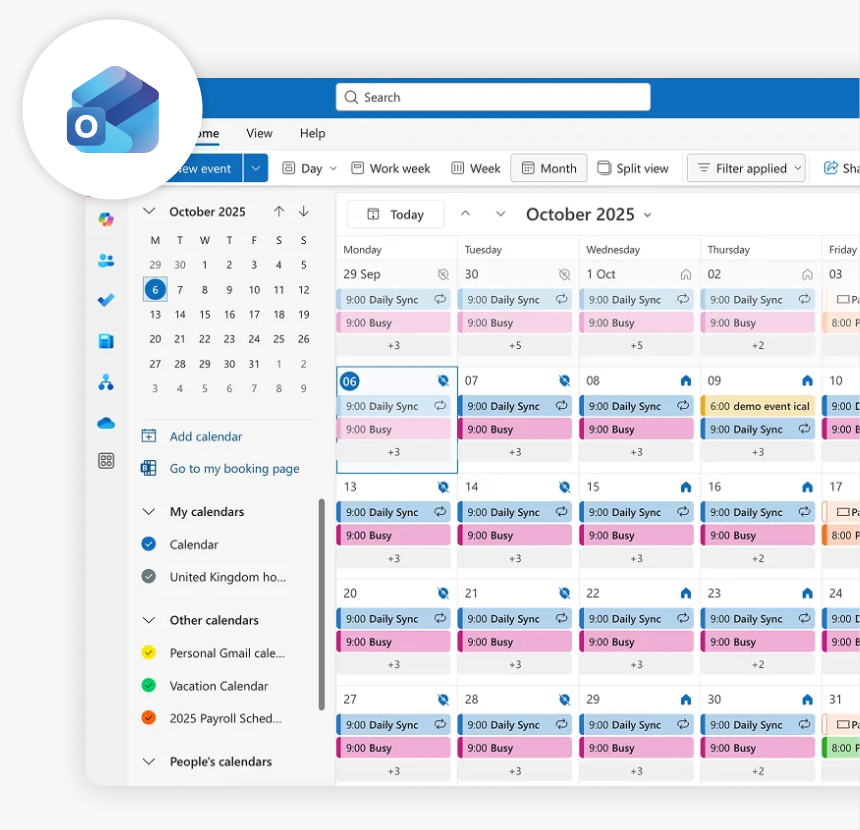
OUTLOOK CALENDAR INTEGRATION
Outlook calendar room booking with Joan
Connect Joan to your Outlook calendar and bring room availability right outside every meeting room. Your team continues booking meetings in Outlook as usual, while Joan keeps room displays up to date. No cloud migration required.
Works with on-premise and hosted Exchange environments.

Connect Joan to Outlook in three simple steps
Your IT admin connects your Exchange environment once. Joan takes care of keeping your meeting room displays in sync.

Create a room calendar for each room
Your IT admin creates a room mailbox for every meeting room and sets up a dedicated Joan service account with the required access to those calendars.

Connect Joan to Outlook
In MyJoan, select Outlook (Exchange) as your calendar provider. Enter your Exchange server address and the dedicated Joan account credentials to establish the connection.

Rooms go live on Joan displays
Once connected, your room calendars sync with Joan. Employees can now book directly from the display or continue using Outlook.
Make Outlook room booking easier for everyone
Keep the calendar workflow your team already knows while giving employees a faster, more convenient way to find and book meeting rooms.
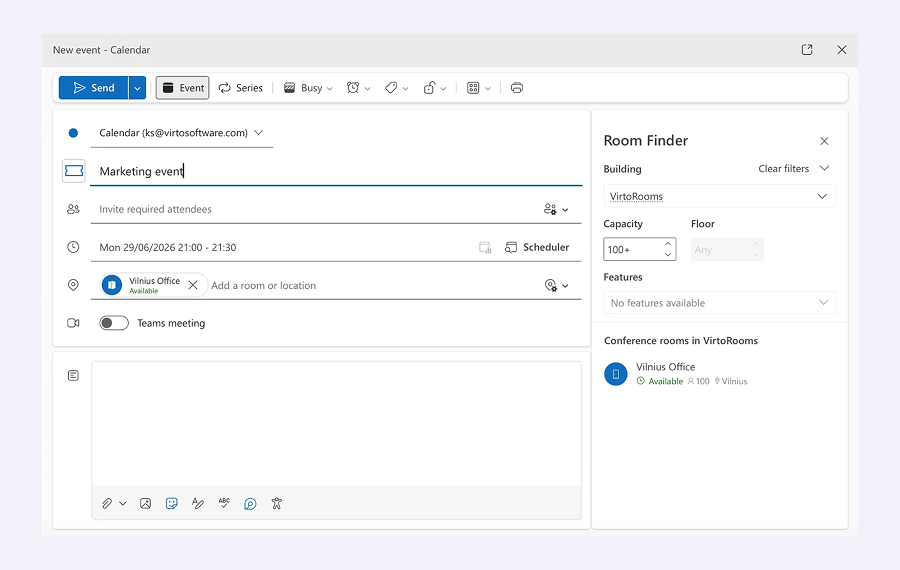
Book rooms directly from Outlook
Nothing changes for your team. Employees continue scheduling meetings in Outlook and adding rooms to their invitations as usual. Joan automatically reflects room bookings on the corresponding displays.
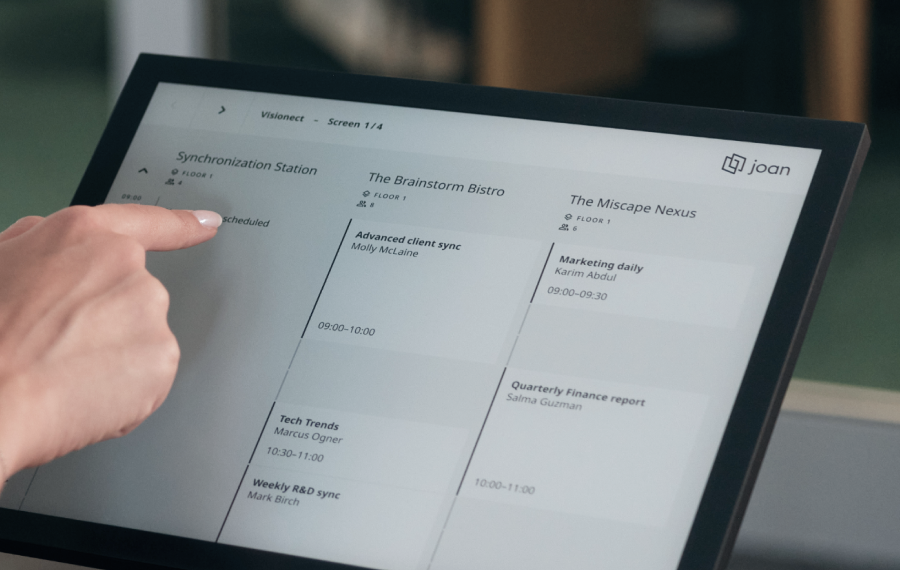
Live room status on every display
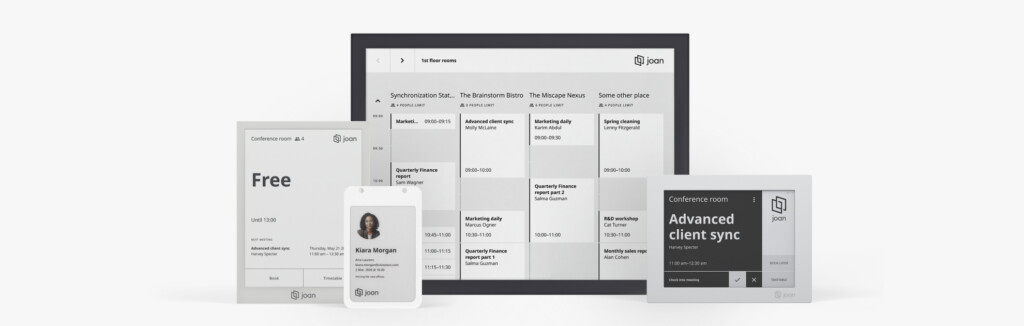
Give every meeting room its own Joan display or any other tablet. Employees can instantly see whether a room is occupied, when the next meeting starts, and when it’s available again.

Book from the device outside the door
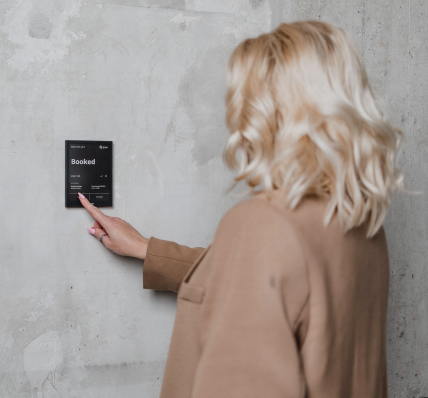
Need a room right now? Employees can check availability and reserve an open room directly from the Joan display. The booking is added to the connected Outlook room calendar.
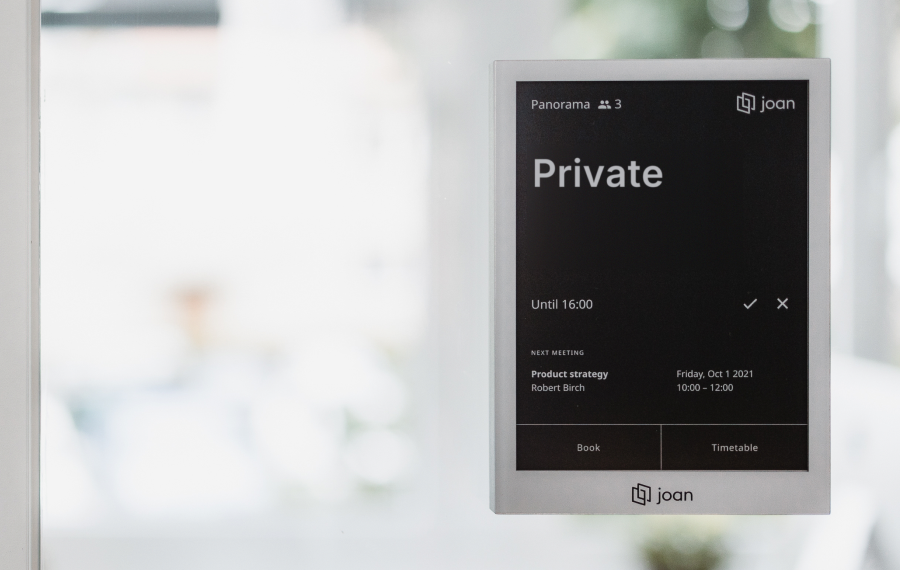
Meeting titles show up — private meetings stay private
Booked rooms show the meeting title on the display. Mark a meeting private in Outlook and Joan shows “Private” — no details exposed.
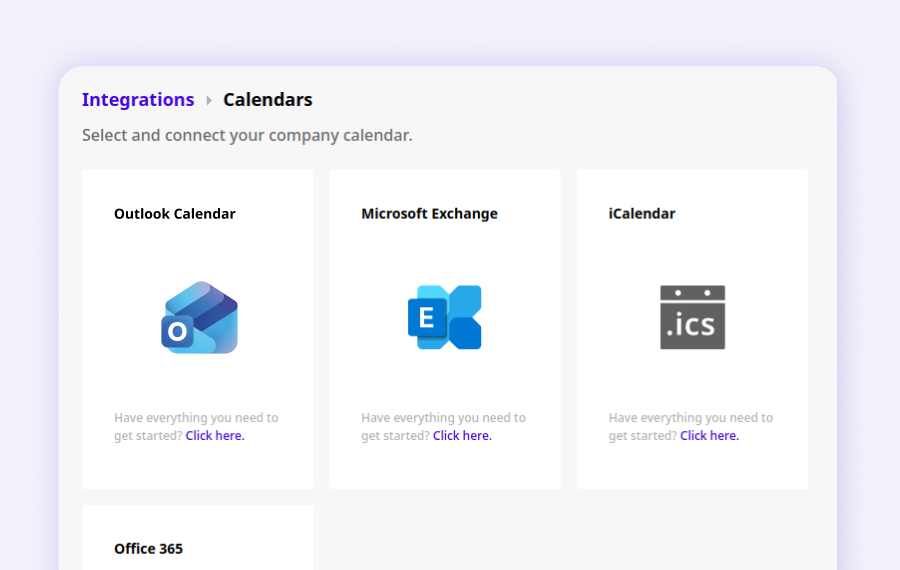
No cloud migration required
Joan works with supported on-premise and hosted Exchange environments, so you can improve room booking without changing your existing calendar infrastructure.
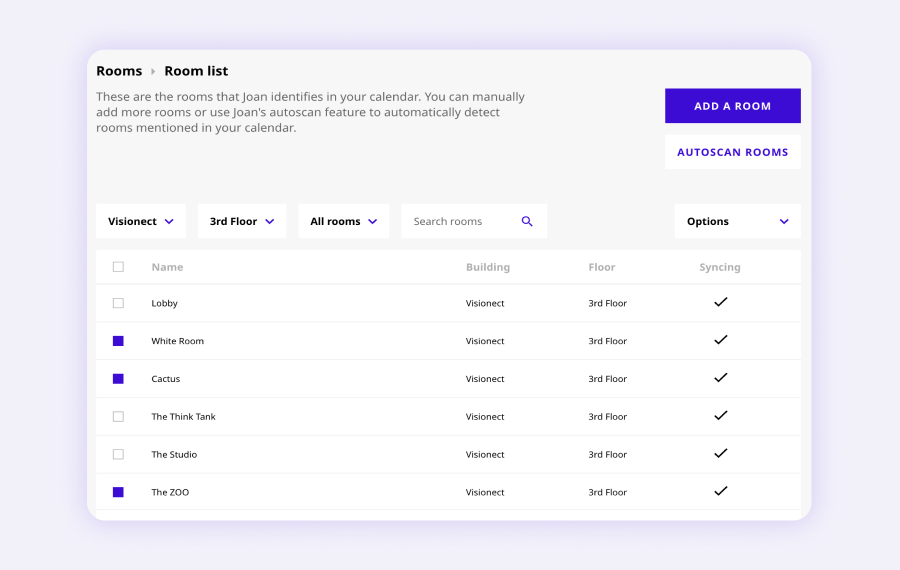
Manage every room from the Joan portal
Add rooms, review booking history, and configure display settings from the Joan web portal. Outlook stays your single source of truth.
Need help connecting Joan to Outlook?
Our setup guide walks your IT admin through every step — room calendars, account access, and pairing in MyJoan.

£42 per month to start
All solutions above are included in every plan.
Rated by the people who use it.
4.5 out of 5 on G2 · 248 reviews
Happy users worldwide share their satisfaction with Joan solutions and devices every day. And here’s the proof.
The only room booking tablet an idiot like me could implement
Great Tool for Desk and Workplace Management
Makes people happy


Frequently asked questions
Which Outlook versions does Joan work with?
Joan works with Outlook running on on-premise or hosted Exchange 2010, 2013, and 2016. If you use Outlook with Microsoft 365, see our Microsoft 365 integration.
Does Joan work with on-premise Outlook?
Yes. Your server just needs to be reachable from Joan’s servers over the internet, and your security policy needs to allow that connection.
What account does Joan use to connect to Outlook?
A dedicated Joan account with full access to each room’s calendar. We recommend a separate account rather than someone’s personal mailbox.
Is the connection secure?
Yes. Joan connects using NTLM authentication (NTLMv1 and NTLMv2), so passwords are never sent in plain text. Your password is used only to authorize access and is sent encrypted.
Do the room calendars need any special settings?
Yes. Each room needs automatic booking enabled and settings that keep meeting titles and private flags. Our setup guide covers the exact steps.
What if we move Outlook to Microsoft 365?
Switch to the Joan Microsoft 365 integration. You can change the calendar connection in MyJoan at any time.