

EMPLOYEE BADGES
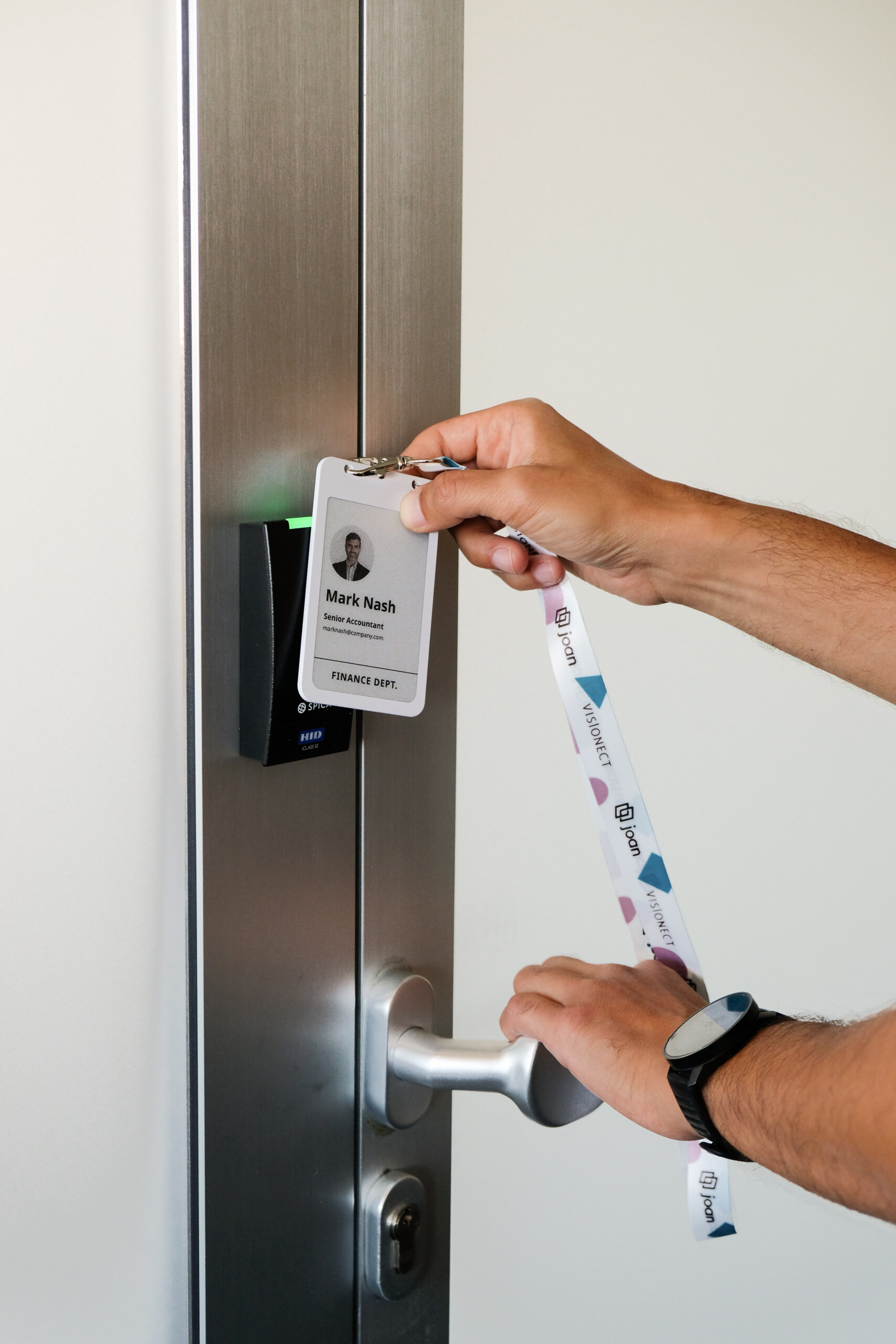
One employee badge for identity and access
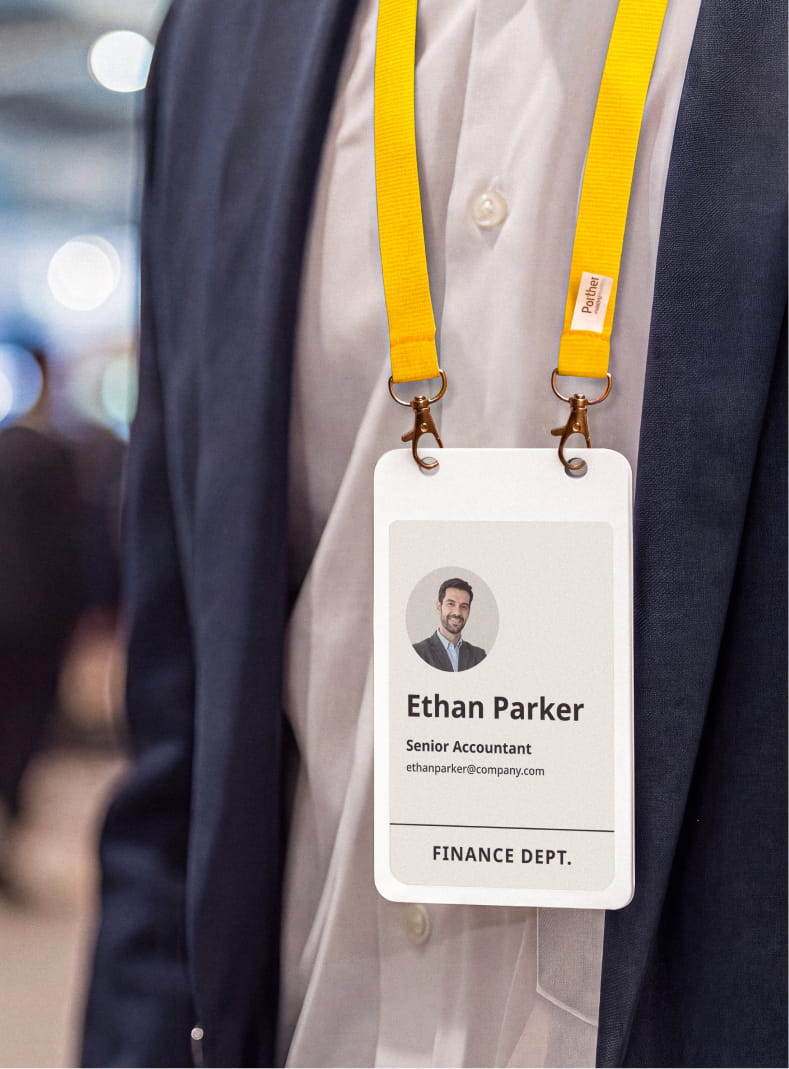
An employee ID badge makes it immediately clear who belongs in the workplace. It can give that person access to the places they’re authorized to enter.
Every badge carries a built-in NXP Mifare DESFire EV3 chip that integrates with your preferred access control provider: one credential instead of a separate RFID card.
Mark it Lost/Stolen, and it’s flagged in the portal right away.
employee badges
Printed badges vs. Joan ePaper employee ID badge
Printed ID card
A second card for the door
One badge for ID, a separate RFID card for access. Two things to issue, two things to lose.
Reprint every time something changes
A new role, a new photo, a new name: the card is out of date until it’s reprinted and reissued.
Lost badge stays active
A missing card keeps working until someone remembers to manually deactivate it.
Printed and handed out on day one
New hires wait on a card to be ordered, printed, and ready before they can badge in.
Joan ePaper badge
Integrates with your access control
The built-in chip integrates with the access control system you already run.
Redrawn over Bluetooth
Change a name, a role, or a photo, and the badge updates itself. No reprint, no plastic.
Flagged Lost/Stolen
Marked Lost/Stolen and it’s flagged in the portal right away.
Ready before day one
Badges are prepared and synced ahead of time, so a new hire’s badge is correct from the start.
Why an ePaper employee badge beats a printed ID card
The table above covers the basics. Here’s what a printed card can’t do at all, no matter how well it’s managed.
Does more than open the door
Wherever your access-control provider supports it, the same built-in chip that lets someone through the door can also unlock other keyed systems, such as print release. IT isn’t left managing a second credential for a second system.
One system to manage only
A printed ID and a separate access card live in two different systems, so a card can keep working long after the person it belonged to has moved on. Because the badge is the access credential too, there’s one record to update and one place to check when an audit asks who can get in where.
Reused, not thrown away
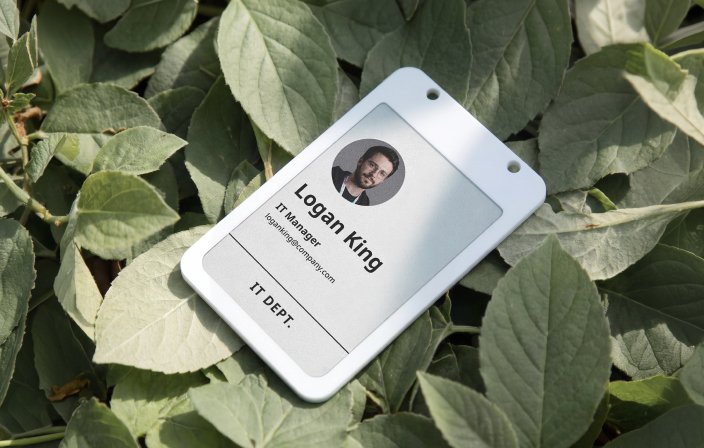
A printed card is built to be discarded: once someone leaves or a design changes, it goes in the bin and a new one gets ordered. A Joan badge goes back into the pool instead, then picks up the next person’s name, photo, and access rights at the next sync.
EMPLOYEE ONBOARDING
Works with the Joan Mobile App
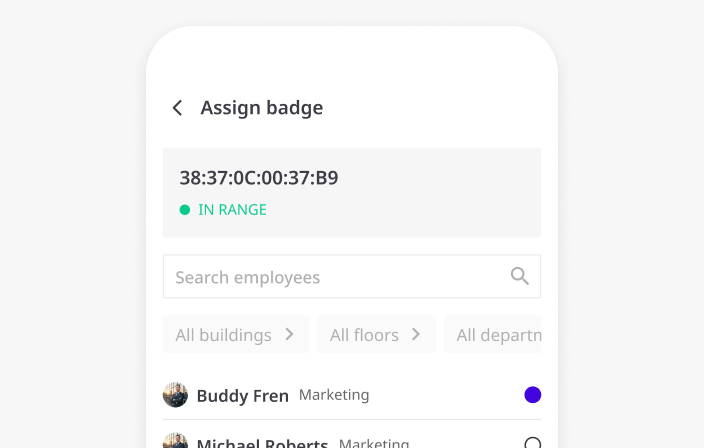
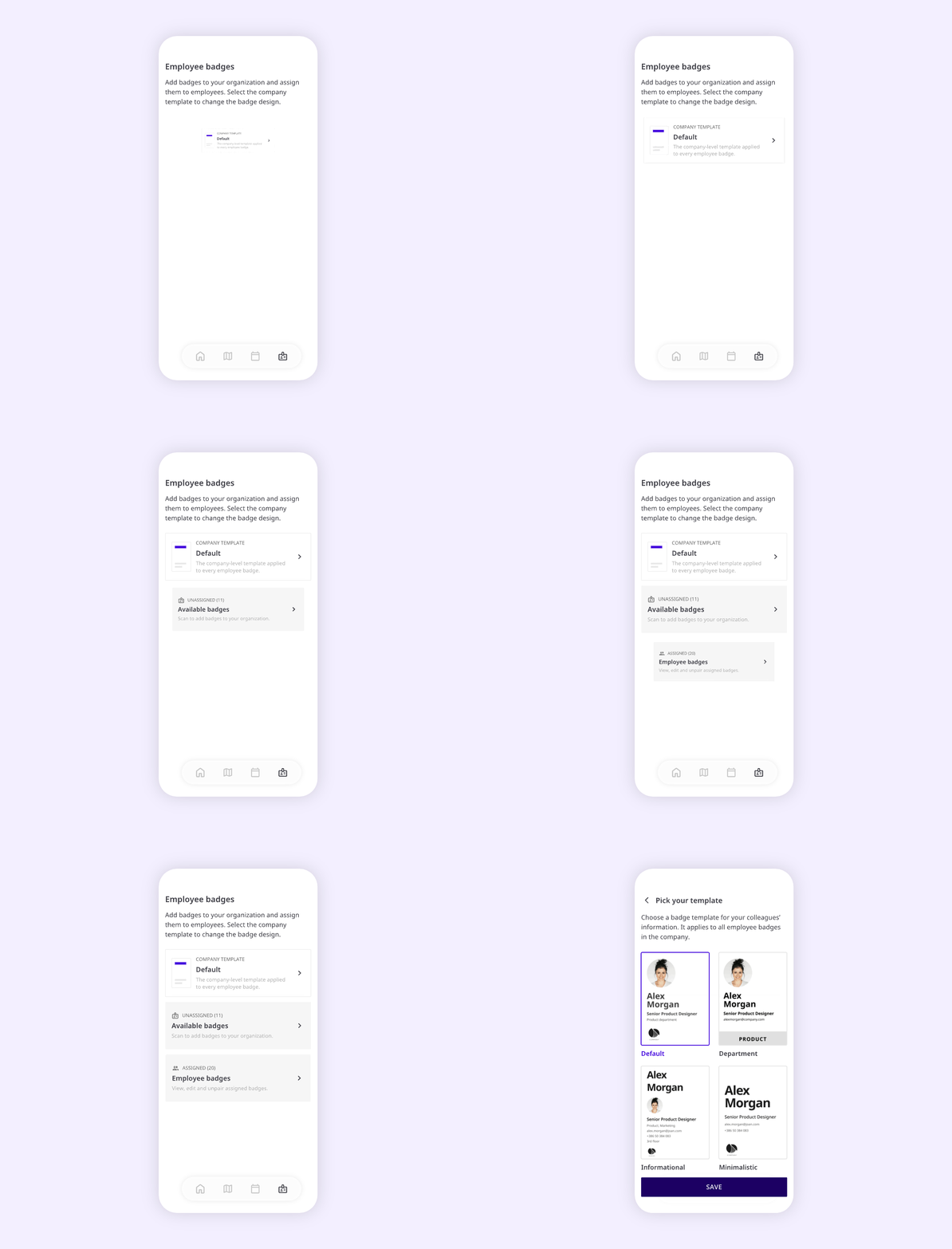
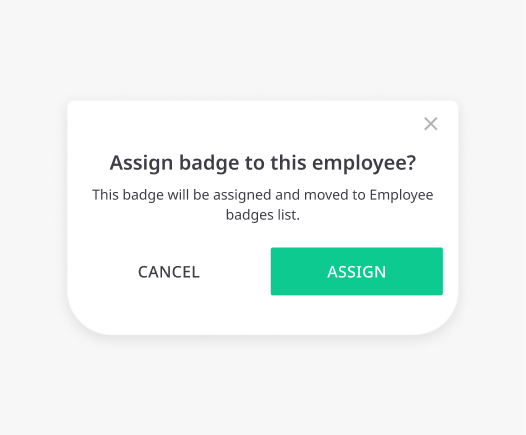
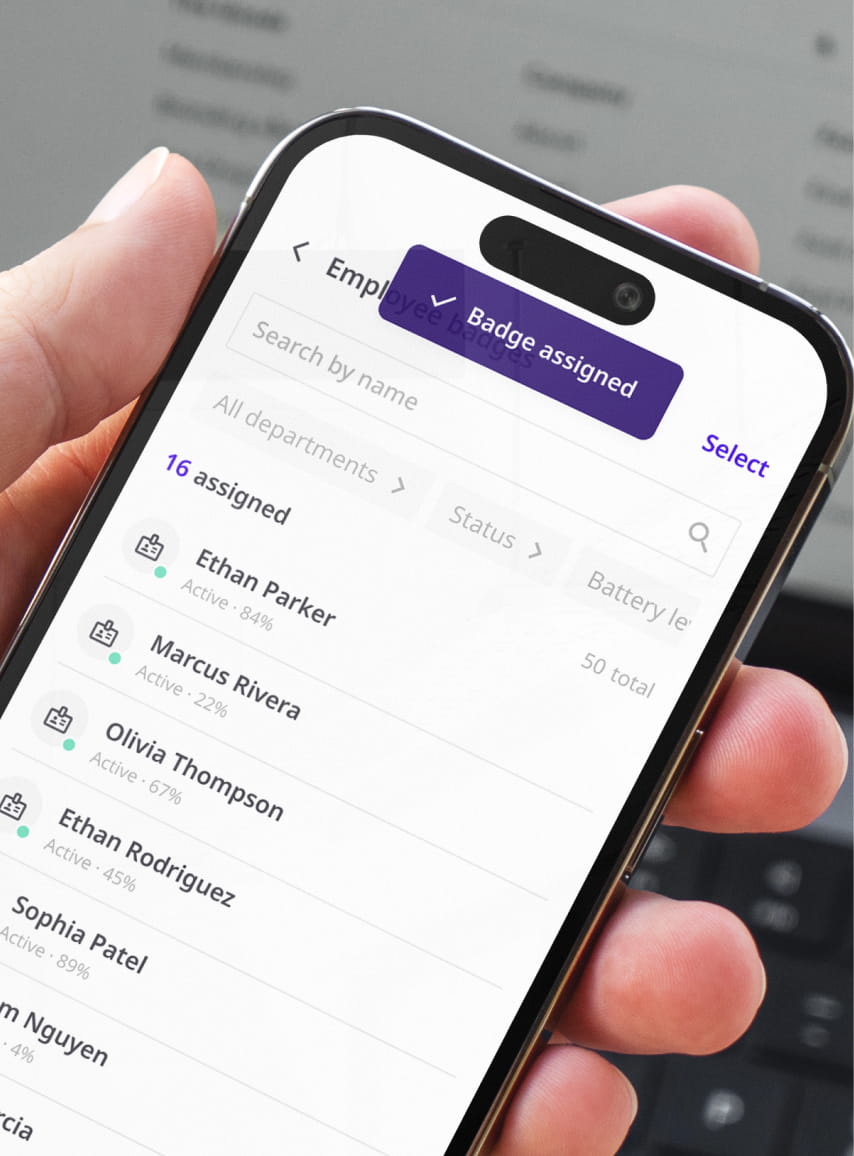
The office manager or HR sets it up: connect the badge, pick a template, and assign it to someone in the Joan directory.
Prepare and sync badges ahead of time, in batches, so a new hire’s badge is correct from day one. There’s no printer, no IT ticket, and nothing for them to configure. No photo shoot or badge specialist either: employees add their own photo in MyJoan, and it’s on the badge at the next sync.
 1. Connect the badge
 2. Pick a template and assign it
- 3. Sync over Bluetooth
- 4. Wear it, tap it, work


Employee badge advantages at a glance
Built on Joan’s ePaper platform: the same hardware, redrawn for whoever’s wearing it, and updated over the air instead of reprinted.

Reassignable in seconds
A department change means reassigning a template in the Joan Mobile App. No design request, no print shop outside the building.

Rechargeable, long runtime
About 7 weeks on a full charge. Charges wirelessly over Qi.

4-color ePaper display
Black, white, red, and yellow. Readable in any light.
PART OF THE JOAN PLATFORM
One badge, no rollout project
Connect your badges, pick a template, and assign them in batches straight from your Joan directory, not one login at a time and not a contractor working through a stack of cards. It’s minutes of admin work, not a rollout project.
 Requires an active Joan Team, Business, Organization, or Enterprise+ plan, plus a licence per badge.

DEPARTMENT CHANGES
No design ticket. No print run.
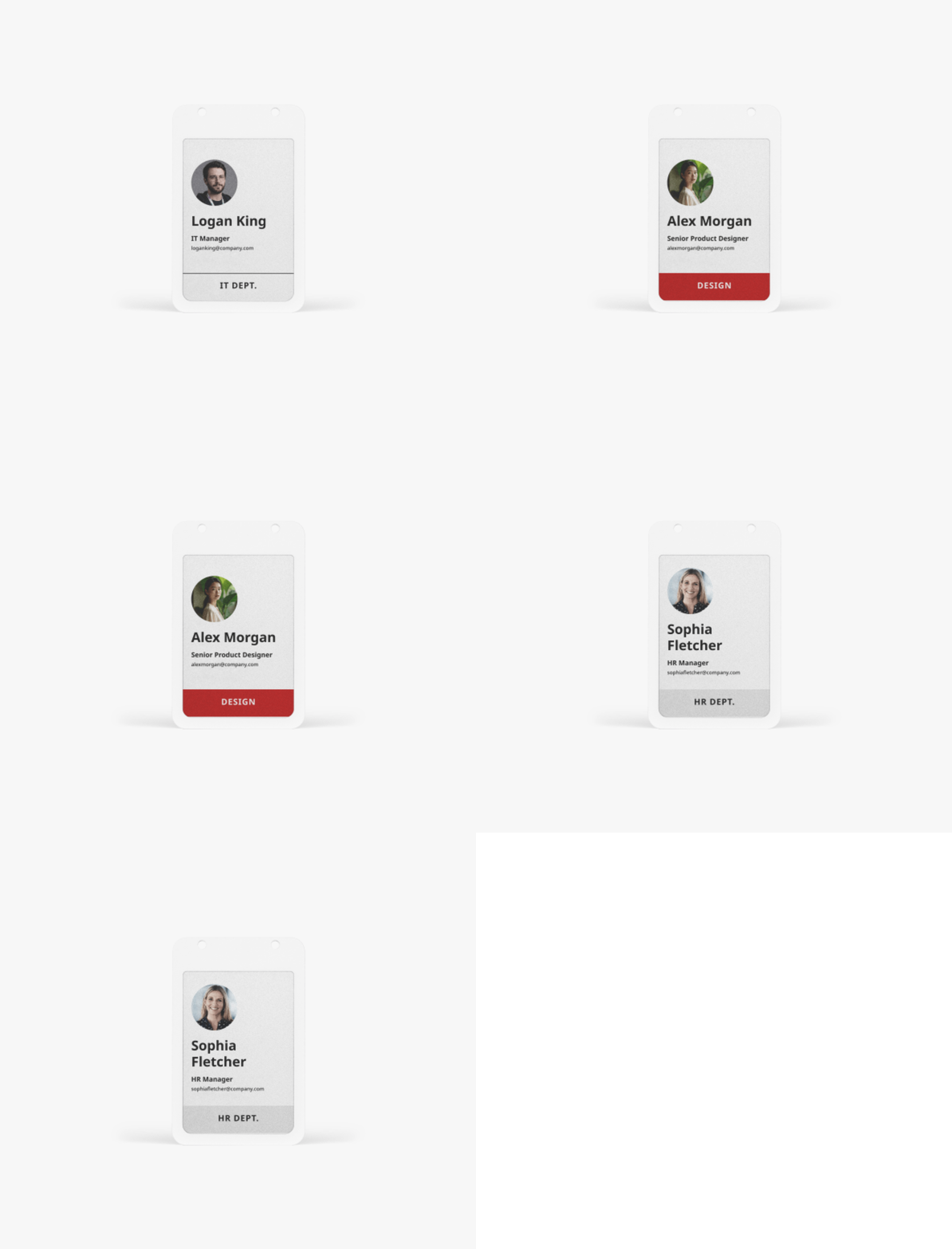
A role change used to mean tracking down whoever designs the badges, waiting on a new layout, then finding a print shop outside the building to run the new cards.
Reassign the employee to a new template in the Joan Mobile App instead. The badge redraws itself over Bluetooth, with no design request, no outside vendor, and no wait.
Who sets up the employee badge, me or each employee?
The office manager or admin does it all, from the Joan Mobile App: connect the badge, pick a template, and assign it to someone in your directory. Employees don’t configure anything at all; their only optional step is setting a profile photo in MyJoan.
What happens when someone leaves or loses their badge?
An admin marks it Offboard, if you’ll reuse the badge, or Lost/Stolen, if it’s missing. Either way, it’s flagged in the portal right away.
Can the badge open doors, not just show my ID?
Yes. Each badge carries a built-in NXP Mifare DESFire EV3 access-control chip that integrates with the access control system you already run. If a badge goes missing, mark it Lost/Stolen and it’s flagged in the portal right away. Integration is lightweight on our side: our first live integration went from kickoff to production in a single day. Bring your setup to your Visionect contact and we’ll help you get started.
Does the badge track where I am or when I badge in?
No. The badge is an ID, not a tracker: it doesn’t log location or attendance, and it doesn’t feed any workplace analytics.
How long does the battery last?
About 7 weeks on a full charge, and it’s rechargeable over Qi wireless charging.
Is there an employee self-service option?
Only for the photo. Employees can add a better photo in MyJoan, and it shows after the next sync. Setup, templates and assignment all run through the office manager or admin in the Joan Mobile App.
How is this different from the Joan visitor badge?
Same ePaper hardware, different lifecycle. An employee badge belongs to one person long-term and can carry access-control credentials. By contrast, a visitor badge is issued for a single visit and clears itself when the visitor checks out.