
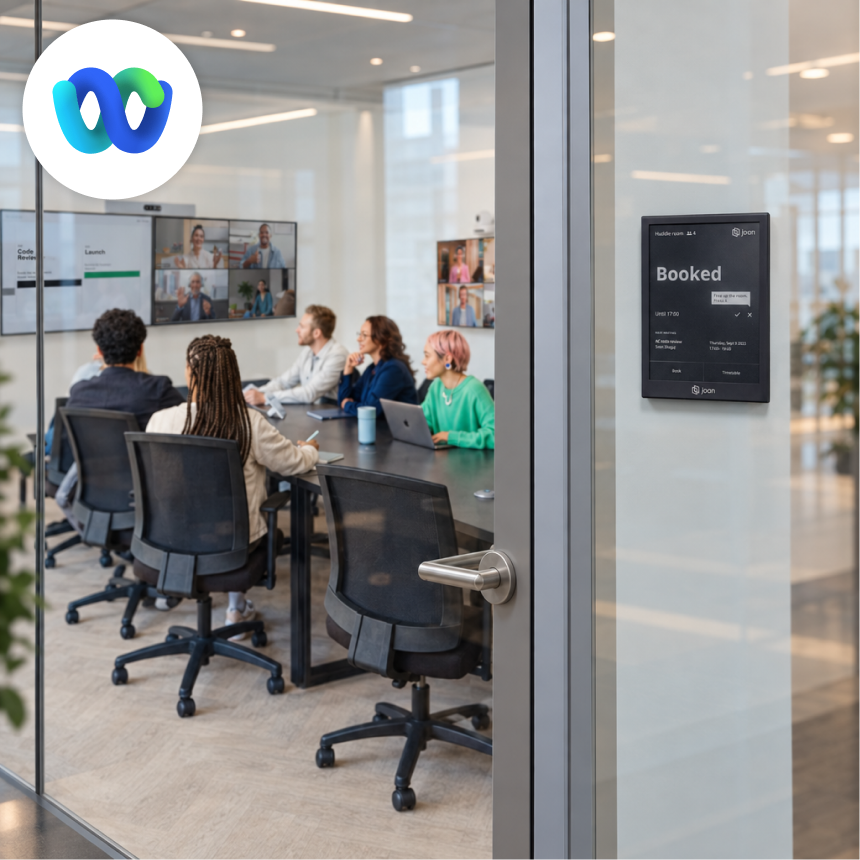
CISCO WEBEX ROOM KIT integration
Joan Workplace + Cisco Webex Room Kit integration
Use Joan displays alongside Cisco Webex Room Kit to show live room availability at the door. Joan reads the room calendar and updates the display in real time — your team always knows which rooms are free before stepping inside.

How the Cisco Webex Room Kit integration works
Three steps for IT to set up. Zero steps for the rest of the team.


Configure your Joan credentials and room ID
Enter your Joan API credentials and the ROOM_ID from portal.getjoan.com/manage/resources/. Set your occupancy thresholds for booking and release.

Enable the integration and verify
Toggle the activation button in the Macro Editor. Once active, verify the logs begin populating — that confirms the Room Kit is communicating with Joan and automatic booking is live.
What the Webex Room Kit integration does for you
Here’s what the integration covers — what your team can actually do once Joan is connected to your Workspace.
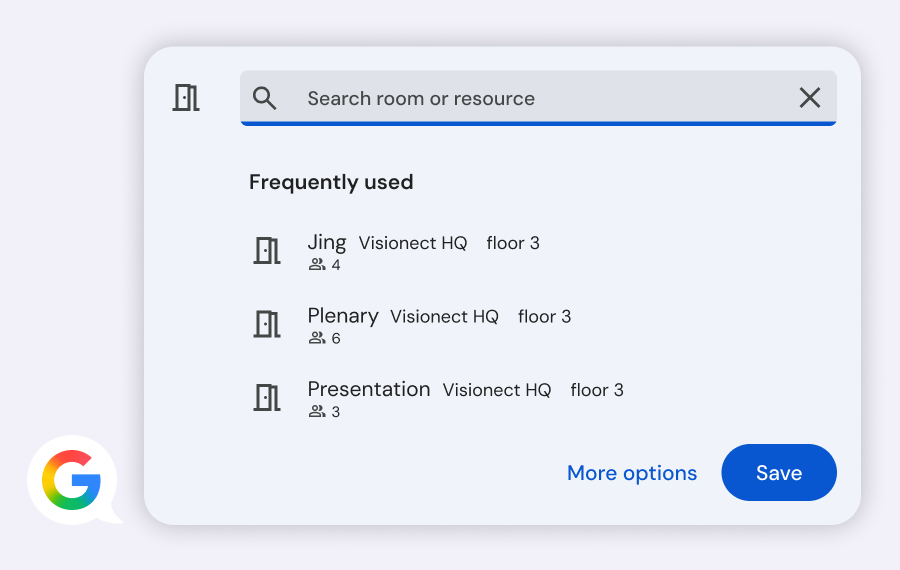
Rooms book the moment someone walks in
The Room Kit’s integrated camera detects occupancy. Joan books the room automatically — no badge tap, no app, no manual step from anyone in the room.
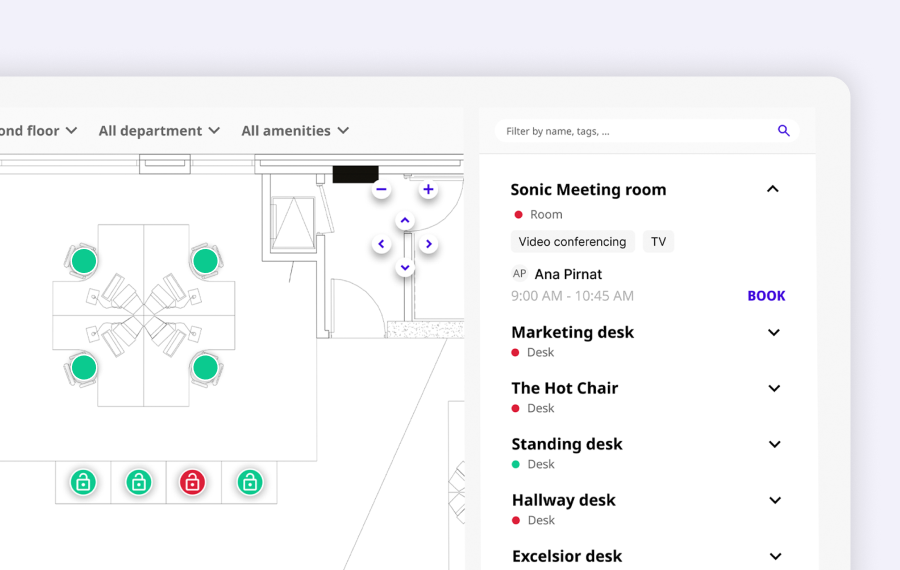
Rooms release when they empty
When people leave, Joan releases the booking after your configured threshold — keeping room availability accurate and eliminating ghost bookings from no-shows.
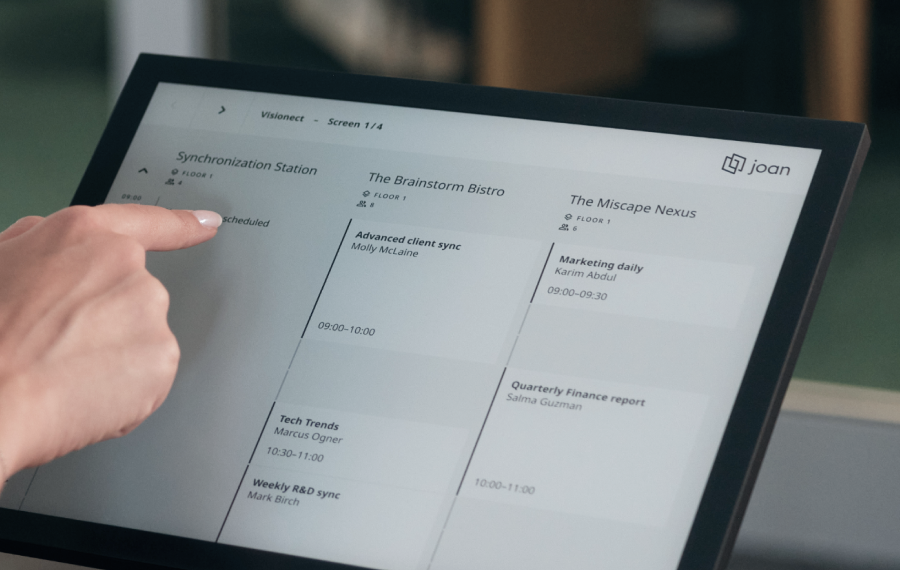
Set custom occupancy thresholds per room
Configure how many minutes must pass before Joan books (MIN_BEFORE_BOOK) and how many minutes after the room empties before it releases (MIN_BEFORE_RELEASE). Recommended: 2–5 minutes for small rooms, 5–10 for boardrooms.
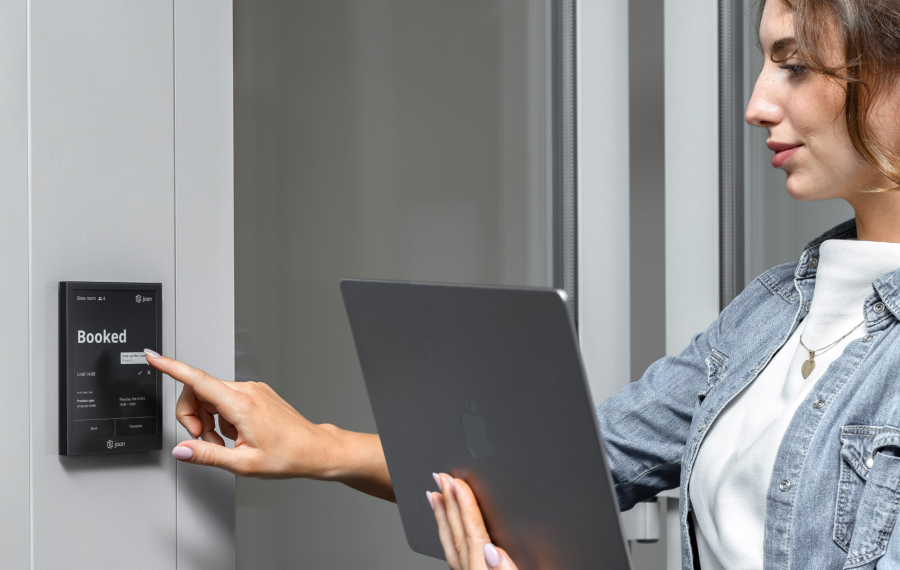
Invisible to room users
The integration requires nothing from the people inside. They walk in — the room is booked. They leave — it releases. No interaction, no awareness of any system required.
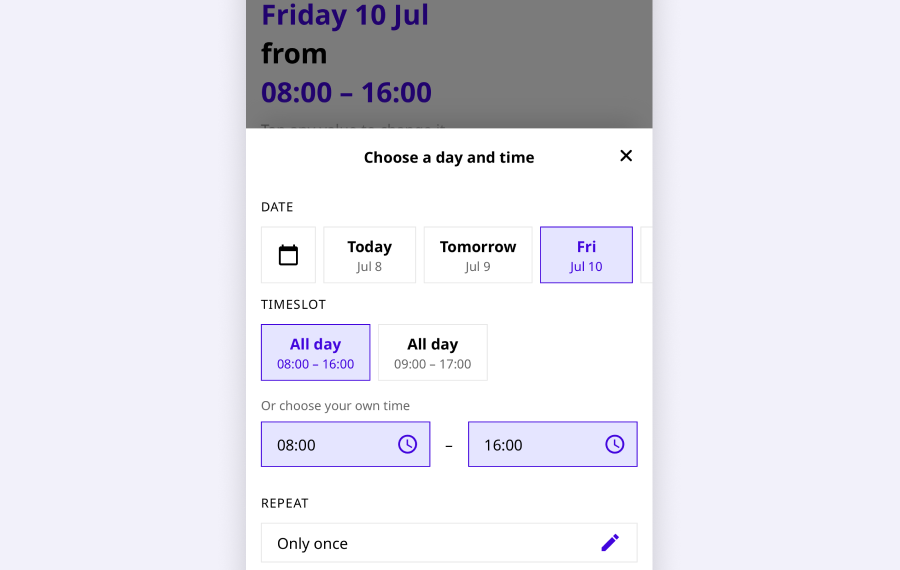
Works with any Joan-connected room
The integration connects via Joan API credentials and a Room ID, so it works alongside your existing Joan setup — the same room that Joan manages on the display outside.
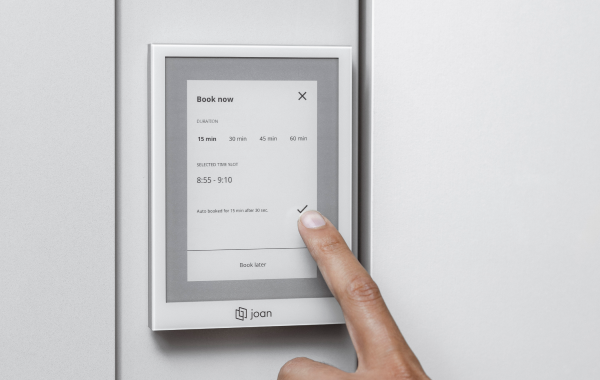
Verified via macro logs
After setup, the Macro Editor’s logs confirm the integration is active and communicating. If the logs populate, occupancy detection and automatic booking are running.
Need help setting up?
Read our step-by-step guide to connecting Joan with Cisco Webex Room Kit.

$51 per month to start
All solutions above are included in every plan.

Rated by the people who use it.
4.5 out of 5 on G2 · 248 reviews
Happy users worldwide share their satisfaction with Joan solutions and devices every day. And here’s the proof.
The only room booking tablet an idiot like me could implement
Great Tool for Desk and Workplace Management
Makes people happy




Frequently asked questions
What does the Joan and Cisco Webex Room Kit integration do?
The integration uses the Room Kit’s built-in camera to detect occupancy. Joan automatically books the room when people are detected inside and releases the booking when the room empties — no manual action required from anyone.
What hardware and software do I need?
A Cisco Webex Room Kit with integrated camera running firmware version 9.12.0 or later, a Cisco Webex Admin account, a Joan device, and a MyJoan account.
How do I set up the integration?
From Cisco Webex Admin: Devices → select your device → Launch web portal → Integration → Macro Editor → import the Joan macro file. Then configure your Joan API credentials (JOAN_CLIENT_ID, JOAN_CLIENT_SECRET), the ROOM_ID, and your occupancy thresholds. Enable the integration and verify the logs populate.
Where do I get the Joan API credentials?
Generate them in the Joan Portal at portal.getjoan.com/settings/integrations/. You need the JOAN_CLIENT_ID and JOAN_CLIENT_SECRET values to configure the macro.
Where do I find the Room ID?
In the Joan Portal at portal.getjoan.com/manage/resources/ — each room resource has its own ID listed there.
What are occupancy thresholds and how should I configure them?
MIN_BEFORE_BOOK is how many minutes of detected presence before Joan books the room. MIN_BEFORE_RELEASE is how many minutes after the room empties before Joan releases the booking. The setup guide recommends 2–5 minutes for small rooms and 5–10 minutes for boardrooms.
Do people in the room need to do anything?
No. The integration is automatic and invisible to users. They walk in — Joan detects presence and books the room. They leave — Joan releases the booking after the configured threshold.
Which Cisco Webex Room Kit firmware version is required?
Version 9.12.0 or later. Earlier versions are not supported by this integration.
How do I know the integration is working?
After enabling it in the Macro Editor, check that the logs begin populating. Active log entries confirm the Room Kit is communicating with Joan and that automatic booking is running.
Where do I get help if the integration is not working?
Contact the Joan support team at [email protected] (Monday–Friday, 08:00–24:00 CET) or visit the Webex Room Kit setup guide on the Joan Help Centre.