
GOOGLE WORKSPACE integration
Joan Workplace + Google Workspace
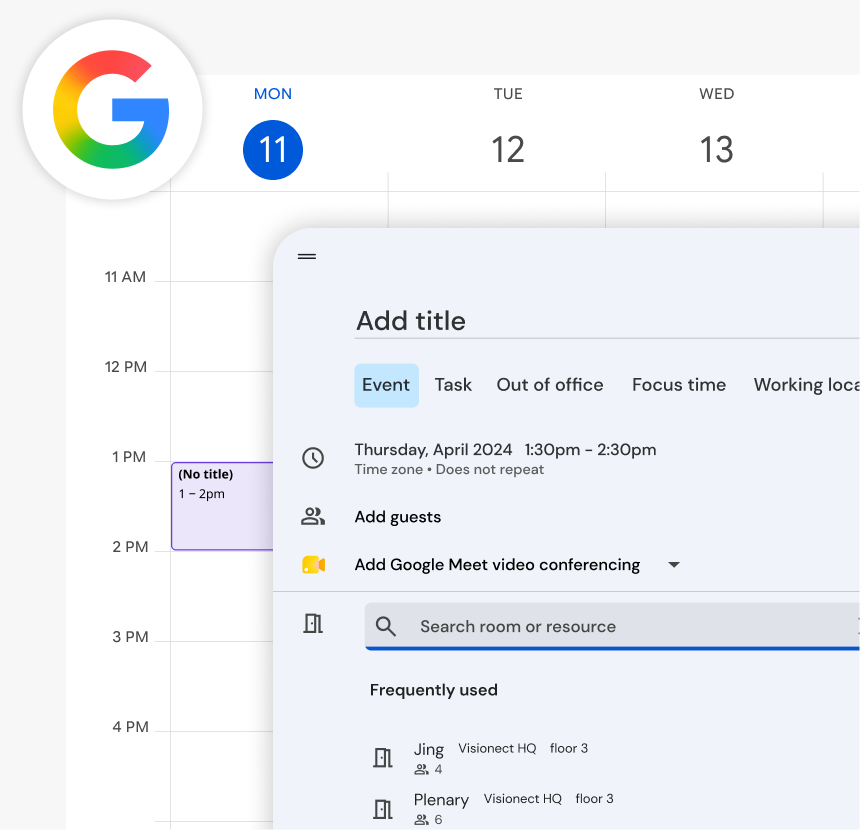
If your team runs on Google Workspace, Joan connects directly to it. Your people can book meeting rooms and reserve desks straight from Google Calendar — no new tools, no separate login, no change in how they work.
How the integration works
Three steps for IT to set up. Zero steps for the rest of the team.


Connect your Google Calendar
Joan syncs with Google Calendar. Rooms and desks pull in automatically — no data to re-enter.

Your Calendar + Joan is set!
No training needed. When employees create an event, rooms show up as an option to add — same as always, just powered by Joan.
What you can do with Joan and Google Workspace
Here’s what the integration covers — what your team can actually do once Joan is connected to your Workspace.
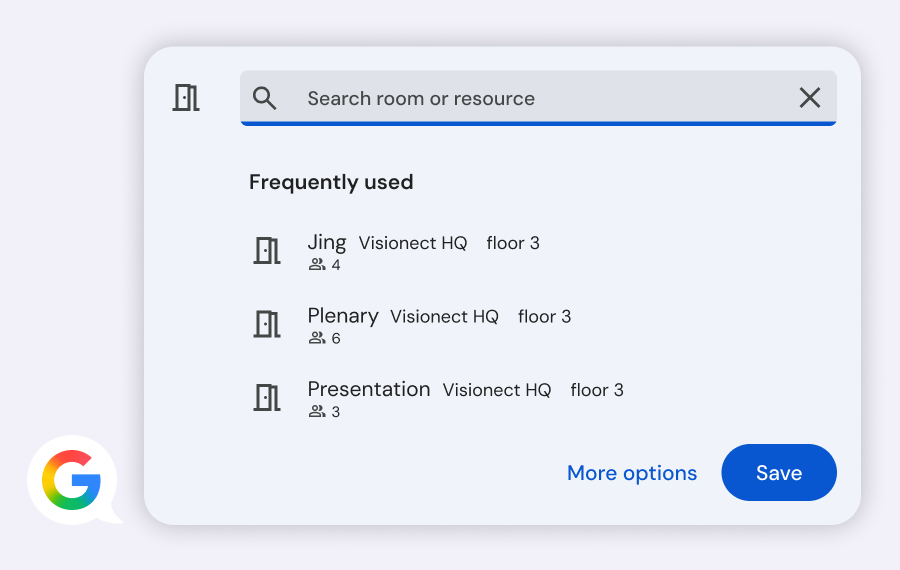
Book rooms directly from Google Calendar
When creating a meeting, your team picks a room the same way they always have — from the “Add rooms” field in Google Calendar. Joan handles availability in real time, two ways: book in Joan, it shows in Calendar; book in Calendar, Joan confirms it.
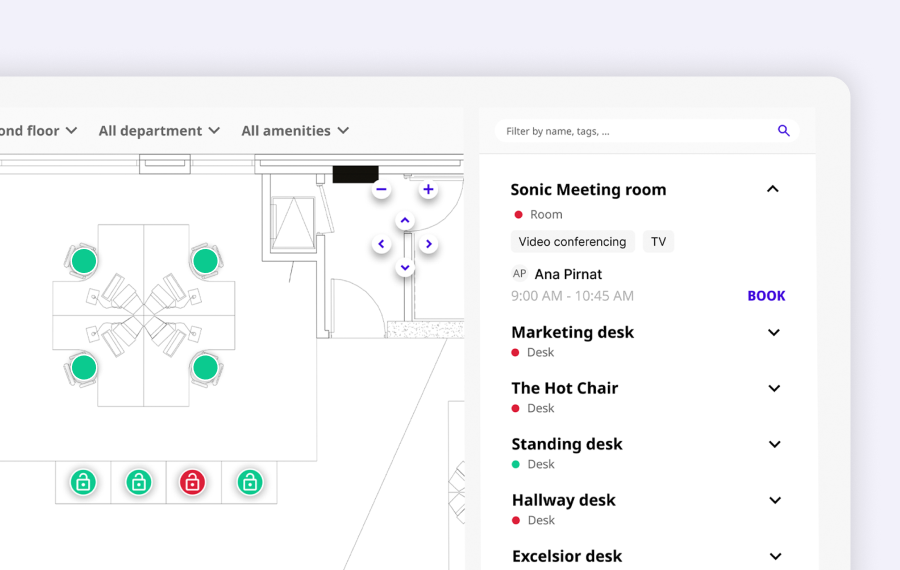
Browse and book from a live office floorplan
Through the Joan web app and mobile app, employees can see the full office layout, pick an available room or desk, and book it — all synced back to Google Calendar automatically.
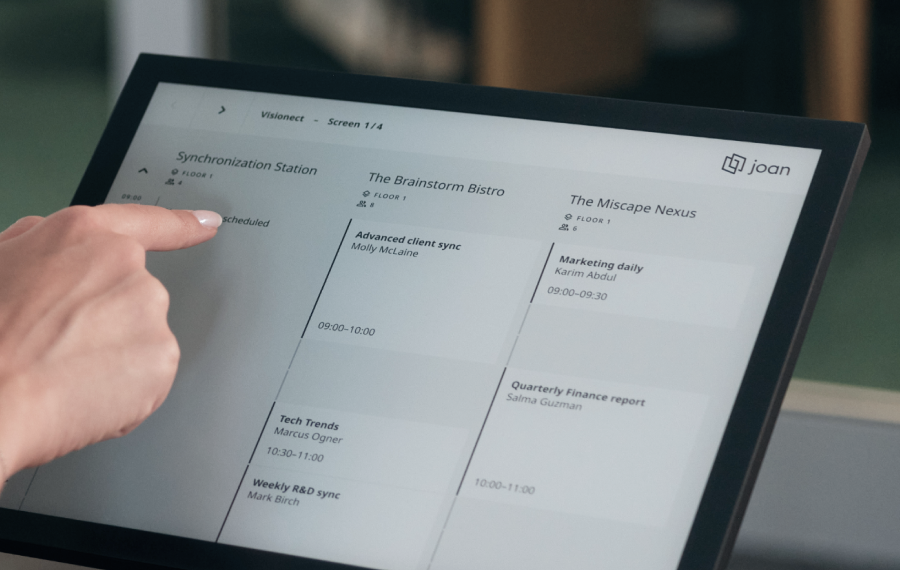
See live room status on displays outside rooms
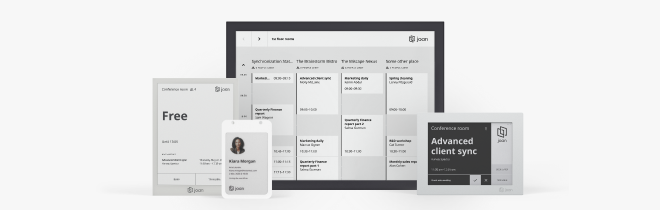
Joan software runs on displays mounted outside meeting rooms and shows your live Google Calendar — what’s booked, what’s free, and when the next event starts. Works on Joan displays or any screen you already have.
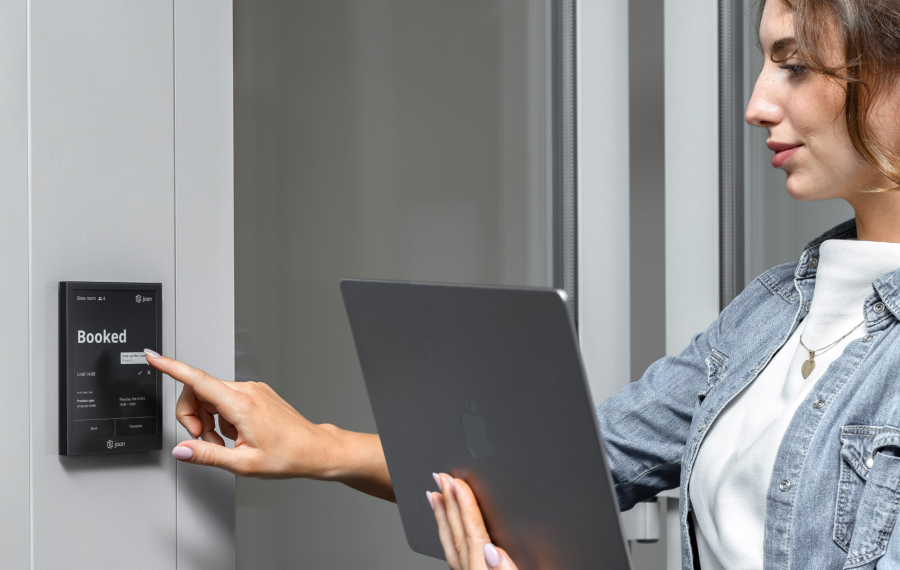
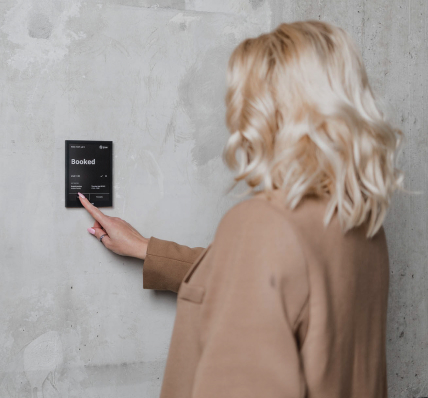
Book a room right from the device outside the door
No phone, no app needed. Employees can walk up to any Joan display, check availability, and book the room on the spot — it syncs to Google Calendar immediately.
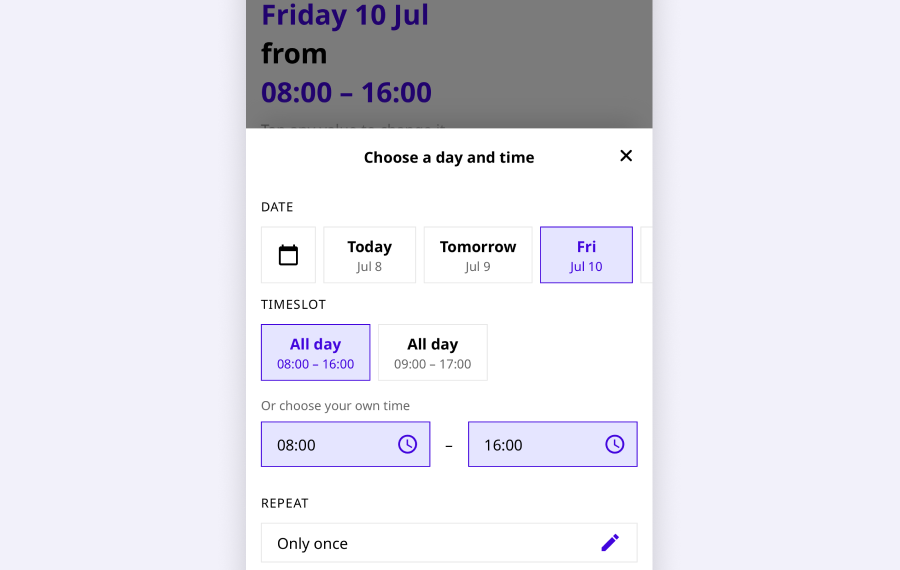
Book on the go from the Joan mobile app
The Joan mobile app connects to your Google Workspace account. Employees can find and book rooms and desks from anywhere — before they arrive in the office or on the way in.
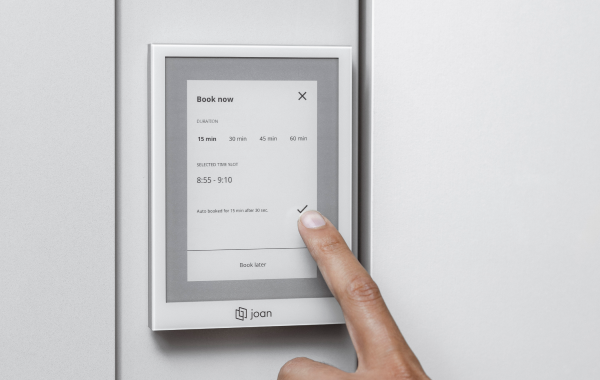
Changes in Calendar update everything instantly
Cancel or shorten a meeting in Google Calendar — the room is released automatically. The display outside the room updates immediately, and the slot becomes bookable again for the team.
Need the technical setup guide?
Everything’s on our support site — connecting your Workspace account, adding resource calendars, and going live.

€49 per month to start
All solutions above are included in every plan.
Rated by the people who use it.
4.5 out of 5 on G2 · 248 reviews
Happy users worldwide share their satisfaction with Joan solutions and devices every day. And here’s the proof.
The only room booking tablet an idiot like me could implement
Great Tool for Desk and Workplace Management
Makes people happy




Frequently asked questions
Does Joan work with Google Workspace?
Yes. Joan integrates directly with Google Workspace, syncing with Google Calendar to display room availability, process bookings, and keep your room resources up to date in real time.
What do I need to connect Joan to Google Workspace?
A Google Workspace admin account to authorise the connection, and room resources already set up as calendar resources in Google Admin. Joan connects via OAuth — no passwords are stored.
How does Joan sync with Google Calendar?
Joan reads and writes to Google Calendar in real time. When someone books a room through Joan, the event appears in Google Calendar. When someone books directly in Calendar, Joan displays the booking on the room display immediately.
Can I book a room directly from Google Calendar?
Yes. Once connected, you can book Joan-managed rooms straight from Google Calendar by adding the room as a guest on the event. The booking shows on the Joan room display instantly.
Does Joan support Google Calendar resource rooms?
Yes. Joan works with Google Calendar resource rooms. Your IT admin sets up the room resources in Google Admin Console and connects them to Joan in the Joan Portal.
Does Joan work with Google Meet?
Yes. If your Google Workspace is set to automatically add Google Meet links to calendar events, those links appear on the event — and Joan displays the event details on the room panel as normal.
Can I use Joan with a personal Google account?
No. The Google Workspace integration requires a Google Workspace account (Business Starter, Business Standard, Business Plus, or Enterprise). Personal Gmail accounts are not supported.
How many rooms can I connect through Google Workspace?
As many as you have Joan devices. Each Joan device connects to one Google Calendar room resource. There is no cap on the number of rooms within your Joan subscription tier.
Who sets up the Google Workspace integration — IT or end users?
A Google Workspace admin sets up the integration once in the Joan Portal. After that, all users in the workspace can book rooms through Joan, Google Calendar, or the Joan mobile app — no individual setup required.
Where do I get help if the Google Workspace integration is not working?
Visit the Google Workspace setup guide on the Joan Help Centre or contact the Joan support team at [email protected] (Monday–Friday, 08:00–24:00 CET).