


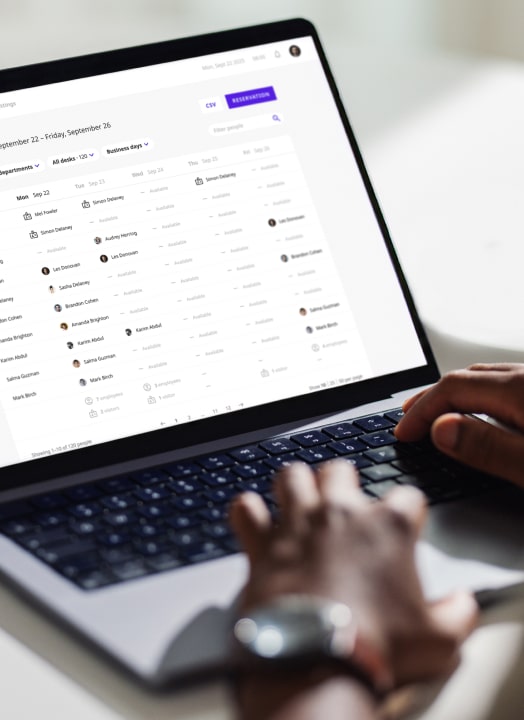
TEAM DAYS, WITHOUT THE CHAOS
Team coordination finally feels simple
You’re not just leading the team anymore.
You’re also the person making sure everyone can actually work together when they come into the office.
Booking rooms. Coordinating desks. Finding parking. Organizing interviews. Making sure nobody’s wandering around looking for the right space.
And somehow, all of that lives across Slack messages, calendar invites, spreadsheets, and “quick questions.”
Joan Workplace takes the coordination off your plate.
Let Joan handle the logistics
Joan is a workplace management platform that takes the office coordination off your plate — rooms, desks, parking, assets, visitors — so you can focus on the actual work. The benefits? Straightforward.

Reliable booking
The right meeting room, right tech, right time — without surprises when your team walks in the office.

Coordinated office
Desks clustered, parking reserved, shared equipment claimed — before anyone has to ask.

Smooth guest experience
Pre-registered visitors, instant host notifications, wireless e-paper badges — the kind of arrival that reflects well on you.
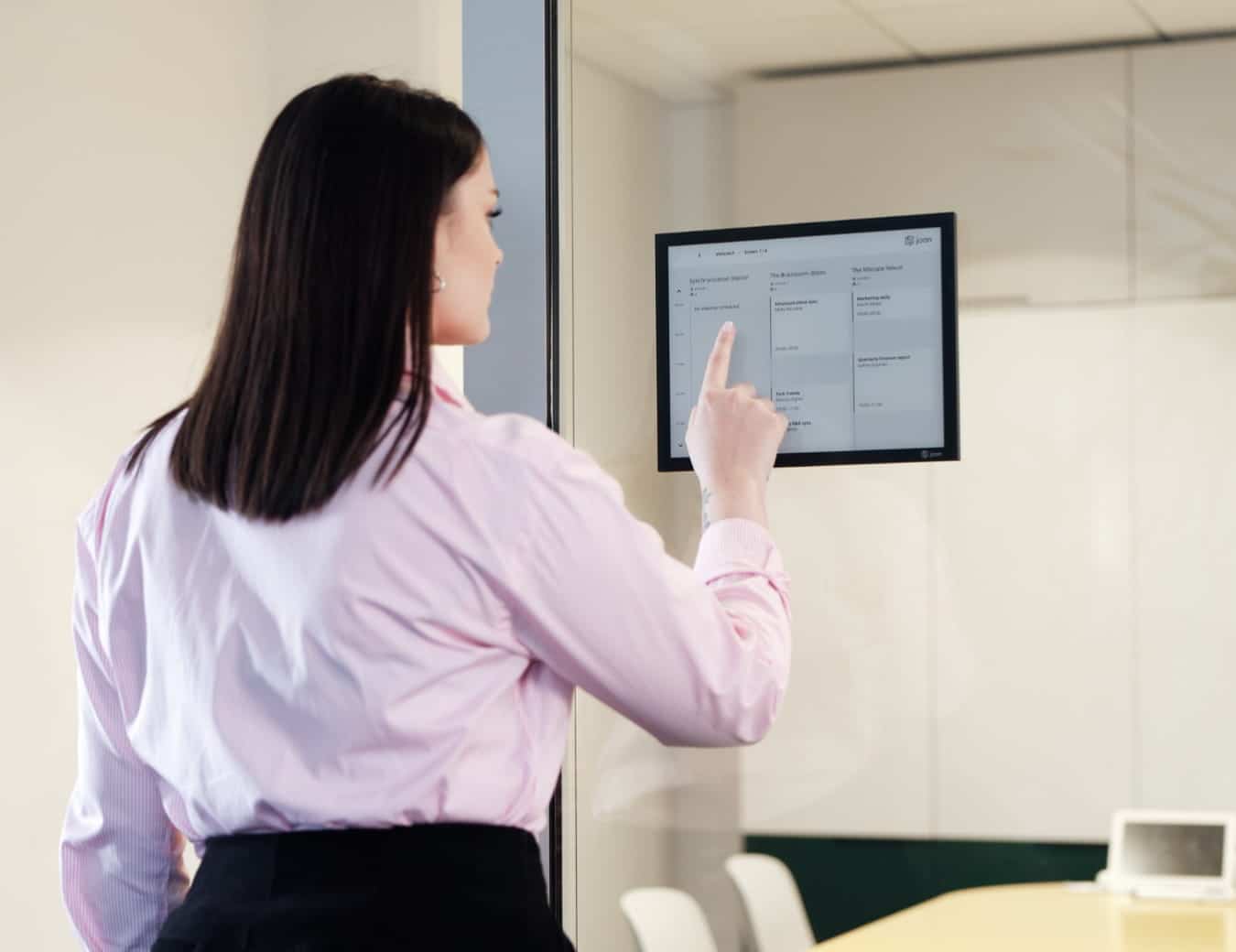
SOMEONE OCCUPIED YOUR ROOM
Time to own your booking
You planned the retro. Sent the invite. Got everyone there on time.
Then you open the meeting room door — and another team is already inside saying they booked it too.
Now the meeting starts late while you’re trying to solve a problem that shouldn’t exist in the first place.
With Joan, room availability is visible is always visible.

“WHO’S IN TUESDAY?”
Days fall apart in the details
This is the moment. You finally get everyone aligned on the same office day. Then reality hits:
– half the team is sitting on different floors
– parking disappeared before 9 AM
– someone forgot to reserve a desk
– three people still haven’t confirmed they’re actually coming in.
By the time everyone arrives, you’ve already spent half your energy coordinating logistics.
Joan helps you organize team days before the chaos starts.
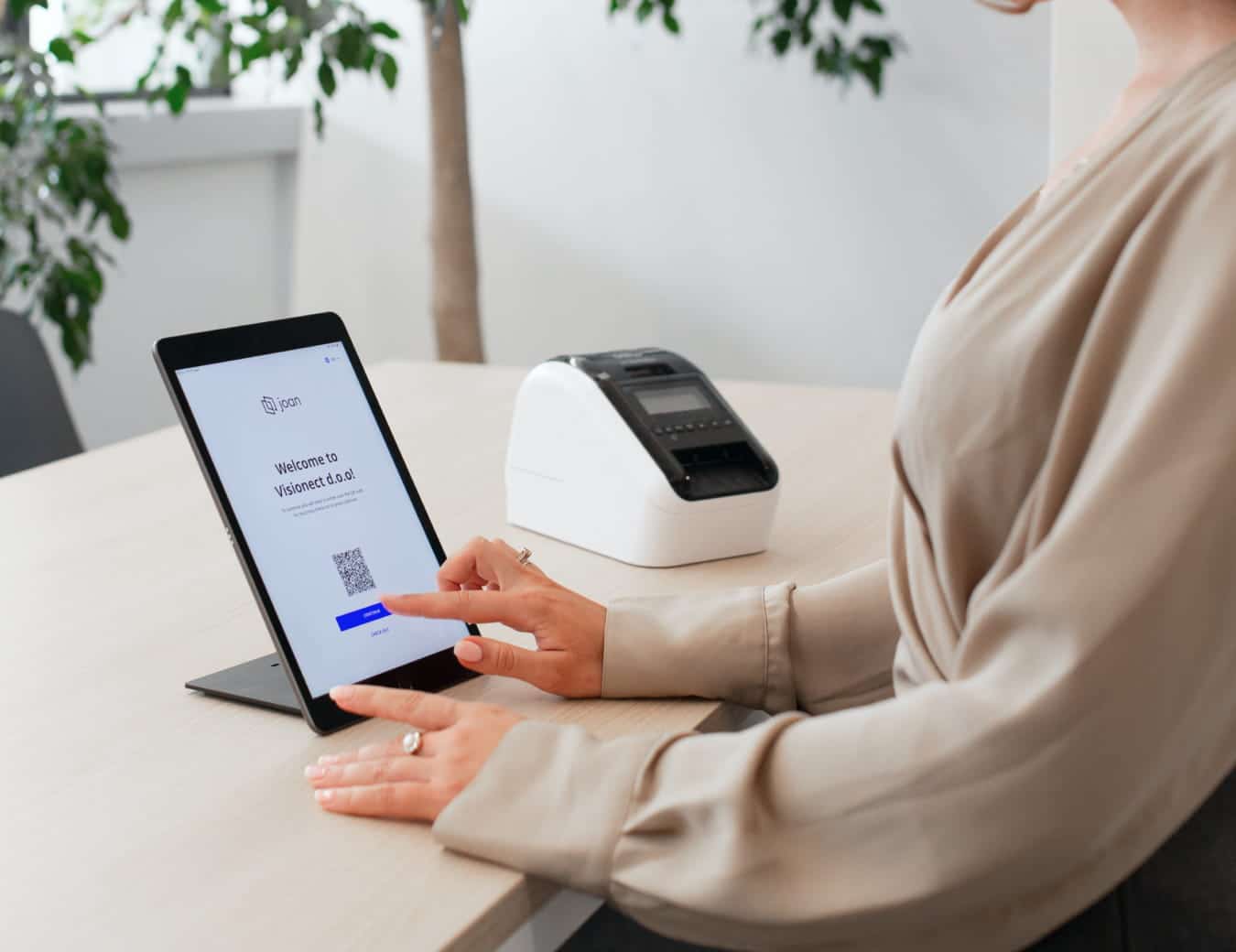
THE INTERVIEW ALEADY STARTED
Better visitor impressions
Your candidate arrives downstairs.
Reception doesn’t know who they’re meeting.
You don’t get notified they arrived.
They wait awkwardly near the entrance wondering if they’re in the right place.
Not exactly the first impression you wanted to create.
Joan automates visitor check-ins, notifications, and badge printing — so candidates and clients feel expected from the moment they walk in.
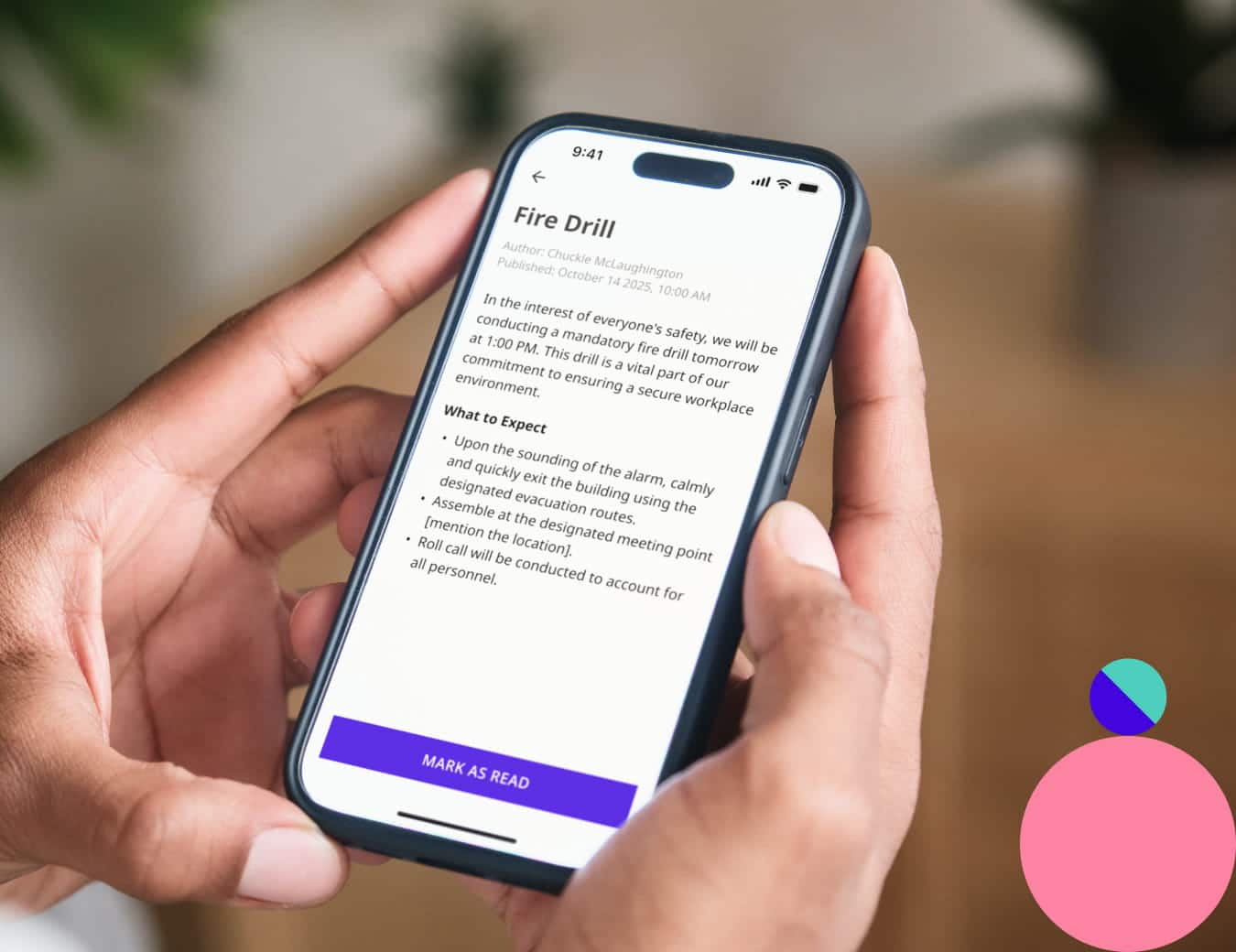
INFORMATION IS EVERYWHERE
Updates shouldn’t be buried
Room changes. Office announcements. Schedule updates.
Some of it lives in chat. Some in email. Some in calendar invites. Some nowhere people will actually see it.
So you repeat the same information three times… and people still miss it.
Joan keeps workplace communication visible and centralized — where people actually need it.

Frequently asked questions
Does Joan offer a free trial?
Yes. You can try Joan free for 30 days with no commitment. We also offer a 30 day money back guarantee for all device purchases. So you can try it without committing.
Can I book a cluster of desks for my whole team at once?
Yes. Joan lets you reserve a group of desks together so your team sits in the same area on shared days — no one ends up on a different floor wondering where everyone is.
Can I see what equipment a room has before I book it?
Yes. Room listings show available tech — screens, video conferencing, whiteboards — so you can pick the right space before you commit, not discover it’s wrong when you arrive.
What happens if someone books a room and doesn’t show up?
Joan’s check-in feature auto-releases rooms when no one checks in by a set time. That means the space goes back into the pool instead of sitting empty while your team stands in the corridor.
How does visitor pre-registration work?
You add guest details ahead of time. Joan notifies you the moment they arrive, guides them through a digital check-in, and issues a wireless e-paper badge — no printing, no paper sheets, no hunting for a spare room at the last minute.
Can I reserve parking spots for team members in advance?
Yes. Parking can be booked through the same system as desks and rooms, so your team can claim a spot before the day — not spend twenty minutes circling the car park and then give up.
Can I book shared equipment like screens or laptops through Joan?
Yes. Shared assets are bookable through the same platform. Your team reserves what they need in advance, and you can see who has what and when it’s available.