3 Nov 2026
How Change Makers 2026 checked in 300+ guests with Joan ePaper badges
Change Makers 2026, a business conference for Slovenian executives held in Ljubljana on 22 October 2026, used name badges for the first time and went straight to personalized digital event badges. More than 300 guests checked in with a Joan ePaper badge showing their name, company and title, and 20 badges were created on the spot for walk-ins and last-minute changes. Here’s how it came together.
About the Change Makers conference
Change Makers is a one-day business conference for Slovenia’s upper management and C-level executives, organized by Mark Kalin and Polona Novak Kalin. The 2026 program opened with the Institute for Economic Research on Slovenia’s competitiveness, followed by three entrepreneurs, three presidents of sports federations, a motivational talk by Andrej Hauptman and a surprise closing keynote. Partners such as Telekom Slovenije and Pošta Slovenije joined with their teams and booths.
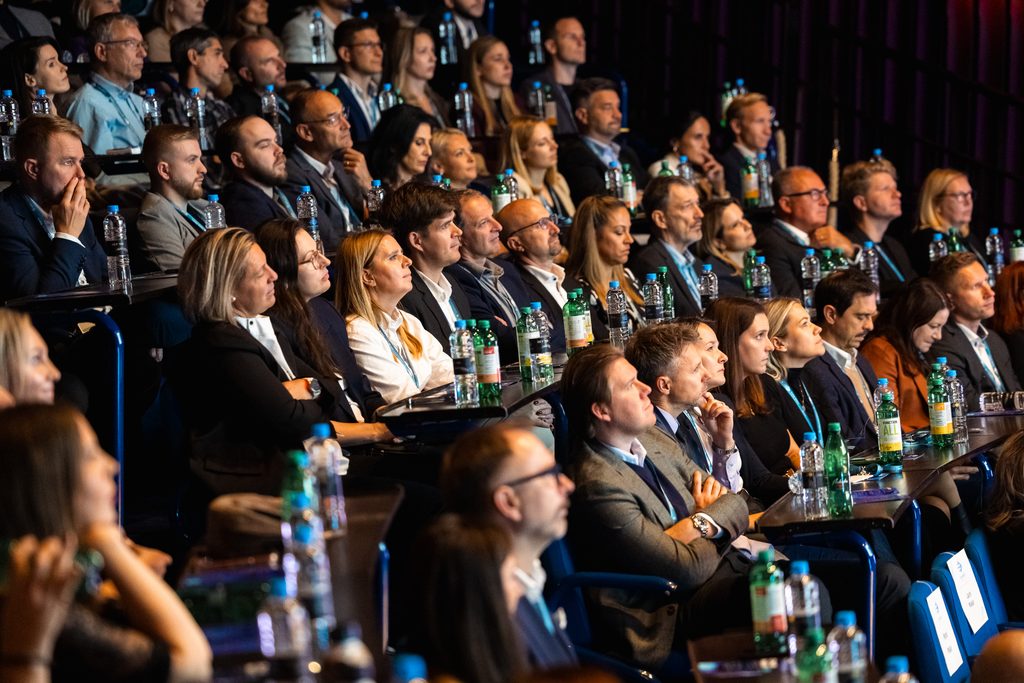
The conference is growing fast. The previous edition fit into a venue for around 180 people. For 2026 it moved to a larger congress hall, expected more than 250 guests and welcomed more than 300.
The challenge: why the conference had never used name badges
At the previous edition, Change Makers used no name badges at all. The organizers were wary of the preparation: collecting names, producing badges, sorting them and fixing mistakes, all while the guest list kept changing.
With a bigger audience in 2026, those concerns were even more real:
- Registrations kept coming. Two weeks before the event, about 150 people had signed up. A considerable batch of registrants came in just two days before the doors opened, and partners sent their team names at the last minute.
- Arrival is a rush. Most guests arrive in the same 30-minute window, and three hostesses handled check-in and gift bags.
- Plans change at the door. Someone sends a colleague instead, a title is wrong, a walk-in shows up.
The solution: personalized digital event badges
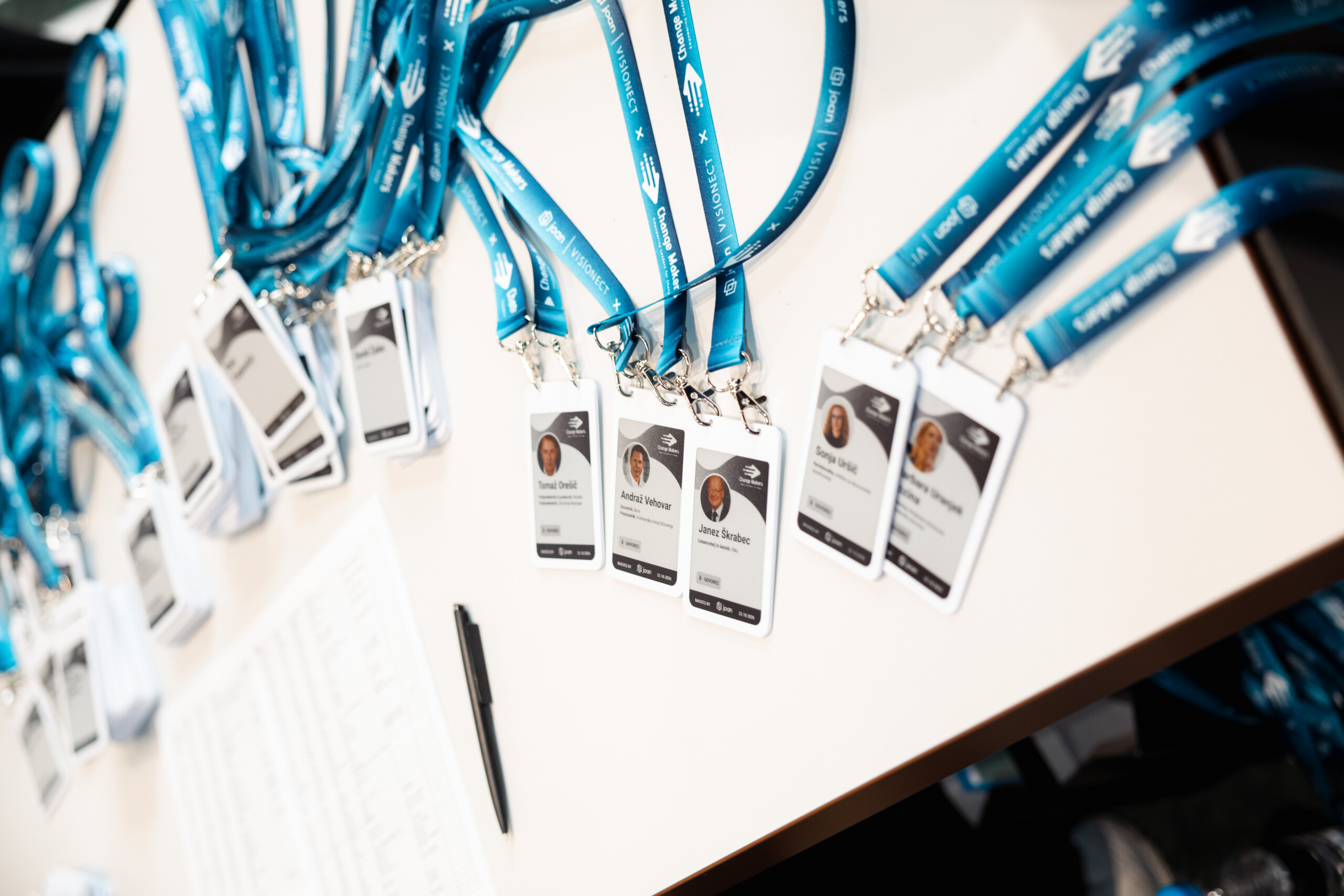
Joan sponsored the event with Joan ePaper badges, which took Change Makers two steps forward at once: from no badges to badges, and from a generic name tag to a personalized one. The badge runs on a rechargeable battery and uses the same low-power ePaper technology as Joan’s meeting room displays, so it stays sharp and readable all day.
Each Joan ePaper badge can hold up to six screens. Change Makers used three, and guests pressed the button on the back to switch between them.

The three screens on every badge
Each guest switched between three screens with the button on the back.
| Screen | What guests saw |
|---|---|
| 1. Personal ID | Name, company and the Change Makers visual. Speakers also had their photo. |
| 2. Main sponsor | A message from the event’s main sponsor |
| 3. Thank you | “Thank you, see you next year” |
Feature spotlight: scheduled screens
At a set time near the end of the event, the thank-you screen moved to first place on every badge automatically. Nobody had to collect, update or touch a single badge. Guests simply looked down and found a goodbye message waiting for them.
Joan and the organizers designed three variants, for attendees, speakers and staff, all co-branded with the Change Makers look and worn on co-branded lanyards.
How event registration worked on the day
The setup was built around one goal: get more than 300 guests through registration in about 30 minutes, with the right name on every badge.
- Attendee list in. The organizers sent the guest list on the Monday of event week, followed by updates, including the large batch of registrants two days before the event.
- Badges prepared. Joan prepared every known guest’s badge in advance and sorted the badges alphabetically, ready to hand out.
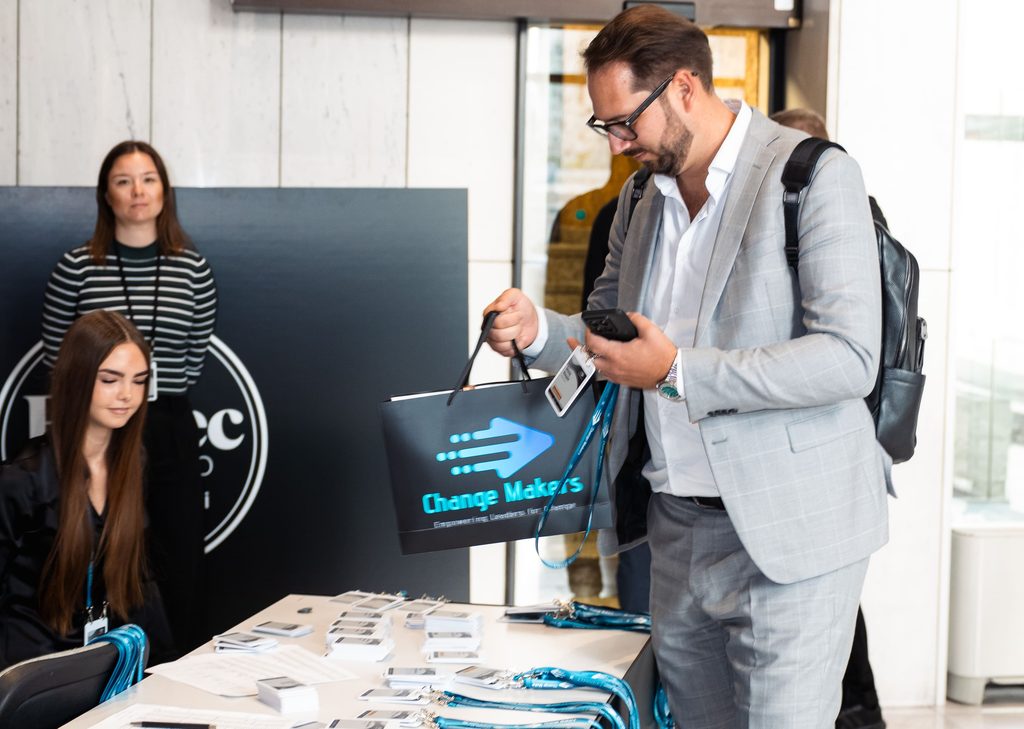
- Registration. The organizers’ hostesses found each name and handed the badge over. No printing, no peeling, no pinning.
- Walk-ins and changes. New guests and name changes were handled on the spot from a laptop, in a couple of seconds per badge. 20 badges were created this way.
- On-site support. The Joan team stayed at registration to help the hostesses.
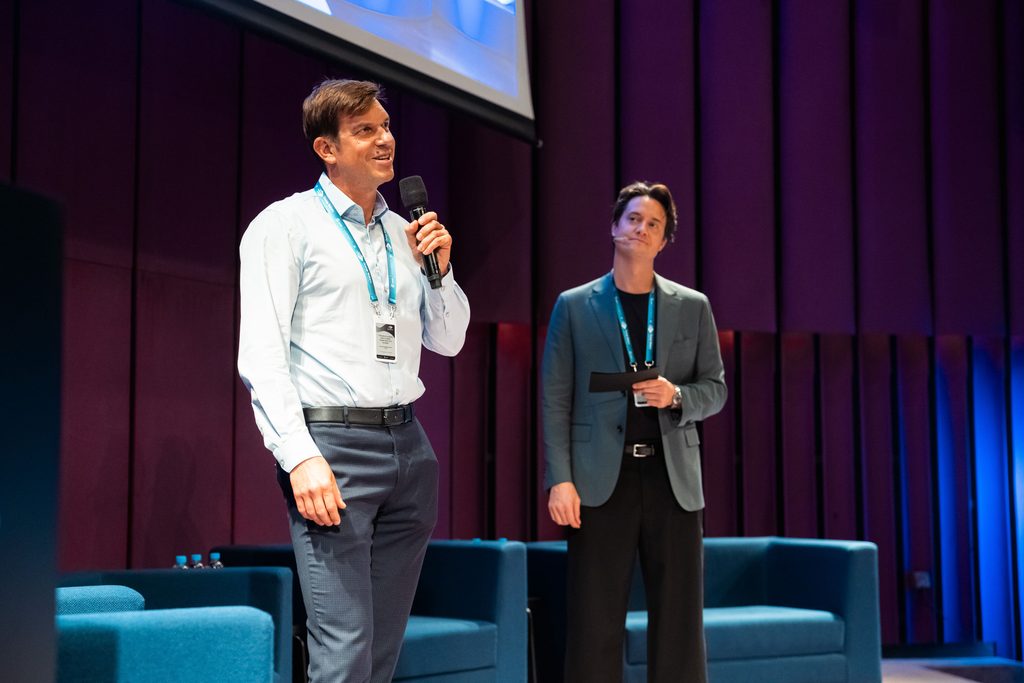
- During the program. The badge was explained from the stage, and guests started pressing the button to see the other screens.
- At the end of the day. The thank-you screen took first place on every badge, right on schedule.
Results: 300+ guests, 20 badges created on site
More than 300 guests checked in with a Joan badge. About 7% of the badges (20) were created on the spot, for attendee changes and last-minute arrivals, so every late guest got the same personalized badge as everyone else.
Beyond the numbers, the badges brought a few things that are harder to count:
- Flexibility. Walk-ins, colleagues standing in for someone else, a wrong title: each was fixed at the desk in a couple of seconds, with no reprints and no handwritten tags. One setup covered attendees, speakers and staff, each with their own badge version.
- Impressions. Guests were greeted with a badge that already carried their name, and the badges quickly became a conversation piece. People noticed them, asked about them and showed them to each other, which is exactly what you want in a room full of people meeting for the first time.
- Engagement. Every badge was also a small screen for the event. The main sponsor’s message reached every guest, and the scheduled thank-you screen closed the day without a single announcement. The same screens can carry an agenda, partner logos or an invitation to next year’s edition.
“We’re very happy with the conference, it was really great. Thank you again for the partnership. The guests were thrilled with your badges.”
Mark Kalin, Change Makers
Tips for organizers: how to set up digital event badges
Every event is different, so the badge setup should be too. Here’s what we learned from Change Makers and our other events.
Pre-prepare up to 200 badges, create the rest on site
The first question to ask: how much will the guest list change?
Pre-prepared vs. on-site badges
Match your badge setup to how predictable your guest list is.
| Pre-prepared badges | Badges created on site | |
|---|---|---|
| Best for | Fixed roles and known guests | Changing guest lists, walk-ins |
| Typical events | Concerts, festivals, shows, crew-only access | Conferences, business events, open registration |
| How it works | Badges loaded before doors open | Known guests pre-loaded, new badges made at registration in seconds |
| On the day | Hand out and go | A laptop or tablet at the desk |
The sweet spot is 100 to 200 pre-prepared badges. For a bigger event, prepare the rest on site at a dedicated badge station, away from the main registration lines. Always keep a reserve of blank badges for walk-ins and name changes: about 10% of expected attendance. At Change Makers, about 7% of badges were created on site, so it pays to plan for late changes.
Put QR codes where there’s light
ePaper has no backlight, so a QR code on a badge needs light to scan. In a dark conference hall or on a dance floor, scanning gets hard. Place QR screens where the light is good, such as registration, the foyer or the bar, remind guests to use their phone flashlight, or show the same code on the stage slides.
Design for a four-color display
Joan ePaper badges use a four-color ePaper display, not a full-color screen. The best badge designs are made for it from the start: bold shapes, strong contrast and a limited palette that looks sharp up close. Test every design on a real badge before the event.
Expect a short blink when the screen changes
When the content changes, an ePaper screen blinks for a couple of seconds before the new image settles. It’s how the technology works: once the image is in place, the display holds it without using power. Guests usually find it part of the charm.
Use the extra screens
A badge can hold up to six screens, which turns a name tag into a small channel the organizer controls:
- Sponsor activations. A sponsor message or a QR code for a giveaway, a discount or a contest. Sponsors get a touchpoint on every guest, not just a logo on a banner.
- Program at a glance. A QR code to the agenda, so nobody has to hunt for it.
- Practical info. Wi-Fi, maps, cloakroom or transport details, one button press away.
- A scheduled goodbye. A thank-you screen at the end of the day, with an invitation to next year’s edition.
Reuse the badges event after event
After the event, the badges are recharged, loaded with new content and handed out again. There’s no print run for every event, and no badges in the bin the next morning.
Planning an event?
The Joan ePaper badge started as a visitor badge, and it now works just as well for employees and events. If you run conferences, partner days or internal company events, it handles the part of registration that never sits still.
See how Joan digital event badges work or talk to our team.
Thanks to the Change Makers team for trusting us with their guests’ first impression.
Common questions about digital event badges
What is a Joan ePaper event badge?
A reusable digital name badge with an ePaper display and a rechargeable battery. It shows each guest’s name, company and title, and holds up to six screens that guests switch with a button on the back.
Can you create event badges on site for walk-ins?
Yes. At Change Makers 2026, 20 badges (about 7% of guests) were created at the registration desk for last-minute arrivals and attendee changes, each in a couple of seconds.
Can badge content change during the event?
Yes, with scheduled screens. A screen can be set to move to first place at a set time, like the “Thank you, see you next year” message at Change Makers.
What can event badge screens show besides a name?
Anything the event needs: a sponsor message, partner logos, an agenda QR code or a closing message. Change Makers used three screens: personal ID, the main sponsor’s message and a thank-you screen.
How many event badges should you prepare in advance?
Between 100 and 200. For bigger events, prepare the rest on site at a dedicated badge station, and keep a reserve of blank badges of about 10% of expected attendance.
Can QR codes on ePaper badges be scanned in a dark venue?
They need light, because ePaper has no backlight. Use QR screens in well-lit areas, ask guests to use their phone flashlight, or repeat the code on stage slides.
Are Joan ePaper badges full color?
No. They use a four-color ePaper display. Designs work best when made for it, with bold shapes and strong contrast.
Can event badges be reused?
Yes. After the event, the badges are recharged, loaded with new content and handed out again.