2 Oct 2026
Introducing Joan employee ID badges
A printed ID card is accurate on the day it is made. Then someone is promoted, moves team, or stops looking like their photo.
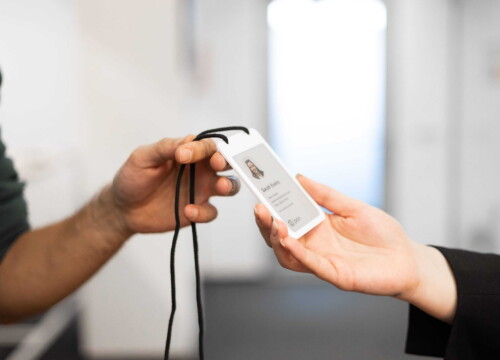
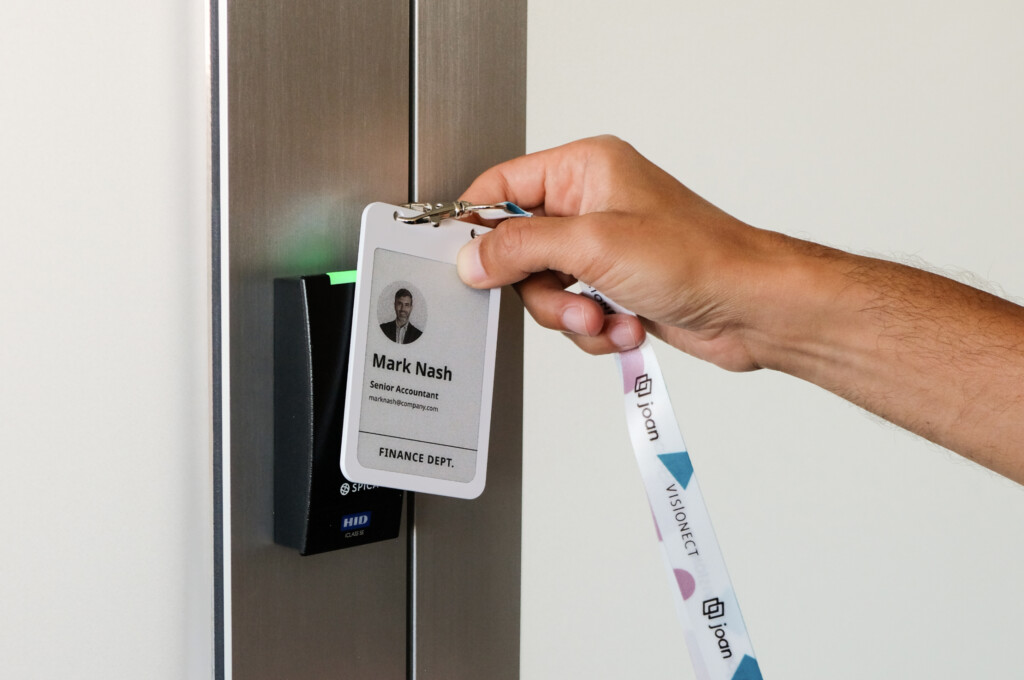
Meet the Joan employee ID badges. The badge shows a photo, name and role on a 4-inch electronic paper display, and re-syncs over Bluetooth whenever the record behind it changes (see the ePaper badge specs). No printer, no laminator, no reprint queue.
What is available today
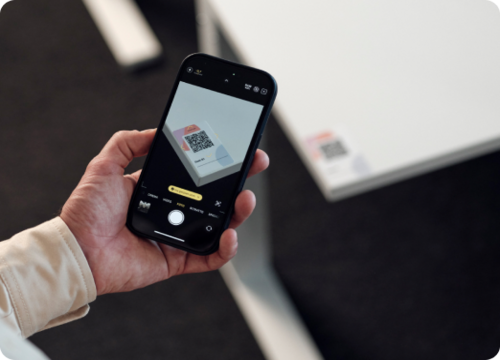
An office manager or HR admin opens the Joan Mobile App, scans the QR code on a badge or enters its MAC address, selects the company template, and assigns the badge to someone from the Joan user directory. A sync over Bluetooth writes it.
The flow runs in batches, so a set of badges for next week’s intake can be written this week and sit ready on the desk. The employee’s only optional step is uploading a profile photo instead of the one already on file.
After that, every change is a re-sync. A promotion, a department move, a new photo, a company-wide template redesign. None of it is a reprint, and none of it goes through a printer, a laminator or an IT ticket.
Why we built it this way
The problem with a printed staff card is not that it looks dated. It is that the information on it stops matching the person, and the only fix is to make a new card. So organisations ration changes, and inaccuracy accumulates between print runs.
The security version of the same problem is sharper. A lost printed card keeps working as identification. It shows a real photo, a real name and a real company to anyone who looks at it, and it goes on doing that whether or not the loss has been reported. We set out the full comparison in smart badge technology.
A Joan badge is revoked at the database level, and the revocation takes effect immediately, before the physical badge has redrawn itself. The authority sits in the record rather than in the object.
The badge also carries an NFC chip, so it can open doors wherever a customer’s access control system supports it. That takes an integration, and what it takes depends on the system, so it is worth raising early with your integrator.
“We launched the badge to solve one problem, and we always meant it to solve more than one. An ID that updates itself is a small change that removes a printer, a stack of consumables and a permanent gap between what a badge says and what is true.”
— Rok Zalar, co-founder of Joan Workplace and CEO of Visionect
The same badge, three jobs
Visitor check-in continues to work as it does today. A visitor badge writes itself at the kiosk with a name, company, photo and host, then clears itself in the dock on the way out.
Event badges are running with first customers at corporate events, where hundreds of badges can be written from an attendee list before doors open and walk-ins go through the same process at the same speed.
One constraint is worth stating plainly: a badge is assigned to one use case at a time. Once it is paired for visitor management it is not available for employee assignment, and the reverse holds. An office running both needs badges provisioned for each.

Hardware
- 4-inch electronic paper display, 528 by 768 pixels, 236 PPI
- Black, white, red and yellow
- Bluetooth 5.1 and NFC
- 100 mAh rechargeable battery, Qi wireless charging, around 700 updates per charge
- 66.25 by 104 by 2.8 mm, 29.4 grams
- One-year limited warranty
Electronic paper holds its image without power, so a badge showing the same name all week uses none.
Getting started
Employee badges need an active Joan plan and the Joan Mobile App. If you already run Joan for rooms, desks or visitors, the directory the badges read from is the one you are already maintaining.
Book a demo or talk to us about your rollout to work out badge quantities per use case and, if door access is part of the plan, what your access control system needs.