room booking solution
Rooms sit empty. Calendars say they’re full.
The display on every door changes the behaviour. The meeting room booking system enforces the rules. Teams stop hoarding. IT stops firefighting. Facilities stop guessing.

0
%of meeting rooms are booked but unoccupied at any given time
$15
kaverage annual cost of underutilised meeting rooms
0
%booked meetings have no attendees at all
simplify your workday
Before & After
Before Joan
Paper or spreadsheet room tracker
Out of date before lunch.
Meetings booked but abandoned
Rooms stay "occupied" all day.
No data on which rooms are actually used
Decisions based on guesswork.
With Joan
Every room booking enforced
If no one shows up, the room is released.
Real-time availability on every door display
Visible from the corridor.
Full analytics dashboard
Utilisation rates, no-shows, peak demand by floor.

How Joan room booking works
Joan quietly changes the behaviour causing the chaos.

1. Book it your way
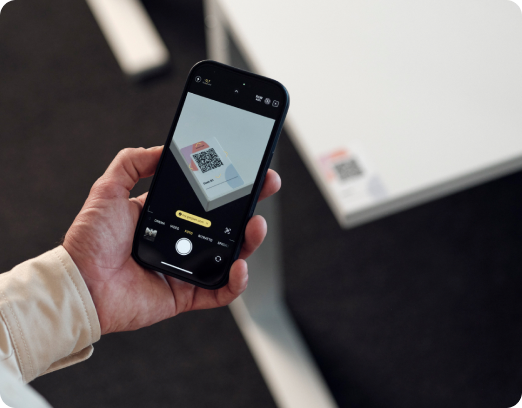
Calendar, app, web portal, or walk-up-to-the-door display. Joan adapts to people’s habits and preferences.

2. Show up or lose it
Joan’s check-in enforcement releases unused rooms automatically. No-shows stop costing you space.

3. See what’s happening
Analytics show you which rooms are actually used, which days are overloaded, and where you have headroom.
Meeting room features at a glance
Walk-up booking
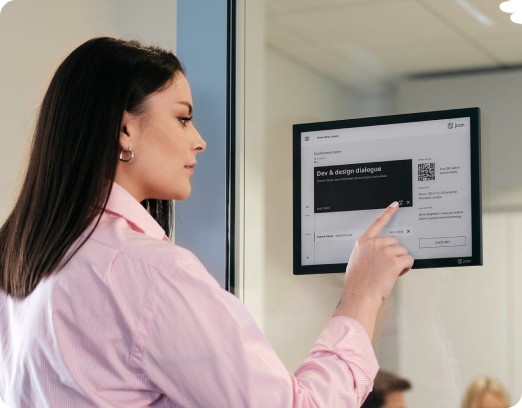
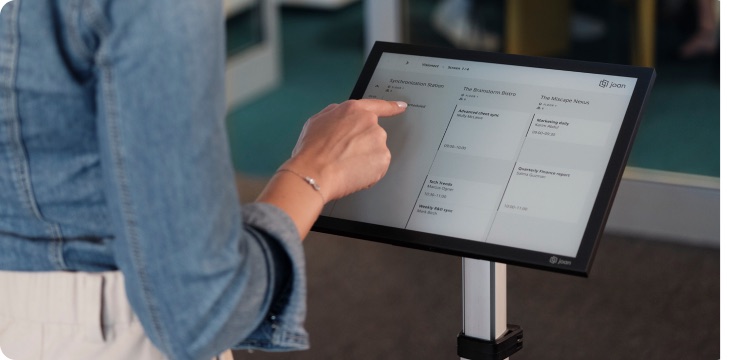
Tap the room display to book on the spot. Choose a duration of 15, 30, 45, or 60 minutes. No app, no login.
Calendar sync
Google Calendar, Outlook, Exchange. Always accurate.
Mobile app booking
Book, extend, or release rooms from your mobile phone before or during meetings.
Portal booking
Browse availability and manage reservations from the MyJoan web portal.
No-show auto-release
Rooms freed automatically when no one checks in within your chosen window.
Check-in enforcement
Booking held only when someone checks in. No check-in, no room.
Booking governance rules
Duration limits, advance windows, fair-use policies.
Usage analytics
Utilisation rates, peak demand windows, no-show trends by room, floor, or building.
Air quality monitoring
Track CO2, temperature, and humidity through Joan devices to keep rooms comfortable.
Hardware flexibility
Runs on dedicated Joan devices, any tablet brand, or existing LCD displays.
Multi-tenant support
Manage shared spaces across multiple tenants in one unified view.
Per-location settings
Different policies per building or per room. Set globally or granularly.
4 ways to book a room
Joan works the way your team works. Not the other way around.


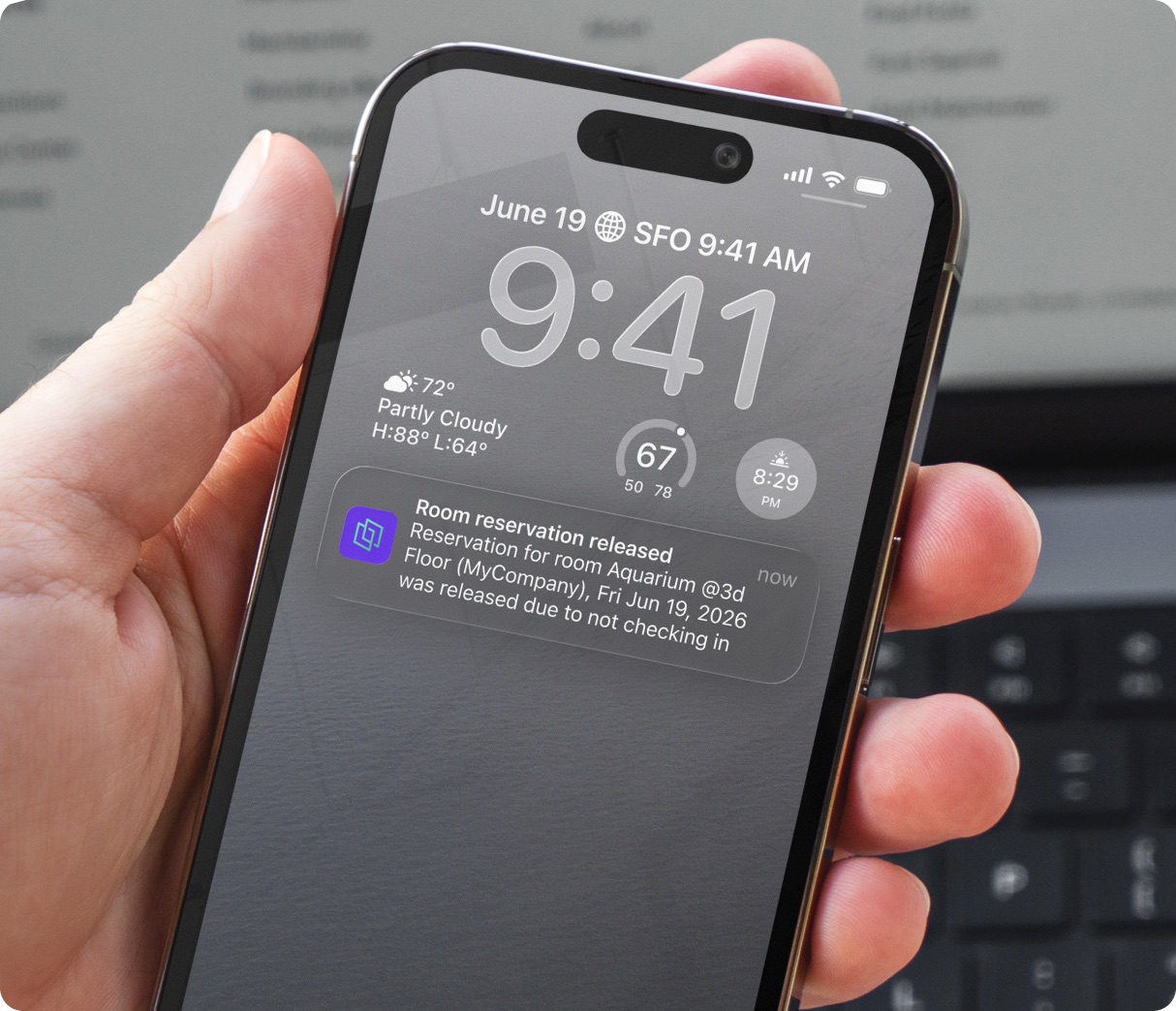
Meeting room booking becomes frictionless
Set your preferences once and Joan takes care of the rest. Every booking follows your rules automatically, with no one having to step in.
- Auto-release after no-shows
- Check-in enforcement
- Booking duration limits
- Advance booking windows
- Settings apply globally, per building, or per room




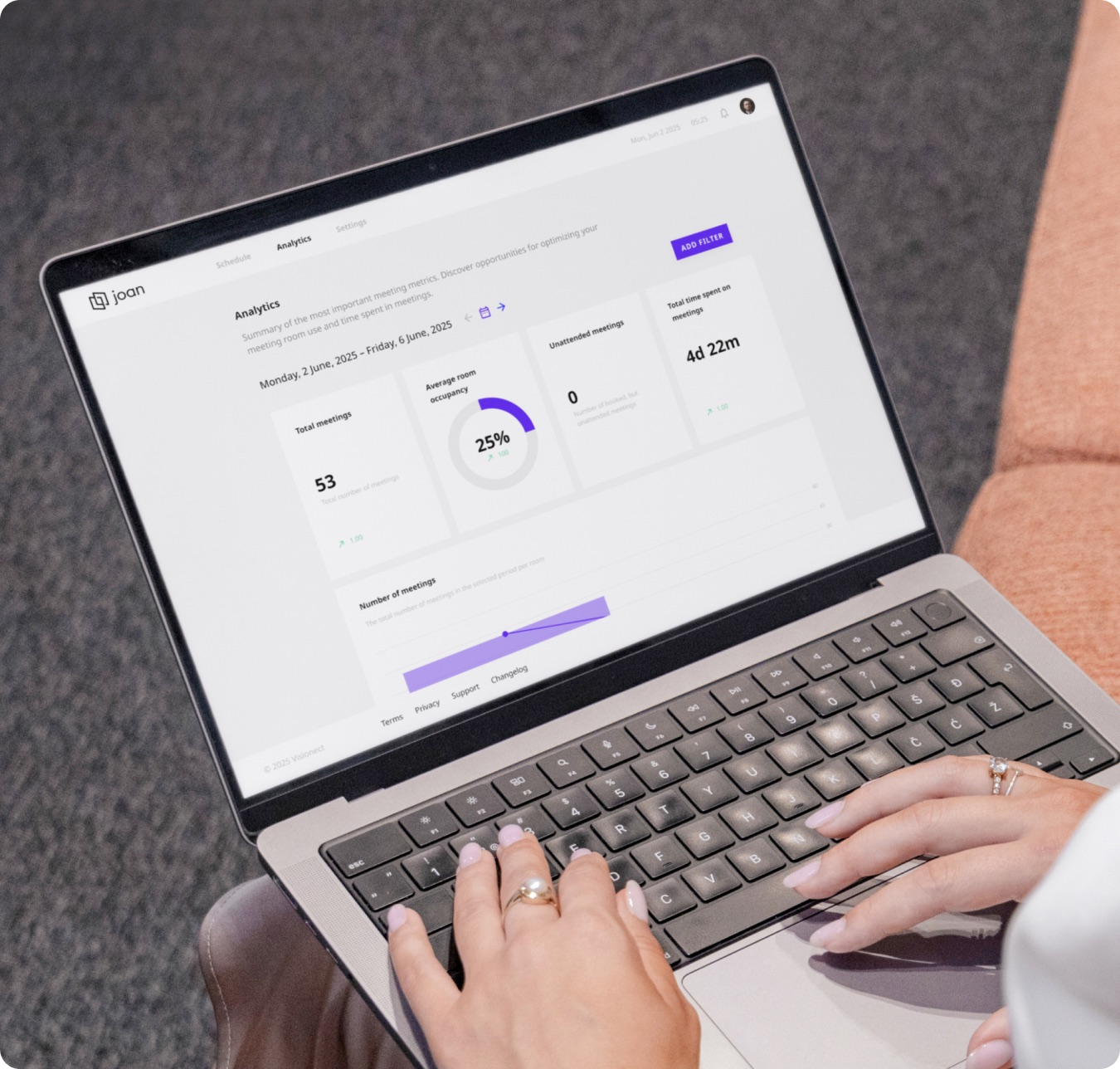
Analytics & reporting
Turn your room data into real-estate decisions
Most meeting room problems are invisible until someone complains. Joan surfaces the patterns so facilities teams can act early, and finance can justify every square foot.
- Average room occupancy, per room and location
- Most and least utilised rooms
- Unattended meetings
- Planned vs ad-hoc meeting split
Joan runs on purpose-built e-ink displays, any tablet brand, or your existing screens.
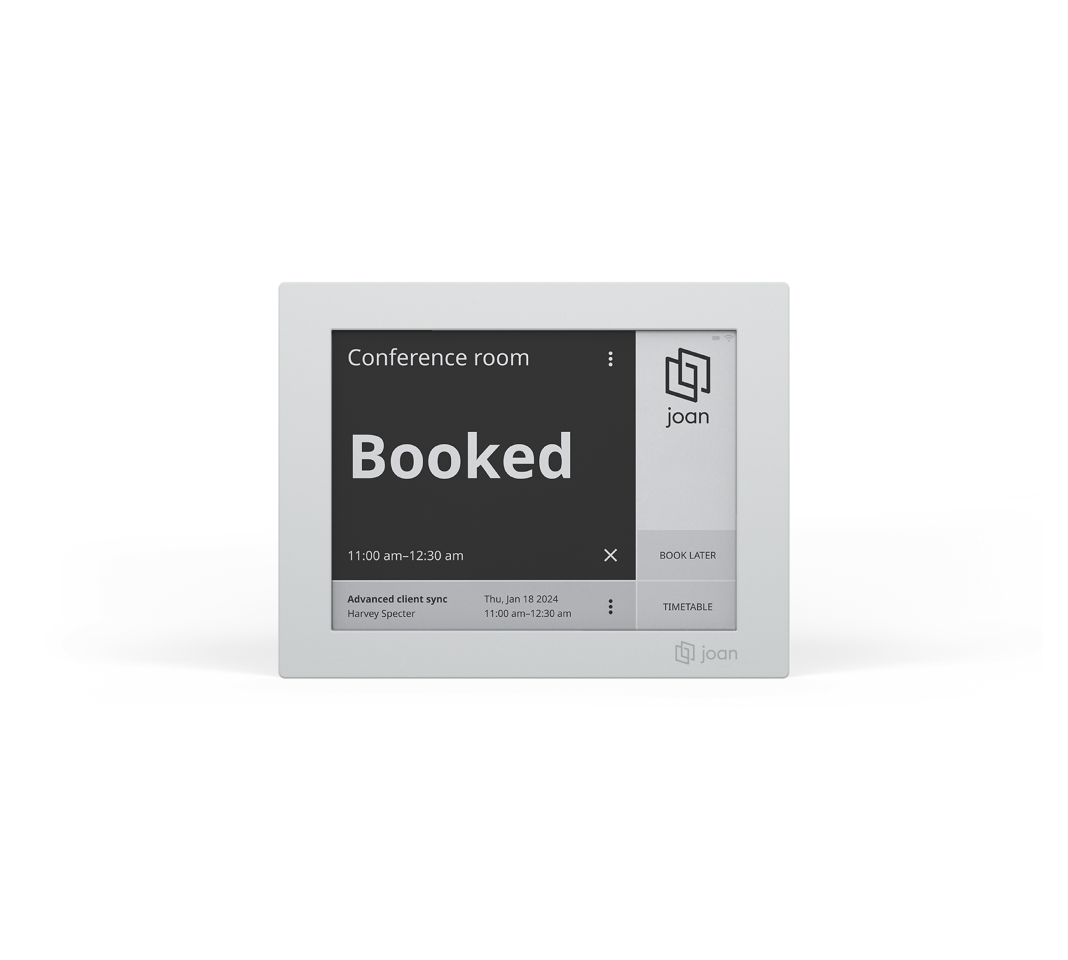 Joan 6 RE Ultra-compact e-ink scheduler. Mounted with a self-adhesive magnet. Battery-powered, minimal carbon impact.
 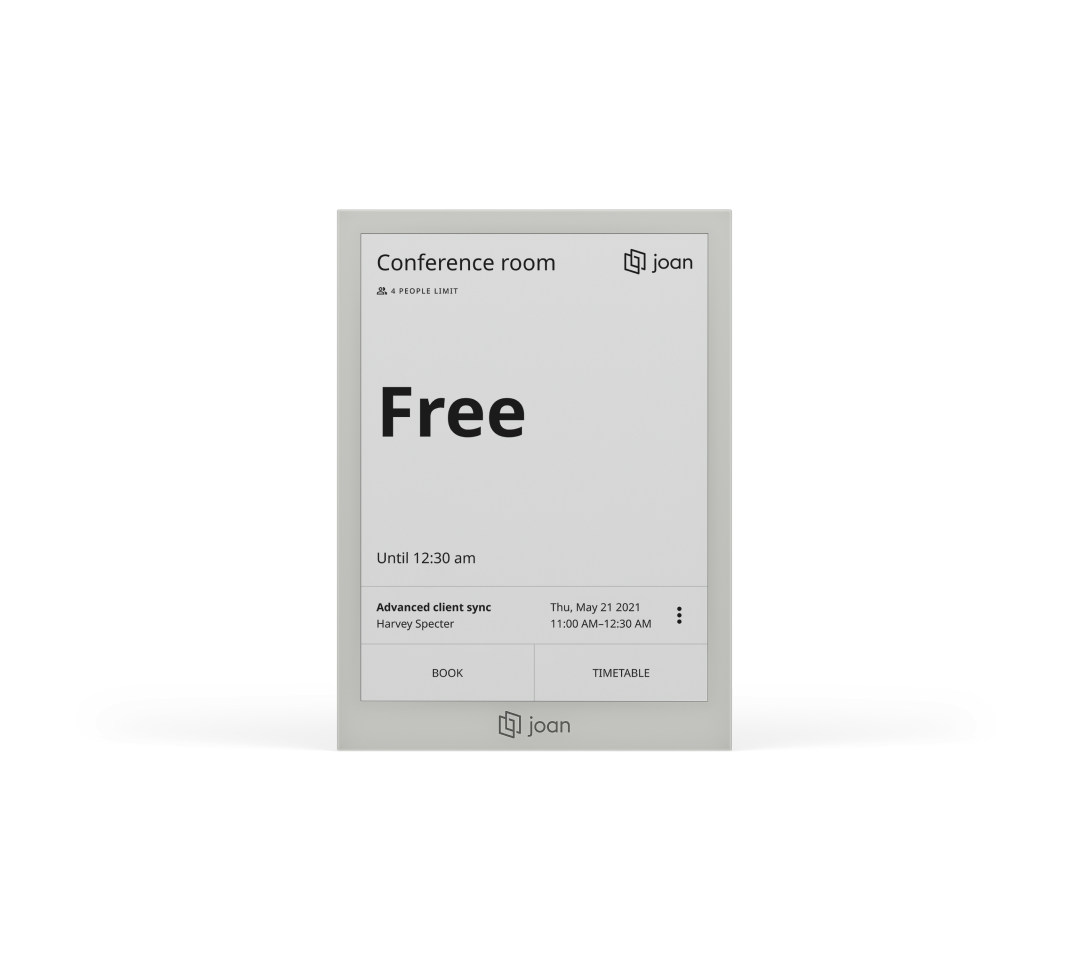 Joan 6 Pro Award-winning e-ink scheduler. Mounted with a self-adhesive Smart magnet. Battery-powered, no cabling needed.
 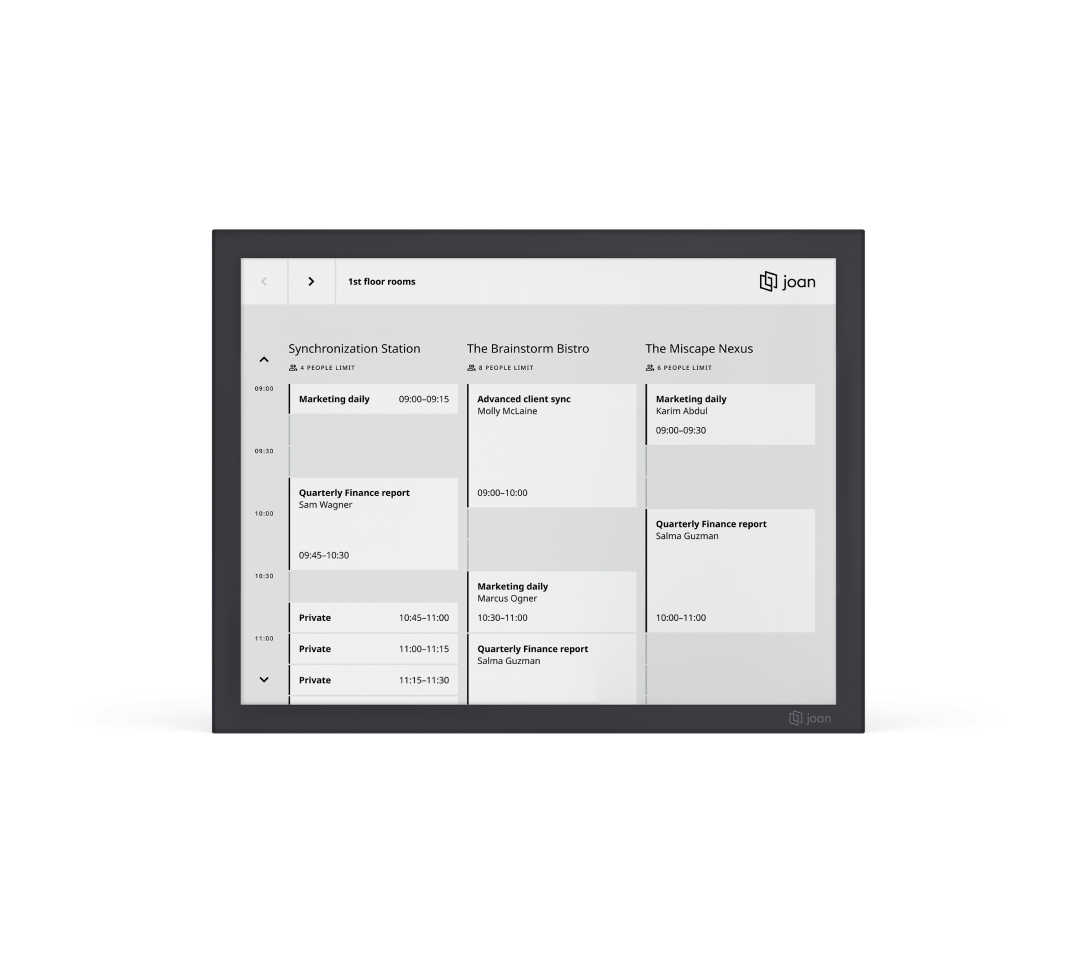 Joan 13 Pro Elegant multifunctional scheduler. Mounted with a self-adhesive Smart magnet. Battery-powered, ultra-low power, no cabling needed.
 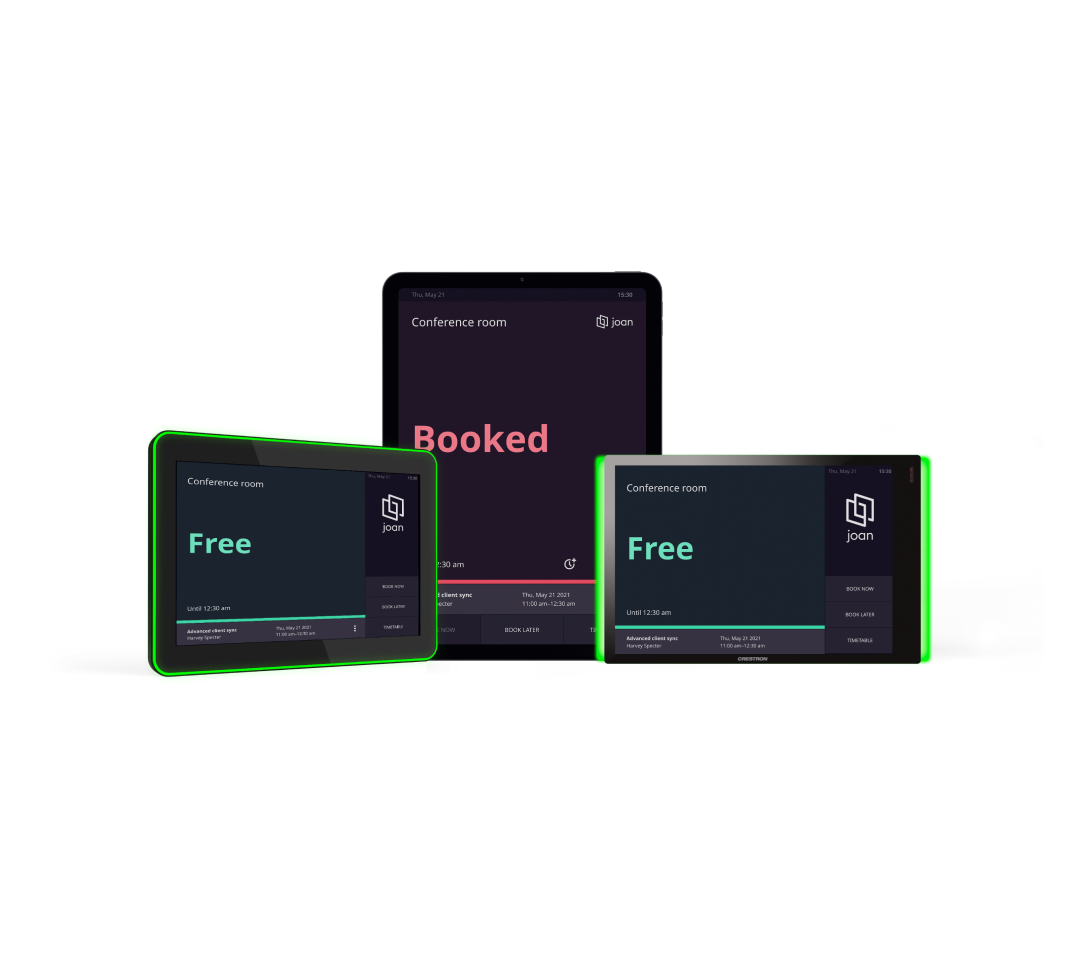 Joan on any tablet Adapts to your setup. Integrates with Crestron, ProDVX, Apple, and Android tablets.
 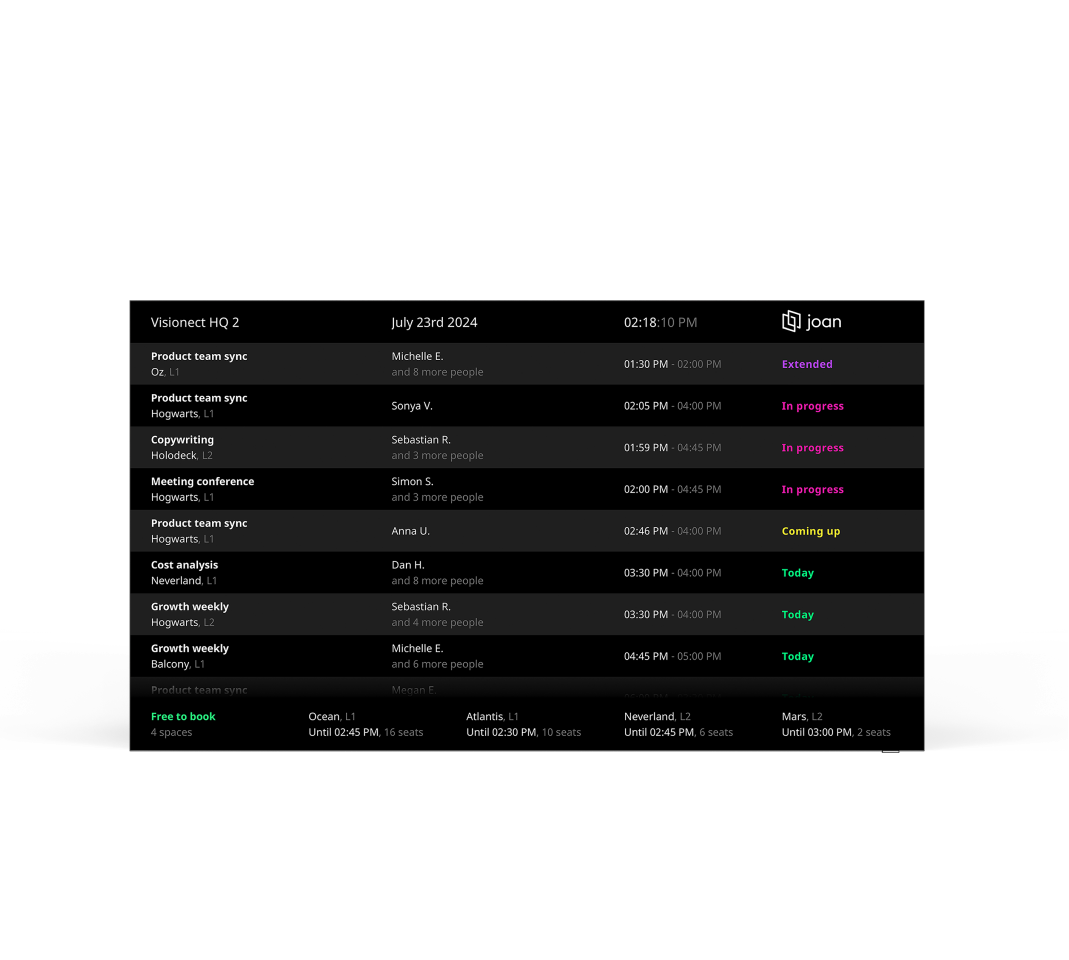 Joan on any LCD display Connect Joan to a large display to showcase detailed schedules for current and upcoming meetings.
 Built for your workplace. Whatever that looks like.


Not just a room booking tool. A workplace operating system.
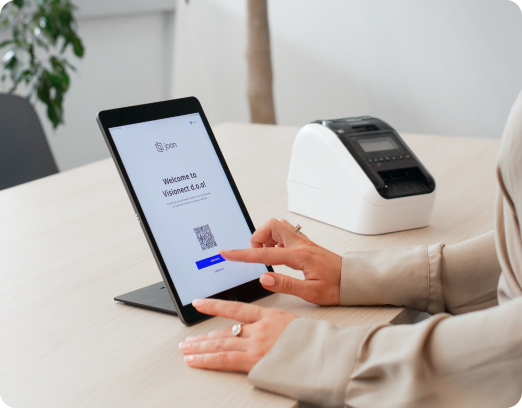
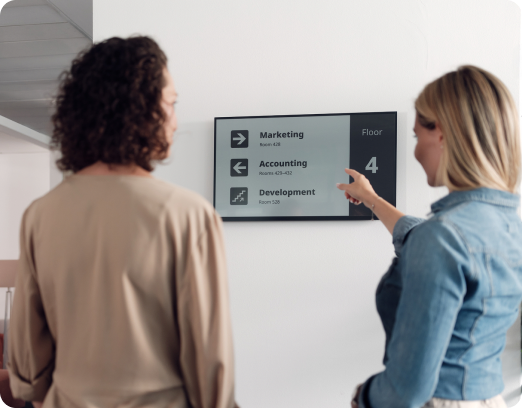
Joan room booking is part of a complete workplace platform, covering desk booking, visitor management, and workplace digital signage. Everything managed from MyJoan Portal.
Room booking
Book the right room from the door display, your calendar, or your phone.
Joan is trusted by the best








4.5 out of 5 on G2 · 248 reviews
Happy users worldwide share their satisfaction with Joan solutions and devices every day. And here’s the proof.
The only room booking tablet an idiot like me could implement
Great Tool for Desk and Workplace Management
Makes people happy
What changes when booking actually works
25-50
hrecovered per week
The World Economic Forum reports that companies can save up to 30% by optimizing office space utilization.
30-40
%of room time reclaimed
Auto-release and check-in enforcement return rooms to the booking pool the moment a meeting is abandoned. No admin, no manual overrides, no lost afternoon slots.

Frequently asked questions
Does Joan work with Google Calendar and Microsoft Outlook?
Yes. Joan integrates fully with Google Calendar, Microsoft Outlook, and Exchange. Rooms appear as bookable resources in your existing calendar. Two-way sync means a booking made in Joan appears in Outlook — and one made in Outlook appears on the Joan room display.
Can I use my existing screens or tablets as room displays?
Yes. Joan runs on its own purpose-built e-ink displays, and also on any Android tablet using the Joan app. If you already have tablet hardware installed, Joan works with what you have.
How does auto-release work?
If nobody checks in at the room within your configured window (for example, 10 minutes after the booking start), Joan releases the room automatically. It becomes available for walk-up bookings immediately — no manual action needed.
What makes Joan different from booking software alone?
Most room booking tools fix the calendar. Joan fixes the building. The physical display on every door changes behaviour: people check in or lose the room, walk-up bookings happen naturally, and ghost meetings disappear. No other competitor builds both the software and the purpose-designed hardware.
How does Joan handle multi-location or enterprise deployments?
Joan manages rooms across unlimited locations from one admin console. Set policies globally or per building, sync your directory via Azure AD, Okta, or Google Workspace, and run compliance reports across your full portfolio.
Is there a free trial?
Yes — 30 days, no credit card required. Connect your calendar, configure your first room, and test Joan with your real team before committing.
How does room booking analytics help reduce wasted space?
Joan tracks utilisation by room, floor, and time of day. You see which rooms are consistently over- or under-booked, which days peak, and how much time is wasted on unattended meetings. Finance teams use this data to make defensible lease decisions.
What is meeting room booking system?
Meeting room booking systemhelps organisations manage, schedule, and govern shared spaces. A modern system connects to Google Calendar or Microsoft Outlook, provides real-time availability on room displays, and gives admins tools to set booking policies and eliminate waste. Joan combines purpose-built e-ink hardware with a cloud software platform: physical presence in every room alongside digital control over every booking.
What is a meeting room display?
A meeting room display is a screen mounted outside a conference room showing real-time availability and enabling walk-up booking. Joan’s e-ink displays are wireless, long-lasting on battery, and readable in any lighting. Unlike consumer tablets repurposed as displays, Joan devices are purpose-built hardware with two-way calendar sync, auto-release, and remote management from one admin console.
How does conference room management system reduce wasted space?
Effective conference room management requires governance tools (auto-release, check-in enforcement, booking limits), real-time visibility, and utilisation analytics. Joan provides all three in a single platform, connecting room displays, scheduling tools, and a reporting dashboard so you do more with the space you have.