
Workplace digital signage
Your messages will actually be seen.
Joan turns every screen in your office into a managed, scheduled, always-accurate communication channel. Set it up once. Update it from anywhere.
0
%of employees say communications are poorly managed
0
%of frontline workers don’t check email. Your message doesn’t land.
0
✕higher recall rate for visual communication vs email
Screens go dark. Messages go stale. People stop looking.
Most workplace signage fails for the same reason: someone creates a slide, publishes it, then forgets it. Weeks later it’s still there, irrelevant and ignored. Employees learn to tune it out.
The real problem isn’t the screen. It’s that there’s no system behind it. No scheduling, no expiry, no governance. So content accumulates instead of communicating.
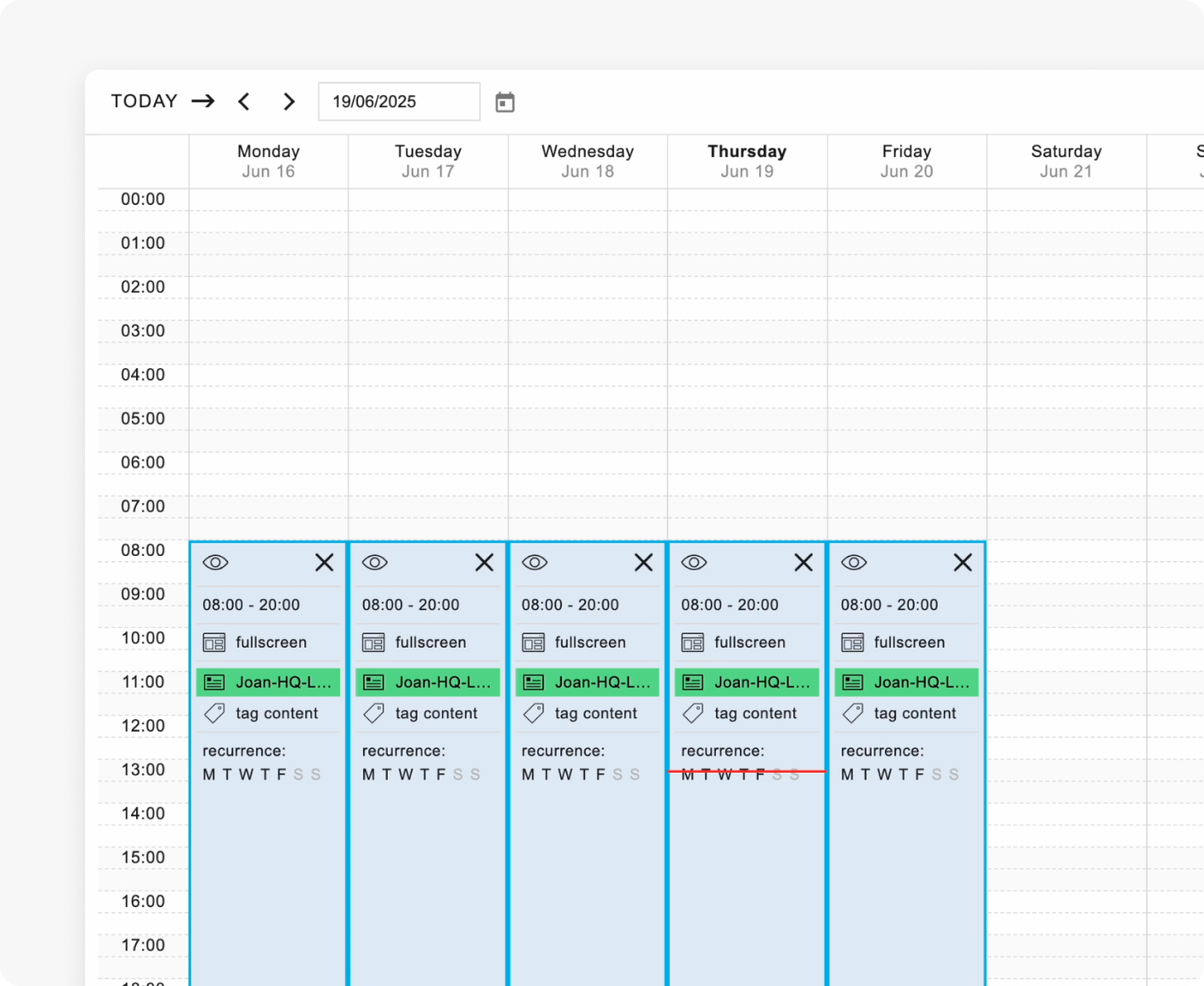
Joan solves this at the source. Every piece of content has a schedule and an end date. When it expires, the screen moves on automatically. No manual intervention, no stale slides left populating content, and never updated again.
And for the people who never see a screen at all, such as retail associates: anyone without a corporate email address, Joan bridges the gap with targeted content delivery to the displays they actually walk past.
simplify your workday
Before & After
Before Joan
A screen in the lobby shows last quarter’s campaign.
Nobody updated it. Nobody noticed.
An urgent message goes out by email.
The warehouse team doesn’t check email. The message never lands.
Each department uses different tools.
Each department manage screens with different tools. No one knows what’s live on any of them.
With Joan
Every screen shows the right message at the right time.
Scheduled content, automatically replaced when it expires.
Urgent alerts are seen in seconds.
Important alerts push instantly to every screen in the building.
One CMS for the whole organisation.
Every screen, every location, every team.

One system. Every screen. Every message.
Joan aims to streamline the workflow by removing redundant chores and tasks, letting people focus on the things that matter most.
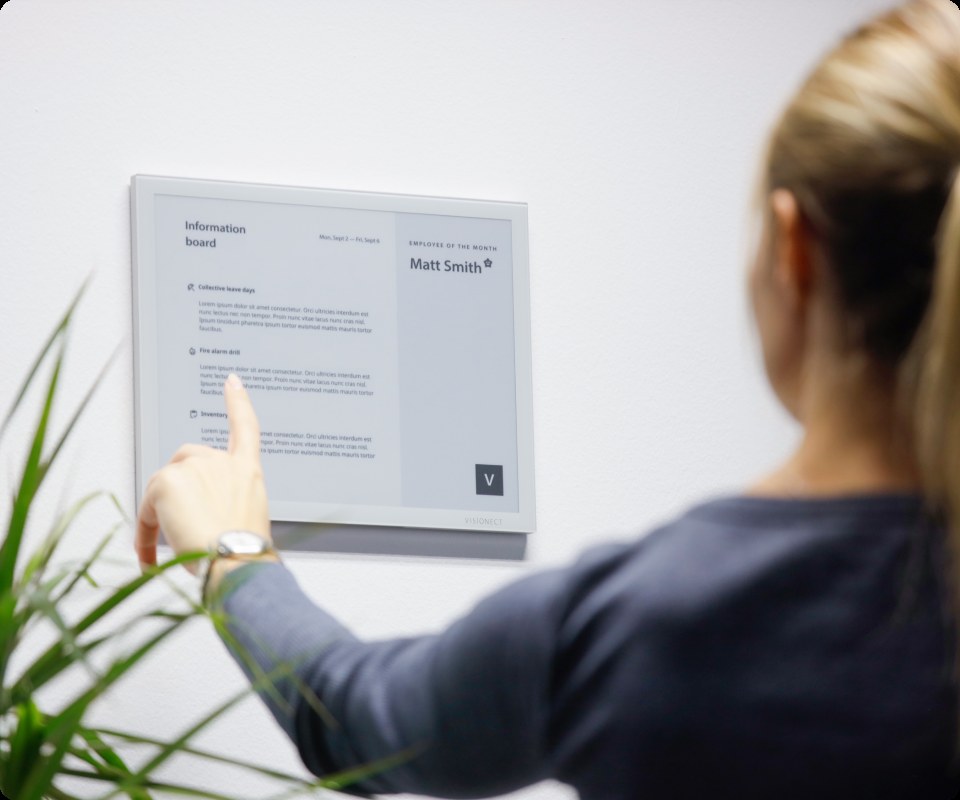
Internal communications
Company news, team updates, HR announcements, CEO messages. Displayed where people actually are, not buried in an inbox.
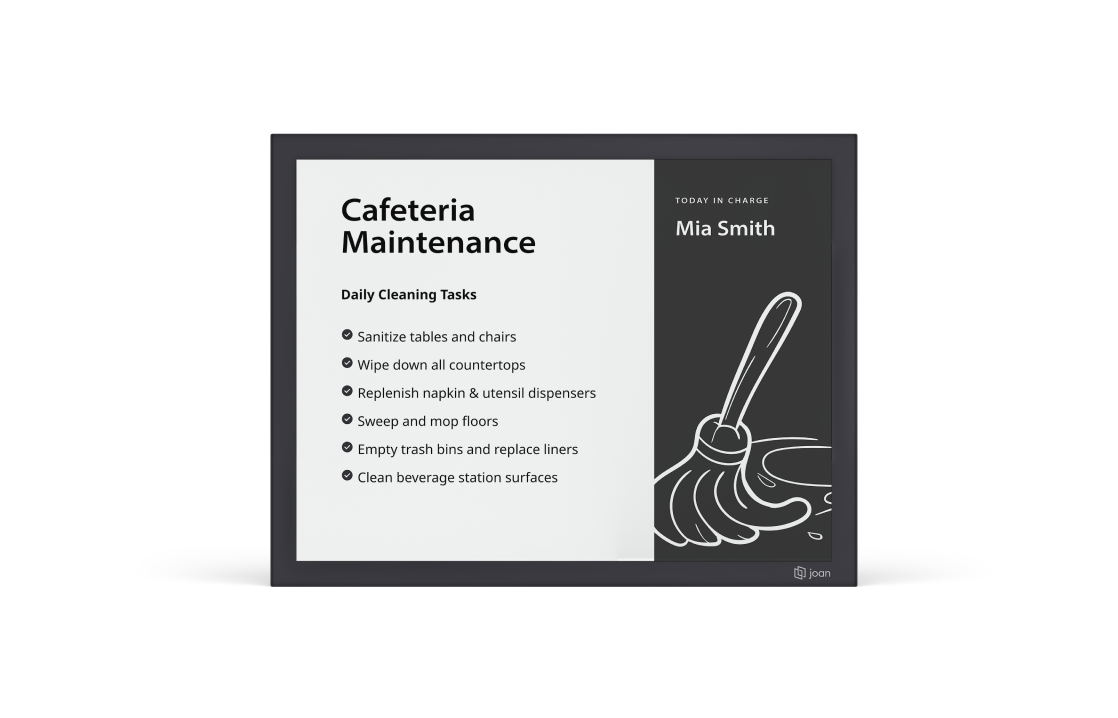
Operational notices
Facility updates, maintenance windows, safety reminders, shift schedules. The right message to the right floor or location automatically.
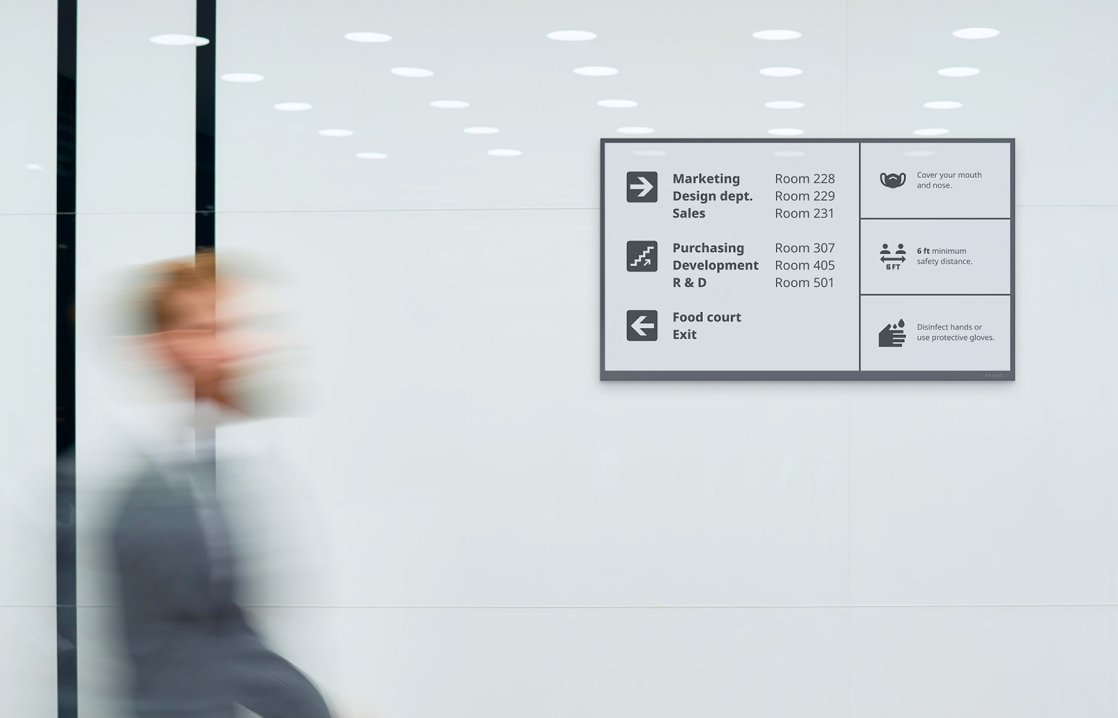
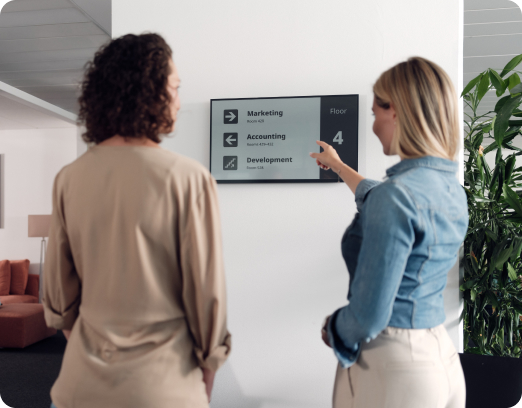
Wayfinding
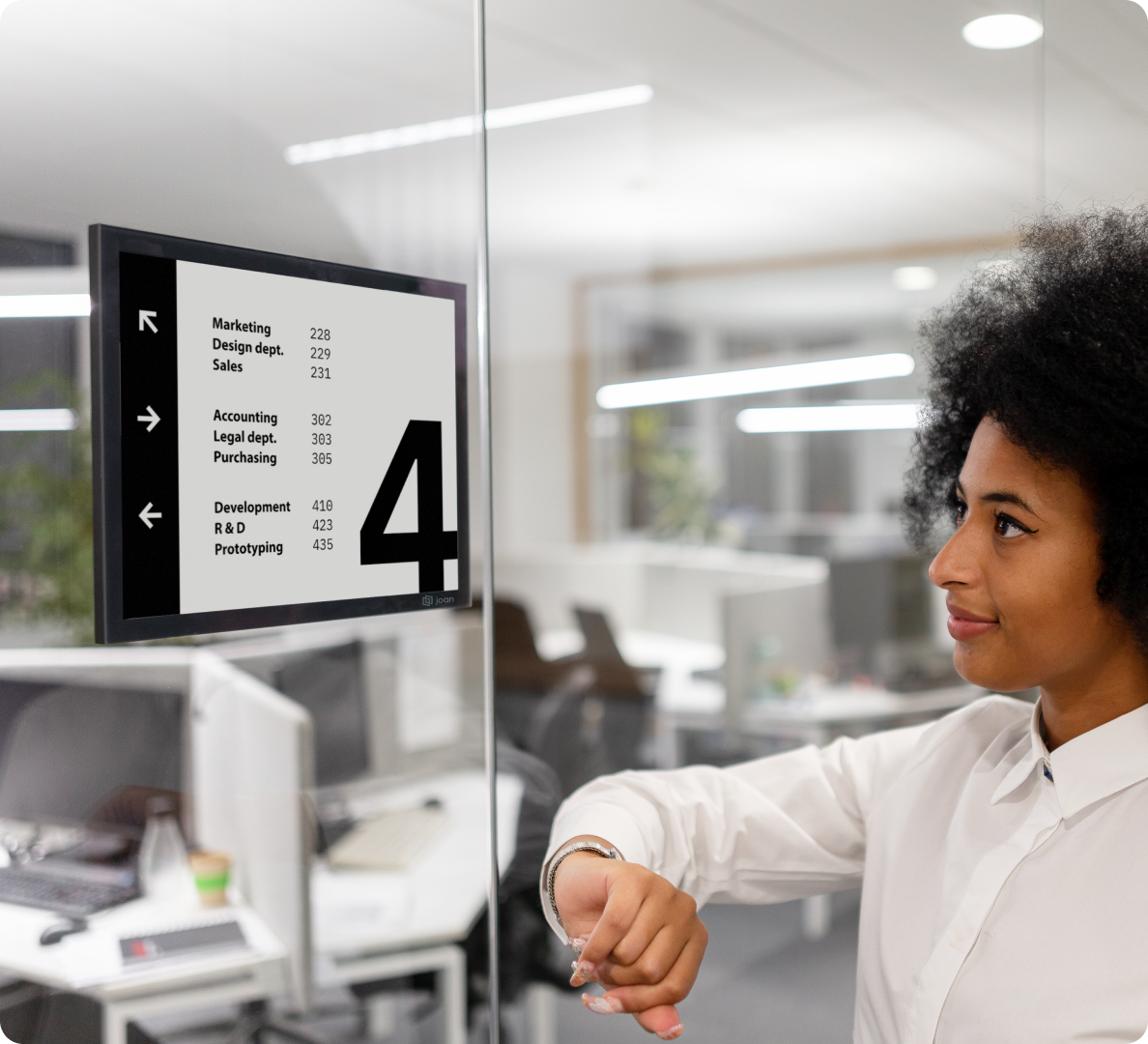
Floor directories, event signage, room signage. Helps visitors and new employees navigate without asking for help.
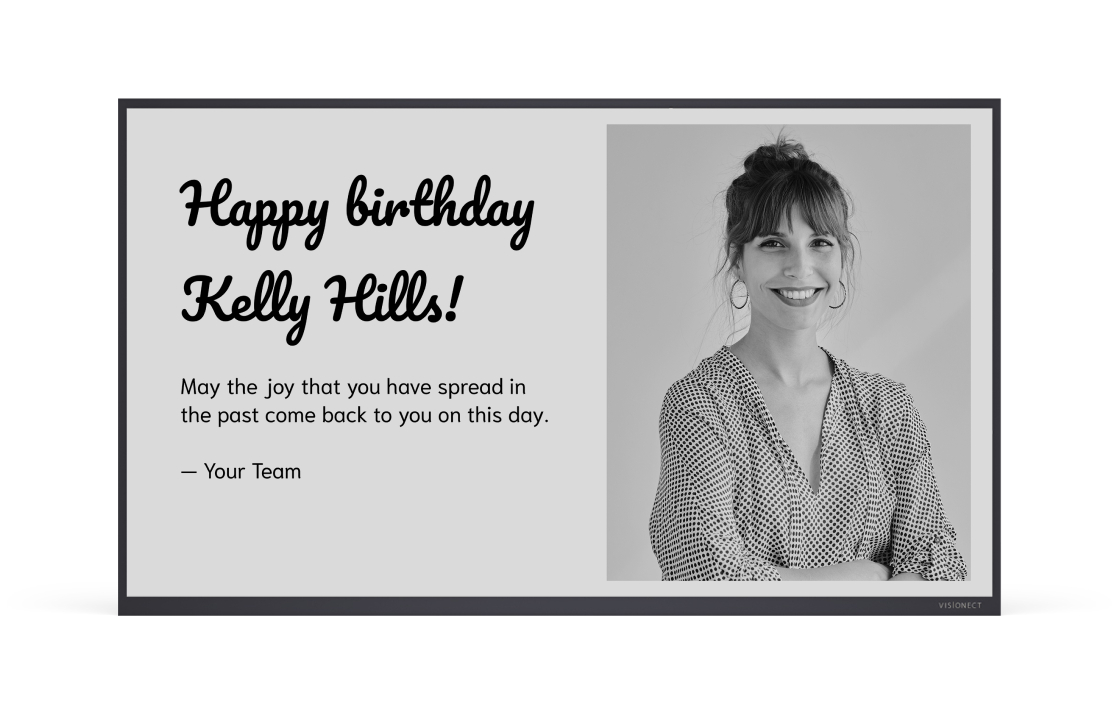
Event and marketing displays
Lobby screens, product launches, partner visits, brand moments. Schedule weeks in advance and it just runs.
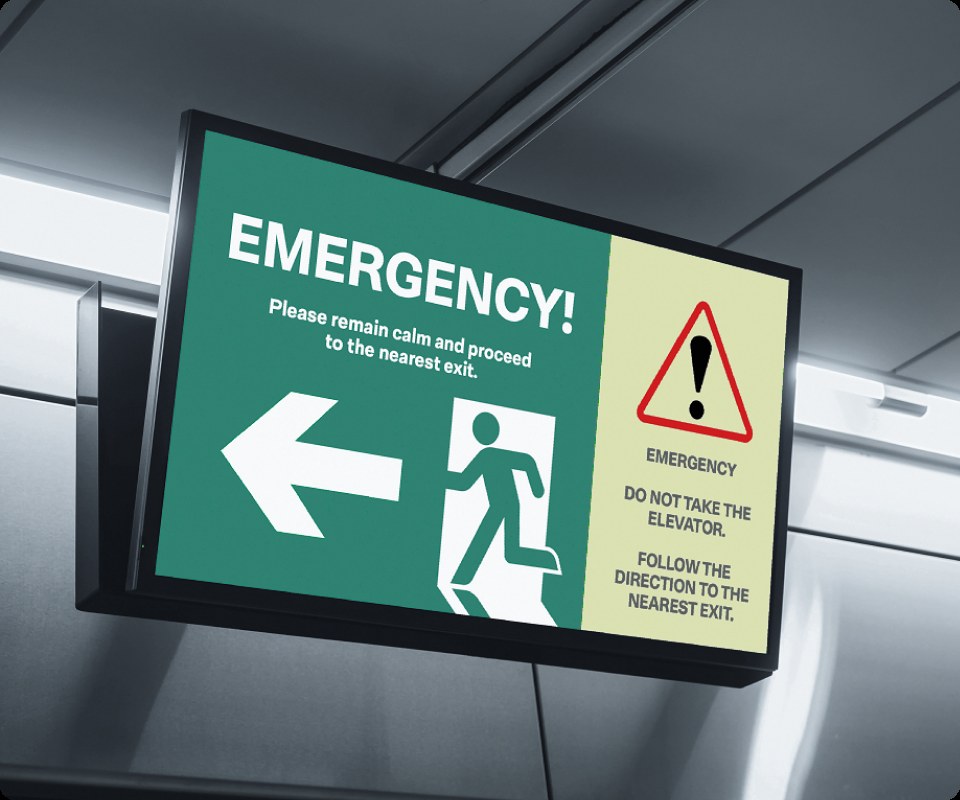
Emergency and safety alerts
Push a message to every screen in the building instantly. Override scheduled content. Seen before anyone checks their phone.
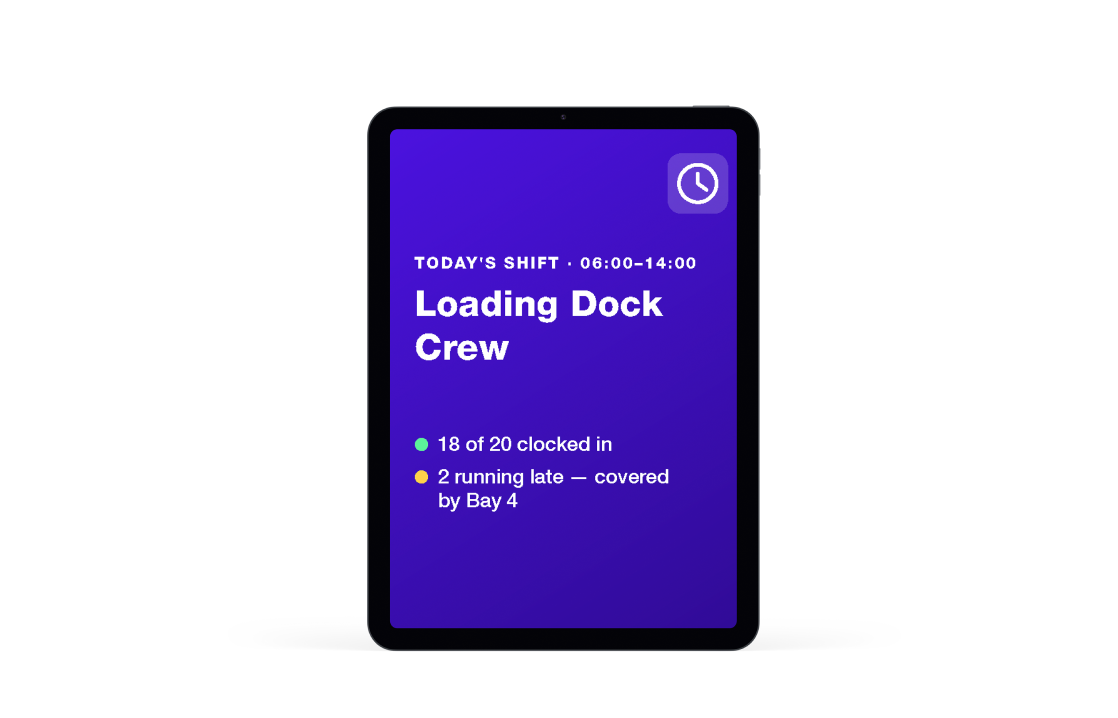
Deskless worker communication
Warehouse teams, retail staff, field operatives. The people who never open a laptop. Joan puts messages on the screens they walk past every day.
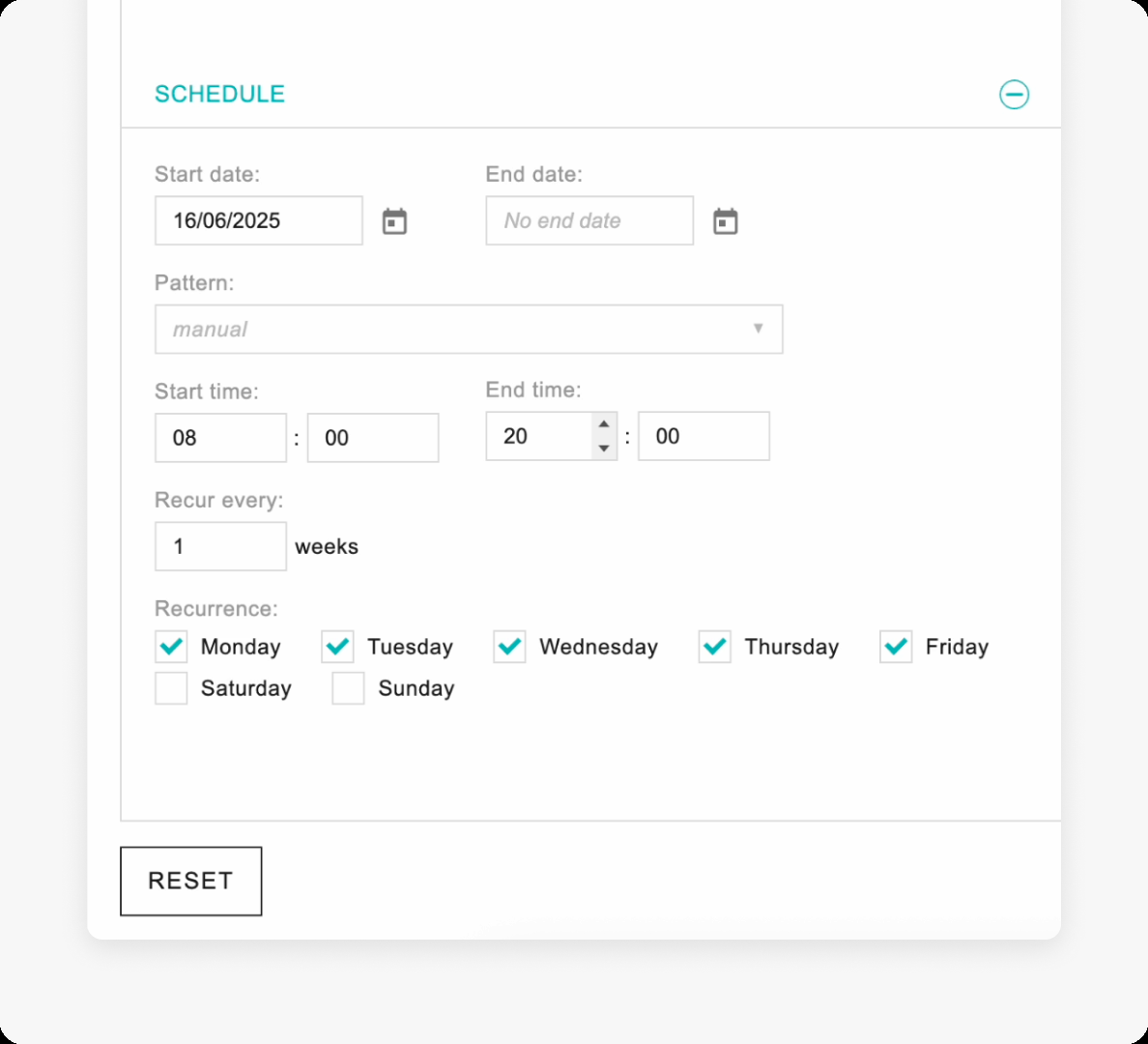
Regulatory notices. Audit-ready.
For organisations in regulated industries, workplace digital signage isn’t optional. OSHA safety notices, GDPR consent displays, food hygiene ratings, and emergency exit information all need to be visible, current, and verifiable.
Joan displays, built for the workplace.
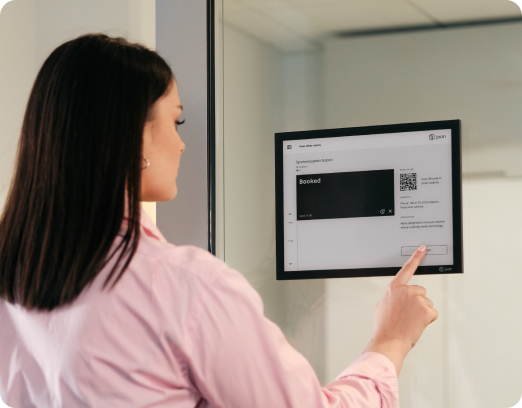
Joan’s own ePaper displays are a purpose-built upgrade for workplace content that doesn’t need to move: hallway signage, policy notices, department information, room labels, and wayfinding.

Battery-powered
No cables, no drilling. Deployed anywhere in minutes.

Always readable
E-ink is visible in any lighting, at any angle.

Energy-efficient
Power consumed only when content changes. Near-zero operating cost.

Designed to stay on
ePaper retains the last image with no power. Content governance means it shows the right thing, not whatever was last pushed.

Remote management
Update content on every ePaper display from the Joan CMS dashboard.
Everything a workplace communication team needs, without a specialist to run it.
Drag-and-drop editor
Build slides and playlists without design skills.
Scheduled publishing
Set start and end dates. Content goes live and expires automatically.
Template library
Branded templates ready to customise.
Content expiry
Stale content is removed on schedule. No manual cleanup.
Screen groups
Assign content to specific screens, floors, or all locations at once.
Multi-location management
One dashboard for every building and region.
Role-based access
Department heads control their own screens. Central IT controls everything.
Emergency alerts
Push urgent messages to every screen instantly, overriding scheduled content.
Any commercial display
Joan CMS runs on existing screens. No proprietary hardware required.
Remote device management
Monitor screen health and content status from the Joan dashboard.
Joan ePaper displays
Optional upgrade for permanent, low-energy workplace communication.

How to get started
1
Connect your screens
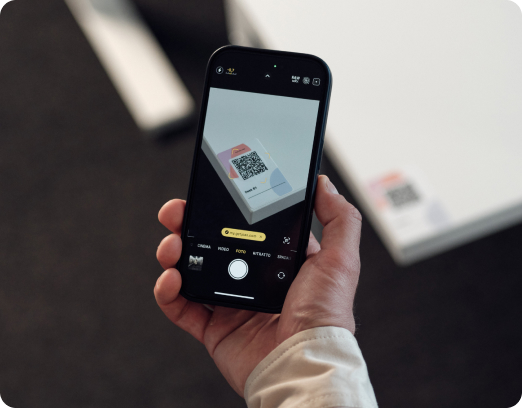
Install the Joan CMS app on any commercial display. Works with any screen you already have.
2
Build your content
Use Joan’s built-in templates or import your own. Drag, drop, publish.
3
Schedule and assign
Set start and end dates for every piece of content. Assign to specific screens, floors, or locations.
4
Let Joan run it
Content rotates on schedule. Expired content is replaced automatically. Managed in one place.
Two ways to put Joan content on your screens
Joan works the way your team works. Not the other way around.


JOAN SUBSCRIPTION
Simple pricing that grows with your space
Each screen or panel needs one Joan device license. Works for any digital signage use case.
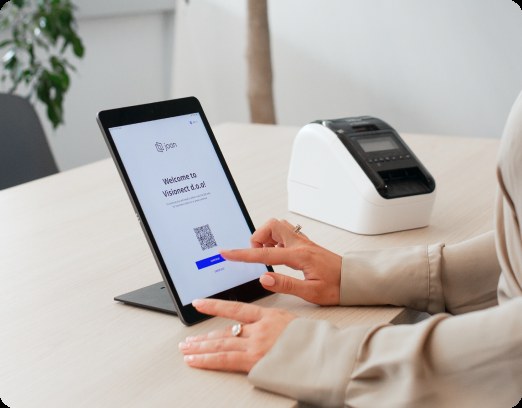
Joan connects digital signage with rooms, desks, and visitors. One platform.
Joan digital signage is part of a complete workplace platform. Everything managed from MyJoan Portal.
Digital signage
Bring clarity to any environment and help people easily find their way.
Still researching?
See which platforms actually make sense for your office
Pricing, features, and real comparisons across the most popular workplace platforms. Already done for you.
Trusted by workplace teams worldwide





What Joan users say.
The Joan Partner Portal gives Joan partners deal registration, pipeline tracking, marketing assets, product training, demo device requests, a pricing calculator, and a direct line to their partner manager.
The Joan team have been some of the most helpful, friendly and professional people I have ever had the pleasure of working with. No matter what needs to be done, there’s always someone ready with a solution. The focus on sustainability with Joan’s product lines is a great initiative that I think more companies should adopt. I especially enjoy the slick design and the simplicity in everyday use.
Joan has been a great partner for National Source AV Inc., offering one of the most complete workplace management portfolios on the market. From room booking, desk booking, visitor management, parking and asset reservations to workplace digital signage and their unique, industry-leading ePaper displays and e-badges, Joan provides our reseller and integrator partners with a simple, reliable, and sustainable way to address the evolving needs of hybrid workplaces.
Energy & Utilities: e.group
E.group’s meeting rooms had no status display at the door — checking availability meant going back to a computer, and booking from the corridor was not possible. Two companies, multiple locations, all coordinating through Microsoft Teams. Here’s how e.group did it with Joan.
Software: LBMX
Two workplace problems were creating unnecessary friction at LBMX: meeting room conflicts and an informal visitor process. Here’s how they brought both under one roof with Joan — simplifying room booking while creating a more structured, audit-ready visitor experience.
Technology & Consulting: BE-terna
BE-terna went from having 150% of the desks they needed to rethinking how their offices worked in a hybrid world. Here’s how they used Joan to make hybrid work easier to manage across Europe
4.5 out of 5 on G2 · 248 reviews
Happy users worldwide share their satisfaction with Joan solutions and devices every day. And here’s the proof.
The only room booking tablet an idiot like me could implement
Great Tool for Desk and Workplace Management
Makes people happy
Frequently asked questions
What is workplace digital signage?
Workplace Digital Signage is a solution that ensures important information is delivered in strategic, highly visible locations across your company on e-paper, LCD, or LED screens.
Everything you need to know about workplace digital signage
Workplace digital signage software manages the content displayed on screens across an office, warehouse, retail floor, or any multi-location estate. A workplace digital signage CMS handles scheduling, content expiry, screen targeting, and emergency alerts from a single dashboard. Joan adds role-based access so department heads manage their own displays, with IT maintaining central oversight. Unlike consumer screen-casting tools, purpose-built workplace digital signage platforms include content governance: every slide has a publish date and an expiry date, so screens always show current, approved content. Joan CMS works with any commercial display, making it compatible with existing hardware in most deployments. For permanent installations, Joan ePaper displays offer a battery-powered, cable-free option managed from a single dashboard, with role-based access controlling who can publish to which screens.
What are the benefits of workplace digital signage?
Workplace digital signage has great benefits to the workplace experience. It improves communication by displaying important updates and news for everyone to see. It’s also a great tool for engaging employees and enhancing the overall workplace atmosphere.
Plus, it helps with wayfinding, making it easier for employees and visitors to navigate the office. And with options for real-time updates, it ensures information is always current and relevant.
All in all, workplace digital signage helps ease operations and contributes to a more dynamic and connected office environment that boosts the workplace experience.
What is workplace digital signage used for?
Workplace digital signage can be used for displaying different kinds of messages such as:
1. Welcome messages: Displaying welcome information, notices, weather updates, and Wi-Fi passwords at building entrances and lobbies.
2. Employee messaging: Sharing company dashboards, celebration messages, and event announcements in reception areas and hallways.
3. Door signs: Displaying occupant names, titles, room numbers, etc.
4. Wayfinding: Providing real-time navigation assistance and interactive maps in building entrances and near workspaces.
5. Emergency information: Displaying evacuation routes and emergency contacts throughout the office to ensure safety.
6. Guidance displays: Offering instructions and rules of behavior in meeting rooms and common areas.
7. Corporate catering: Showcasing daily menus and meal-related information in cafeterias and lobbies.
Who can edit the content on the workplace digital signage?
Content on the digital signage can be edited through a CMS by those who have the permissions. Some users can only view the content, whereas others can add, edit and schedule the content. Usually, this includes admins and certain team members tasked with managing the displays. Our workplace digital signage system lets you set specific permissions, so you can make sure only the right people can update the content.
Does Joan workplace digital signage work with our existing screens?
Yes. Joan CMS runs on any commercial display. You don’t need to replace your existing hardware. Install the Joan app on an external player or smart display and connect it to the CMS.
Can different departments manage their own screens?
Yes. Joan’s role-based access lets department leads publish content to their own screens while central IT or communications teams maintain oversight of the full estate. Each screen can have its own content manager.
How do we prevent screens from showing outdated content?
Every piece of content published through Joan has an expiry date. When it expires, the screen automatically moves to the next scheduled item. Nothing stays on screen past its end date without deliberate action.
Can Joan display signage be placed near rooms without showing room status?
Yes. Joan digital signage works independently of room booking. Screens in corridors, lobbies, and meeting areas can display any content you choose through the CMS, with no connection to room availability data.
Can we push urgent messages to all screens at once?
Yes. Joan’s emergency alert feature overrides scheduled content on every screen in your estate instantly. Useful for safety notices, building-wide announcements, or time-sensitive operational updates.
What are Joan ePaper displays and why would we use them?
Joan ePaper displays are battery-powered e-ink screens for permanent workplace content: hallway signage, department notices, room labels, wayfinding. They use almost no energy, require no cables, and are remotely managed from the same CMS as your LED screens. The value is governance: because Joan controls what’s on every display, stale content doesn’t accumulate.
Does workplace digital signage require any special installation or hardware?
Digital signage systems typically need displays for hardware (whether it’s LCD or e-paper), media players, and a content management system (CMS) that runs on the display. You’ll also need Wi-Fi access for smooth device configuration. But overall, workplace digital signage doesn’t require any special installations—just a screen to cast the content.
What is the difference between using a direct link and the Joan CMS for Joan On Displays or shareable floor plans?
A direct link opens the Joan visual overview in a browser and is the fastest way to show it on a single screen. The CMS route adds that content to a playlist, where it can be combined with other media, scheduled, and pushed to multiple screens at once. Use the direct link for simple setups; use the CMS when you need multiscreen distribution or content mixing.
Is there a free trial?
Yes. 30 days, no credit card required. Connect your screens, build your first playlist, and test the CMS with your real team before committing.