19 Aug 2026
Joan AI in Microsoft Teams: What It Does and How to Set It Up
We’ve brought Joan into the place your team already spends its day. Joan AI is now available in Microsoft Teams: a workplace assistant you talk to like a colleague, handling your whole in-office day from a single chat. Book a desk, reserve a room, sort parking, register a visitor, check a device, or get a quick office answer, all without leaving Teams.
Joan began on the meeting-room door: a simple display showing whether a room was free. From there we grew into desk booking, visitor management, and asset reservations, one platform for the whole workplace. Joan AI follows from that. Instead of opening an app for each task, you just ask.
What you can ask Joan
Message Joan the way you’d message a teammate:
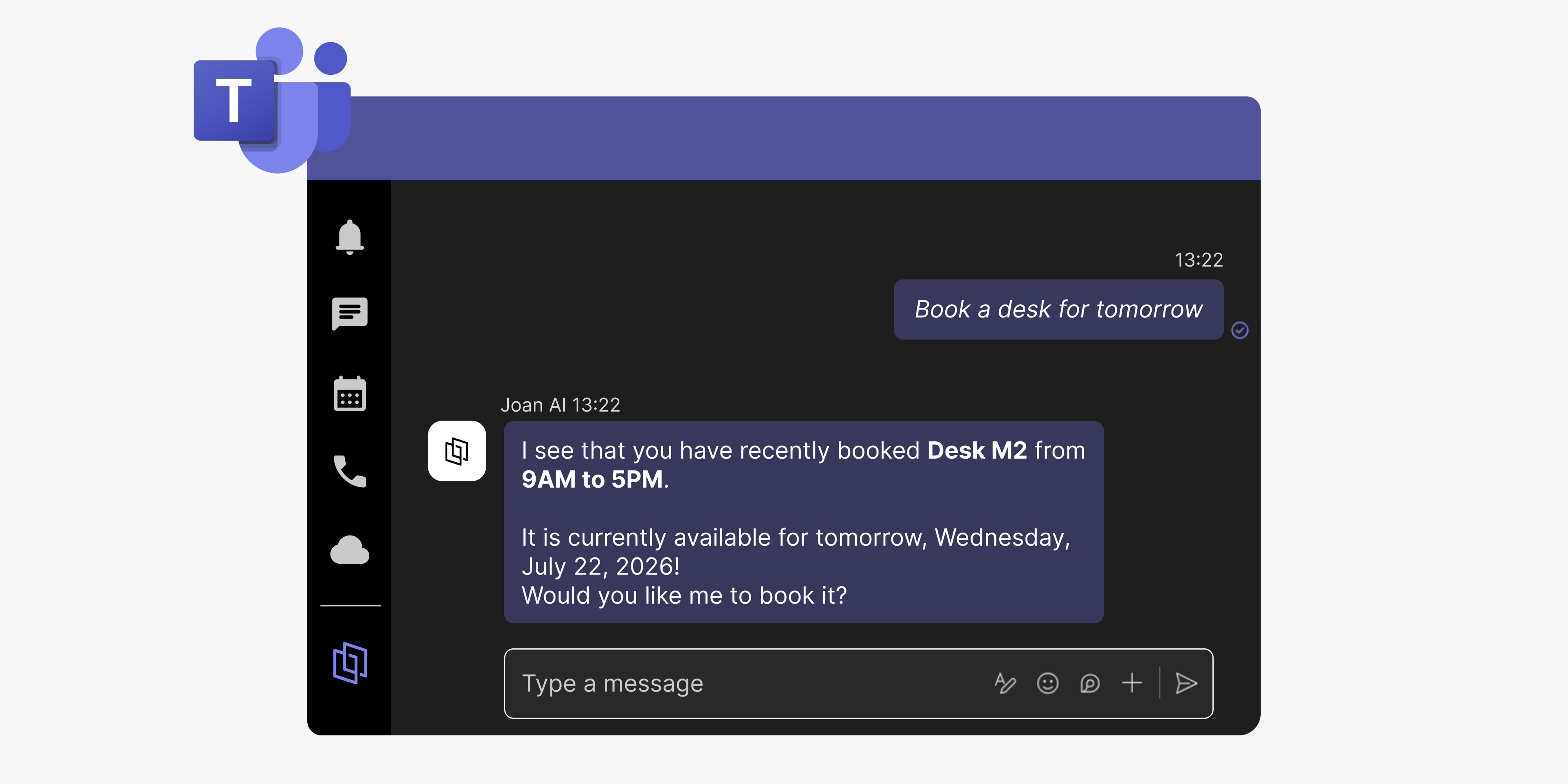
- Desks & rooms — “Book a desk for tomorrow.” / “Is the Boardroom free at 2 PM?”
- Colleagues — “Where is Ana sitting today?”
- Parking & assets — “Book a parking spot for Tuesday.” / “Any lockers free?”
- Visitors — “Register a visitor for 10 AM tomorrow.” / “Has my guest checked in?”
- Devices — “Any Joan devices low on battery or offline?”
- Quick answers — “How do I restart a Joan 6 Pro?” / “What’s new in the office?”
Joan doesn’t just tell you how. It does it. Ask, and it’s handled.
Setting it up
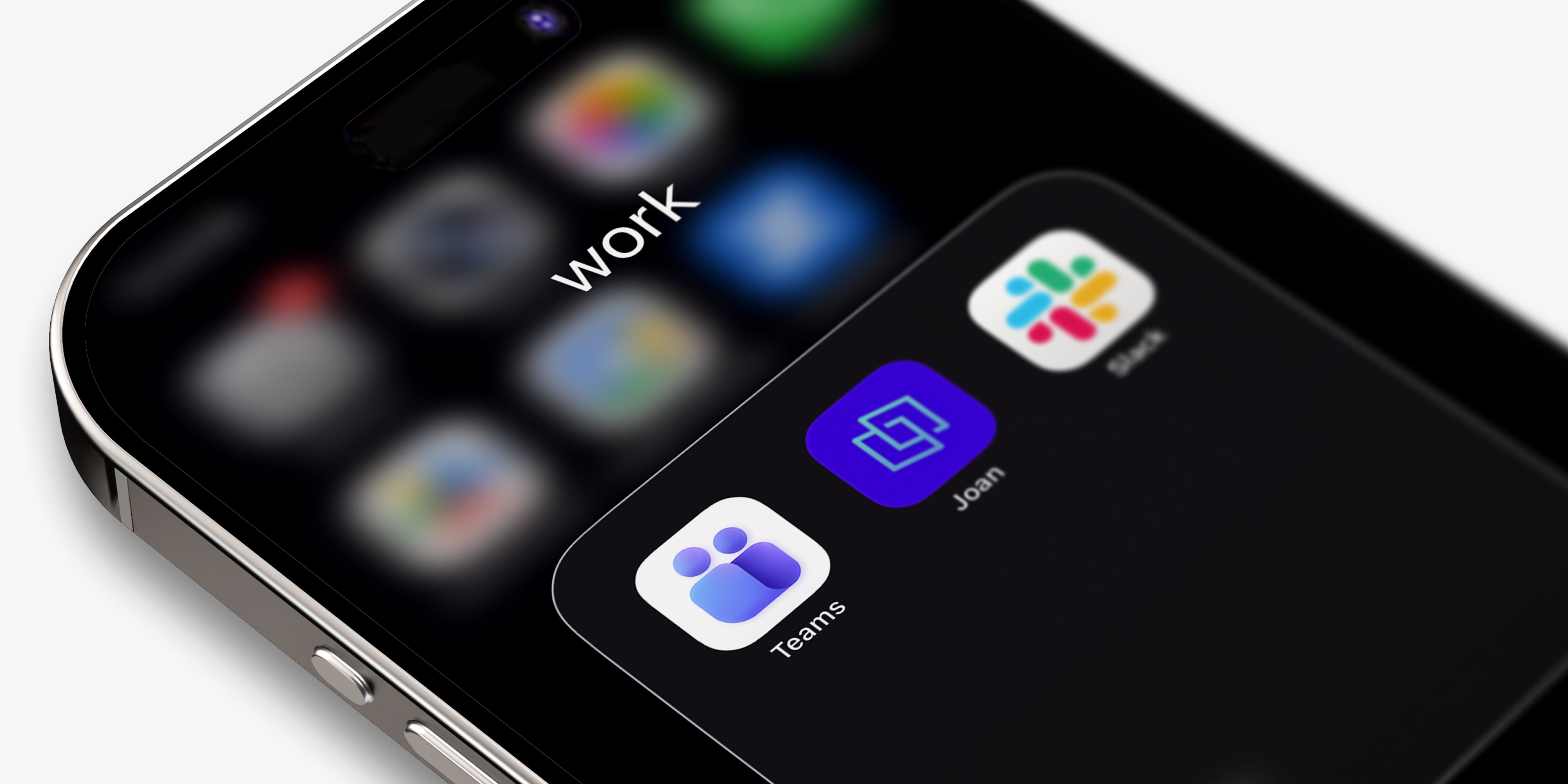
- Go to the Microsoft AppSource marketplace and add Joan AI to your organization (a one-time setup).
- Once enabled, anyone on the team can open a direct chat with Joan in Teams, just like a 1:1 with a colleague.
- Start asking. No training, no onboarding.
Joan AI works via direct messages in Teams; channel chat isn’t supported. You’ll need an active Joan subscription
Not a Joan customer yet? Start a free trial.
Already a Joan customer? Ask your admin to switch on Joan AI in Teams and you’re set.
Add Joan AI in Microsoft Teams →
Tell us what you’d like next
Joan AI keeps gaining new capabilities, and your feedback shapes what we build. What are you asking it that it can’t do yet? Contact us, message us on LinkedIn, or reach out to your account manager. We read everything.