30 Sep 2026
Microsoft Teams, five touchscreens, no training required
E.group is an Italian group with two companies inside it. Enetec handles the research, development, and industrial production of components for radiant systems. Eurotherm handles the consultancy and on-site support for complete installations. The teams work from different locations and coordinate daily through Microsoft Teams.
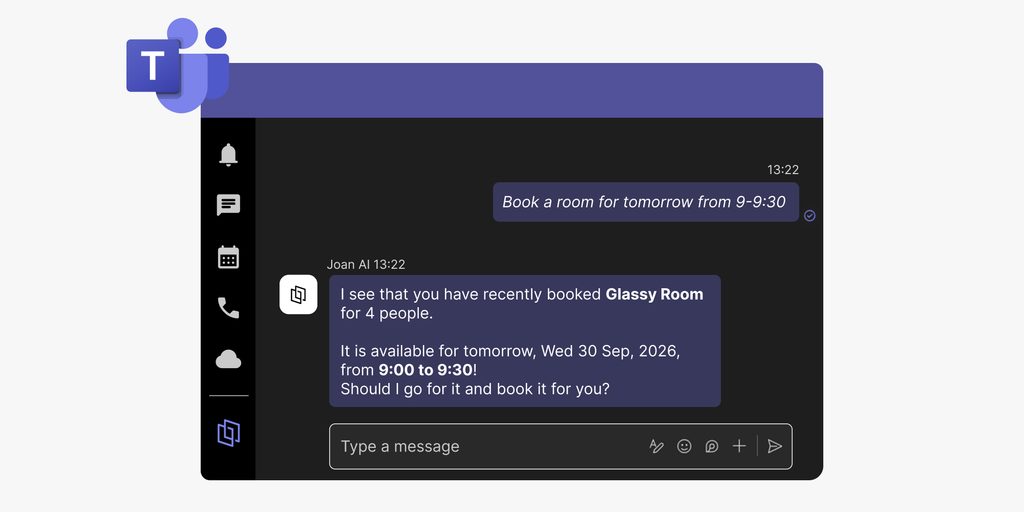
When Fabio, Head of Digital Transformation, started looking for a room booking solution, that single fact set the terms: whatever they chose had to work inside Teams.
Room booking before Joan
People could not easily tell which rooms were free. Reservations had to be made from a computer. There was nothing at the room entrance to check. “It was not always easy to know which rooms were available or to manage bookings directly from the meeting space,” Fabio says.
The requirement, then, was not a sophisticated feature set. It was a simpler question: can someone standing at the door of a room find out whether they can use it, and book it if they can?
Why the Microsoft365 integration was decisive
Two features pushed Joan ahead of the alternatives. The integration with Microsoft365, and the touchscreen at the room door.
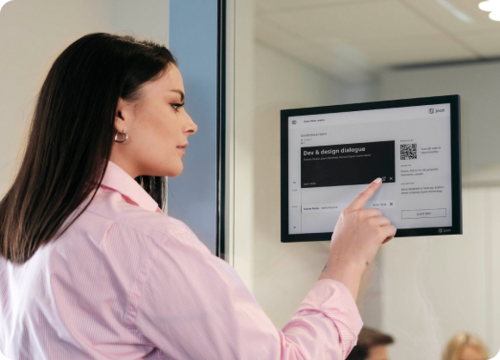
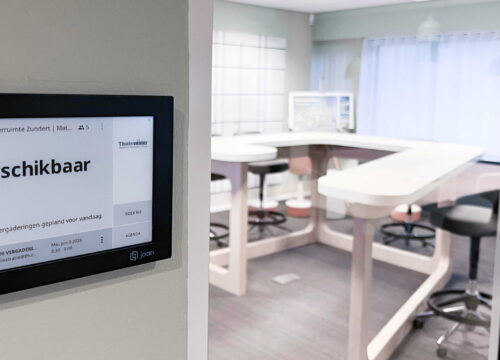
They are not redundant. Booking from a computer through Microsoft365 (predominantly Outlook)covers the planning side: a meeting is scheduled in advance, the room is reserved at the same time, no extra step. The Joan 6 Pro touchscreen outside each room covers the other moment: someone is already in the corridor, sees a free hour on the display, and makes the reservation on the spot.
“The integration with Microsoft365 was one of the main reasons we chose Joan,” Fabio says. Five devices, installed one per meeting room, reflect the booking calendar in real time.
Adoption without a training session
The third thing that mattered was how quickly people got it. “Joan is easy to understand and use, without requiring complicated procedures or extensive training,” Fabio says. The interface is clear enough that someone encountering it for the first time can check availability and book a room without asking for help.
That turned out to matter in practice. The transition did not require a formal rollout process. People picked it up from use.
What changed
Two things shifted after the installation. Room status became visible. And booking became something that could happen from two places instead of one.
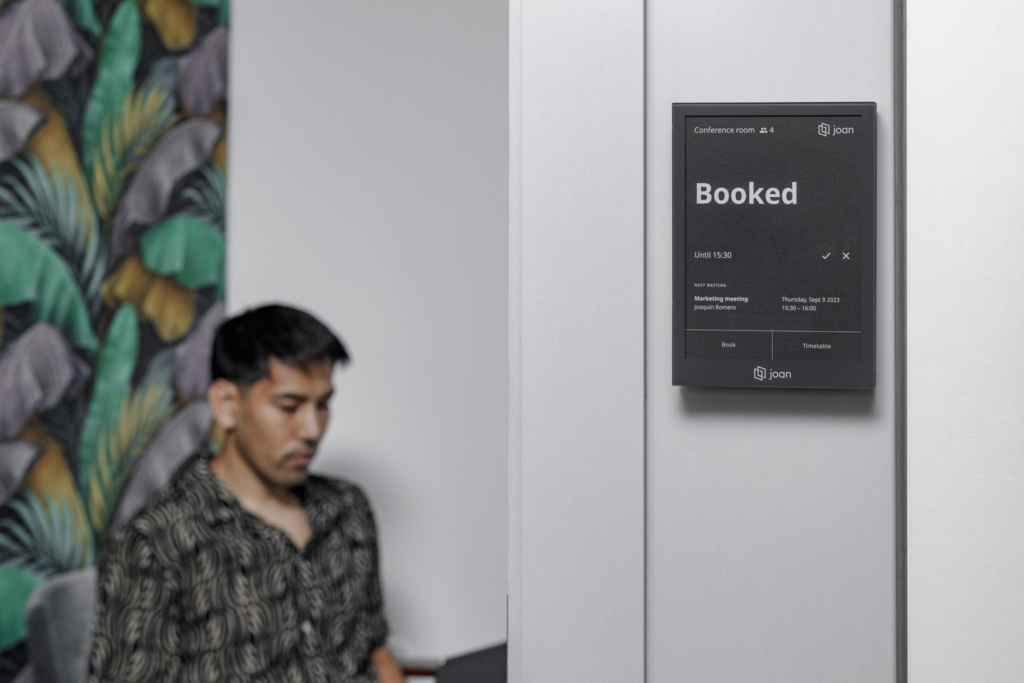
Before, knowing whether a room was free required opening a calendar on a computer. Now, anyone walking past can read the status from the display on the wall. Fabio describes the result directly: “The solution has also made the status of our meeting rooms more visible and helped reduce uncertainty around room availability.”
The booking change follows from that. A reservation made in Outlook shows on the door display. A reservation made on the door display shows in Outlook. Both update the same calendar. “Booking a meeting room has become much more straightforward,” Fabio says.
The right fit
Companies already working in Microsoft365, with shared offices or multiple rooms. “It is particularly suitable for organisations with shared offices, multiple meeting rooms or hybrid working models, where it is important to make room availability immediately visible and simplify the booking process.”
The combination is specific to that setup. A team that does not use Teams would miss most of what makes Joan work at e.group. A team with one meeting room and no scheduling pressure would not need the touchscreen. The fit is for a multi-room environment where people coordinate through Microsoft365 and need availability to be readable without opening a laptop.
“Joan has made meeting-room management much simpler for our people. The integration with Microsoft365, combined with the touchscreen outside each room, gives us a clear and intuitive way to check availability and book a room exactly where and when we need it.”
— Fabio, Head of Digital Transformation, e.group
Ready to simplify your meeting-room management?
If your team uses Microsoft 365 and wants a simpler way to see, manage, and book meeting rooms, we’d be happy to help.
Get in touch with us to discover how Joan can fit your workplace and make room booking easier for everyone.