30 Oct 2026
Custom ID badges for employees
An off-the-shelf badge identifies a person. A custom one identifies them as yours, carrying your logo, your access rules, and the exact information your building runs on. For any workforce above a handful of people, that difference is the point of having badges at all. The question is not whether to customize them, but how far, in what format, and through what process.
This guide covers custom ID badges for employees from the decisions that actually matter: what you can customize on a badge, the choice between printed cards and dynamic screens, and how to create and order a program without ending up with a drawer of outdated plastic. It is written for the person speccing a badge program, not for someone designing a single card, so it points to our dedicated design and elements guides where that depth belongs.
Quickly jump to:
- What are custom ID badges for employees?
- What you can customize on an employee ID badge
- Printed vs. dynamic (ePaper) custom badges
- How to create and order custom employee ID badges
- Custom badges beyond employees: visitors, and events
- Best practices for a custom badge program
- Custom employee badges with Joan
- Frequently asked questions
TL;DR
Customizing an employee badge comes down to three core choices: visual layout (branding and design), embedded functionality (data and access credentials), and physical medium (printed plastic vs. a dynamic digital display).
Standard printed badges lock in these choices at the time of printing. In contrast, Joan ePaper badges bring flexibility to each area, allowing you to adapt displayed details wirelessly whenever roles or requirements evolve, eliminating the need for card replacements.
What are custom ID badges for employees?
A custom ID badge is an employee credential built to your organization’s specification rather than bought as a generic card. Customization usually spans three areas: the visual design (your logo, colors, and the layout of the photo and text), the data it carries (the employee’s details, plus any encoded credential for doors and check-in), and the physical form (size, material, and how it is worn).
Customizing matters more for a workforce than for a one-off card, for three practical reasons. It is a trust signal: a badge carrying a clear company logo is harder to fake with a home printer and more credible to a visitor or client on site.
It is functional: a custom badge can encode the exact access a role is entitled to, so the same card that shows who someone is also opens the doors they should reach. And it creates cohesion: contractors, part-timers, and full-time staff all wearing one coherent credential read as a single workforce rather than a crowd.
Throughout this guide, “custom ID badge” means a workplace employee credential. The same principles extend to visitors and events, which we cover near the end, but the student cards, membership passes, and novelty IDs that share the phrase are a different problem with different rules, and they are out of scope here.
What you can customize on an employee ID badge
It helps to see customization as a menu rather than a single choice. Each item below is something you decide deliberately, and each one fails differently when it is skipped.
Branding and visuals
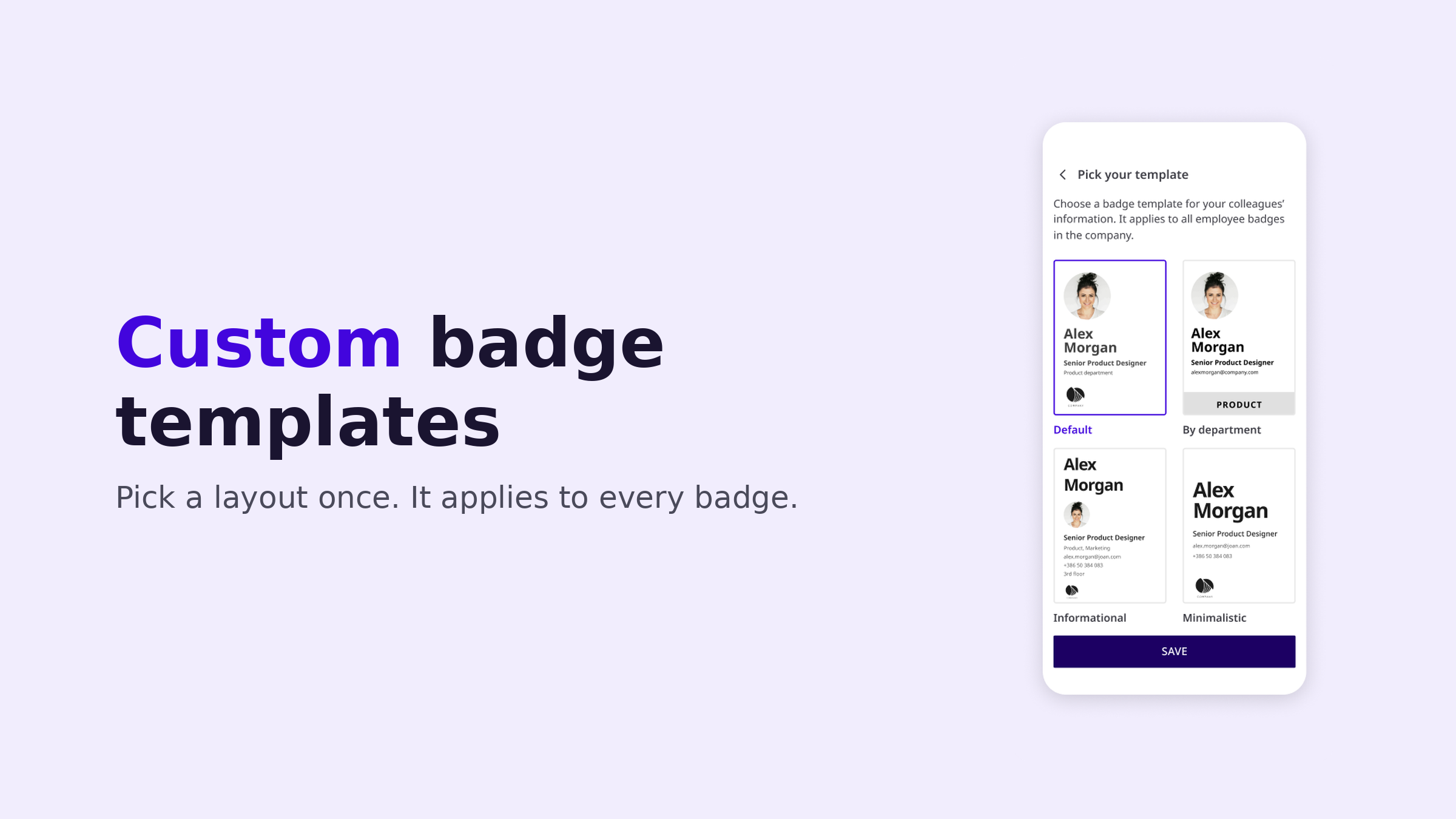
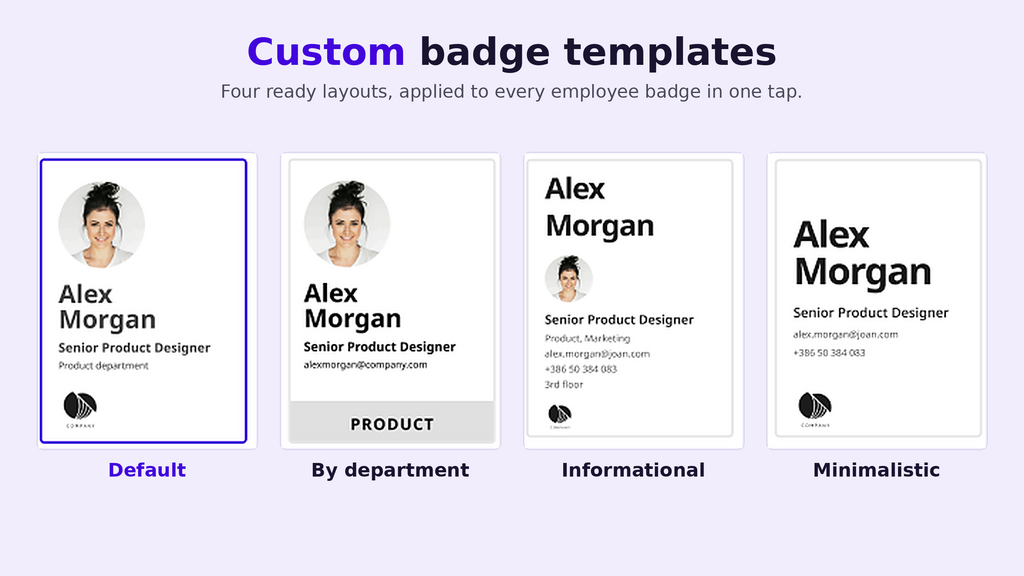
Your logo, brand colors, the placement and size of the photo, and the overall layout are what make the badge unmistakably yours. This is the most visible layer and the one most people picture first, but it is also a craft of its own: hierarchy, typography, contrast, and restraint. We keep that depth in the employee badge design guide rather than repeating it here; as a customization decision, the rule is that branding should identify the badge, not decorate it into clutter.
Information fields
The name, job title or department, and a unique employee ID number are the fields a person and a system read off the badge. Which ones you show, and how prominently, is a customization choice with real consequences: titles change often, departments less so, and the ID number is what ties the badge to an auditable record. Our employee badge elements guide is the field-by-field reference for what to include and what to leave off.
Access and data
Most workplace badges carry an encoded credential the eye never sees: an RFID or NFC chip for doors and turnstiles, or a QR code for time-and-attendance and check-in. Customizing this layer means choosing a chip that supports modern encrypted credentials rather than easily cloned legacy formats, and deciding what each code actually encodes. The smart badge technology page covers how this works on a Joan badge.
Physical form
Size, material, orientation, and the lanyard or clip are easy to treat as afterthoughts and expensive to get wrong. The near-universal standard is the CR80 / ID-1 format from ISO/IEC 7810, 85.6 by 54 millimetres, the footprint of a credit card, because standard holders, lanyards, and printers all fit it. Material sets the badge’s lifespan: PVC with a protective laminate for a printed card, or electronic paper for one that can be rewritten.
Dynamic customization
Here is the item most badge programs never get to choose, because printed cards cannot offer it: customizing the badge after it is issued. On a rewritable screen, every field becomes data you edit centrally, so a promotion or a name change updates the badge on the person’s chest instead of triggering a reprint. This is the Joan difference, and it reshapes the whole program, so it gets its own section below.
Printed vs. dynamic (ePaper) custom badges
The single biggest decision in a custom badge program is the format, because it sets the cost and effort of every change that follows. Both formats are legitimate; they suit different situations.
A printed PVC card is the familiar default. You design a template, print the cards, and the badge is done. It is simple and cheap for a population that almost never changes. Its weakness is that every element is frozen at print time. When a title changes, someone moves departments, the company rebrands, or a badge is lost, the only answer is to print a new card, a cost and a delay, and a stretch of time where the badge someone is wearing is quietly wrong.
A dynamic ePaper badge inverts that. The badge is a low-power screen, and its content is data pushed to it wirelessly. The upfront hardware costs more than a sheet of PVC, but changes are free and instant, the badge is reusable rather than disposable, and the information on it stays true without anyone visiting the facilities desk. For a workforce that hires, promotes, and reorganizes, which is most of them, the running cost and accuracy usually favour the dynamic badge over any meaningful time horizon.
How to create and order custom employee ID badges
However you customize them, there are three routes to getting badges into employees’ hands, and they differ mostly in who carries the ongoing work.
A managed dynamic platform
A system like Joan pulls each employee’s details from your directory and renders them onto reusable ePaper badges that update wirelessly. There is no template to reprint when details change, and a departing employee’s badge is cleared and reassigned rather than replaced.
A third-party print service
You send a design and a roster to a vendor who prints and ships the cards. Setup is light and the per-card cost is predictable, which fits a one-time rollout or an organization that would rather not run a printer. The cards are still static, so every later change means another order.
In-house printing
You buy a card printer, design software, and consumables, and print badges yourself. It gives you full control and fast turnaround for new hires, and it suits organizations that reissue often and want the capability on site. The trade-off is that you own the whole treadmill: printer maintenance, ribbon and blank-card stock, and a reprint for every change.
Custom badges beyond employees: visitors, and events
The elements that make a good employee badge, a photo or name, a role indicator, an access credential, a clean layout, are largely the same ones that make a good visitor or event badge. That is why running three separate badge systems to produce them is wasteful. The same customized hardware can serve each case, with the data source and the operating model changing rather than the device.
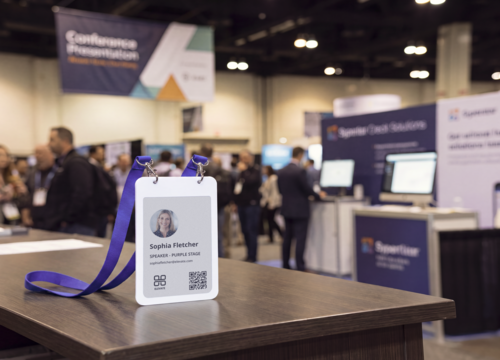
The badge that carries an employee’s identity from your directory also writes itself at a reception desk as a visitor badge, and pools into a reusable set of event badges for a conference or company day.
One point of clarity worth setting now: a custom ID badge is not the same thing as a name badge. An ID badge verifies identity and usually carries access; a name badge is the front-of-house credential whose job is simply to show who someone is. They overlap, but they answer different needs, and a workplace often wants both.
Best practices for a custom badge program
A few principles keep a custom program secure and usable rather than merely good-looking.
Separate what you print from what you encode. Sensitive or system-specific data belongs in the chip or a coded identifier, not in plain text on the card face. Printed fields should identify a person to other people; encoded fields should identify the badge to your systems.
Leave off anything genuinely sensitive. A home address, a personal phone number, a national ID number, or a date of birth has no place on a card that can be photographed across a room or found on a train seat.
Design for every reader. High contrast between text and background, large and unfussy type, and never relying on colour alone to carry meaning are the cheapest elements to get right and the most often skipped; always pair a colour-coded access tier with a word. Our elements guide has the full checklist.
Keep the information true. The hardest part of any badge program is not making the badge; it is keeping what the badge says accurate as people change roles. That is exactly the problem a dynamic badge turns into a non-event.
Custom employee badges with Joan
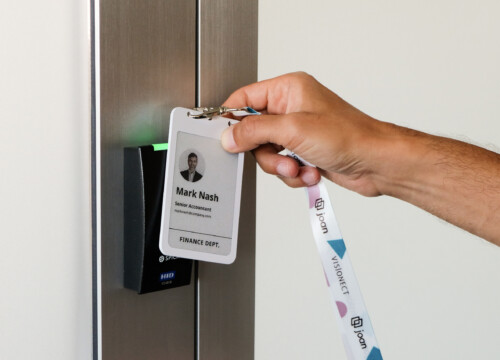
Joan ePaper badge is built around the idea that a custom badge’s content should be data, not ink. Each badge is a four-inch electronic-paper screen, the same technology as an e-reader, that holds a crisp image with no power draw and only sips energy in the instant it redraws, so it keeps its image for a full workday and recharges on a standard Qi pad.
Every visible field is pulled from your employee directory and updated over Bluetooth, so customizing a badge means editing a record, not printing a card. The badge holds up to six screens the wearer cycles through with a button on the back, which means the identity fields, a QR code, a desk or room booking, and emergency information no longer have to fight for one crowded surface. It shows four colours (black, white, red, and yellow), enough to make an access tier or a brand accent read clearly across a room. For access control, each badge carries an NFC chip, an NXP MIFARE DESFire EV3, that your system can key with its own encrypted credentials.
Because the badge is reusable and reassignable rather than printed and discarded, a lost or departing-employee badge is cleared and reissued instead of landing in a drawer. The same hardware and admin tooling also cover visitors and events, so one platform handles every badge your building issues. You can see how it works on the smart badge technology page, or look at the employee badges themselves.
A custom employee badge carries a surprising number of decisions in a small object: how it looks, what it encodes, how it is worn, and how it is made. Get them right and the badge disappears into the background, which is what a good credential should do. The quiet shift underneath all of it is that customization no longer has to be permanent. When a badge is a rewritable screen rather than a printed card, every custom field becomes something you set once and the badge keeps current on its own, which turns the hardest part of a badge program, keeping it true, into a non-event.
If that is the direction your workplace is heading, take a look at Joan employee badges, explore the shared badge platform behind employees, visitors, and events, order a badge to try it for yourself, or talk to the Joan team about a program for your building.
Frequently asked questions
How do I make a custom ID badge for my company?
Decide the elements first: photo, name, title or department, company logo, employee ID, and any access credential, then choose a format. For printed cards, you design a template and print them in-house or through a service, reprinting whenever something changes. For a dynamic program, a platform like Joan pulls the fields from your employee directory and renders them onto reusable ePaper badges that update over the air. The right route depends on how often your badge details change and how many people you are badging.
How much do custom employee ID badges cost?
Printed PVC cards are cheap per unit but carry recurring costs for a printer, consumables, and a reprint every time a detail changes. Dynamic ePaper badges cost more per unit upfront but remove the reprint cost entirely, since changes are made over the air and the hardware is reused. The real comparison is total cost over time for a workforce that changes, not the price of a single card.
Can custom ID badges include access control?
Yes. Most workplace badges embed an RFID or NFC chip that an access-control system reads to open doors and turnstiles. The important choice is a chip that supports modern encrypted credentials rather than legacy formats that are easy to clone. Joan’s badge includes an NXP MIFARE DESFire EV3 NFC chip for this.
Which one is better: printed or digital custom badges?
Printed cards suit small populations whose details almost never change. Dynamic ePaper badges suit workforces that hire, promote, and reorganize, because the information stays current without a reprint and the hardware is reused rather than discarded. Match the format to how often your badge information changes.
Can I update a custom badge after it is issued?
On a printed card, no, a change means a new card. On a dynamic ePaper badge, yes: every field is data you edit centrally, and the badge updates itself wirelessly, so a title change or a new last name is reflected without reissuing anything.
What is the difference between a custom ID badge and a name badge?
A custom ID badge verifies identity and usually carries an access credential and an employee ID. A name badge is the front-of-house credential whose main job is to show who someone is, common in retail, hospitality, and at reception. They overlap, and the same reusable hardware can serve both, but they answer different needs.