
Preview JOan
See Joan in Your Office Before You Buy
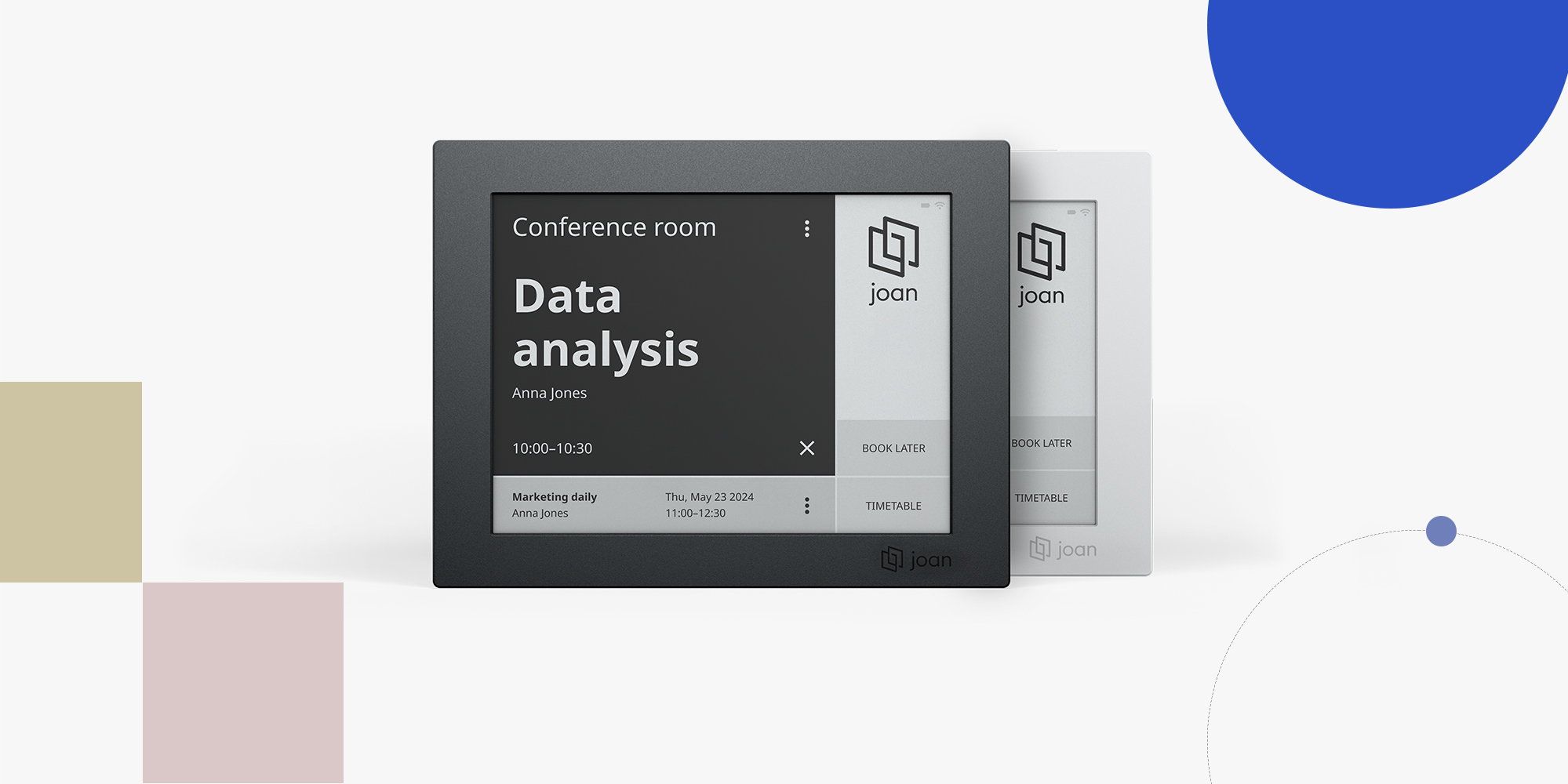
Place Joan on your meeting room wall, office door, or glass partition using your phone. See the device at real size before you order or install it.
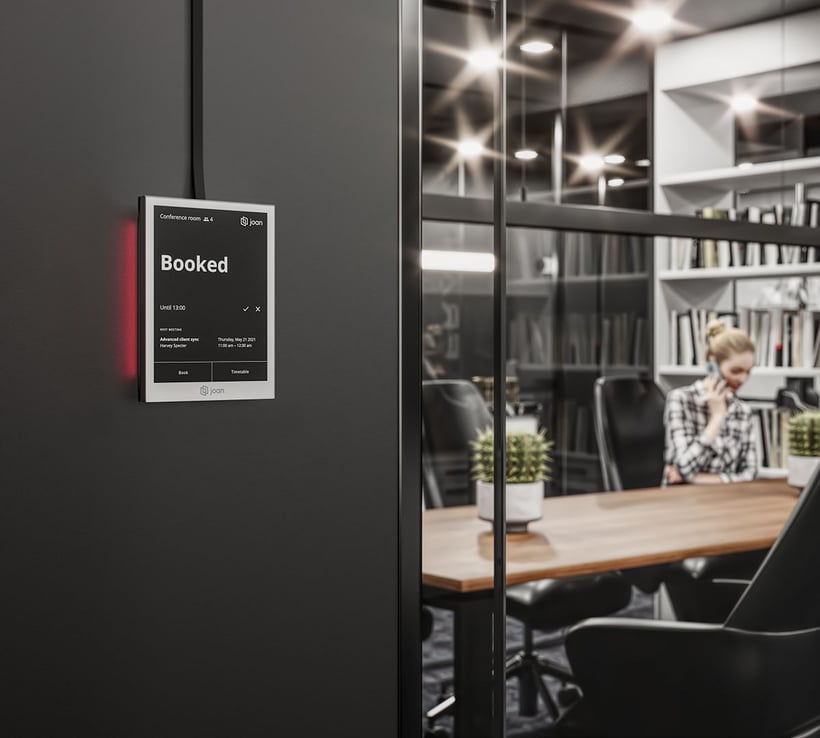
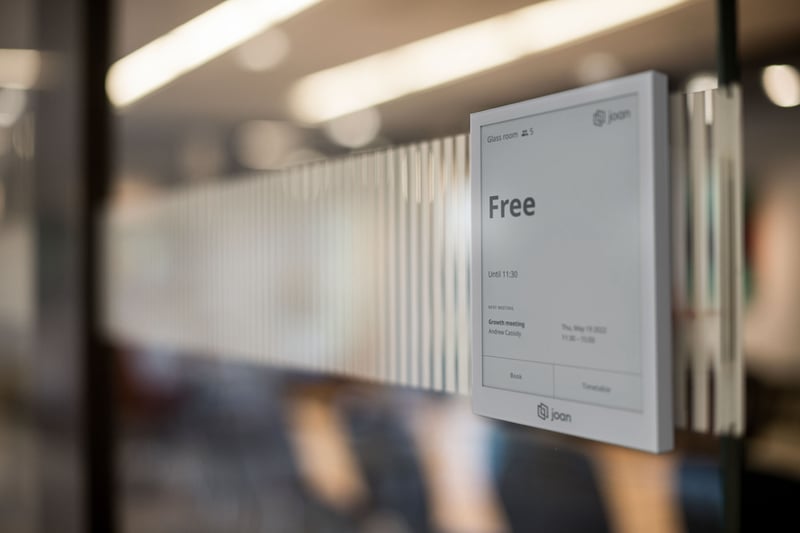

Know Exactly How Joan Will Look
Check the things that are hard to judge from product photos.
- Is Joan the size right for your space?
- Does black or grey look better?
- Should it go on the wall, door, or glass?
- Will people see it clearly from the hallway?
How it works
See how Joan looks in your office with 3 simple steps. It takes less than a minute.

1. Open the preview
Scan the QR code or open the link on your phone.
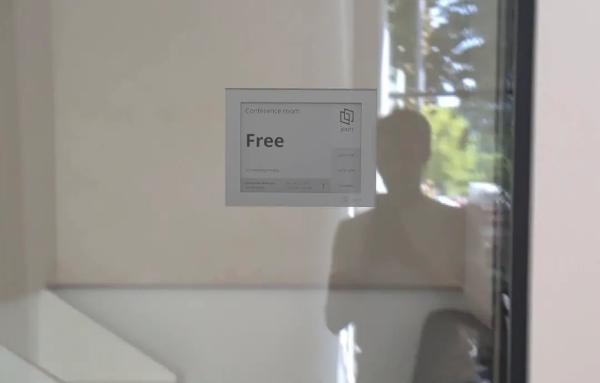
2. Point at a wall


Choose a wall, door, or glass surface in your office where you’d like to put Joan.
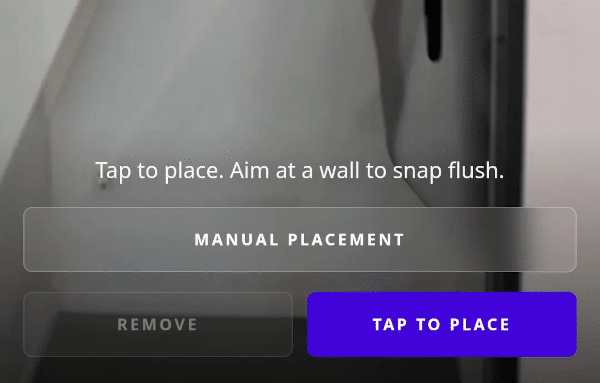
3. Place Joan
Select the device and color, move it around and view it from different angles.
Compare Devices Before You Choose
Joan 6 RE
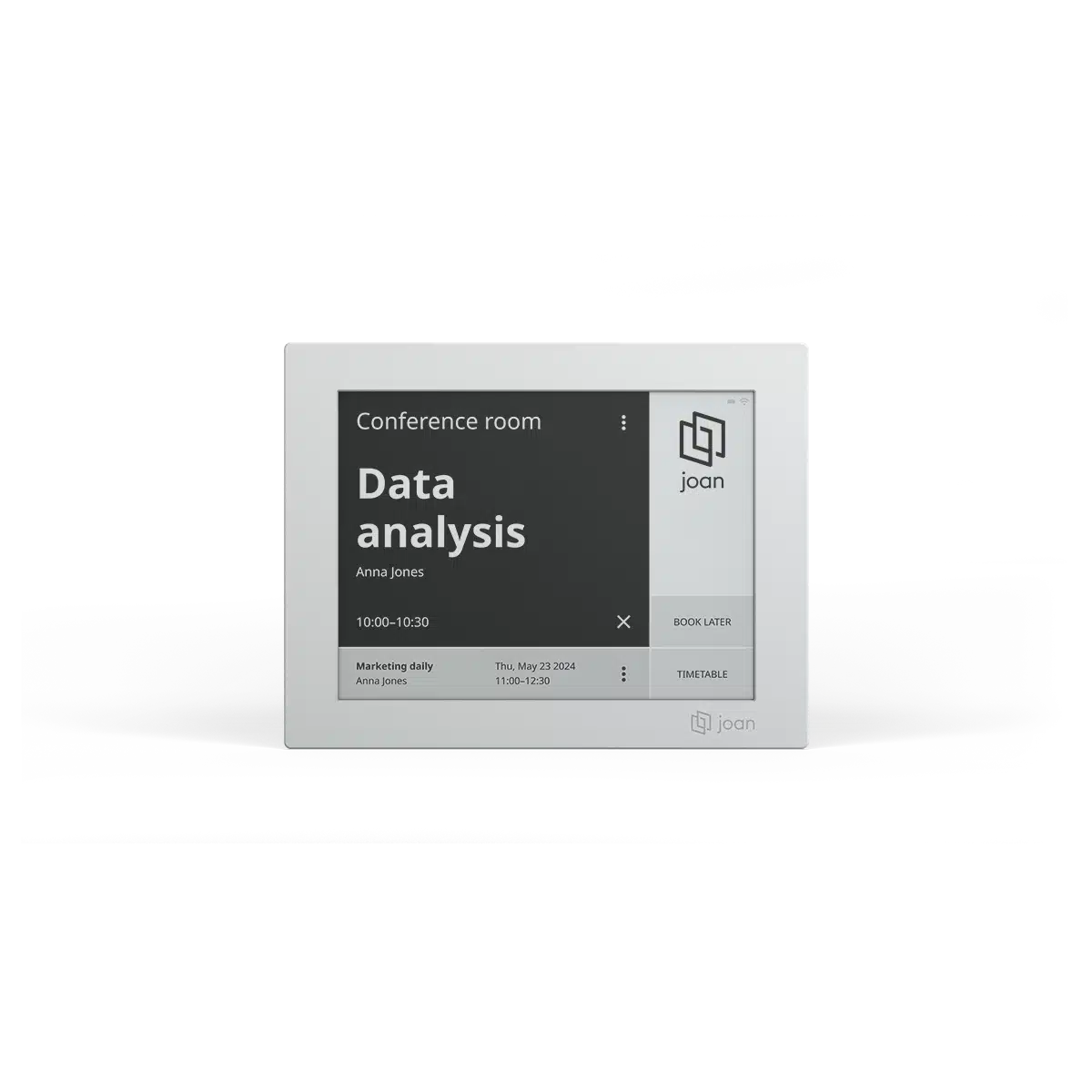
Joan 6 Pro
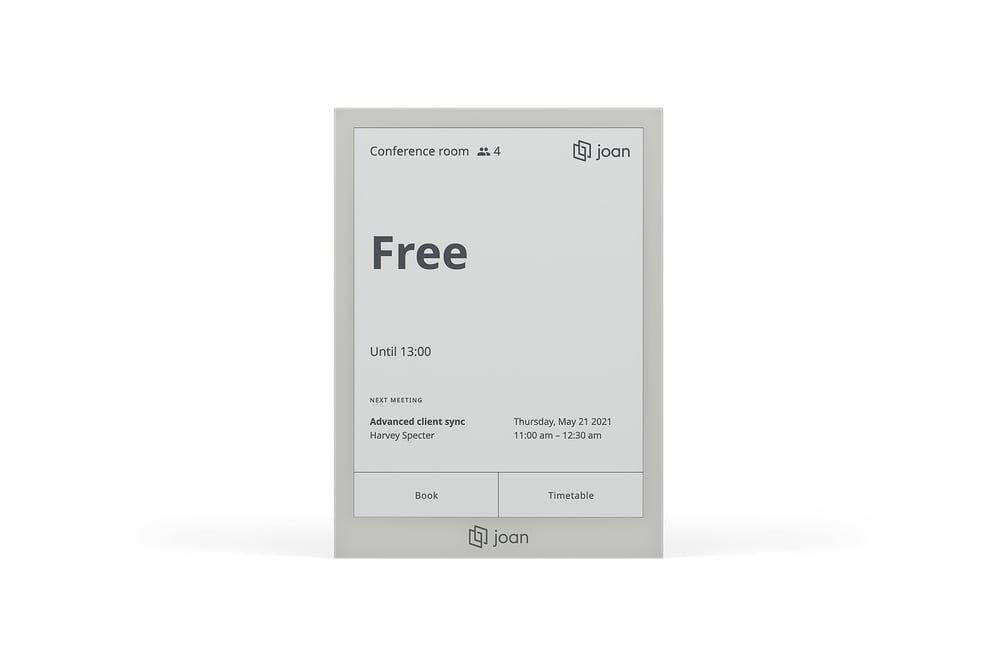
Joan 13 Pro
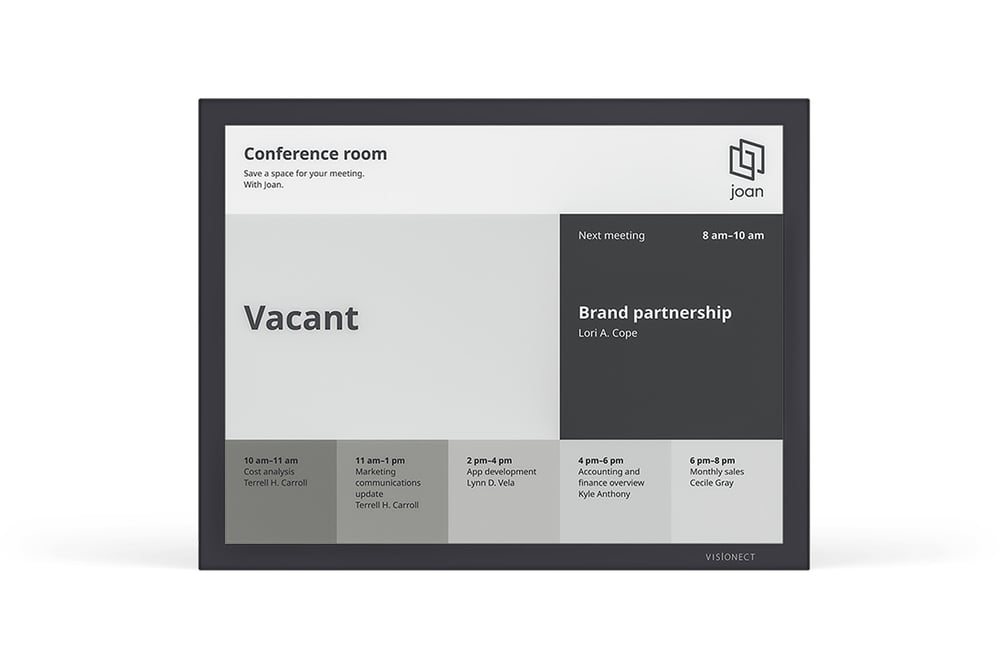
Black and Gray options