
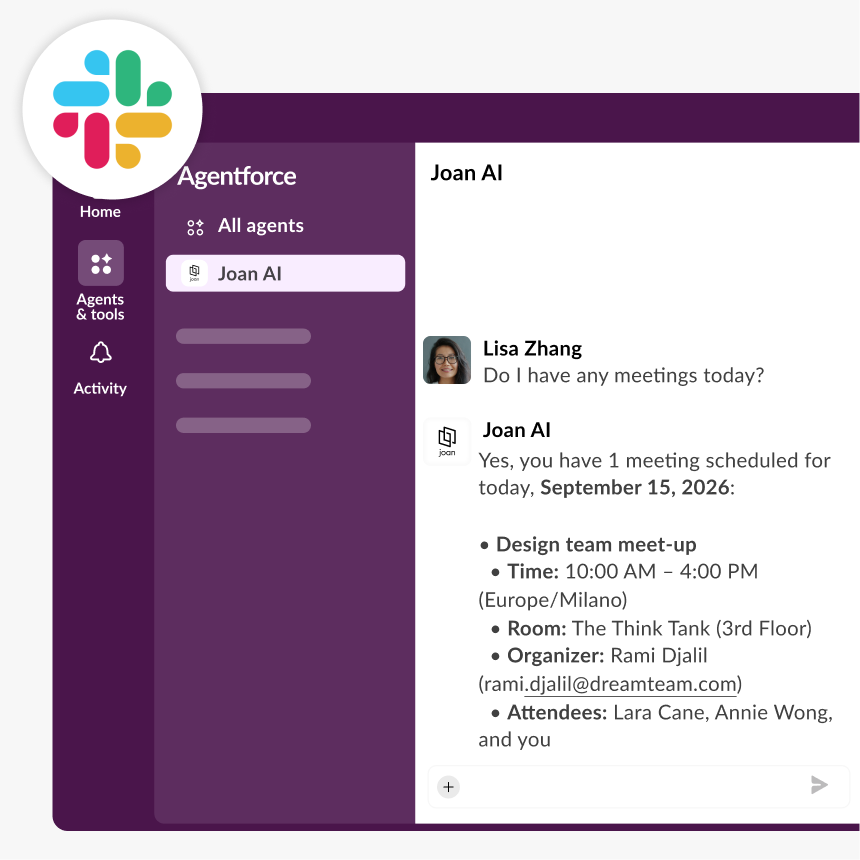
SLACK integration
Joan Workplace + Slack integration
Joan AI lives in your Slack workspace and understands plain-language booking requests. No new app, no context-switching — just message Joan AI and your room is booked.
How Joan integration with Slack works
Three steps for IT to set up. Zero steps for the rest of the team.


Message Joan AI in plain language
Open a direct message with Joan AI in Slack and describe what you need — “Get me a room for tomorrow at 14:00” or “Book the war room on Friday at 9:30 for 2 hours.” No command syntax to learn.

Joan AI confirms the booking in the chat
Joan AI processes the request and replies with your confirmed room booking — without you ever opening a browser tab or switching apps.
What you can do with Joan AI on Slack
Here’s what the integration covers — what your team can actually do once Joan is connected to your Workspace.
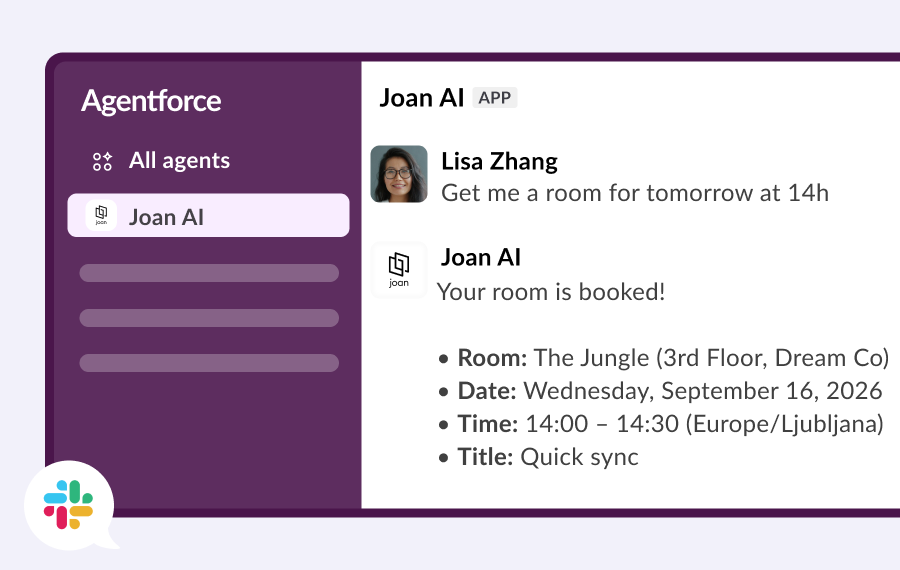
Book a room in plain English
“Get me a room for tomorrow at 14:00” — Joan AI understands how you talk, not just rigid command syntax. No training needed for your team.
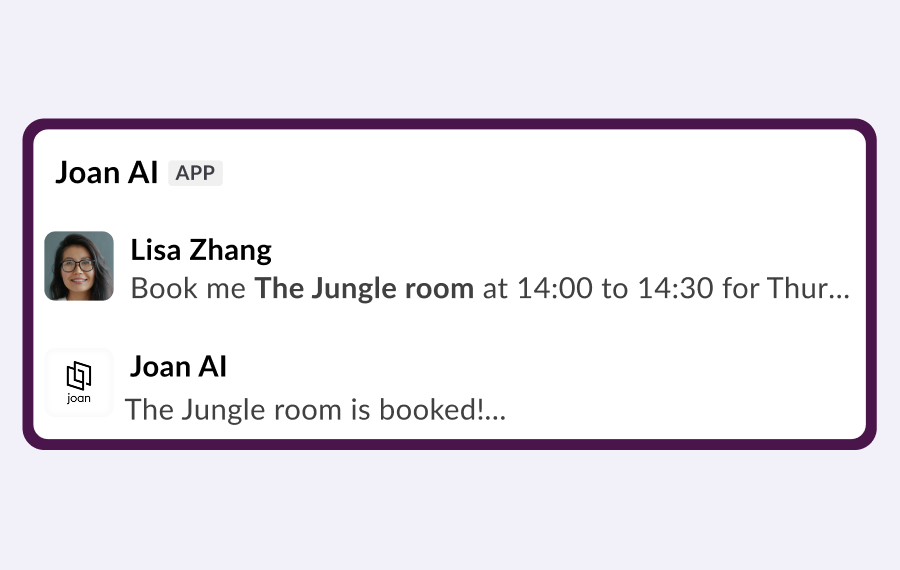
Name the specific room you want
“Book the war room on Friday at 9:30” — if you know which room you want, just say so. Joan AI checks availability and confirms.
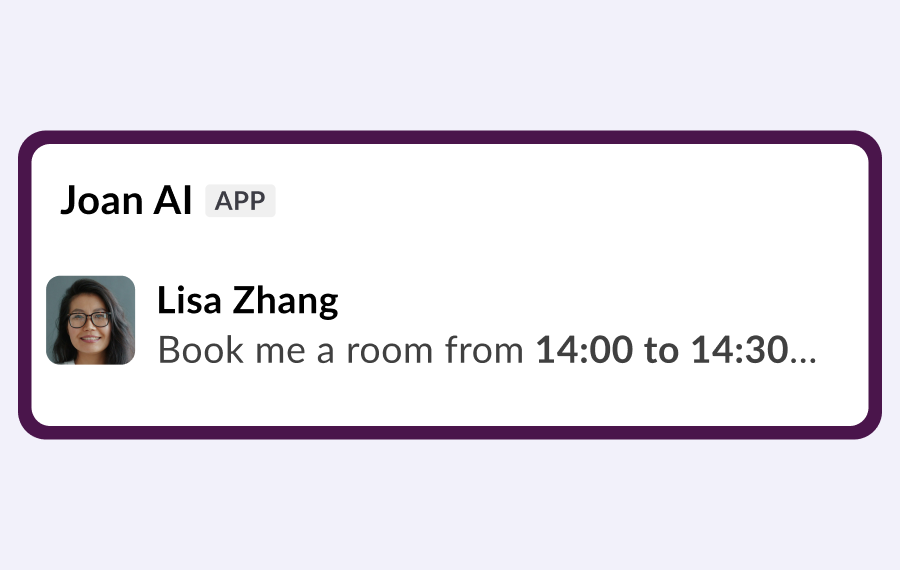
Set a duration or an end time
“Book me a room from 10:00 until 15:00” or “for 2 hours” — Joan AI handles whichever format feels natural.
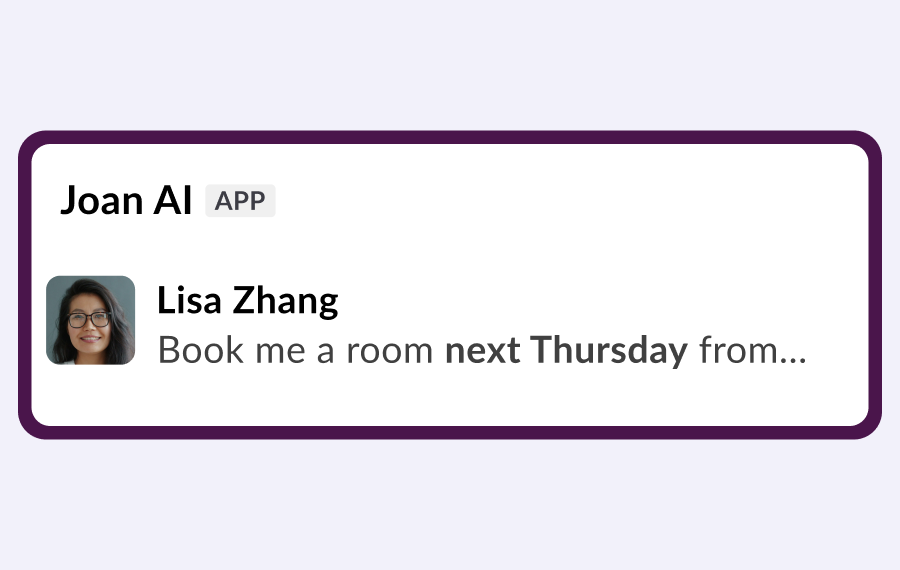
Book ahead for any day
Schedule rooms days or weeks in advance from the same Slack conversation. No calendar app required.
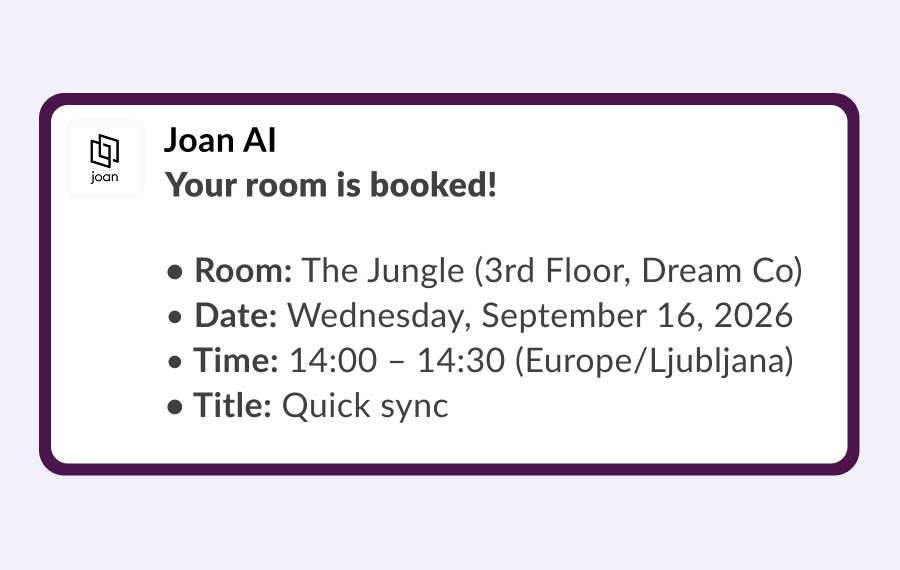
Get confirmation in the chat thread
Joan AI replies in the message thread with your confirmed booking details — so you never need to check another app.
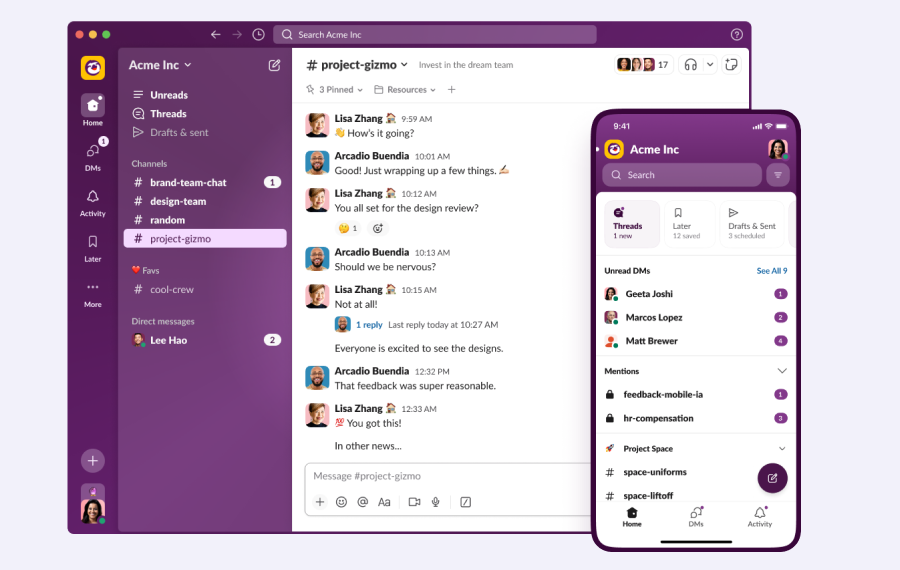
Works on Slack desktop and mobile
Whether you’re at your desk or checking Slack between meetings, Joan AI is available wherever Slack runs.
Need help setting up Joan AI on Slack?
The setup guide walks you through connecting Joan to your Slack workspace — from MyJoan settings to sending your first booking request.

€49 per month to start
All solutions above are included in every plan.
Rated by the people who use it.
4.5 out of 5 on G2 · 248 reviews
Happy users worldwide share their satisfaction with Joan solutions and devices every day. And here’s the proof.
The only room booking tablet an idiot like me could implement
Great Tool for Desk and Workplace Management
Makes people happy




Frequently asked questions
What is Joan AI on Slack?
Joan AI lets you book meeting rooms and resources directly from a Slack DM using natural language — no need to open a separate app or browser tab.
How do I install Joan AI in my Slack workspace?
A MyJoan admin goes to Settings → Integrations → AI Agents, clicks Slack, reviews and accepts permissions on the company’s Slack page, and clicks Install. The whole process takes a few minutes.
What can I say to Joan AI to book a room?
Joan AI understands plain-language requests: “Get me a room for tomorrow at 14:00”, “Book the war room on July 31st at 09:30 for 2 hours”, or “Book me a room from 10:00 until 15:00.” Just describe what you need.
Does Joan AI work in Slack channels, or only DMs?
Joan AI works via direct message. Open a DM with Joan AI in Slack and send your booking request there.
Can I specify which room I want?
Yes. You can name a specific room in your message (e.g., “book the war room”) or let Joan AI find an available room for the time you need.
Does installing Joan AI require IT involvement?
No — a MyJoan account admin can install it directly from MyJoan Settings → Integrations in a few minutes, with no server-side setup or IT ticket required.
Does Joan AI on Slack work on mobile?
Yes. Joanbot is available wherever Slack runs — desktop app, browser, and mobile.
Is Joan AI on Slack the same as Joan AI on Microsoft Teams?
The experience is the same: natural-language room booking from a chat message. The difference is the platform — one lives in Slack, the other in Microsoft Teams.
Where do I get help if Joan AI is not responding?
Contact the Joan support team at [email protected] (Monday–Friday, 08:00–24:00 CET) or visit the Joanbot on Slack setup guide on the Joan Help Centre.