
JUMPCLOUD integration
Joan Workplace + JumpCloud integration
Connect Joan to JumpCloud via SCIM and let your identity provider handle all user provisioning automatically. No duplicate entries, no manual syncing — your JumpCloud directory drives Joan.

How to connect Joan to JumpCloud
Three steps for IT to set up. Zero steps for the rest of the team.


Set up Joan in JumpCloud
Create a new URL Bookmark in JumpCloud. Under the Identity Management tab, set the API Type to SCIM API, SCIM Version to 2.0, enter the Joan SCIM endpoint and your token, then click Test Connection.

Configure and save
Disable Group Management (Joan supports user mapping only). Optionally map the UserType attribute to sync Office Manager roles. Click Save to activate the integration.
What you can do with JumpCloud and Joan
Here’s what the integration covers — what your team can actually do once Joan is connected to your Workspace.
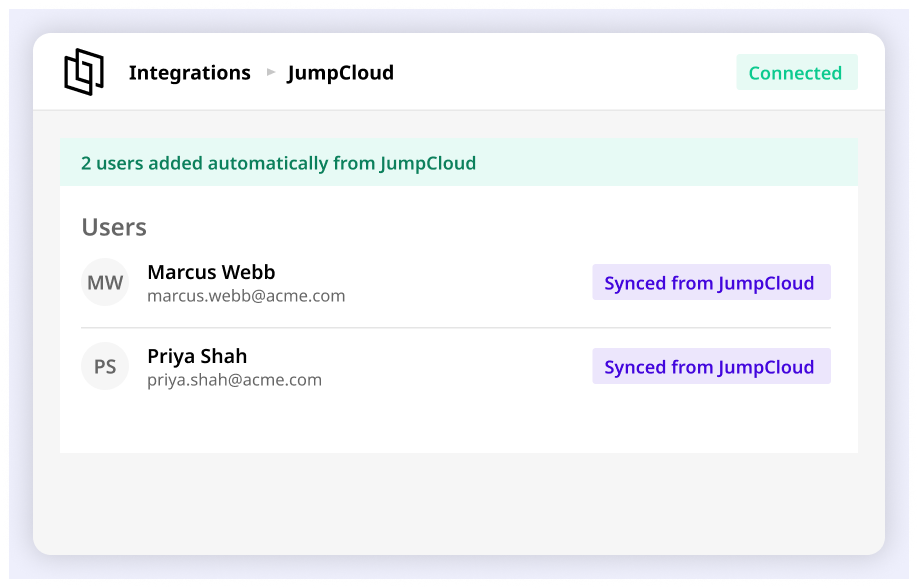
Automate user provisioning
Users added to the Joan app in JumpCloud are provisioned in Joan automatically — no manual account creation required.
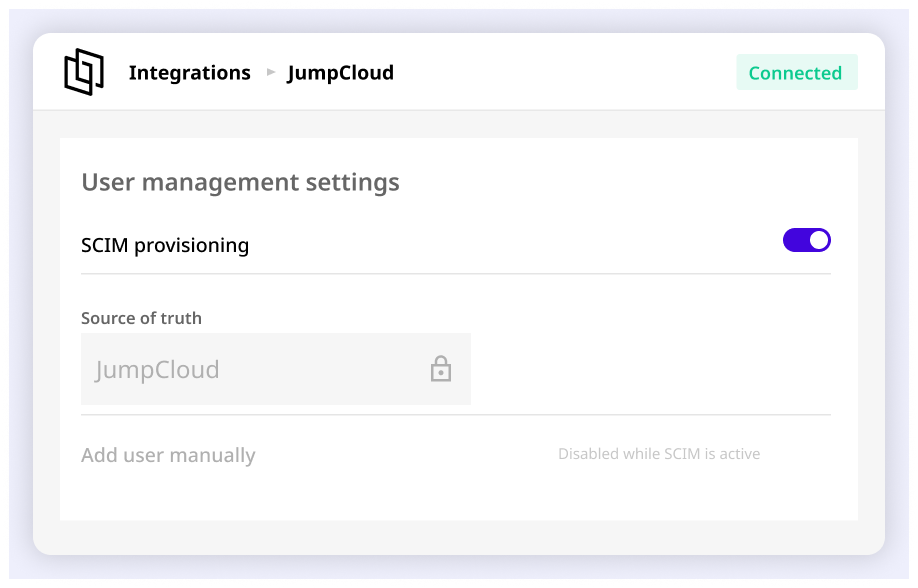
Centralize user management
When SCIM is enabled, Joan’s built-in user management is disabled. JumpCloud becomes the single source of truth for all Joan users.
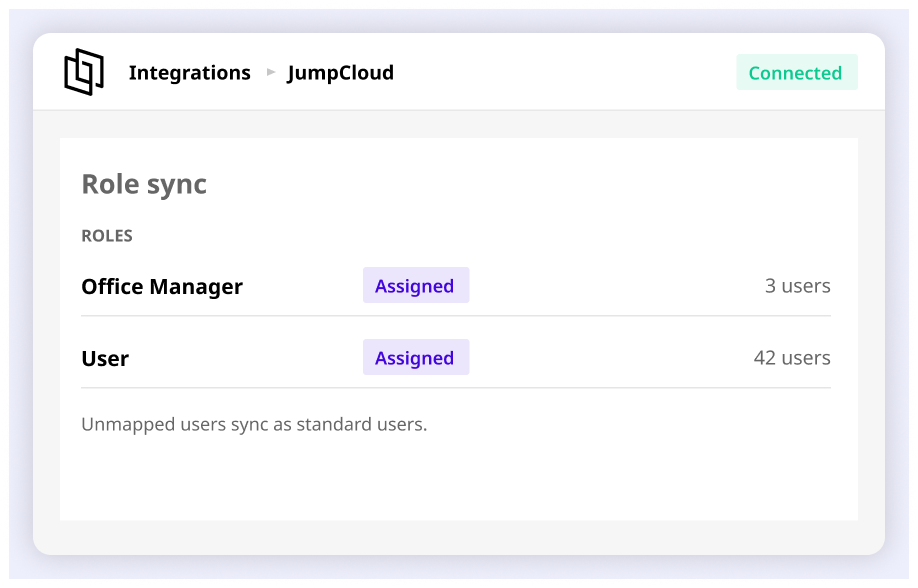
Sync user roles to Joan
Map the UserType attribute in JumpCloud to assign Office Manager permissions in Joan automatically. Users without a mapped role sync as standard users.
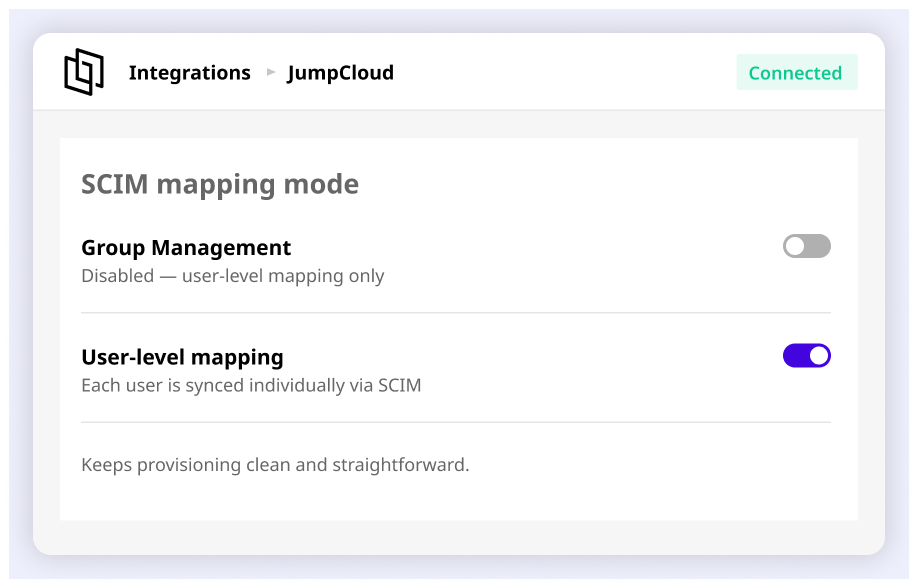
User mapping without group complexity
Joan supports user-level SCIM mapping only. Group Management is disabled during setup, keeping your provisioning clean and straightforward.
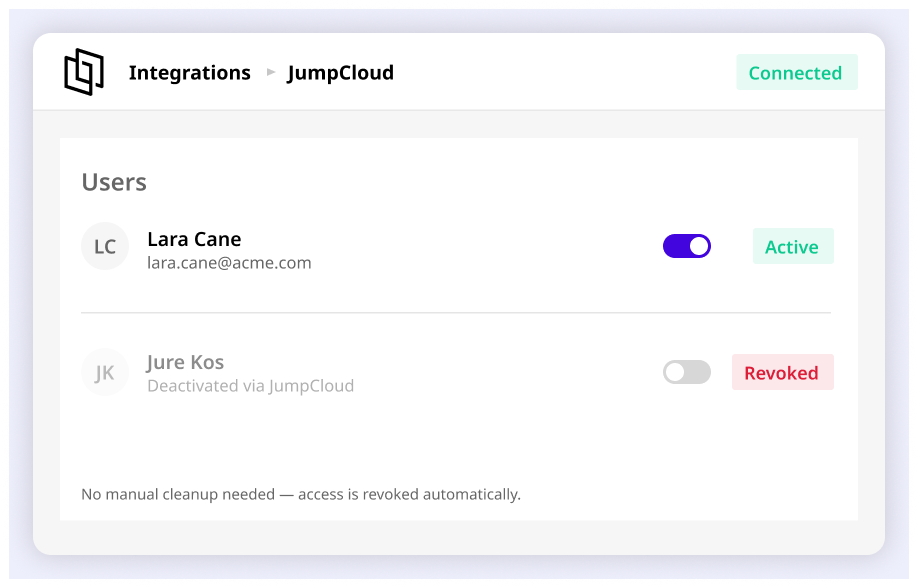
Automatic deprovisioning
Suspending or deleting a user in JumpCloud revokes their Joan access automatically. No manual cleanup needed.
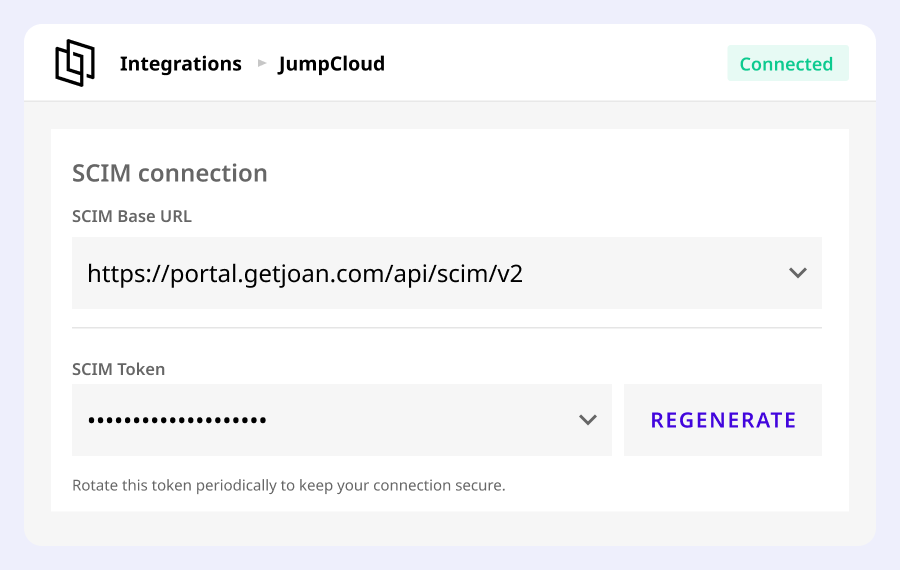
Secure SCIM token authentication
Joan generates a unique SCIM token for authenticated, encrypted communication between JumpCloud and the Joan platform.
Need help setting up?
Read our step-by-step guide to connecting Joan with JumpCloud via SCIM.


€49 per month to start
All solutions above are included in every plan.
Rated by the people who use it.
4.5 out of 5 on G2 · 248 reviews
Happy users worldwide share their satisfaction with Joan solutions and devices every day. And here’s the proof.
The only room booking tablet an idiot like me could implement
Great Tool for Desk and Workplace Management
Makes people happy


Frequently asked questions
What is SCIM and why does Joan use it with JumpCloud?
SCIM (System for Cross-Domain Identity Management) is an open standard for automating user provisioning between identity providers and applications. Joan uses SCIM to let JumpCloud manage all Joan user accounts automatically, without manual intervention.
Where do I enable SCIM in Joan?
In MyJoan, navigate to User Directory, click SCIM, enable the integration, and generate a new authentication token. This token is used to authenticate the connection with JumpCloud.
How do I configure Joan in JumpCloud?
Create a new URL Bookmark in JumpCloud. Under the Identity Management tab, set API Type to SCIM API, SCIM Version to SCIM 2.0, enter https://portal.getjoan.com/api/scim/v2 as the Base URL, paste your Joan token, enter a test user email, and click Test Connection.
What is the Joan SCIM endpoint URL?
The Joan SCIM endpoint is https://portal.getjoan.com/api/scim/v2. Enter this as the Base URL in the JumpCloud Identity Management settings.
Does Joan support Group Management with JumpCloud?
No. Joan supports user-level SCIM mapping only. Group Management must be disabled in JumpCloud after the connection is confirmed.
Can I sync user roles from JumpCloud to Joan?
Yes, but it is optional. Define an Attribute Mapping for UserType in JumpCloud to sync the Office Manager role to Joan. If no UserType mapping is defined, all synced users become standard users with no admin permissions.
What happens to Joan’s user management when SCIM is enabled?
All user management moves to JumpCloud and is disabled on Joan’s side. Users must be managed exclusively through JumpCloud once SCIM is active.
How do I verify the JumpCloud–Joan connection is working?
After entering the SCIM endpoint and token, enter a test user email and click the “Test Connection” button in JumpCloud. A successful popup confirms the integration is established.