
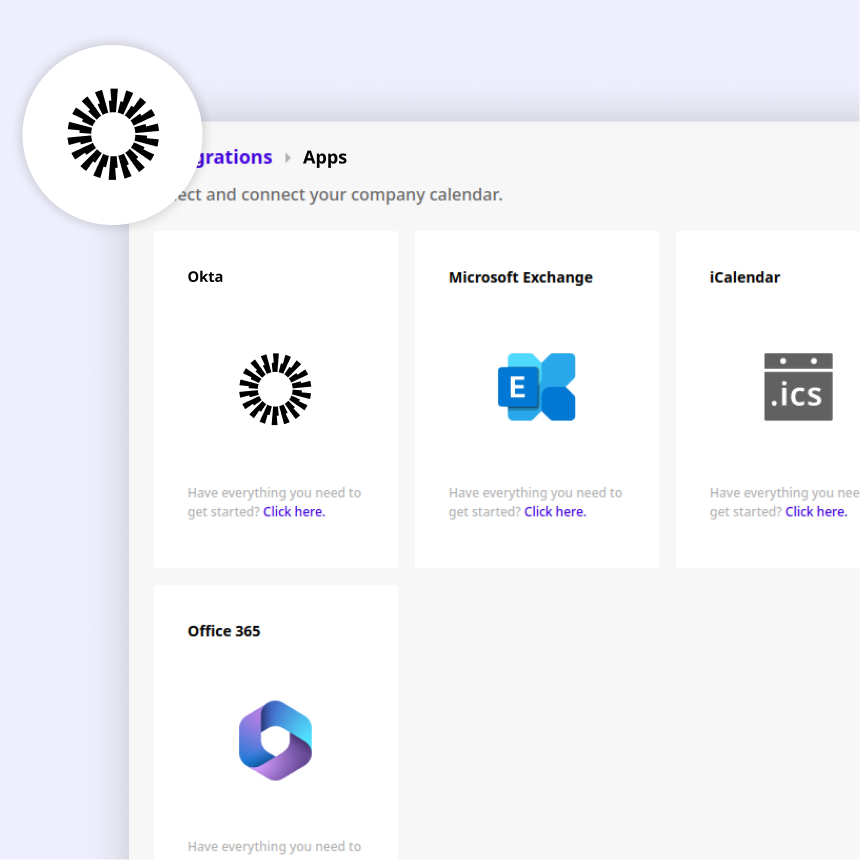
OKTA INTEGRATION
Joan Workplace + Okta
Connect Okta to Joan via SCIM and let your identity provider handle user management. When employees join or leave, their Joan access syncs automatically — no manual updates needed.
How to connect Joan to Okta
Three steps for IT to set up. Zero steps for the rest of the team.


Configure Okta
Add the “SCIM 2.0 Test App (OAuth Bearer Token)” to Okta. Set the SCIM endpoint to https://portal.getjoan.com/api/scim/v2, paste your token, and test the API credentials.

Assign users or groups
In Okta, assign individual accounts or entire groups to the Joan app. Provisioning starts automatically — no manual setup in Joan required.
What you can do with Okta and Joan
Here’s what the integration covers — what your team can actually do once Joan is connected to your Workspace.
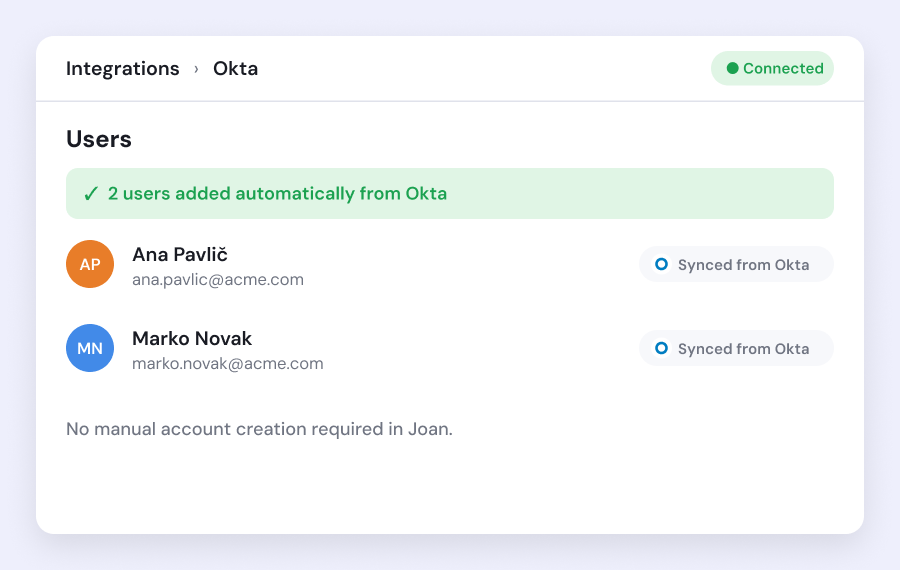
Automate user provisioning
Users assigned to the Joan app in Okta are provisioned in Joan automatically. No manual account creation required.
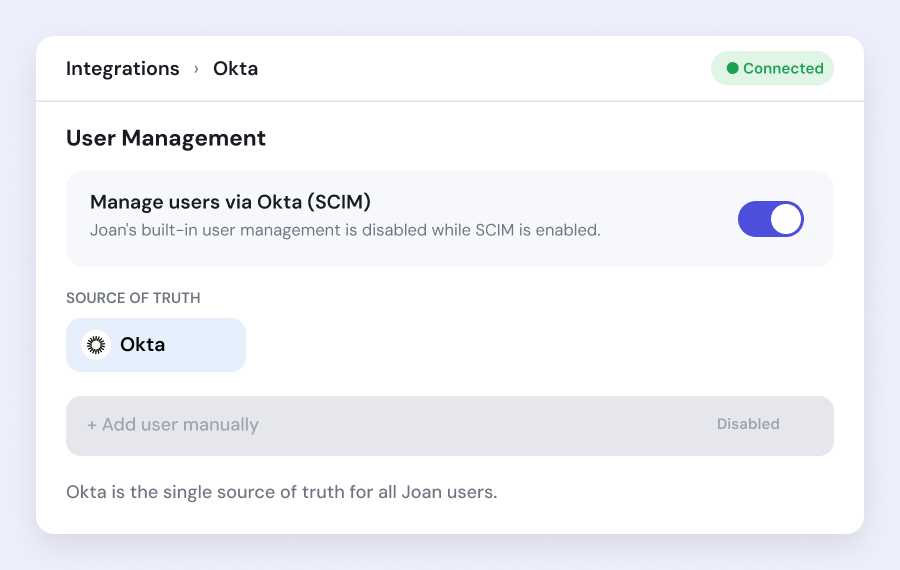
Centralize user management
When SCIM is enabled, Joan’s built-in user management is disabled. Okta becomes the single source of truth for all Joan users.
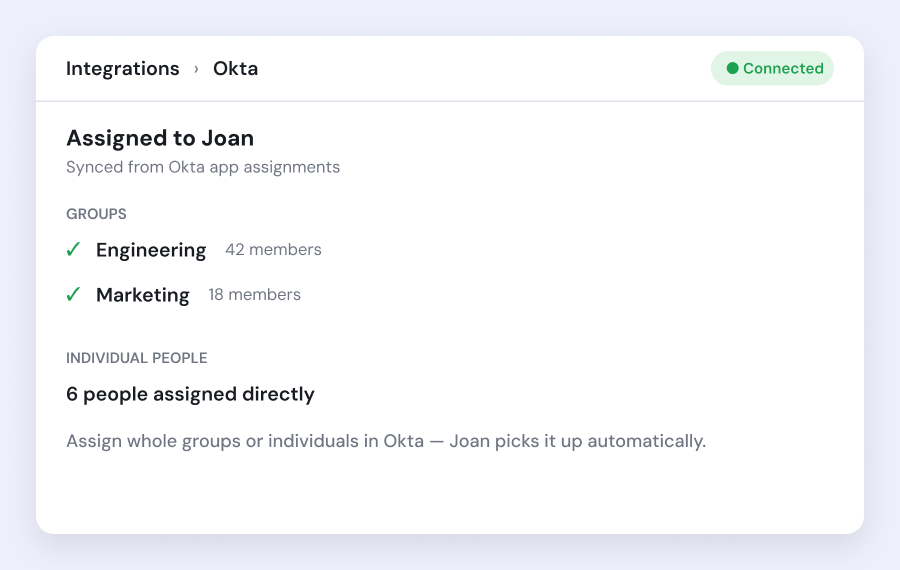
Assign users or groups
Assign individual Okta accounts or entire groups to Joan at once — ideal for large-scale or phased deployments.
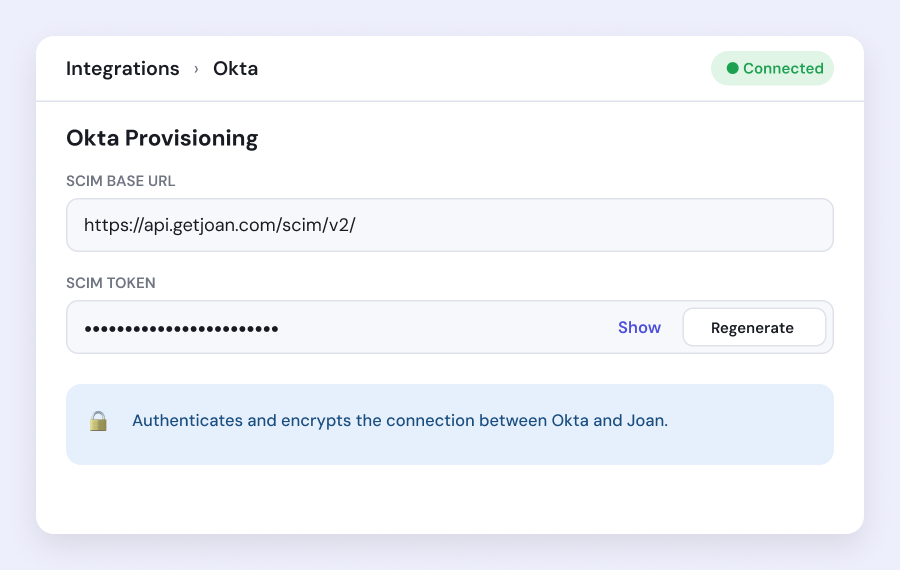
Secure, token-based authentication
Joan generates a unique SCIM token for authenticated, encrypted communication between Okta and the Joan platform.
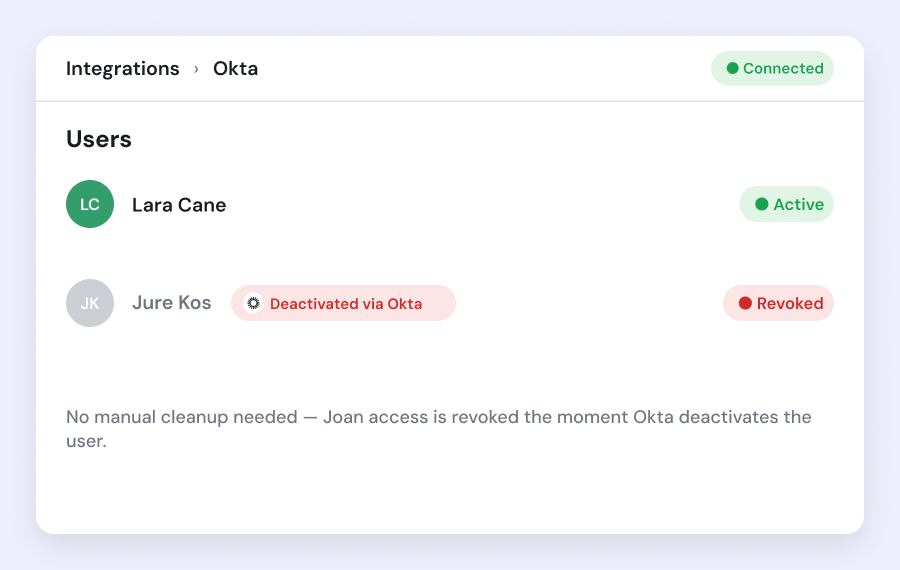
Automatic deprovisioning
Deactivating or unassigning a user in Okta automatically revokes their Joan access. No manual cleanup needed.
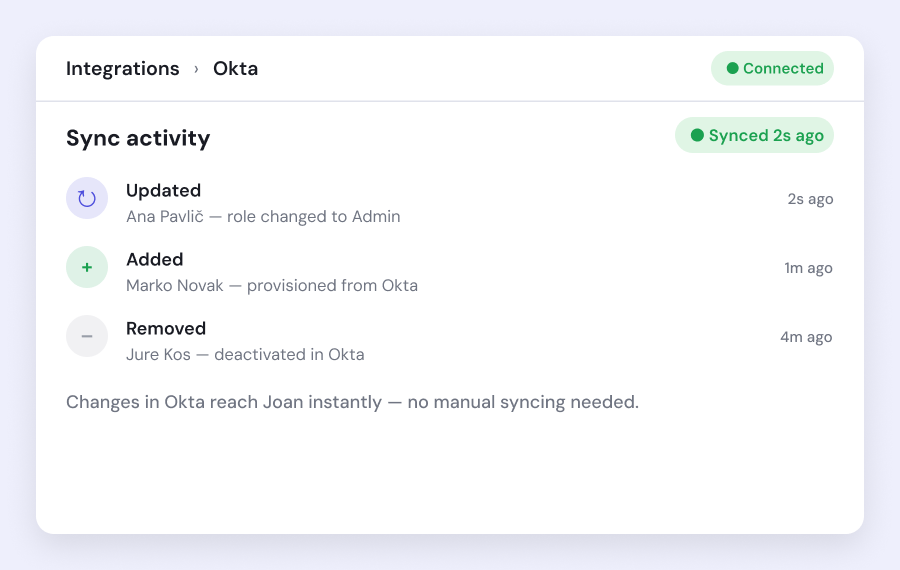
Real-time sync
Changes made in Okta — new users, updated names, deactivations — are reflected in Joan without delay.
Need help setting up?
Read our step-by-step guide to connecting Joan with Okta.

€49 per month to start
All solutions above are included in every plan.
Rated by the people who use it.
4.5 out of 5 on G2 · 248 reviews
Happy users worldwide share their satisfaction with Joan solutions and devices every day. And here’s the proof.
The only room booking tablet an idiot like me could implement
Great Tool for Desk and Workplace Management
Makes people happy




Frequently asked questions
What is SCIM and why does Joan use it?
SCIM (System for Cross-Domain Identity Management) is an open standard for automating user provisioning between identity providers and applications. Joan uses SCIM to let Okta manage all Joan user accounts automatically, without manual intervention.
Where do I find SCIM Integration settings in Joan?
Log into MyJoan, navigate to User Directory, and click SCIM Integration. From there, enable the integration and generate an authentication token.
Which Okta application do I need?
Add the “SCIM 2.0 Test App (OAuth Bearer Token)” application to your Okta account. This is the application you configure to connect Okta with Joan.
What is the Joan SCIM endpoint URL?
Set the endpoint in Okta to https://portal.getjoan.com/api/scim/v2 and use the token generated in MyJoan to authenticate the connection.
What happens to Joan’s user management when SCIM is enabled?
All user management moves to Okta and is disabled on Joan’s side. Users must be managed exclusively through Okta once SCIM is active.
Can I assign groups instead of individual users?
Yes. In Okta you can assign either individual user accounts or entire groups to the Joan application, making it easy to provision large numbers of users at once.
How do I verify the Okta–Joan connection is working?
After entering the SCIM endpoint and token in Okta, use the “Test API Credentials” function in Okta. A successful test confirms the connection is established.
Where does the authentication token come from?
Generate it in MyJoan under User Directory → SCIM Integration after enabling the feature. Paste this token into the corresponding field in the Okta application settings.