
CUSTOM CONTENT
Turn every display into a custom information screen
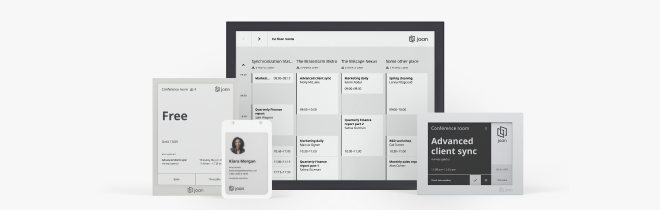
Show images, text, webpages, or room status on your Joan devices — on a fixed schedule or always on. Set it up in minutes from MyJoan, no developer needed.

How to set up custom content on Joan
Three steps for IT to set up. Zero steps for the rest of the team.


Assign it to Joan devices
In the “Show on devices” section, click Change, select one or more Joan devices that should display the content, and click OK.

Set the schedule and save
Choose to always show the custom content, or configure a specific schedule with start and end dates and repeat settings. Enter a slideshow title and click Save.
What you can display with Joan custom content
Here’s what the integration covers — what your team can actually do once Joan is connected to your Workspace.
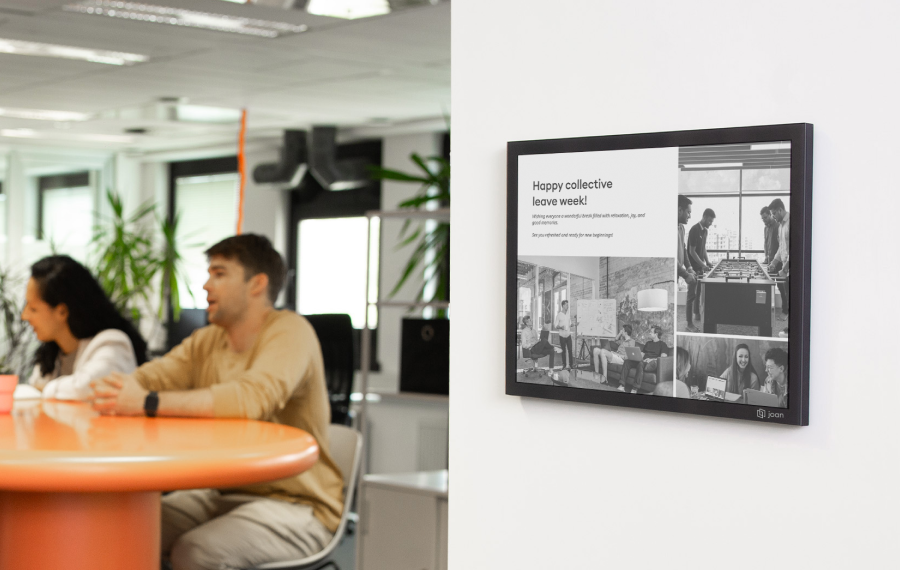
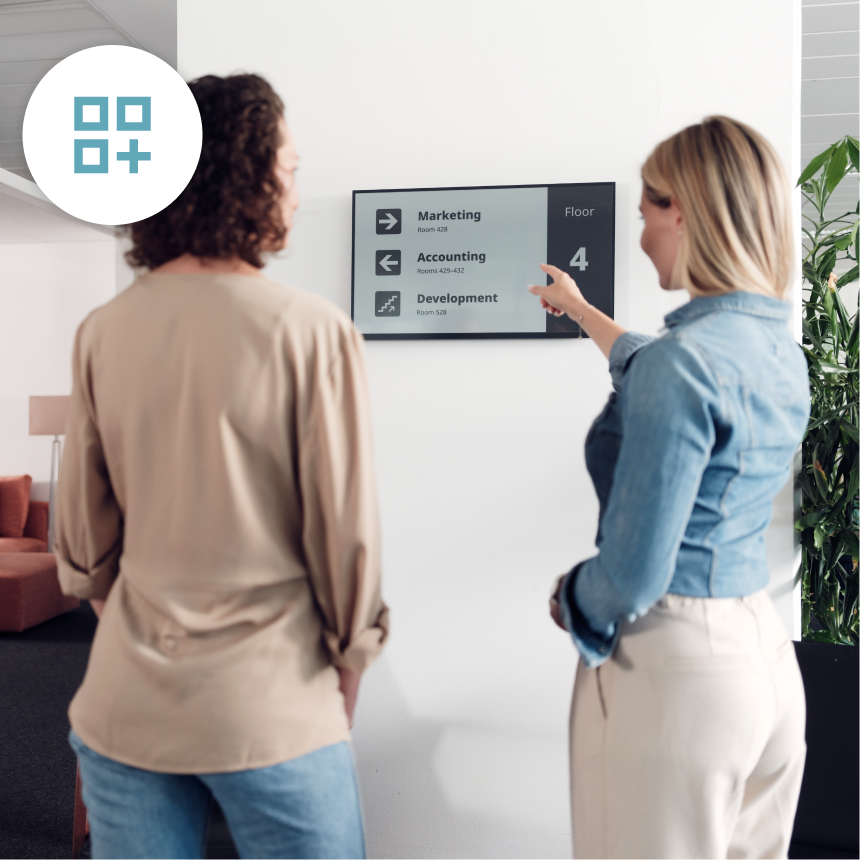
Gallery — image slideshow
Upload multiple images and set the slideshow interval in seconds, minutes, or hours. Ideal for company announcements, wayfinding maps, or rotating event schedules.
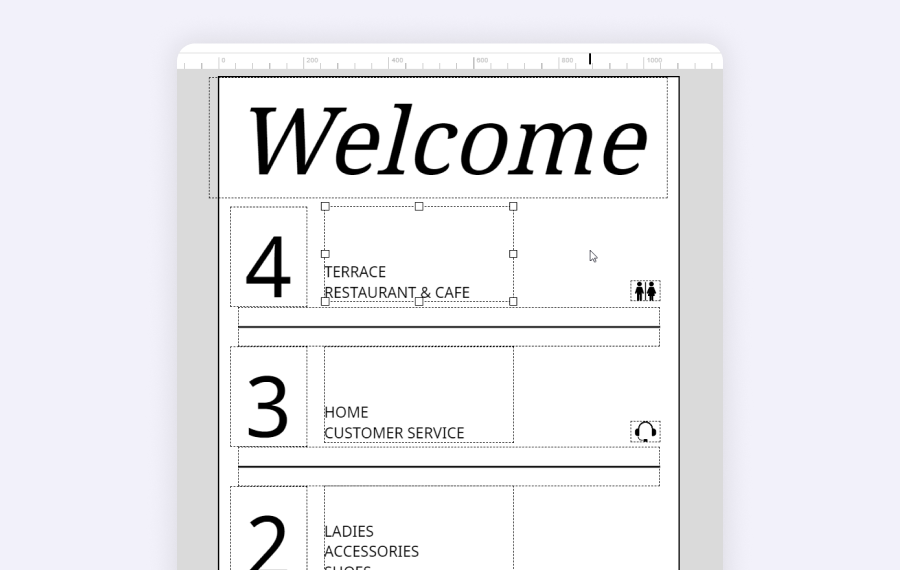
Text — formatted messages
Display custom text with bold, italics, font size, and positioning options. Use it for room rules, welcome messages, or any plain-language notice.
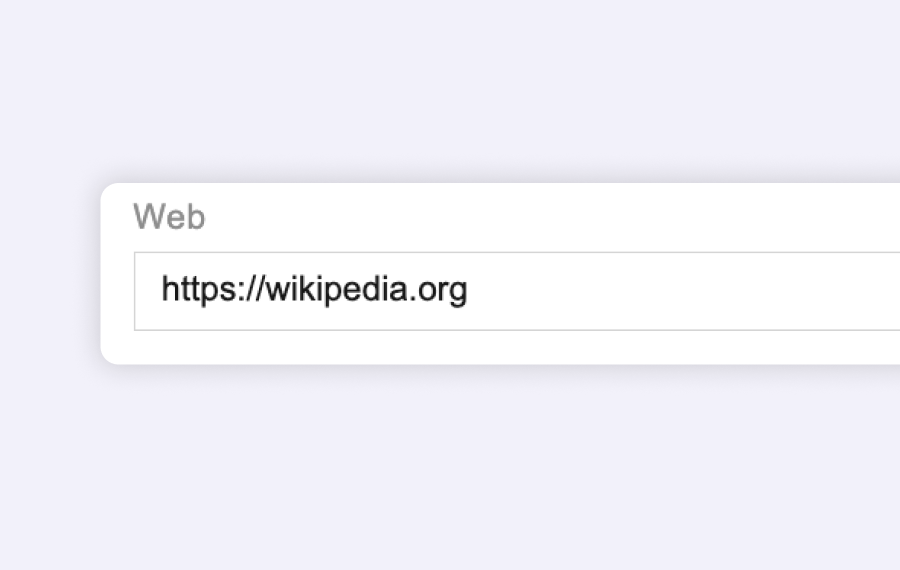
Webpage — live URL display
Enter any URL and Joan renders it on the device. Works best with simple pages — avoid animations and off-canvas menus for optimal performance on Joan hardware.
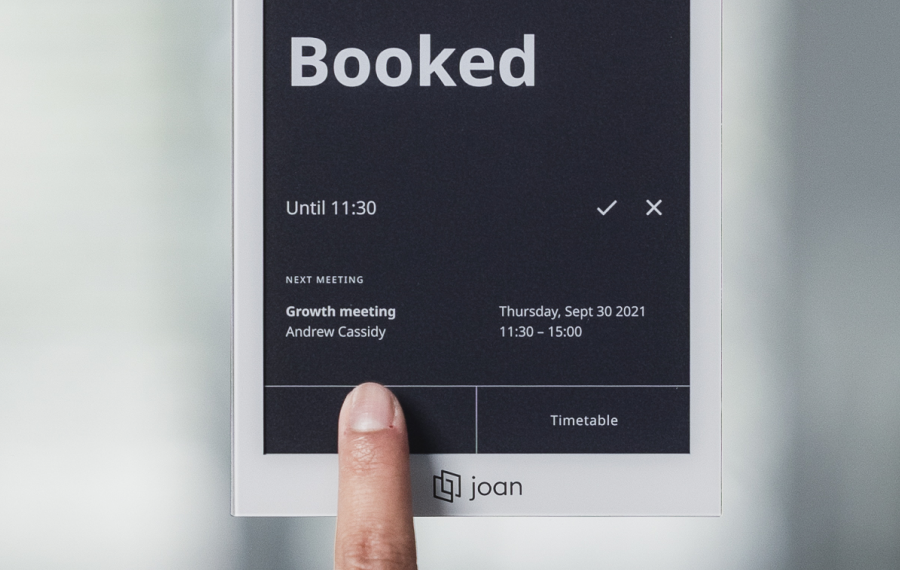
Room status — calendar-connected info
Show live meeting room information pulled directly from the calendar connected to that Joan device — current booking, next meeting, and room availability.
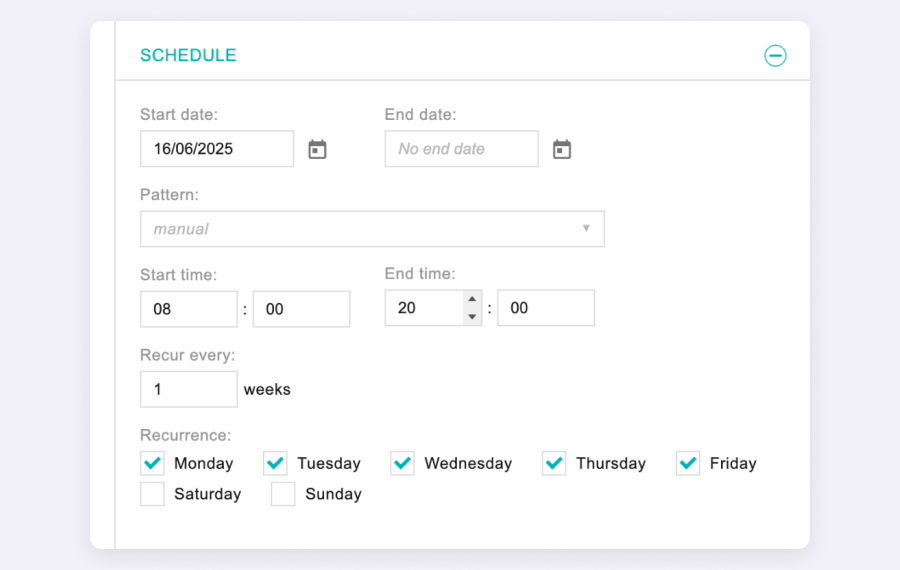
Flexible scheduling
Set custom content to display always, or configure a specific schedule with start/end dates and repeat settings. Combine it with room status to show content only when a room is free.
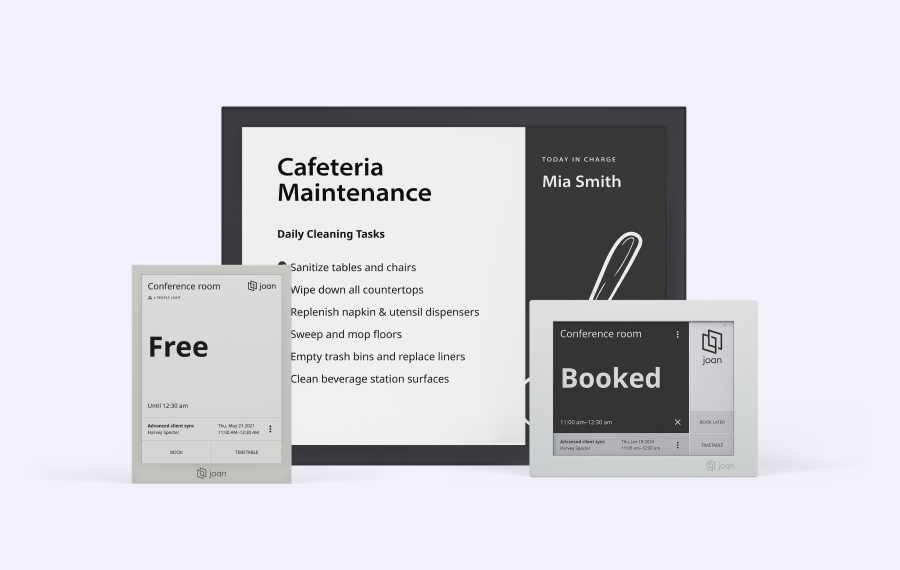
Assign to multiple devices at once
One custom content setup can be pushed to multiple Joan devices simultaneously — useful for rolling out the same display across an entire floor or building.
Need help setting up custom content?
The setup guide walks you through every content type and scheduling option — from uploading a gallery to displaying a live webpage on your Joan device.

€49 per month to start
All solutions above are included in every plan.
Rated by the people who use it.
4.5 out of 5 on G2 · 248 reviews
Happy users worldwide share their satisfaction with Joan solutions and devices every day. And here’s the proof.
The only room booking tablet an idiot like me could implement
Great Tool for Desk and Workplace Management
Makes people happy


Frequently asked questions
What is custom content on Joan?
Joan’s custom content feature lets admins create tailored displays on Joan devices — showing images, text, webpages, or room status information, either continuously or on a defined schedule.
What content types can I display?
Four types: Gallery (image slideshow with configurable intervals), Text (formatted with bold, italics, font size, and positioning), Webpage (any URL you enter), and Room status (live meeting room info from the connected calendar).
How do I set up custom content?
In MyJoan: Settings → Rooms → Custom content → Add custom content → select layout and content type → assign devices in “Show on devices” → set schedule → enter a slideshow title → Save.
Can I schedule when custom content appears?
Yes. You can set it to always show, or configure a specific schedule with start and end dates and repeat options — so content only appears when you want it to.
Can I assign the same custom content to multiple Joan devices?
Yes. When setting up custom content, you select one or more Joan devices in the “Show on devices” section. One configuration can be pushed to as many devices as you choose.
Can I display a webpage on a Joan device?
Yes. Enter any URL and Joan renders it on the device. Not all webpages are supported — for best results, avoid pages with animations or off-canvas menus, which may not render correctly on Joan hardware.
Can I change the font on text content?
You can adjust font size, apply bold or italics, and change text positioning. The font type itself cannot be changed.
Which Joan devices support custom content?
Custom content works with Joan devices assigned to your MyJoan account. You select which specific devices display each piece of content during setup.
Where do I get help with custom content?
Contact the Joan support team at [email protected] (Monday–Friday, 08:00–24:00 CET) or follow the step-by-step guide on the Joan Help Centre.