
ZOOM INTEGRATION
Joan Workplace + Zoom integration
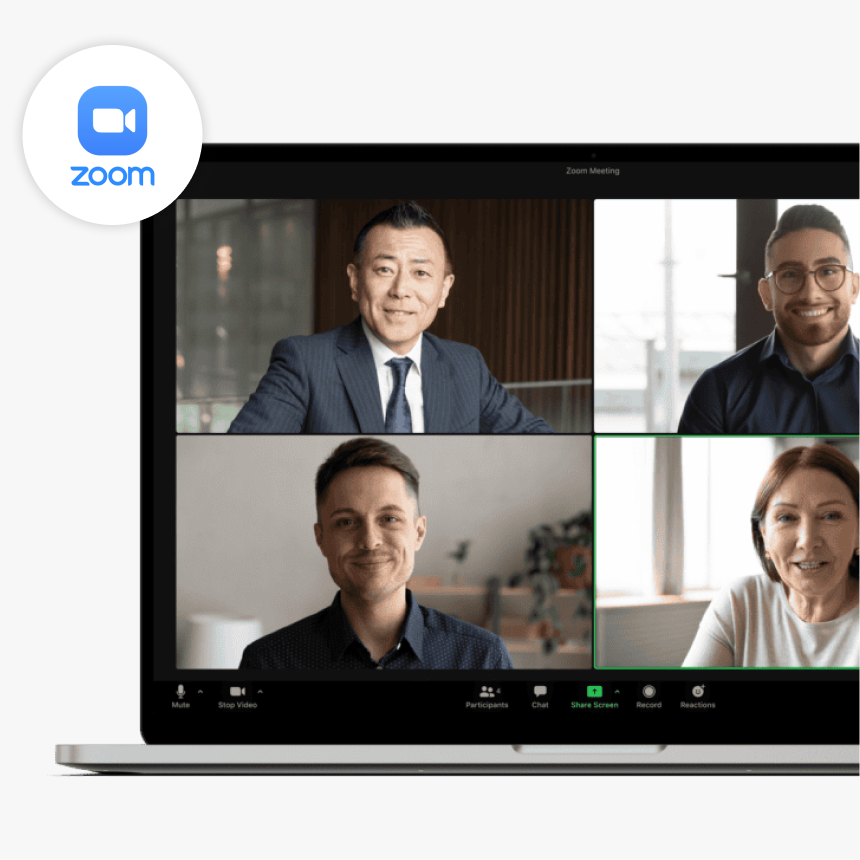
Joan automatically creates a Zoom meeting when your team books a room — no manual link generation, no copy-pasting into the invite.
How Joan connects with Zoom
A one-time admin setup, then Zoom links appear automatically on every room booking.


Enable automatic Zoom calls in Google Calendar
In the Google Admin console, go to Apps → Google Workspace → Calendar → Sharing Settings and turn on “Automatically add video calls to events”.

Book a room through Joan
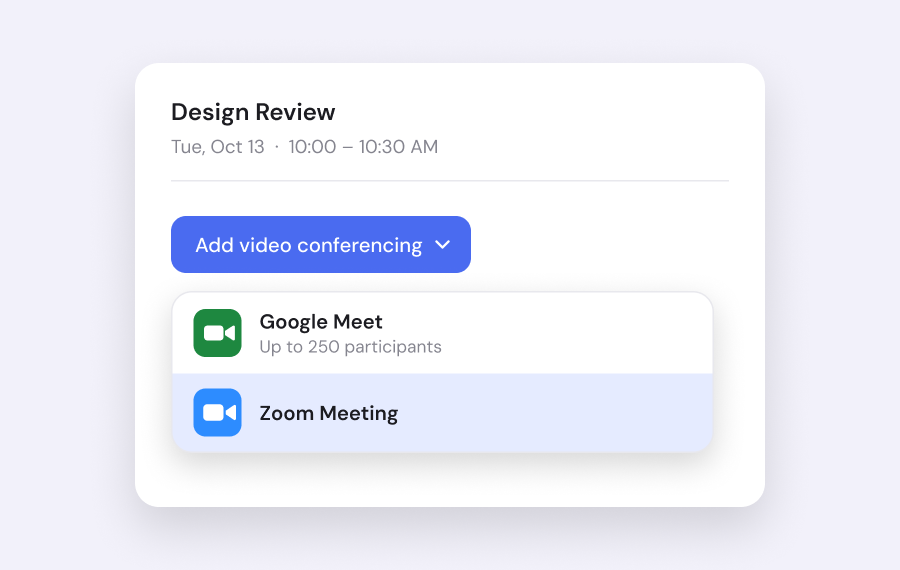
From that point on, whenever anyone books a meeting room via Joan, a Zoom link is automatically added to the calendar event — no extra step required.
What you can do with Joan and Zoom
Everything your team gains when Joan and Zoom work together.
Auto-generate Zoom links on every booking
Book a hybrid meeting in one step
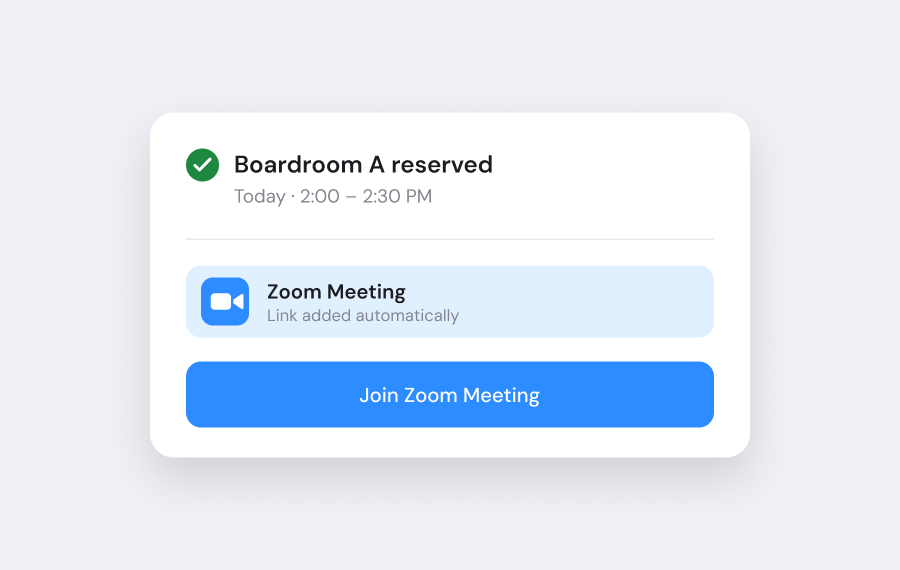
Reserve the room and get the video link at the same time — everything needed to run a hybrid meeting, handled in a single action.
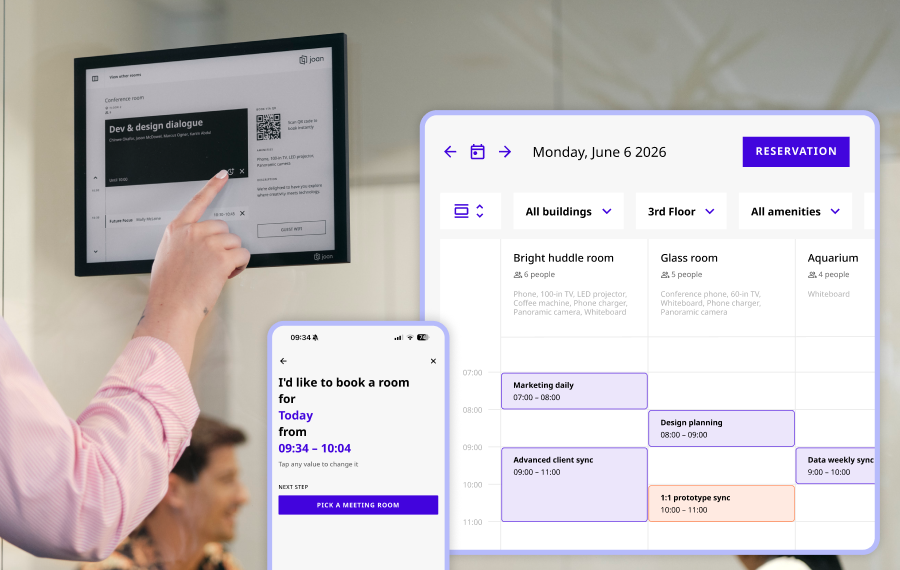
Works from any Joan touchpoint
Book through the Joan mobile app, the room display, or the web portal — Zoom links appear on the calendar event every time.
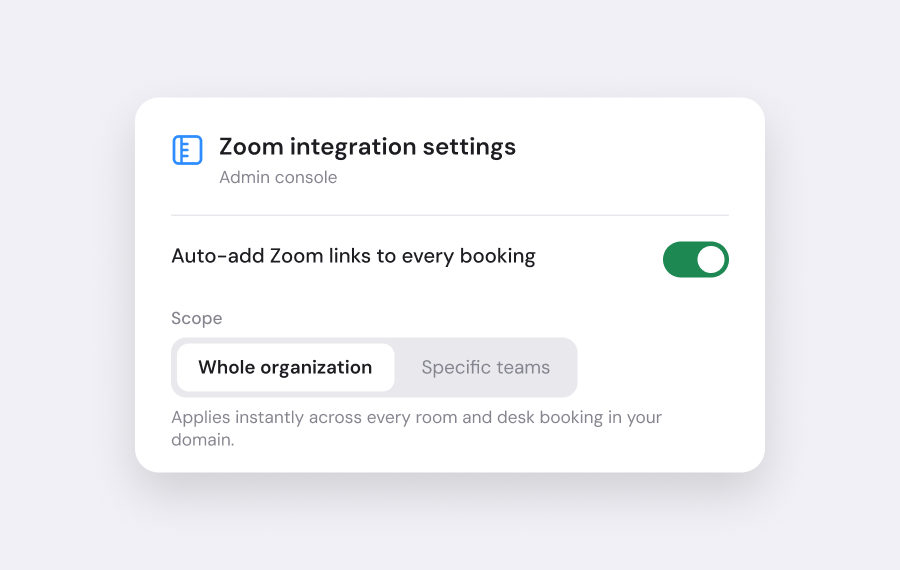
Deploy across your whole domain
Admins enable Zoom auto-add organization-wide or for specific teams. Once set, it runs silently for everyone in scope.
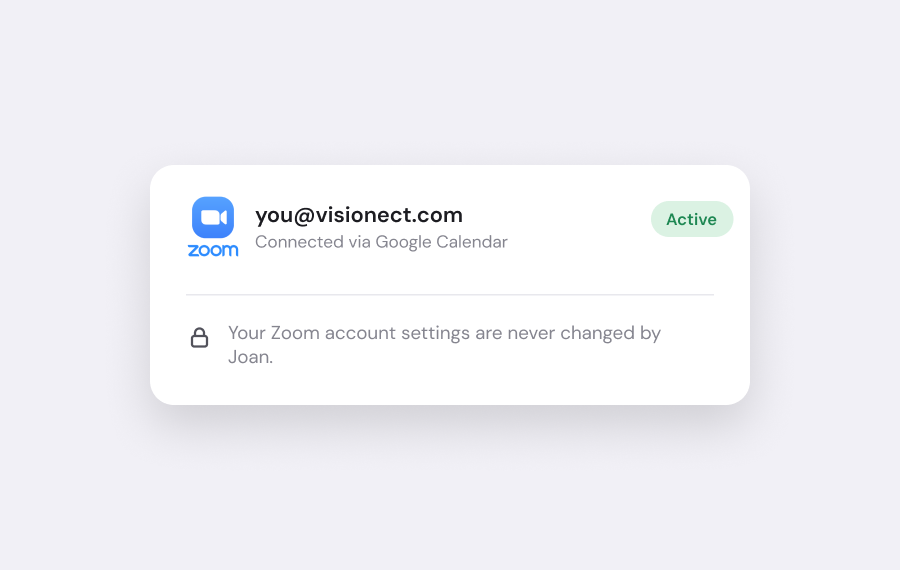
No changes to your Zoom account
The integration runs through the Google Calendar Zoom connector. Your existing Zoom setup stays exactly as it is.
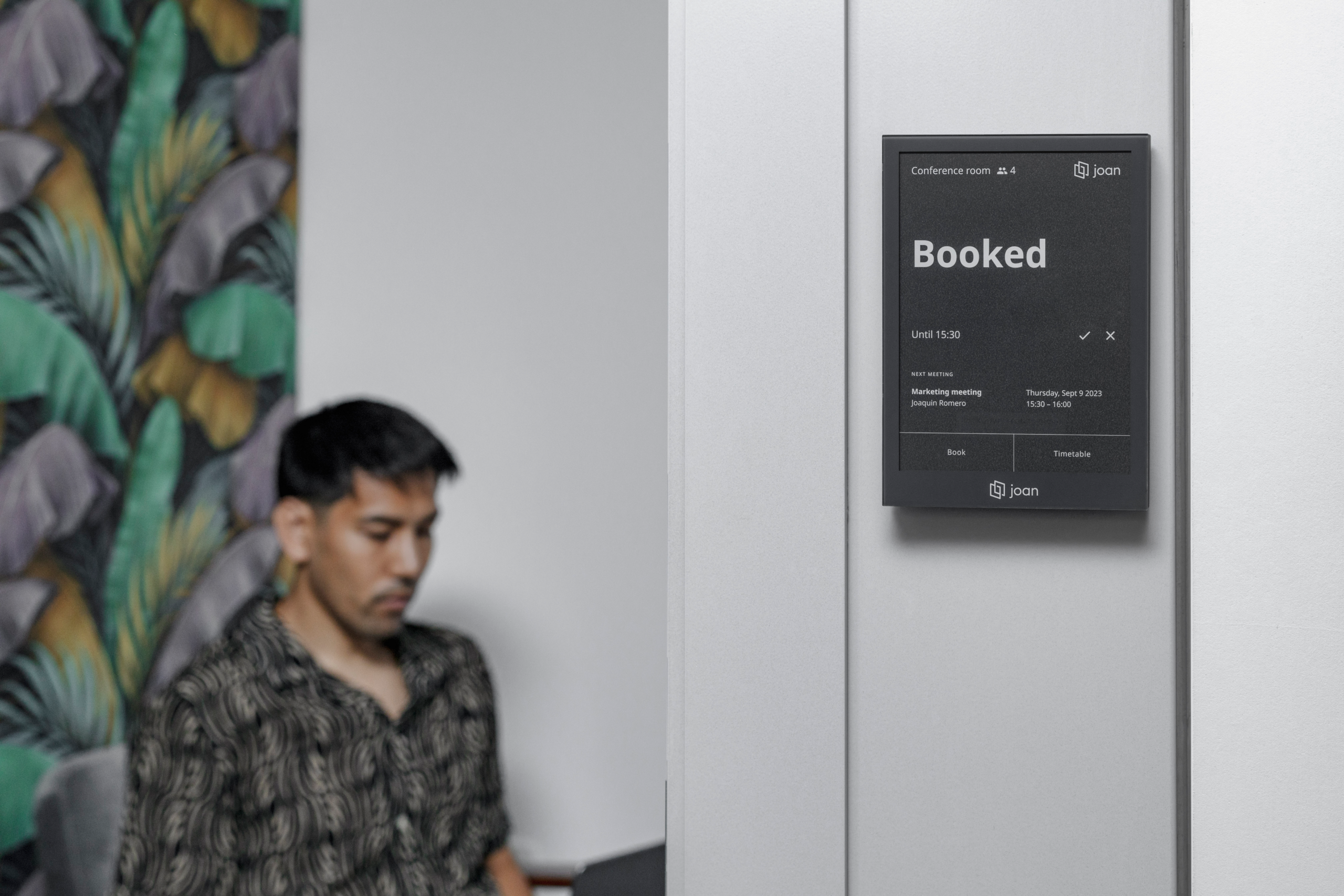
See the meeting on room displays
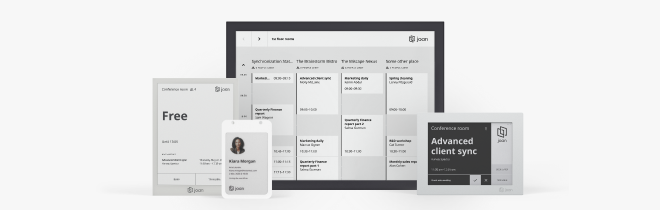
Joan room displays outside the door show the meeting — Zoom details included — so anyone walking past knows the room is in use.
Need help with the Zoom setup?
The full setup guide is on our support site — installing the add-on, enabling automatic Zoom calls, and going live.

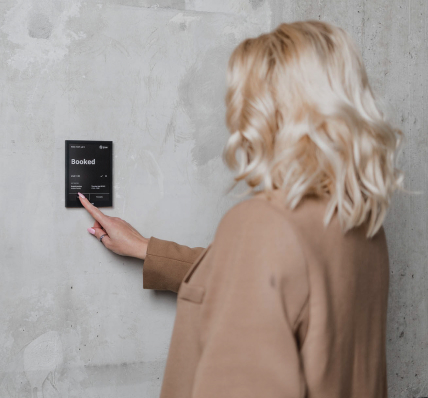
€49 per month to start
All solutions above are included in every plan.
Rated by the people who use it.
4.5 out of 5 on G2 · 248 reviews
Happy users worldwide share their satisfaction with Joan solutions and devices every day. And here’s the proof.
The only room booking tablet an idiot like me could implement
Great Tool for Desk and Workplace Management
Makes people happy




Frequently asked questions
Does the Joan and Zoom integration require Google Workspace?
Yes. This integration relies on the Zoom for Google Workspace add-on, which connects your Google Calendar with Zoom. It is not available for Microsoft 365 or other calendar platforms.
Do I need a paid Zoom account to use this?
You need an active Zoom account. Check Zoom’s pricing page for the plan that fits your organisation’s needs — Joan does not impose a specific Zoom plan requirement.
How do I install the Zoom for Google Workspace add-on?
A Google Workspace admin goes to the Google Workspace Marketplace, searches for Zoom, selects the Zoom for Google Workspace add-on, and follows the install prompts. You can scope the install to your whole domain, specific teams, or individual departments.
Do Zoom links appear automatically, or does someone add them manually?
Automatically. Once a Google Workspace admin enables “Automatically add video calls to events” in the Google Admin console under Apps → Google Workspace → Calendar → Sharing Settings, every new event gets a Zoom link with no manual step.
Can I enable this for only some departments and not others?
Yes. When installing the add-on from the Google Workspace Marketplace, you can scope it to the whole domain, specific organisational units, or individual users — so you can roll it out gradually.
Does this work when rooms are booked from a Joan room display?
Yes. The integration works whether the booking is made from the Joan app, the Joan web portal, or directly from a Joan device. The Zoom link is added by Google Calendar when the event is created, regardless of which Joan interface was used.
What if my team wants to use Google Meet instead of Zoom?
Google Meet is built into Google Calendar and does not need an add-on. This integration is specifically for Zoom. Your admin can choose which video conferencing provider is added by default in Google Calendar settings.
Who configures the integration — IT or end users?
A Google Workspace admin sets it up once. After that, Zoom links are added automatically for every user in the deployment scope — end users do not need to do anything.
Where do I get help if the integration is not working?
Contact the Joan support team at [email protected]. Support is available Monday to Friday, 08:00–24:00 CET. You can also visit the setup guide on the Joan Help Centre for step-by-step instructions.