
MICROSOFT TEAMS integration
Joan Workplace + Microsoft Teams integration
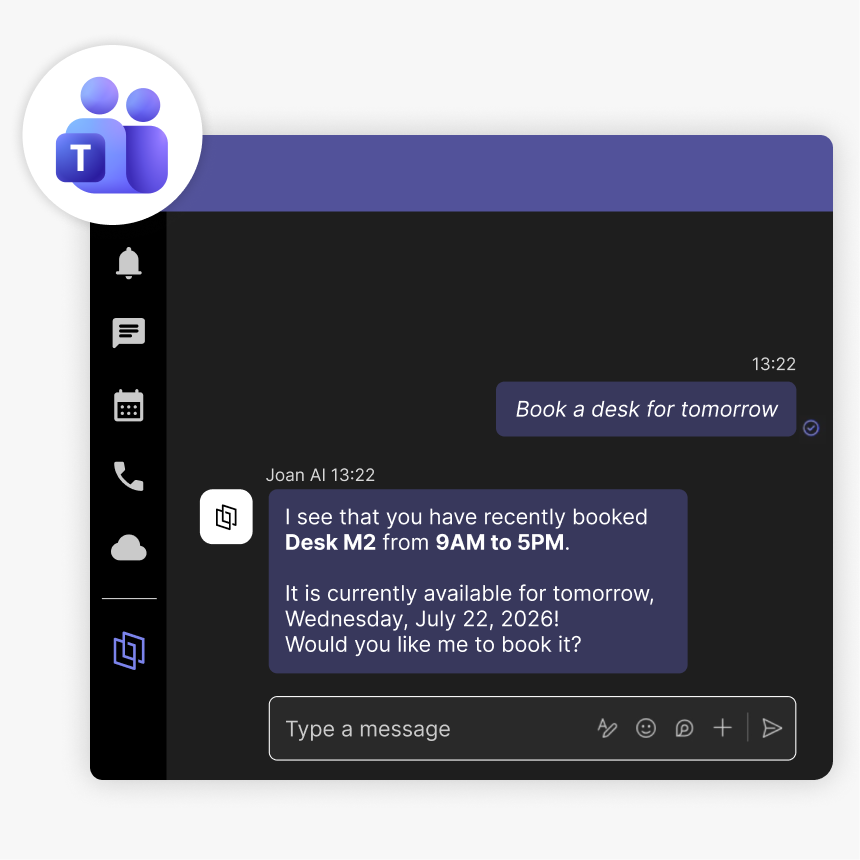
Joan AI lives inside Microsoft Teams. Book rooms, reserve desks, register visitors, and check your office devices — all from a normal conversation, without leaving Teams.
How Joan connects to Microsoft Teams
Three steps and Joanbot is ready in any Teams channel or chat.

Enable from MyJoan
Sign in to MyJoan, go to Settings → Integrations → AI Agents, and select Microsoft Teams. You’ll be redirected to the Teams app store to install Joan AI.

Admin approves org-wide
Your Microsoft Teams admin enables Joan AI for the whole organization. One-time setup, no ongoing admin work.

Ask Joan
Open Teams, search for Joan AI, click Add, and start chatting. Book rooms, reserve desks, or ask questions immediately.
What you can do with Joan AI in Microsoft Teams
Everything your team can do through a Teams chat message.
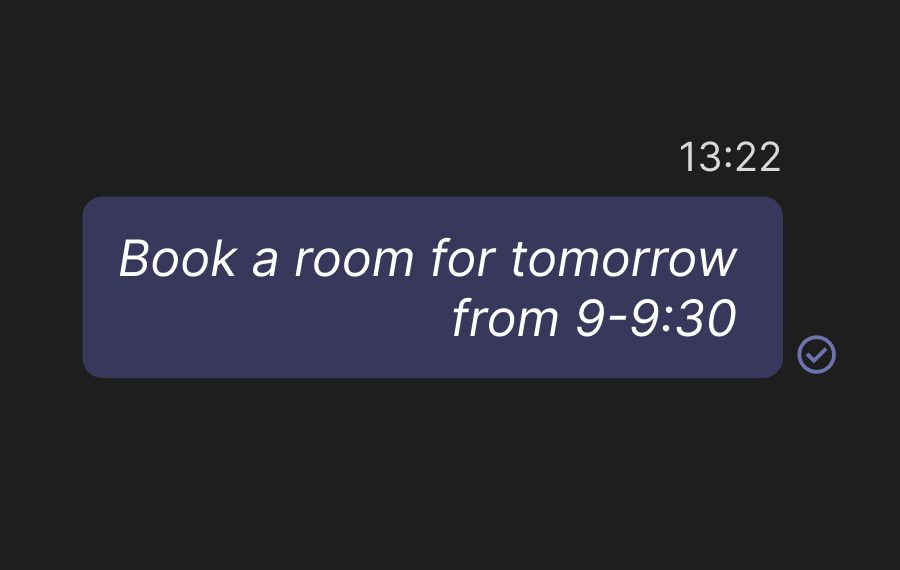
Book rooms by chat message
Reserve an available room directly from a Teams chat. “Book a room for tomorrow at 2 PM” is all it takes.
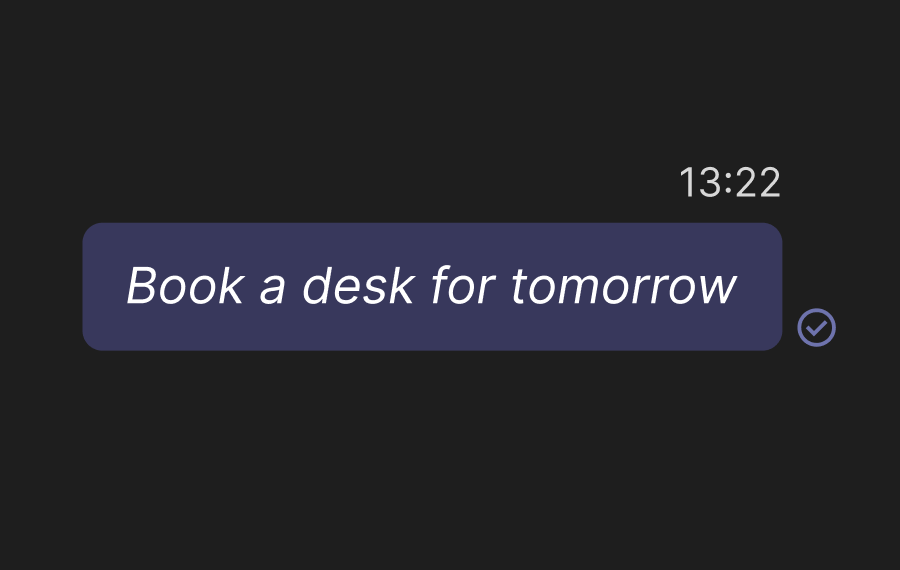
Reserve desks
Book a desk for yourself or find one near your team in a few messages.
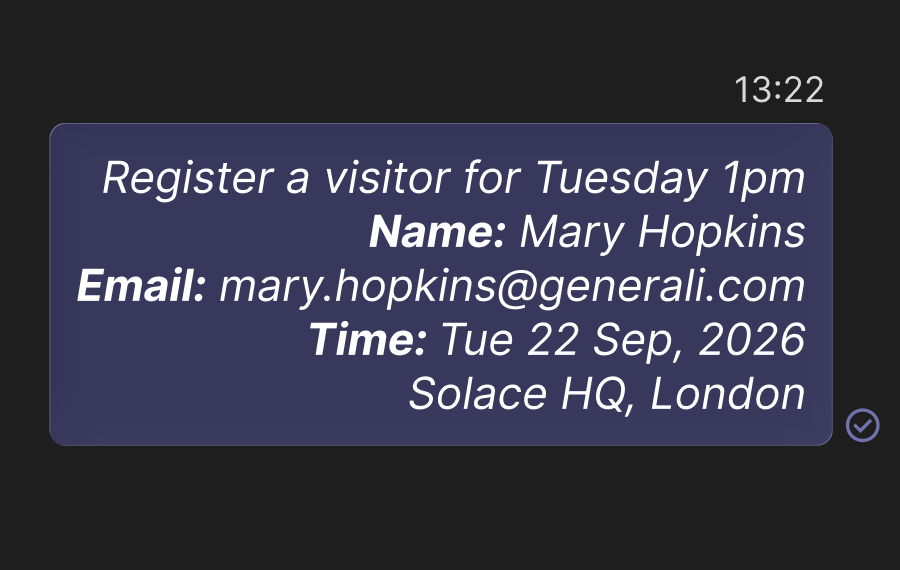
Register visitors
Register a guest for a specific time and date without opening the Joan portal.
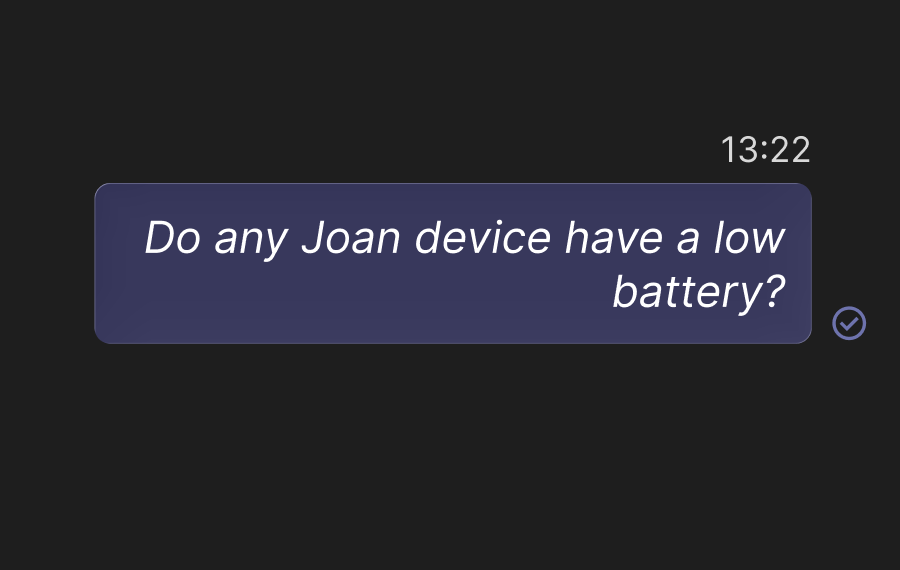
Check Joan device health
Ask which displays are offline or have a low battery — useful for IT without waiting for complaints.
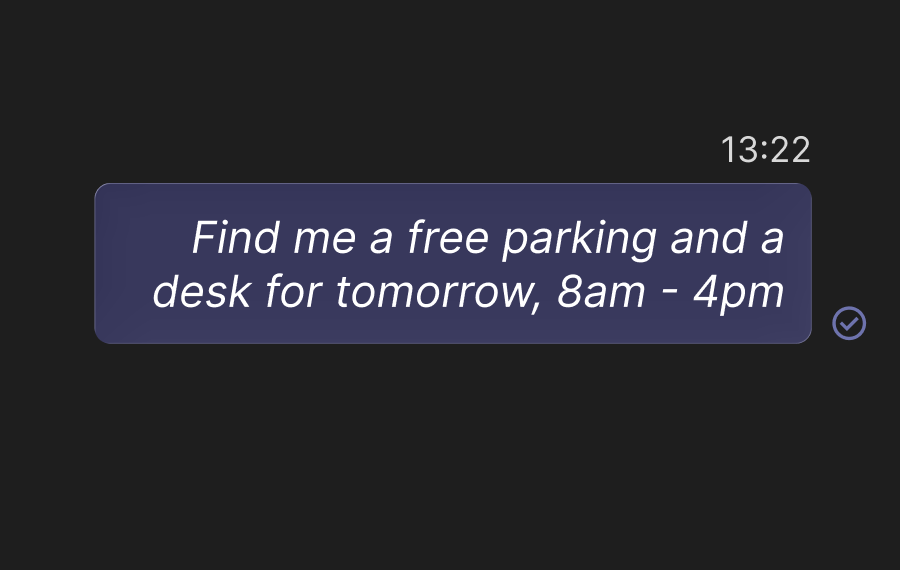
Find available spaces instantly
Ask what’s free right now across rooms, desks, and parking — no portal needed.
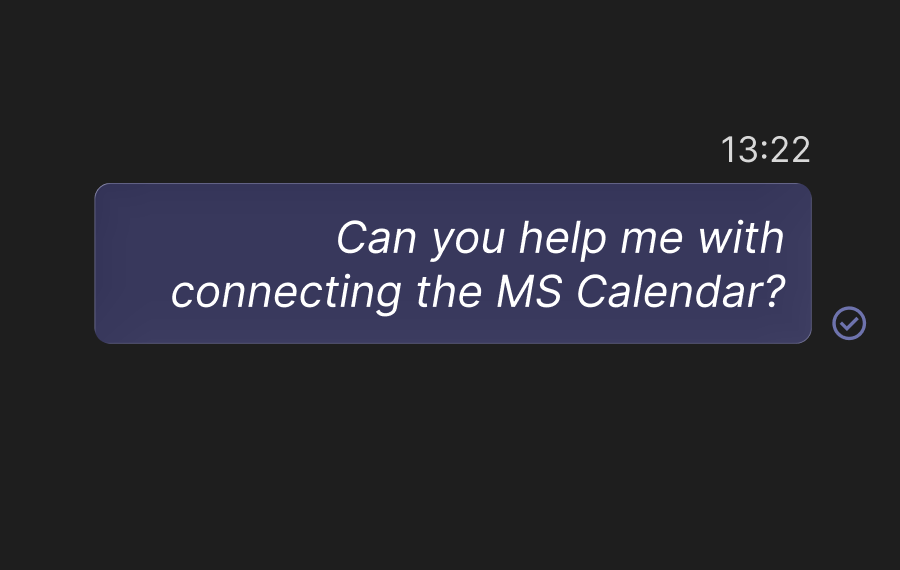
Get instant Joan product help
Ask how to connect a calendar, configure room booking, or manage devices and get an answer on the spot.
Need help brining Joan into Teams?
Everything you need is on our support site — connecting Joan AI to Teams and going live.

€49 per month to start
All solutions above are included in every plan.
Rated by the people who use it.
4.5 out of 5 on G2 · 248 reviews
Happy users worldwide share their satisfaction with Joan solutions and devices every day. And here’s the proof.
The only room booking tablet an idiot like me could implement
Great Tool for Desk and Workplace Management
Makes people happy




Frequently asked questions
Is Joan AI available in Microsoft Teams?
Yes. An admin enables it org-wide from the Microsoft Marketplace; after that, any user can add it directly in Teams.
Can I book a desk or meeting room from Teams?
Yes. Ask Joan in a chat — “Book a desk for Friday” or “Is the Boardroom free at 2 PM?” — and it completes the booking in Joan.
Does Joan AI work in Teams channels?
Joan AI works via direct messages only. Channel chat is not supported.
Do I need a Joan user license?
Yes. Each user who wants to book rooms or desks needs an active license assigned in MyJoan.
Where do I find Joan AI in Teams?
Open Teams → Apps → search “Joan AI” → click Add.