
Joan vs. ROBIN
Why Joan is the #1 Robin Alternative
Both Joan and Robin offer a wide range of workplace features, but the key difference is simplicity. Robin doesn’t make its own displays and only shares pricing on a sales call. Joan is an all-in-one workplace platform that runs on the devices you already have, or our wireless displays that last months on a single charge.
Ditch the Scheduling Struggles. Simplify Your Workplace.
Clunky systems, unused rooms, and double bookings waste time and frustrate teams? Robin tries to help, but Joan gets it right from the start.

Too Many Tools
Juggling between apps, calendars, and dashboards slows everything down.

Wasted Time & Space
Missed meetings and ghost bookings cost more than you think.

Poor User Adoption
If your team avoids the system, it’s not working. Simpler is better.
comparing features
Joan vs. Robin
Core features
Room, desk, visitor, parking
Localized Interface
Wireless devices (E‑ink)
Hardware flexibility
Calendar integration
Offline mode
Custom branding
Sustainability focus
Total cost of ownership
Free trial
What Joan does beyond room booking
Joan isn’t only a room display. It’s one platform for rooms, desks, visitors and parking, with the same login and the same admin portal. Here’s how it compares with Robin, feature by feature.
| Feature | Joan | Robin |
|---|---|---|
| Meeting room booking | Yes. Book from Outlook, Google Calendar, the Joan app or the display at the door | Yes |
| Desk booking | Yes. Live floor plan, desks auto-release on no-shows, utilization dashboard | Yes |
| Visitor management | Yes. Pre-registration with QR code, host alerts, NDAs, live evacuation list, reusable ePaper badges | Yes. Guest check-in, badge printing |
| Parking and assets | Yes | Yes. Parking and lockers |
| AI assistant | Joan AI in Microsoft Teams and Claude | Analytics AI assistant (add-on), Claude MCP support |
| Room displays | Joan’s own wireless ePaper displays, or any tablet | No own hardware. Partner devices are sold separately |
| Pricing | Public. Plans from €49/month | Quote only, billed annually |
| Best fit | Any size, from one office | 500+ employees (Robin’s own guidance) |
Desk booking. Employees see a live floor plan and book a desk next to their team. Desks that nobody checks into are released automatically, and facilities get a utilization dashboard instead of a spreadsheet. See desk booking.
Visitor management. Hosts invite guests ahead of time. Guests fill in their details, sign NDAs and get a QR code before they arrive. At reception they scan in, the host is notified, and they get a reusable ePaper badge instead of a printed sticker. Every visit is logged, and a live evacuation list is one tap away. See visitor management.
Parking and assets. Staff book parking spots and shared equipment the same way they book desks, and admins see how much of it is actually used.
Joan AI. Employees book desks and rooms, register visitors and check their bookings by chatting with Joan AI in Microsoft Teams or Claude.
When Robin is the better fit
Robin says its platform is designed for organizations with 500 or more employees. If you’re a large enterprise that needs scenario planning and move management across many buildings, Robin covers that. If you want room, desk and visitor booking that’s quick to roll out, with public pricing and displays that don’t need cables, Joan is the simpler choice.
Where Joan stands out from other Robin alternatives

Smarter Scheduling, Less Chaos
Book a room from Outlook, Google Calendar, Slack, Microsoft Teams or the room display. Everyone can see which rooms are free right now.
No drilling, no wiring required
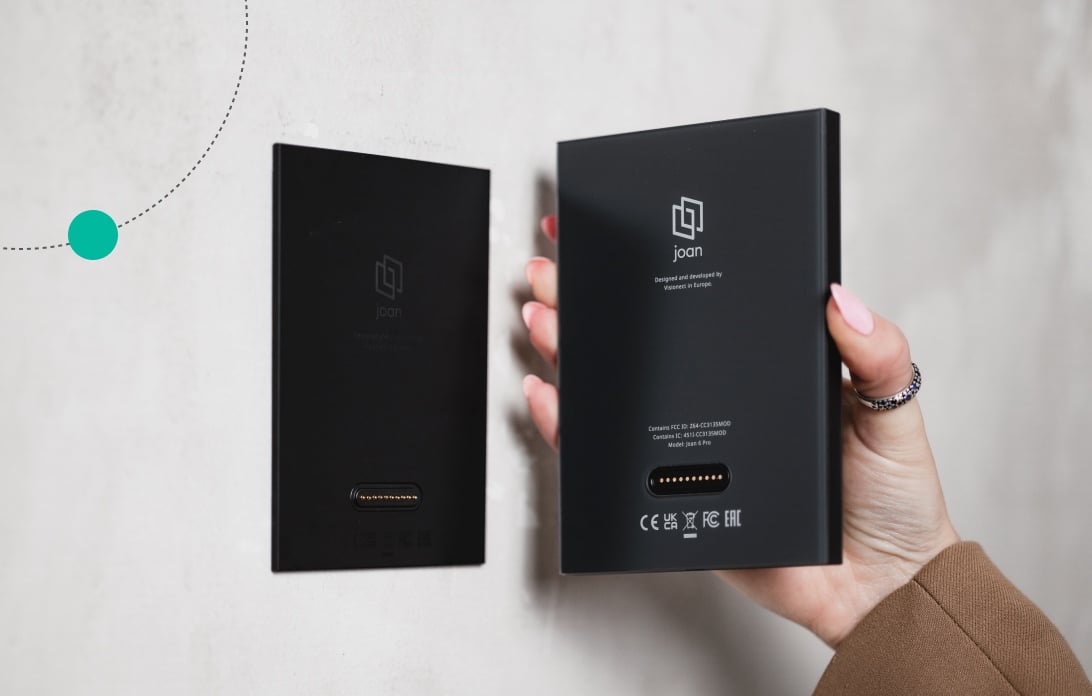
Joan displays run on battery and attach with a magnetic mount, so you can place them on any firm, even surface. Robin doesn’t make its own displays. It works with partner devices that you buy separately.
Use the devices you already own
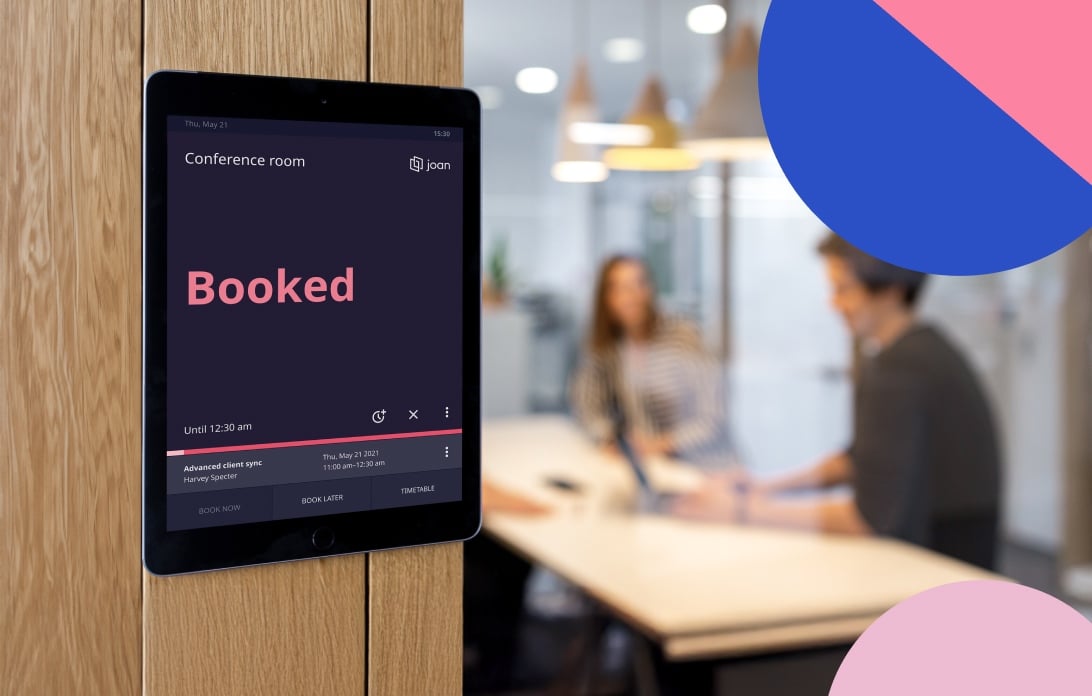
Run Joan on the tablets you already have or on Joan’s own e-paper displays. You don’t need new hardware to get started.
Works with the tools your team already uses
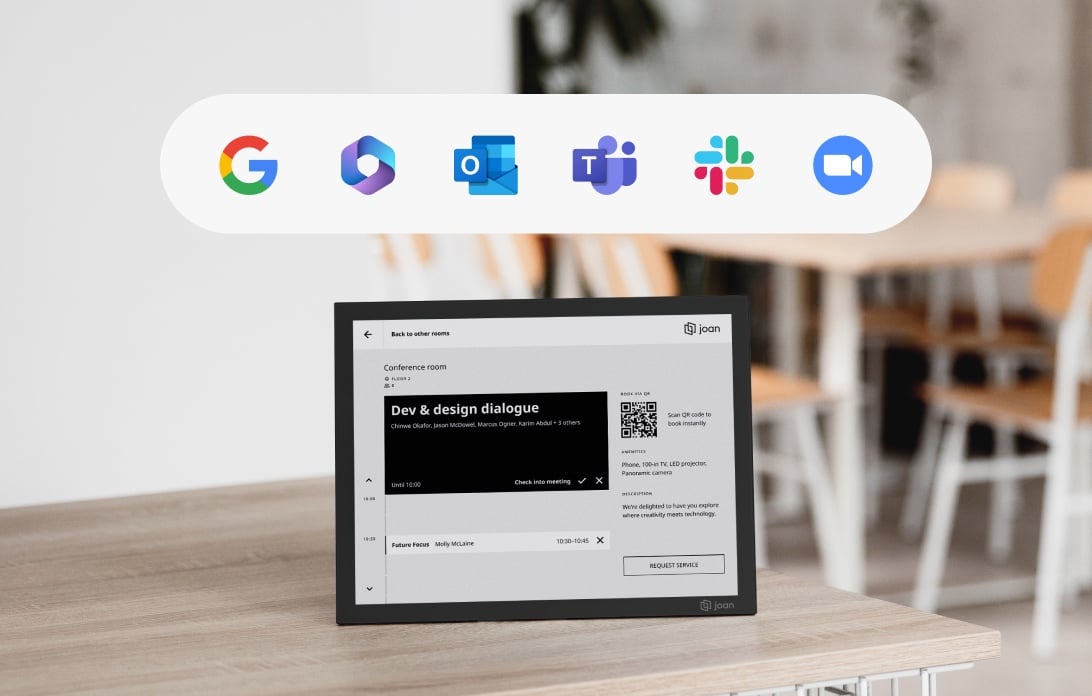
Joan works with Google Workspace, Microsoft 365, Slack, Microsoft Teams, Zoom Rooms, Webex and iCal. Robin also connects to Google and Microsoft calendars, Slack and Teams.

Everybody knows when the room is booked or not. It’s a very clear way to say: ‘Stop! Don’t go there because someone else took the room. It was really helpful because we didn’t change the way we booked the room.
Lucio Ferranti , CEO at Energy Group
Joan is the perfect solution—sleek, wireless, and so intuitive our team started using it without any training.
Topher Ohlin , IT Admin at Planning Center
So far we have had no trouble during the onboarding process or using it. I am very pleased, so far. I also love the design. I know it is not important to the people who think that only functionality matters, but if you have functionality WITH a nice and clean design, that makes the experience so much better.
Isabela Simoes , Administrative Assistant at Master Electronics
We wanted to make a platform where everybody could come in and see if there’s a room open that they can schedule and work out of.
Adam Fisk , Director of IT services at Tech Superpowers




Joan works with your stack. And meets your standards.
Integrations
Google Workspace, Microsoft 365, Slack, Teams
Compliance
ISO/IEC 27001:2022 certified, with customer data hosted in the EU

AI Capabilities
Book rooms and desks and register visitors with Joan AI

Sustainability
Battery-powered e-paper displays built with energy-saving technology

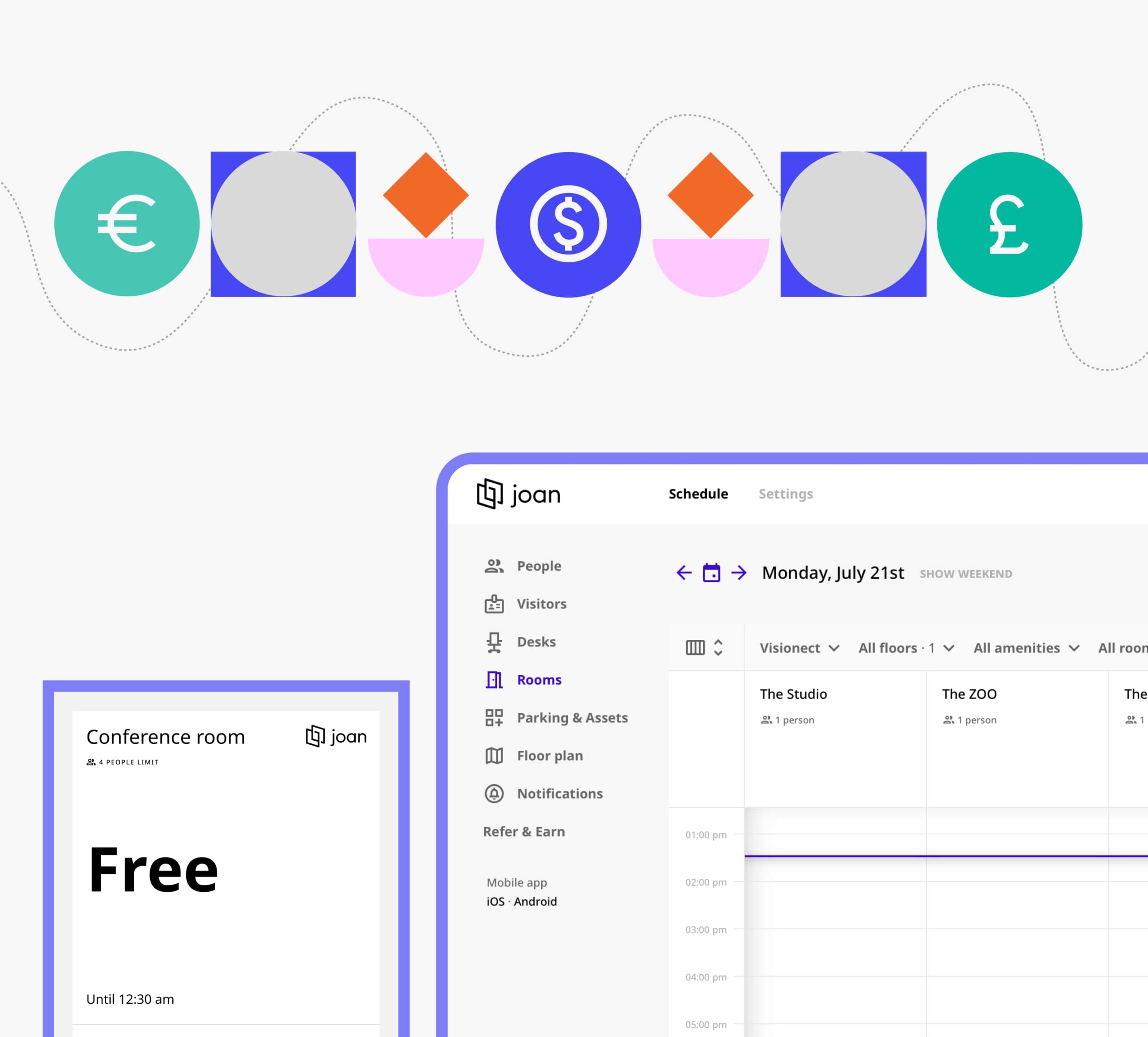
All-in-one pricing. All features included.
Joan gives you everything in one simple plan with software, updates and support included without hidden costs or third-party add-ons.
 Try Joan free for 30 days.
 Plans start at €49 per month and include all Joan solutions.
 Enterprise+ plan for larger organizations.


Frequently asked questions about Joan vs Robin
What’s the main difference between Joan and Robin?
Joan is one platform for room booking, desk booking, visitor management and parking, with its own battery-powered e-paper displays. Robin is a workplace platform designed for organizations with 500 or more employees. It doesn’t make its own displays and works with partner devices sold separately. Joan’s pricing is public, while Robin shares pricing on a sales call.
Which is the best Robin alternative?
Joan is a good fit for teams that want public pricing, a free trial and wireless displays that don’t need cables or drilling. It covers rooms, desks, visitors and parking in one platform.
Do I need IT support to install Joan vs Robin?
Joan displays are wireless. They attach with a magnetic mount, so you don’t need drilling or cables. Robin works with partner displays, so setup depends on the device you choose.
Do Joan and Robin work with existing calendars?
Yes. Both work with Google and Microsoft calendars. Joan also works with iCal, Slack, Microsoft Teams, Zoom Rooms and Webex.
Can I use my existing tablets with Joan instead of buying new hardware?
Yes. Joan runs on the tablets you already have. You can also use Joan’s own battery-powered e-paper displays. Robin works with partner devices that you buy separately.
Does Joan offer a free trial?
Yes. You can try Joan free for 30 days with no commitment. Robin doesn’t list a free trial on its website.