Joan 13 Pro
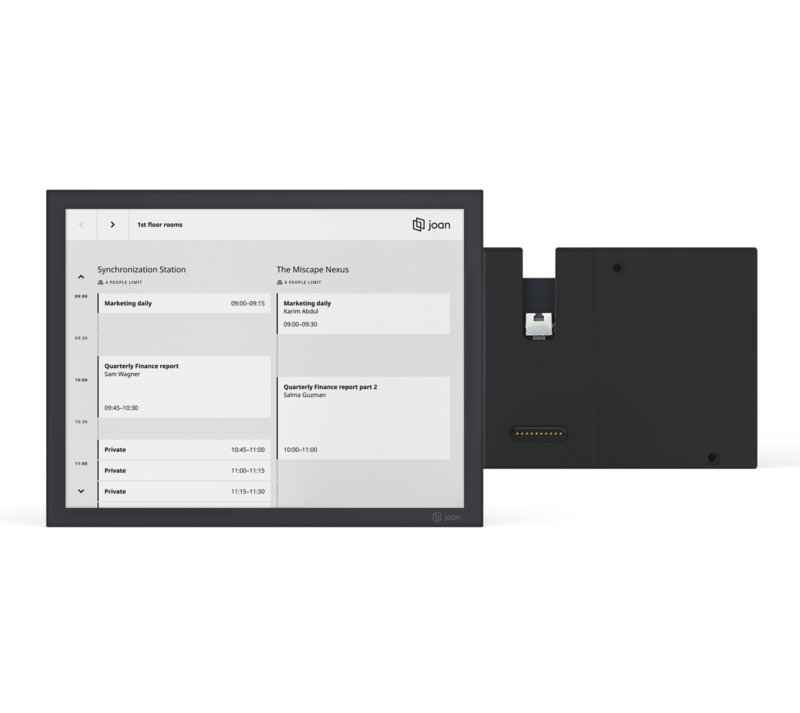
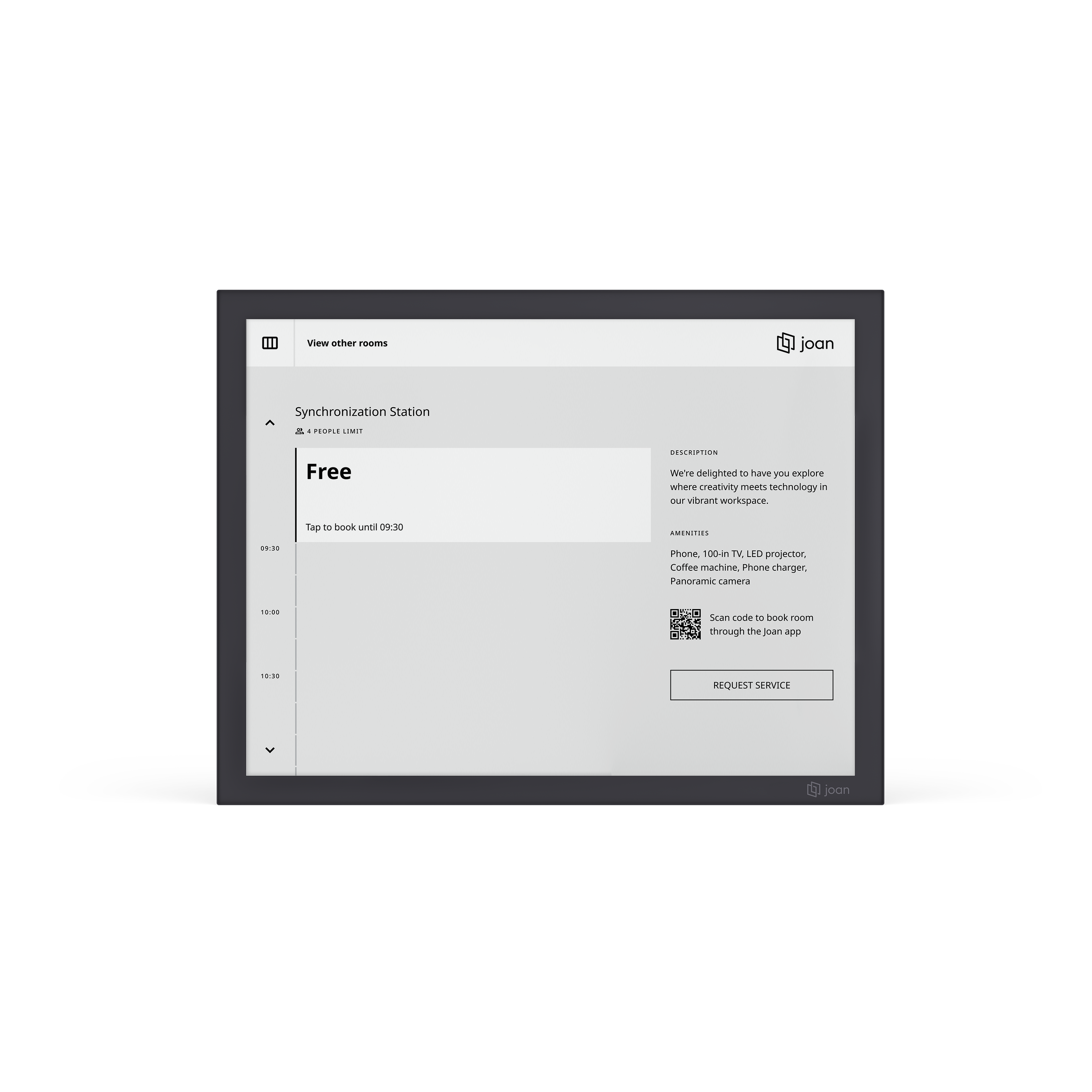
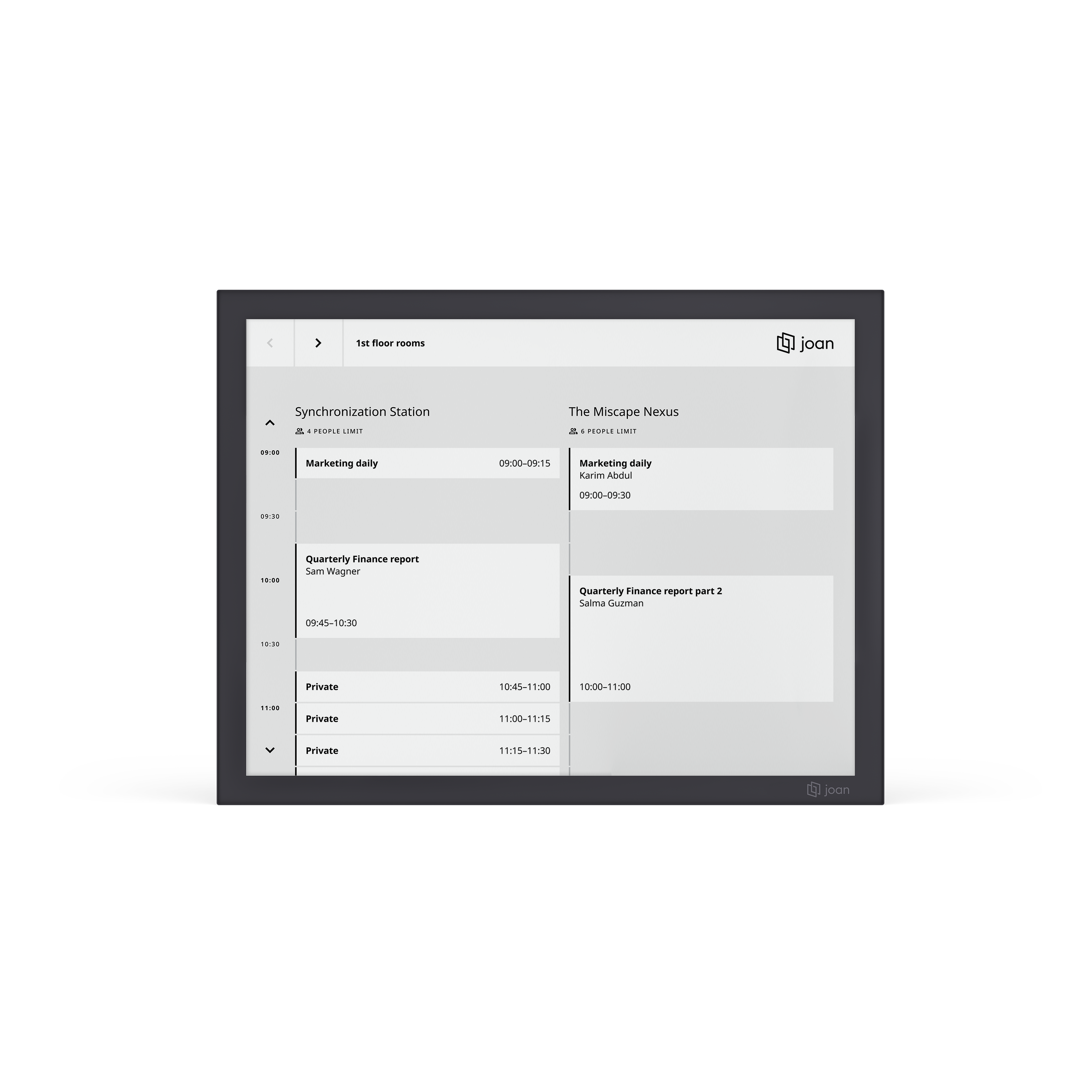
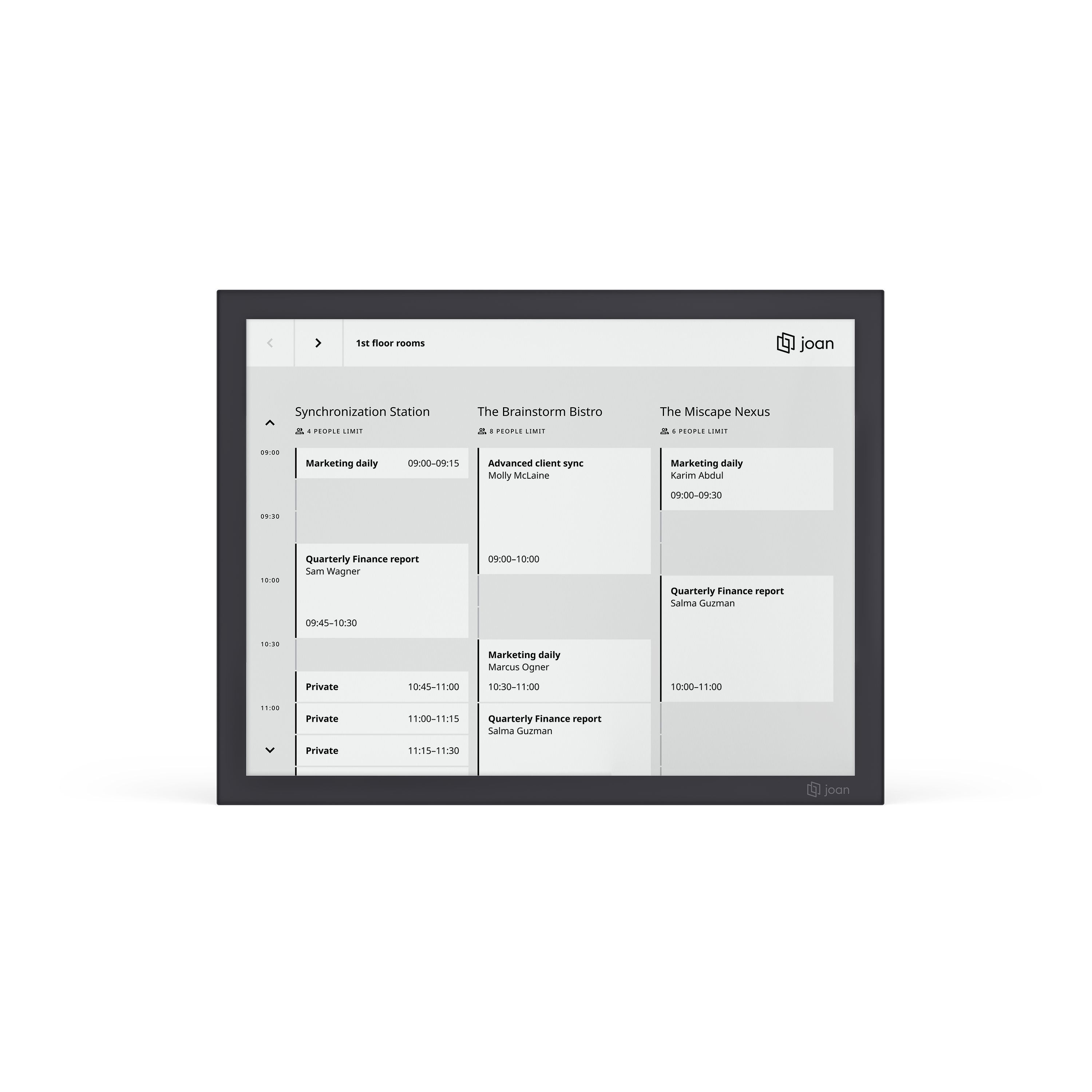
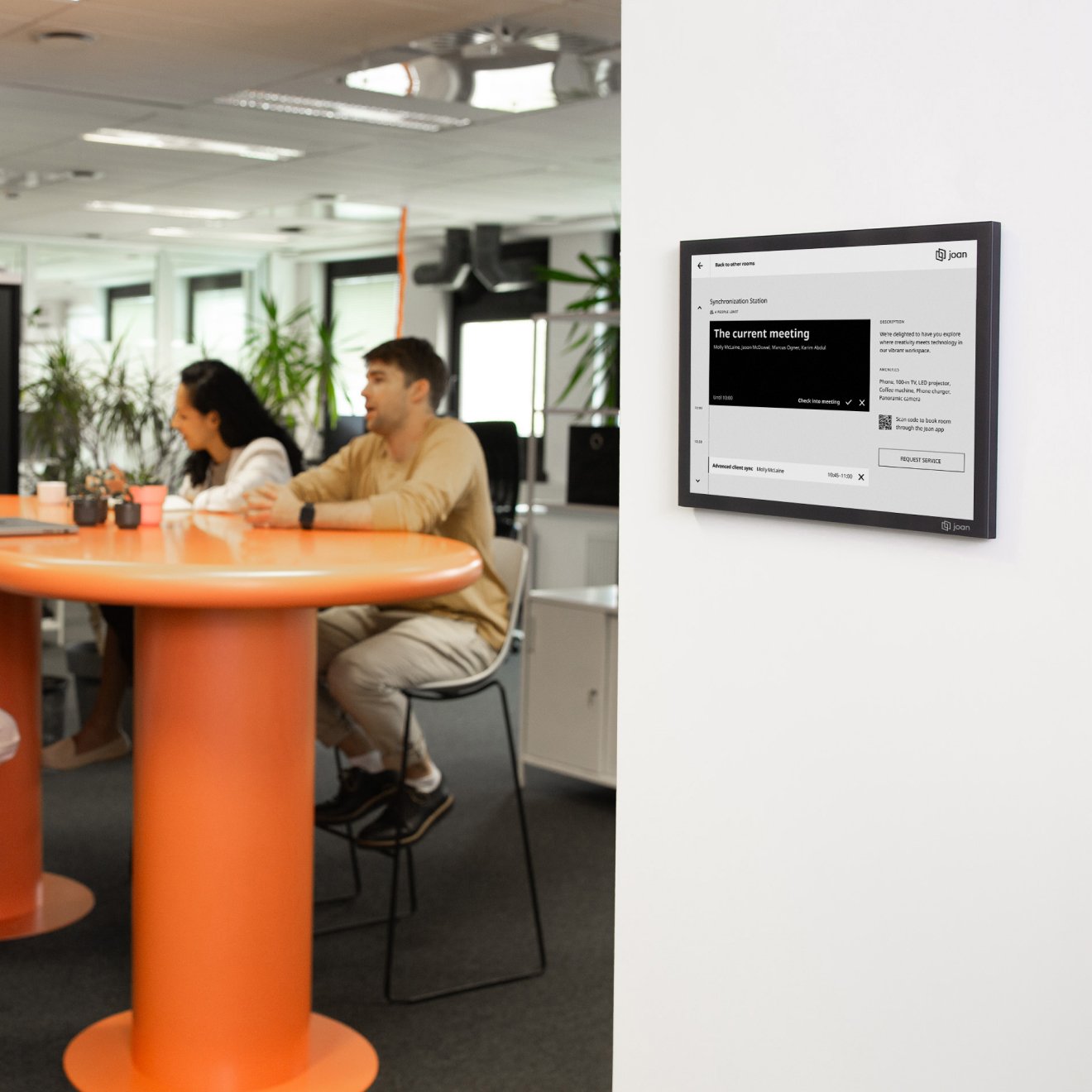
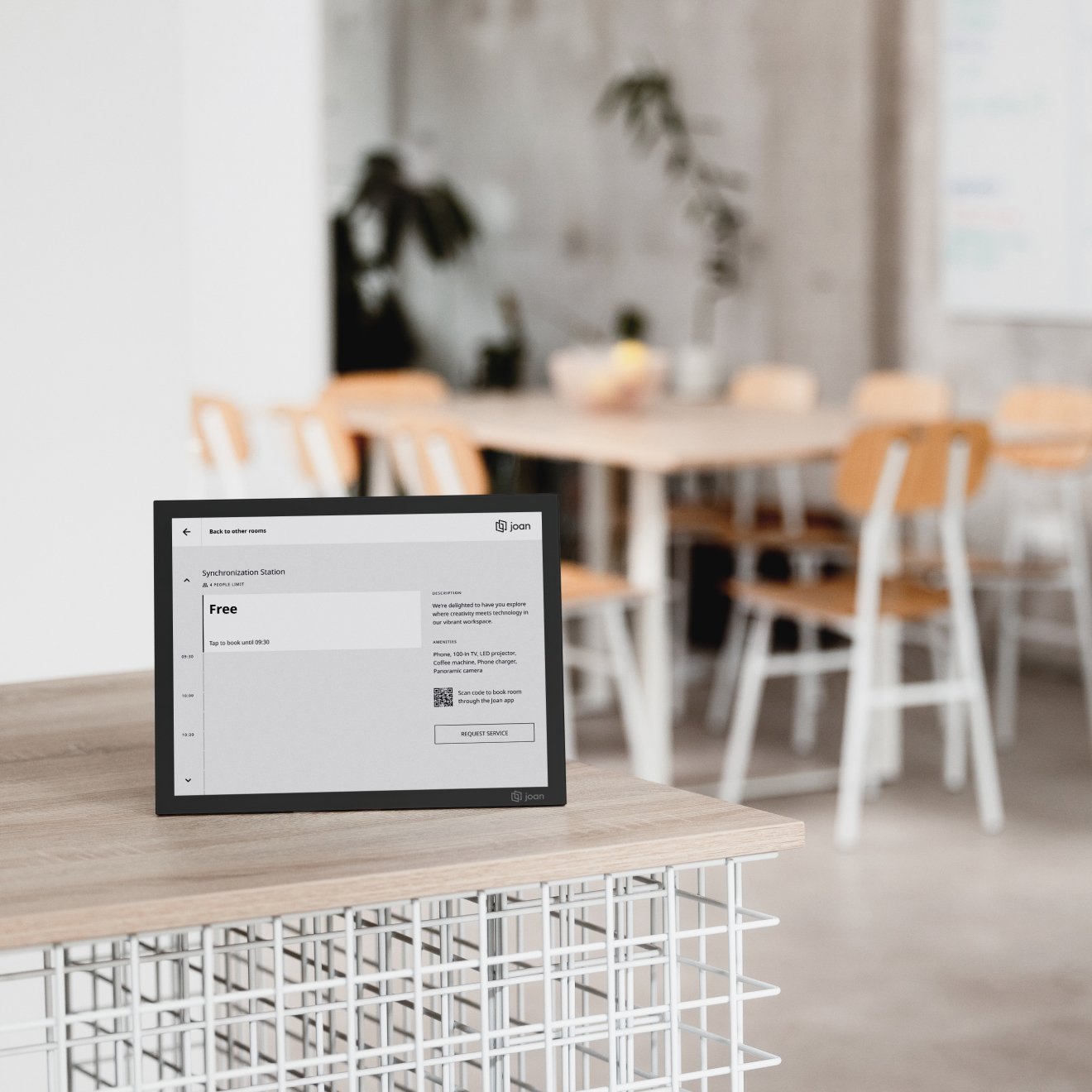
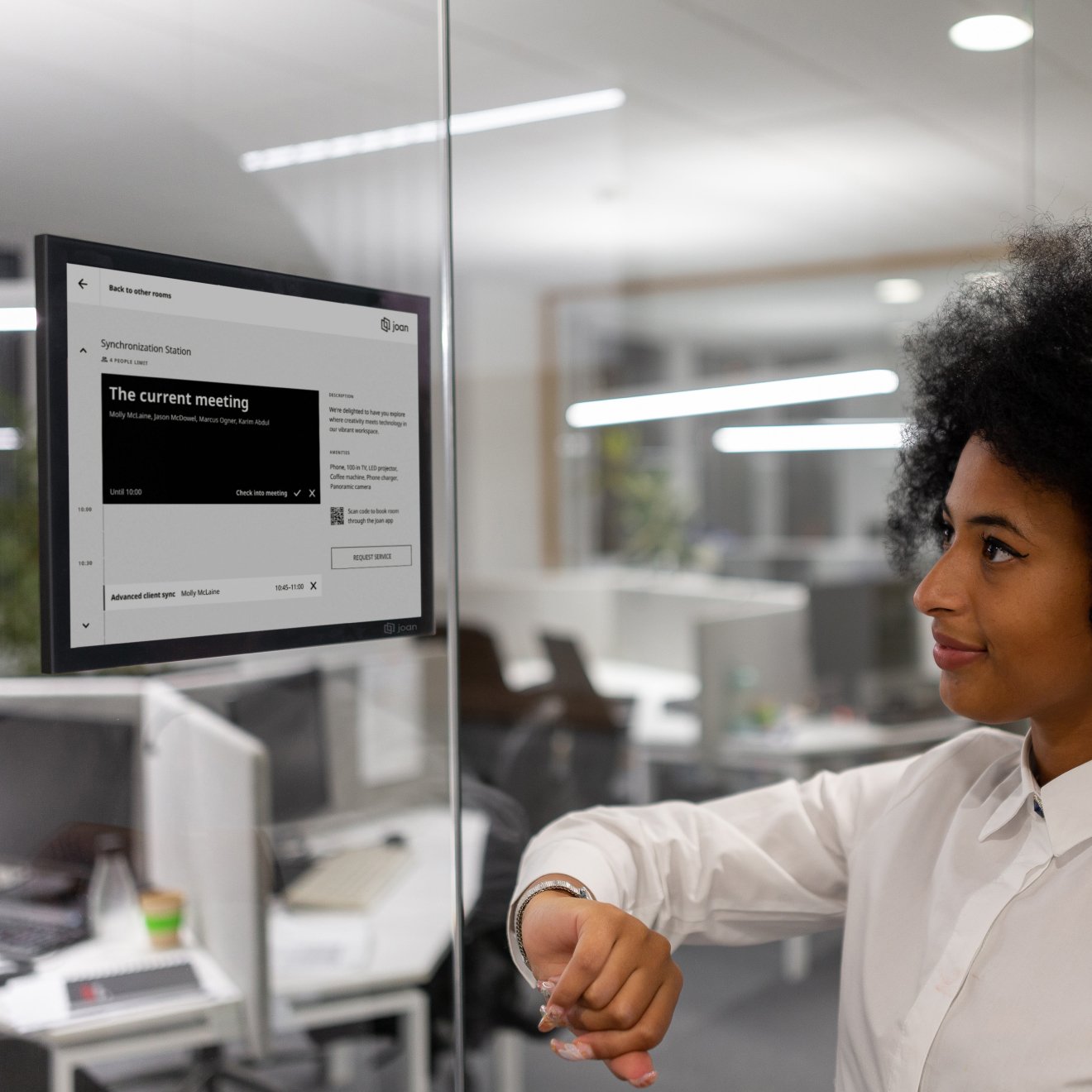
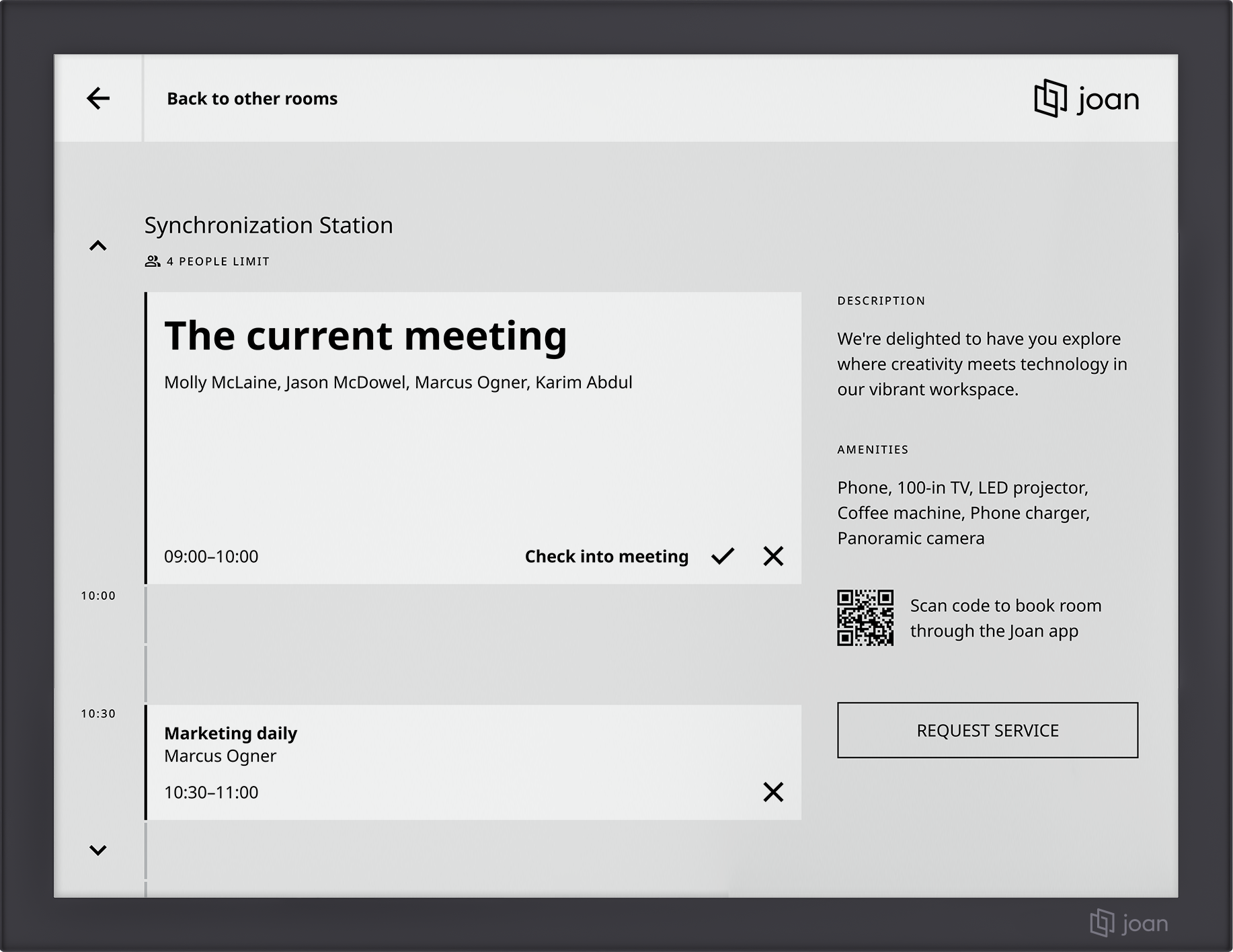
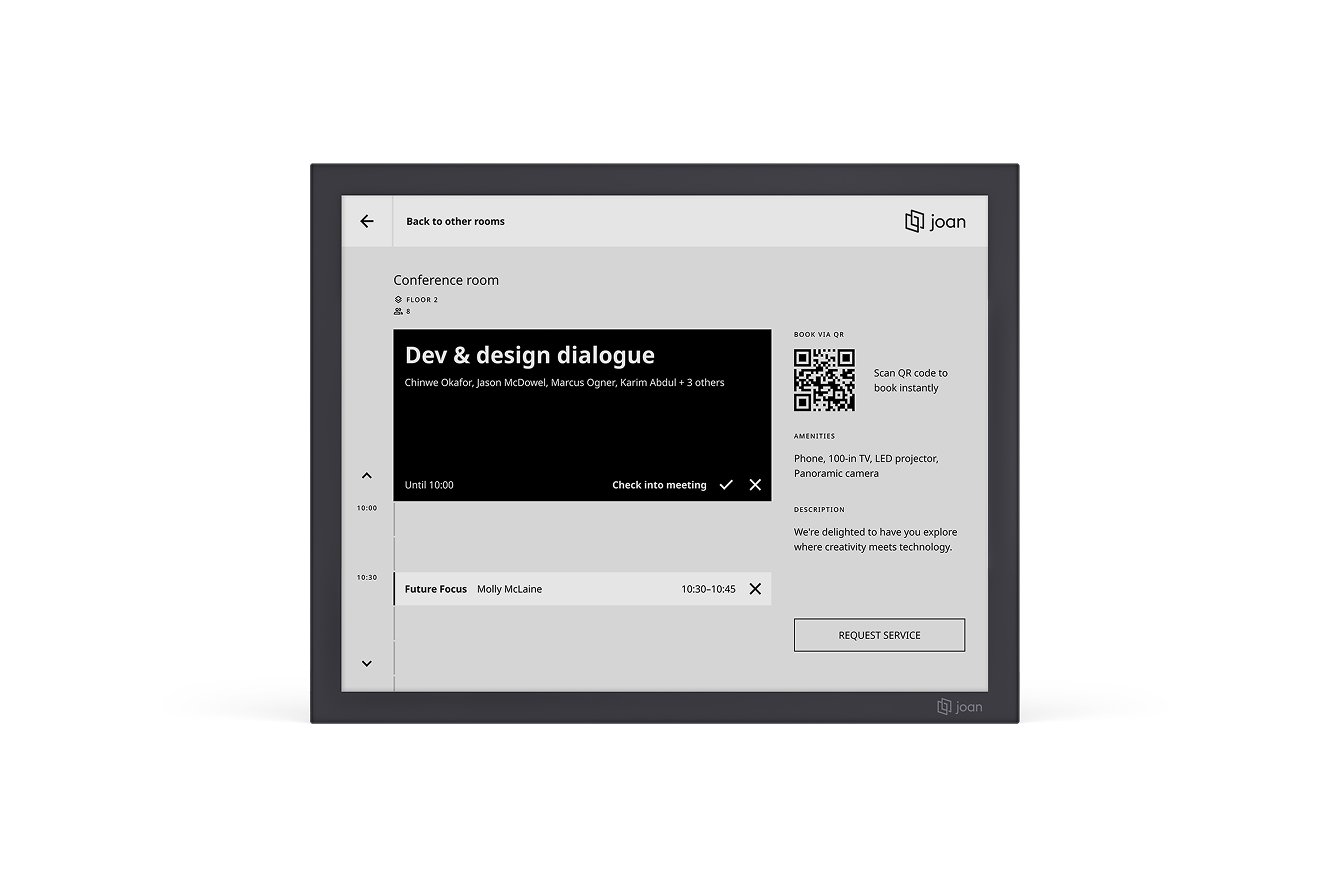
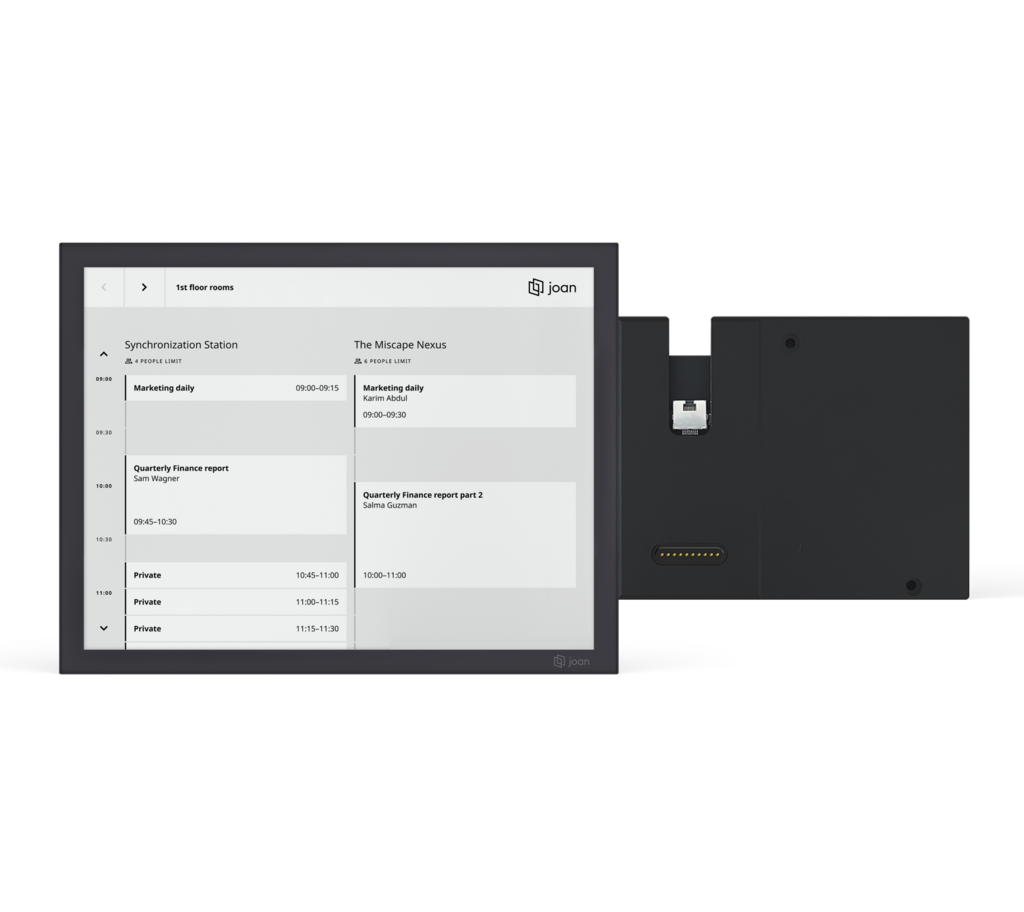
Switch between a detailed view of a single room and all your company rooms. If the room you need is booked, simply choose an available one from the same scheduler. No steps—just a tap, and the room is yours.
Experience the power of Joan 13 meeting room overview display risk-free! If it doesn’t revolutionize your meeting room management, simply return it for a full refund.
Get your Joan 13 up and running fast! We offer complimentary shipping worldwide.
The box includes:
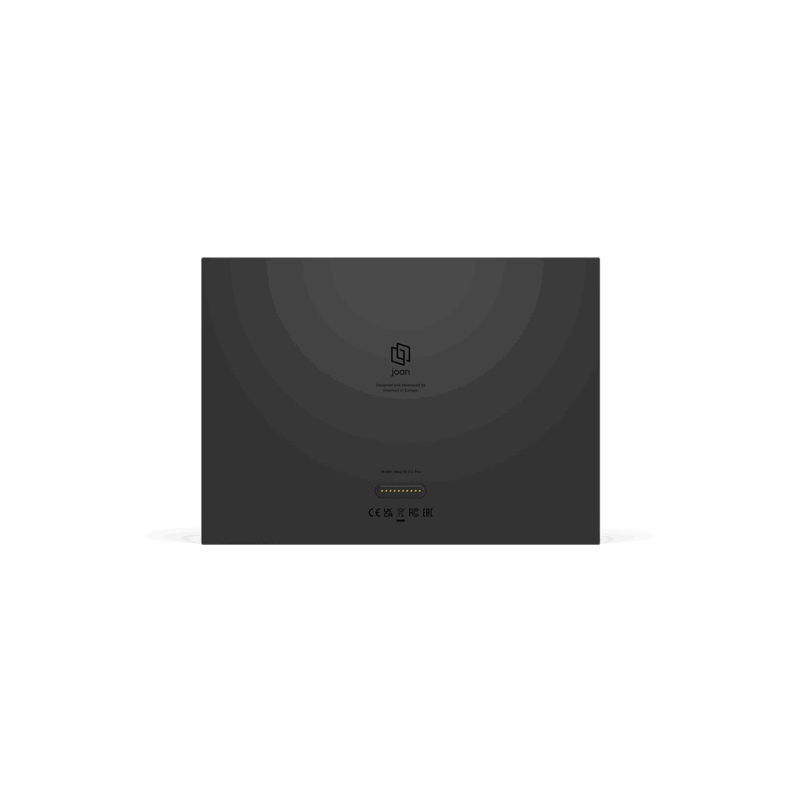
- 13.3-inch Joan 13 Pro touchscreen device
- USB C cable
- Onboarding information
- 1 Smart Magnetic Mount for Joan 13 Pro
- Access to MyJoan portal
Use our simple tool to instantly find your ideal Joan device.
Point your phone at any wall and preview Joan devices in real size, right where you need them.





Recognizing Excellence
Joan 13 Pro’s outstanding design and quality have been recognized by top-class design specialists all over the world.











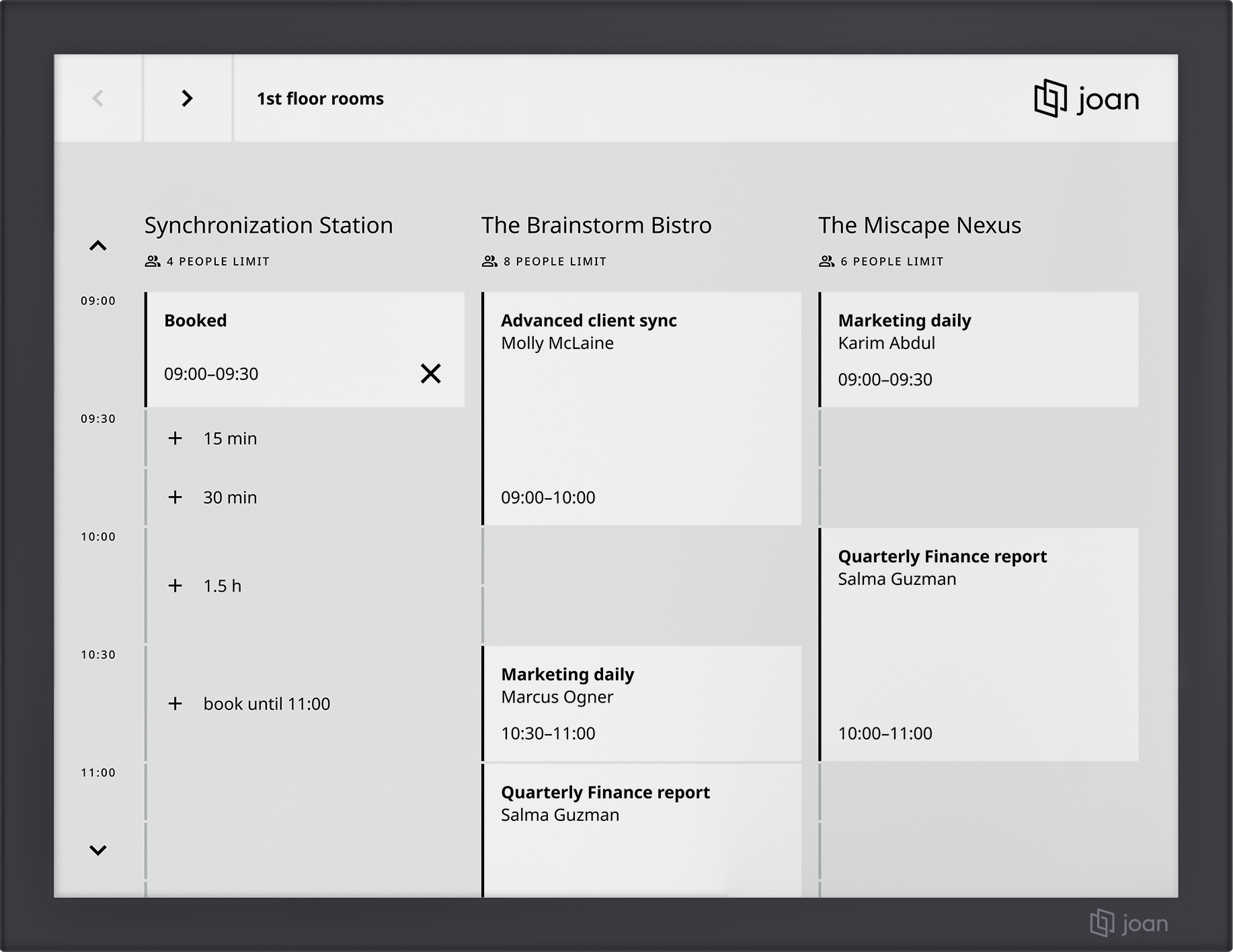
What makes Joan 13 Pro the ultimate scheduler?
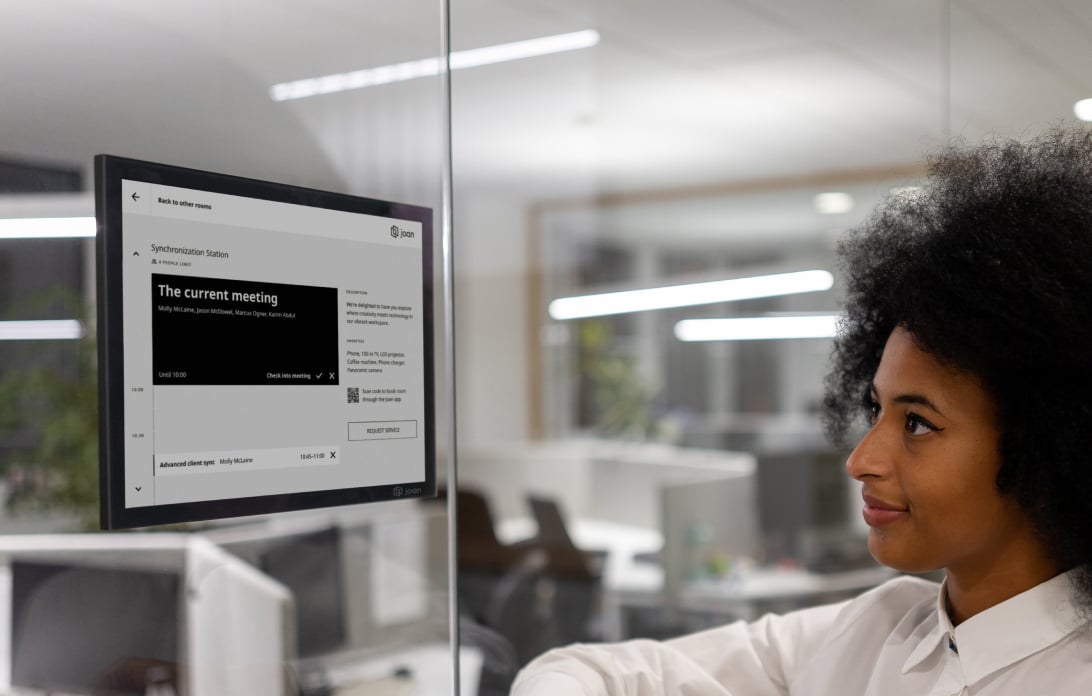
One device manages it all
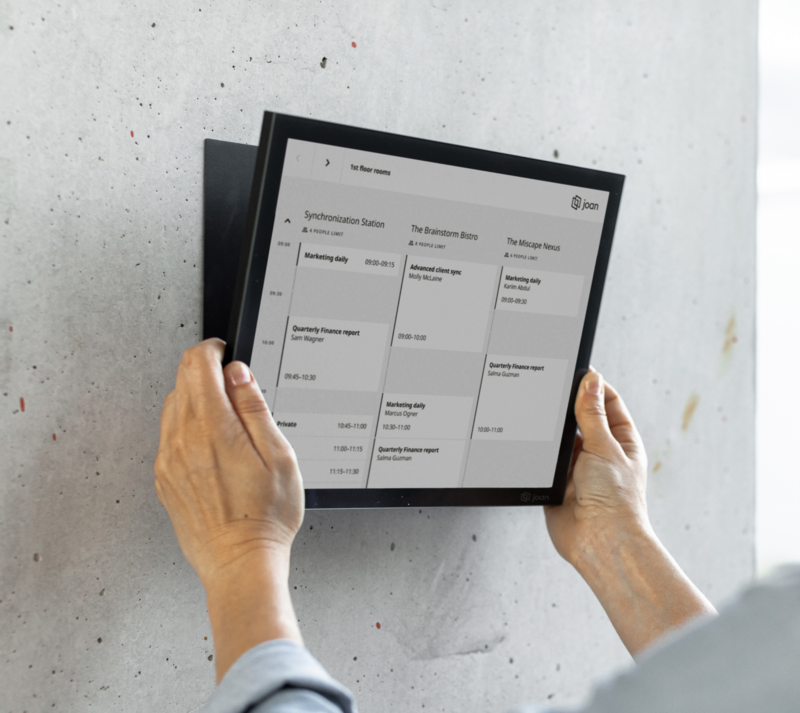
Whether you’re managing a single room or many, you can now book them all from Joan 13 Pro. Is the room you want already booked? No worries—just swipe to find an available room and book it instantly.
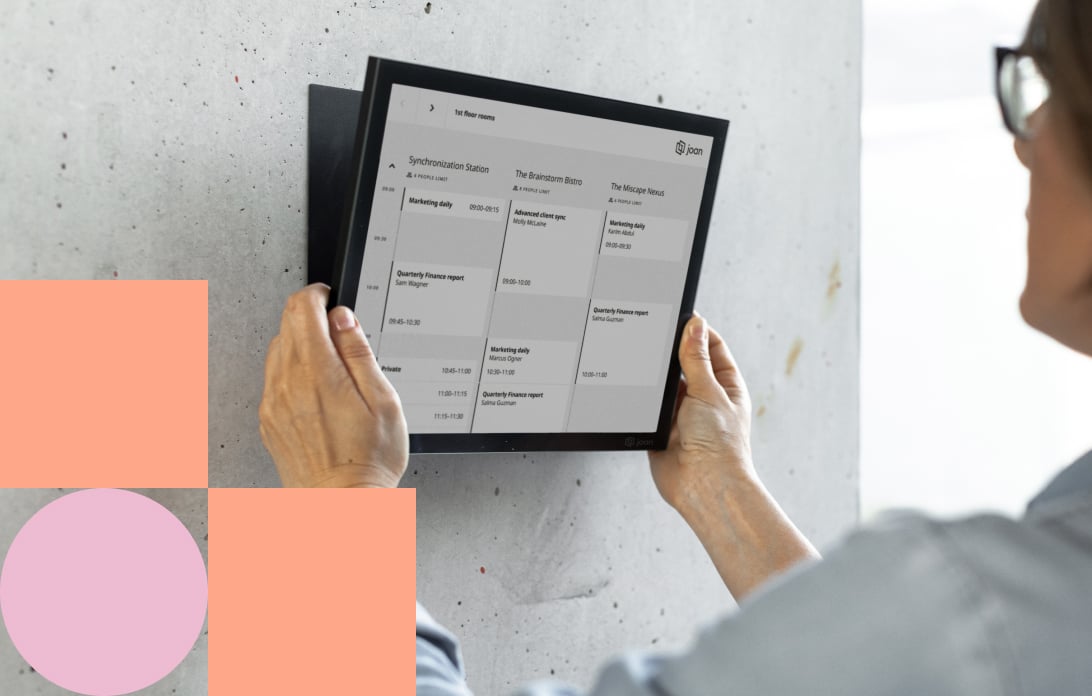
Featuring the multi-room Smart magnet
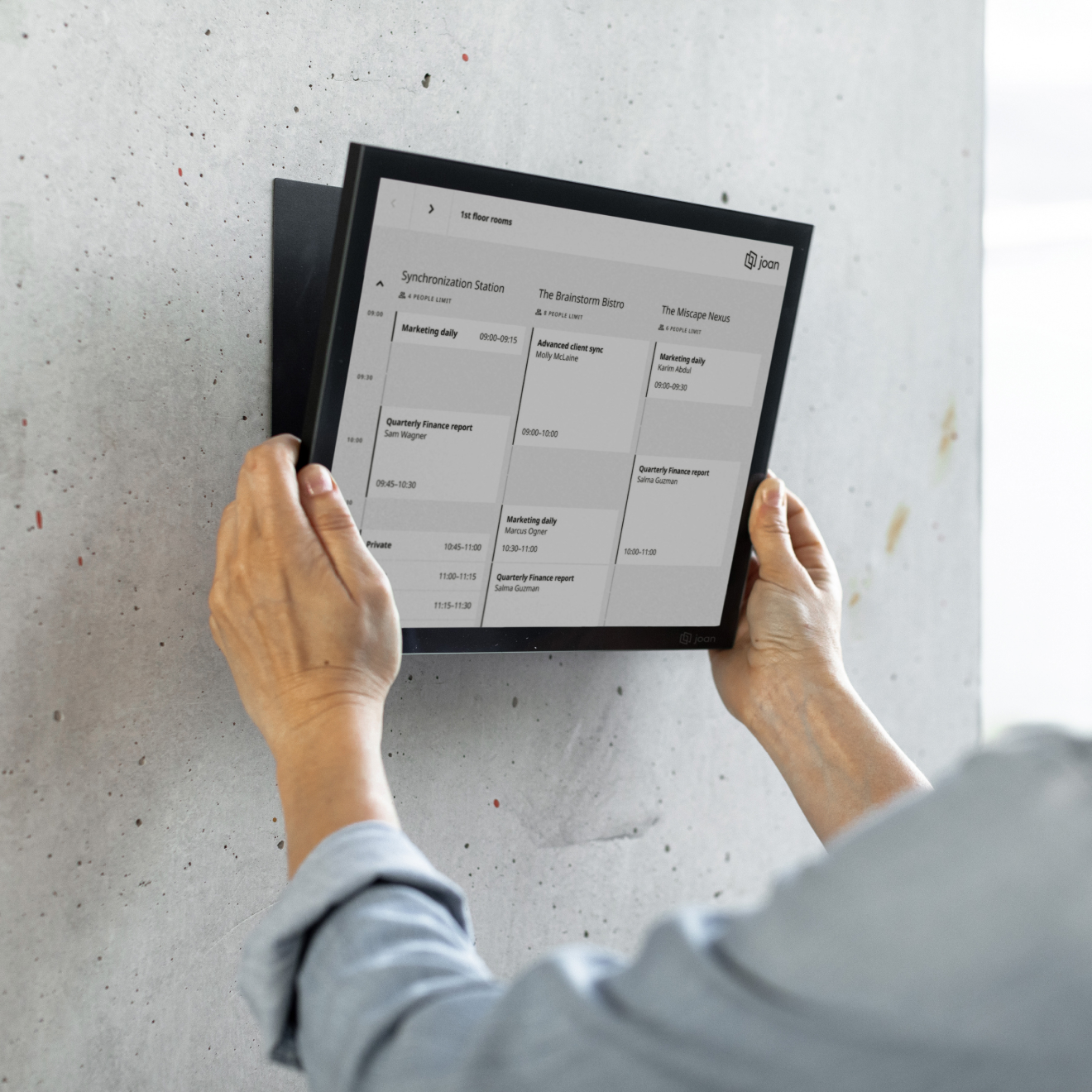
The Joan 13 Pro Smart Magnet attaches your device to any firm, even surface—no cables, no drilling. It also stores information for all your configured meeting rooms and remembers your default settings for each one.
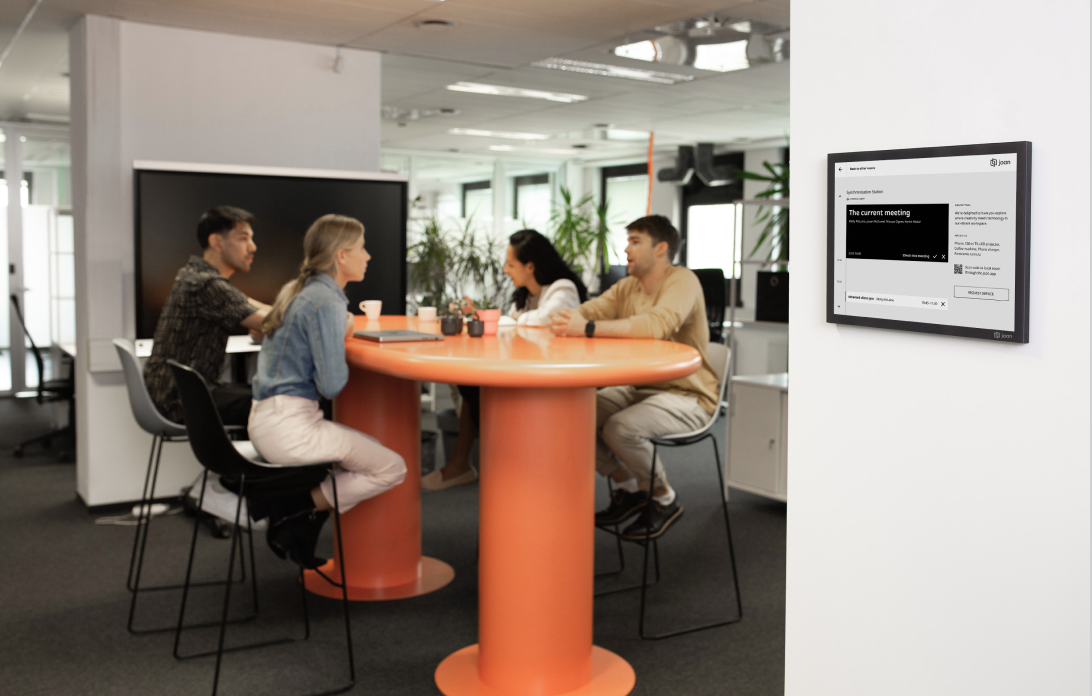
Extra-long battery, optimized by EcoSync
Joan 13 Pro’s technology is perfected for up to 6 months of carefree booking, searching, and browsing. Minimal power consumption, maximum sustainability. Enable EcoSync to maximize battery performance, even in high-traffic Wi-Fi environments.
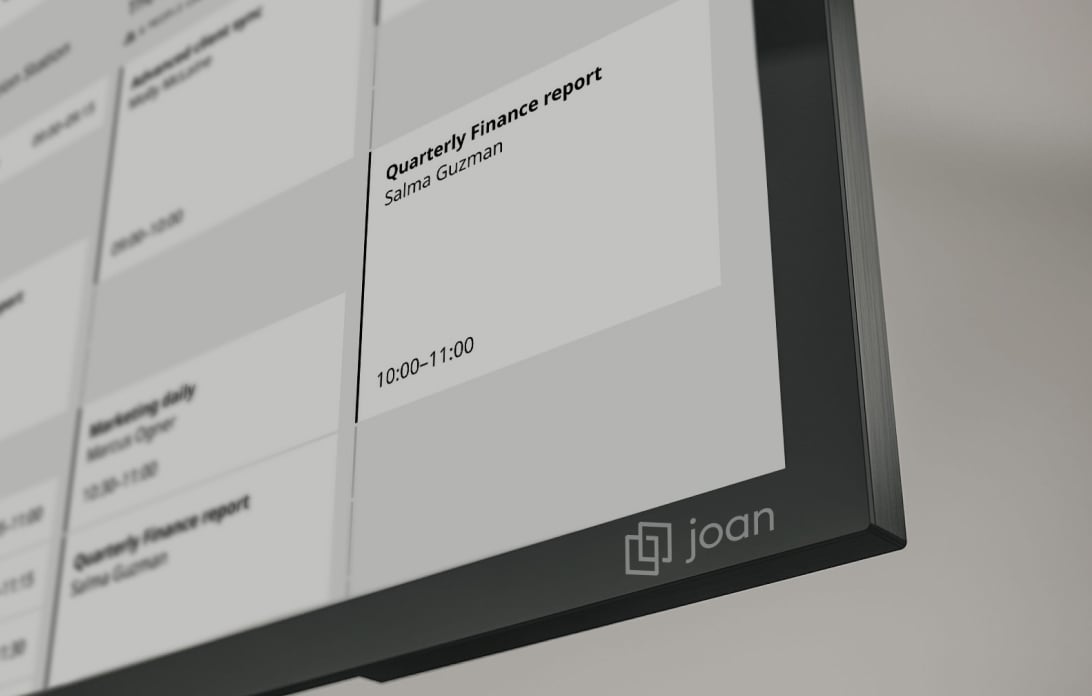
Bridging the best of all worlds
Joan 13 Pro adapts to your needs—working in basic mode or bridging multiple accessories and functionalities, all to streamline your workflows and enhance your user experience.
Best-in-class meeting room scheduler for an unmatched experience
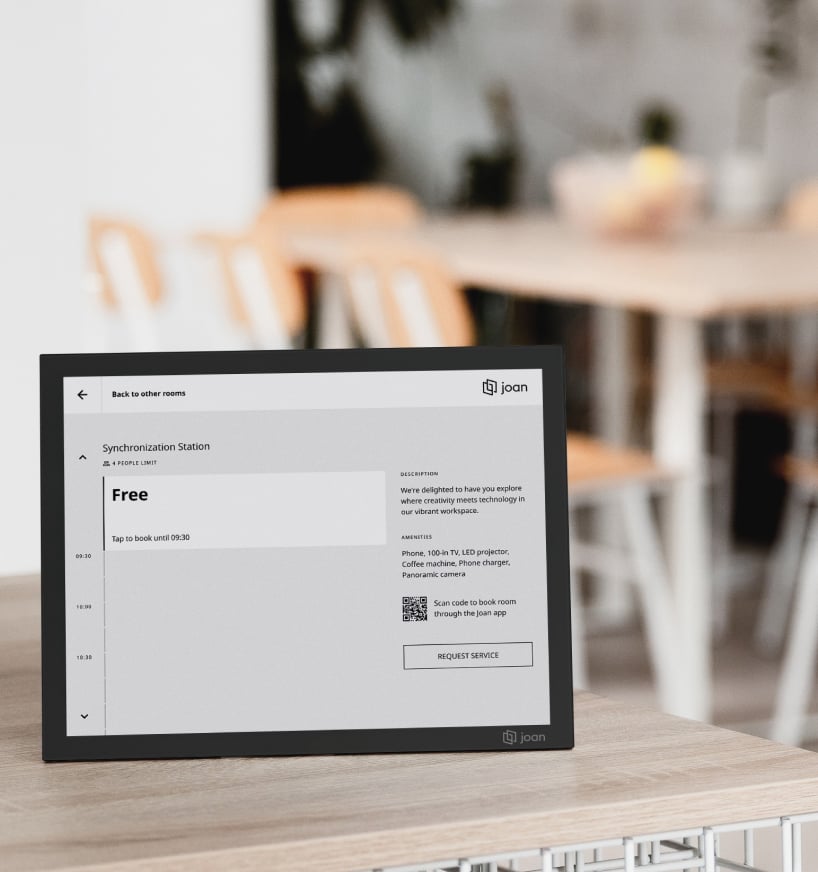
Designed as a premium 13” device, it meets the demands of modern office environments with a focus on functionality and style. Built to support evolving workplace needs, it provides flexibility and long-term value.
High-performing
The device features advanced processing capabilities for faster responsiveness. Combined with touch and proximity sensors, it enables interactivity and significantly enhances the overall user experience.
Elegant and sustainable
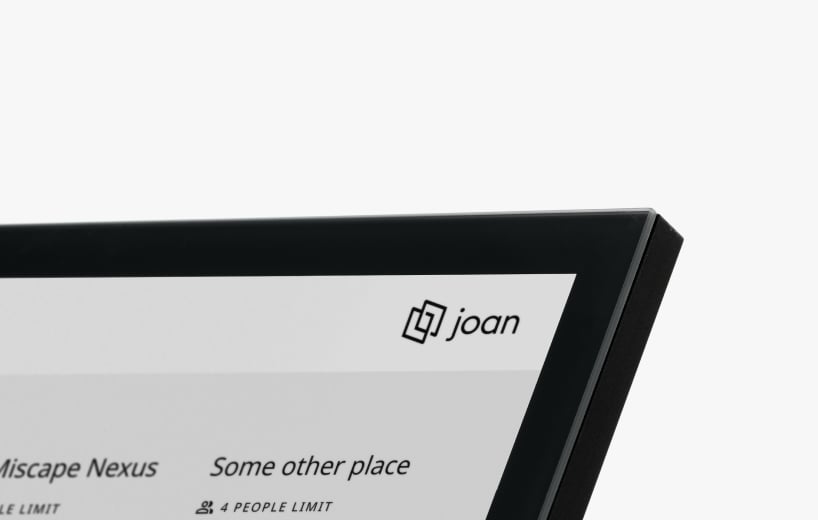
Built with premium aluminum and glass casing, it offers durability and a sleek, modern look. It also includes the largest interactive display for schedulers, ensuring excellent usability.
ecosync feature
Enhanced device performance
EcoSync feature ensures devices connect to the server only at scheduled intervals rather than remaining constantly online. By syncing only when needed, it cuts battery drain and minimizes data usage.

multi-tenant room booking
One meeting room booking system for shared spaces
Joan makes multi-tenant room booking simple and consistent for coworking spaces and shared buildings.


Meeting room subscription
Your device needs a subscription
Each screen or panel needs one Joan device license. Works for door displays, signage, check-in screens, or any shared device.
 Try it free for 30 days. No strings attached.
What our customers are saying
Technical Specifications
What’s in the box
- 13.3-inch wireless Joan 13 Pro device
1 Smart Magnetic Mount for Joan 13 Pro
1x Micro USB cable (for configuration & charging)
Onboarding information
Access to the MyJoan Portal

FAQ Joan 13 Pro
Is the Joan 13 Pro a touchscreen device?
The Joan 13 Pro is the only multifunctional meeting room scheduler featuring a sleek 13-inch touchscreen. It provides an intuitive interface, making it effortless to manage room bookings, view schedules, and update meeting details with ease.
What differentiates the Joan 13 Pro from other Joan devices?
The Joan 13 Pro stands out with its multifunctional capabilities, providing an overview of all meeting rooms and their availability in one place. You can easily book any available room directly from the device, eliminating the need to walk to the meeting room, and offering a more efficient and flexible scheduling experience.
What is the maximum number of rooms that can be connected to the Joan 13 Pro simultaneously?
There is no limit to the number of rooms that can be connected to the Joan 13 Pro. You can easily manage and display multiple meeting rooms at once, ensuring seamless scheduling across your entire workspace.
Can I cancel meetings using the Joan 13 Pro?
Yes, you can cancel meetings that you book directly on the Joan 13 Pro. Additionally, there’s an option to enable a toggle that prevents cancellations, giving you full control over your scheduling preferences.
What calendars does the Joan 13 Pro sync with?
The Joan 13 Pro syncs with Google Workspace, Office 365, Exchange, and others, ensuring seamless integration with your existing calendar systems for real-time updates and effortless room booking management.
Is there a mobile app available?
Yes, the Joan 13 Pro works with the Joan app, available for both iOS and Android. The app allows you to manage room bookings, update schedules, and sync with your calendar from anywhere, giving you full control over your meeting spaces.
What is the warranty period for the Joan 13 Pro?
The Joan 13 Pro comes with a one-year limited warranty, covering manufacturing defects and providing support for any issues that may arise during the first year of use.
How long does the battery last on the Joan 13 Pro?
The battery of the Joan 13 Pro lasts up to 6 months on a single charge, providing long-lasting performance with minimal maintenance.
Does the Joan 13 Pro support PoE (Power over Ethernet)?
The Joan 13 Pro is designed to support PoE (Power over Ethernet), providing a convenient way to power the device through your network, simplifying installation and reducing cable clutter. This feature is coming soon, so stay tuned for more updates!
Can the device display custom content or branding?
The Joan 13 Pro allows for custom branding, so you can personalize the display with your company. However, it does not support displaying custom content such as images or videos.
Related Products