Joan users book desks, meeting rooms, parking spots and shared assets in the Joan Workplace app or in MyJoan on the web, and can also see who is in the office and manage their work schedule.
With Joan, you can:
- Book desks, meeting rooms, parking spots, and shared assets.
- See who’s in the office and when.
- Manage your weekly or monthly work schedule.
- (For admins and office managers) Use Visitor Management to streamline and track guest arrivals — learn more here.
Joan is designed to be simple and intuitive, whether you’re booking on your phone or in a web browser.
You can use Joan on your phone or in a web browser:
- Download the Joan Workplace app:
- Access MyJoan on the web: https://my.getjoan.com/
When first logging in, type in your email address (please make sure your administrator has added you to the admin portal). You’ll then receive an activation code in your inbox — enter it into the app or web login page.
- Open the app and choose what you’d like to book: Desk, Room, Asset, or Parking.
- Select a day and time slot (if applicable) and tap Pick your [resource]
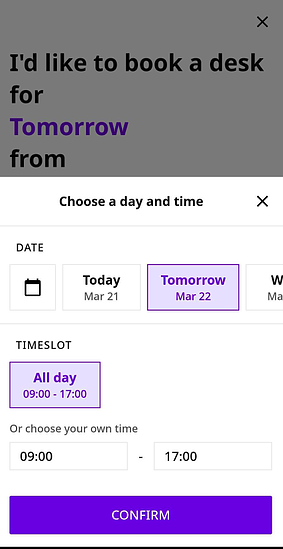
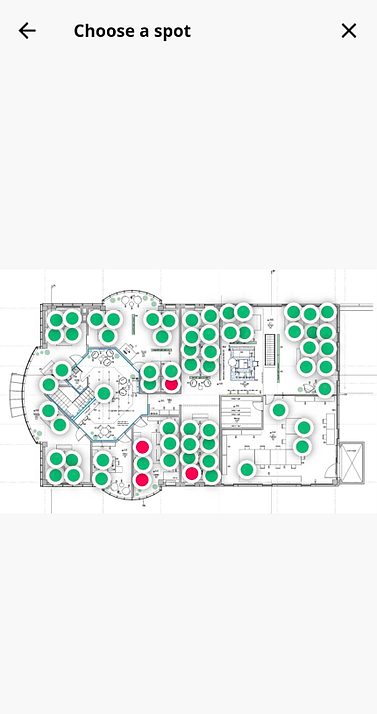
- If multiple buildings or floors are available, select the correct one to view the floor plan.
- Pick the resource you want (green = available, red = already booked) and confirm your booking.
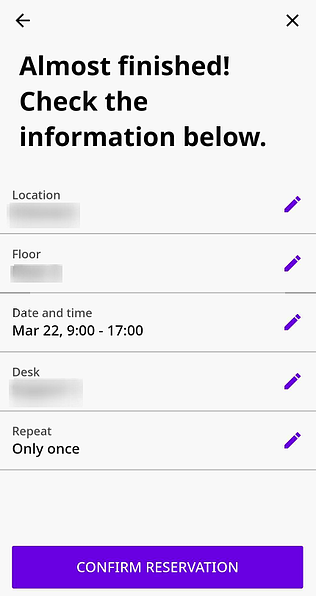
On the app’s home screen, you’ll see an overview of all your upcoming reservations.
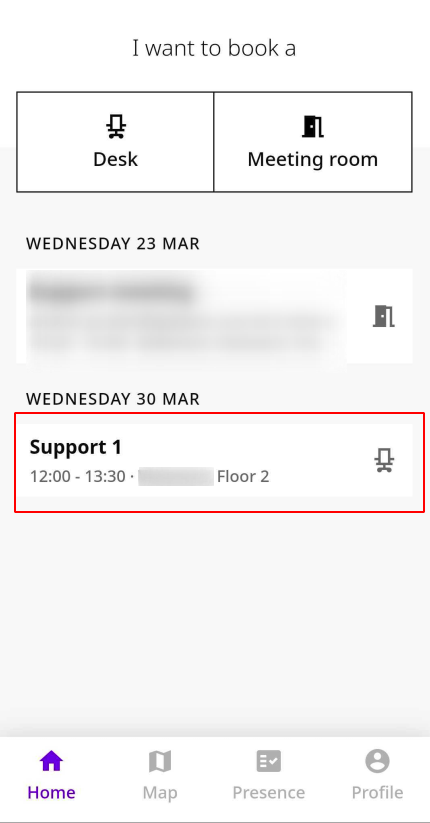
- Select the reservation from the home screen.
- Tap the three dots in the top right corner.

- Choose to Edit (change date, time, location, or resource) or Cancel.
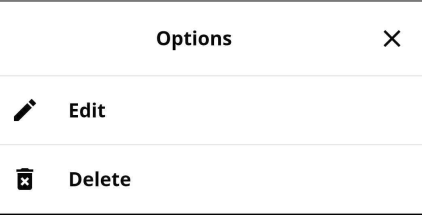
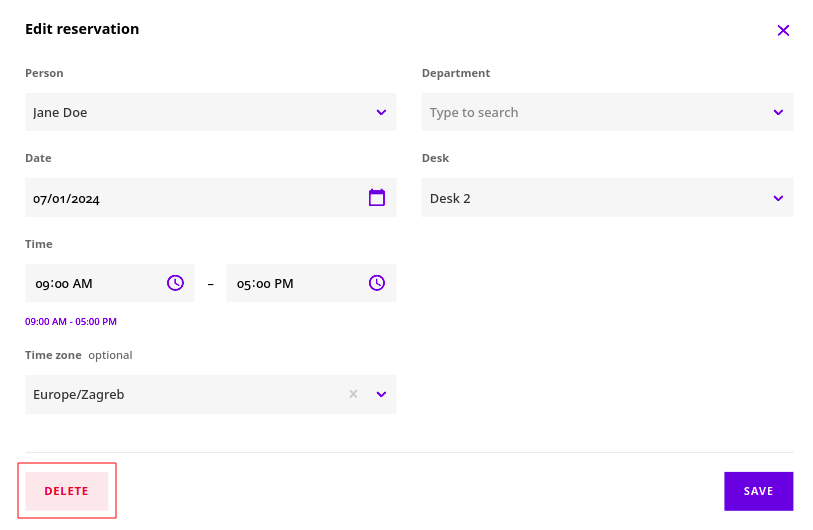
If you click Edit, you have the option to change the location, date, and time.
The MyJoan web app gives you a calendar view to plan bookings well in advance and see who will be in the office.
- Log in at https://my.getjoan.com/.
- Use the one-time magic link login (passwordless), or
- Sign in with Google or Microsoft 365.
- Browse bookings by navigating to Schedule → Desks / Rooms / Assets / Parking.
- You can also use the Floor Plan view to search for colleagues in real time and see their bookings.
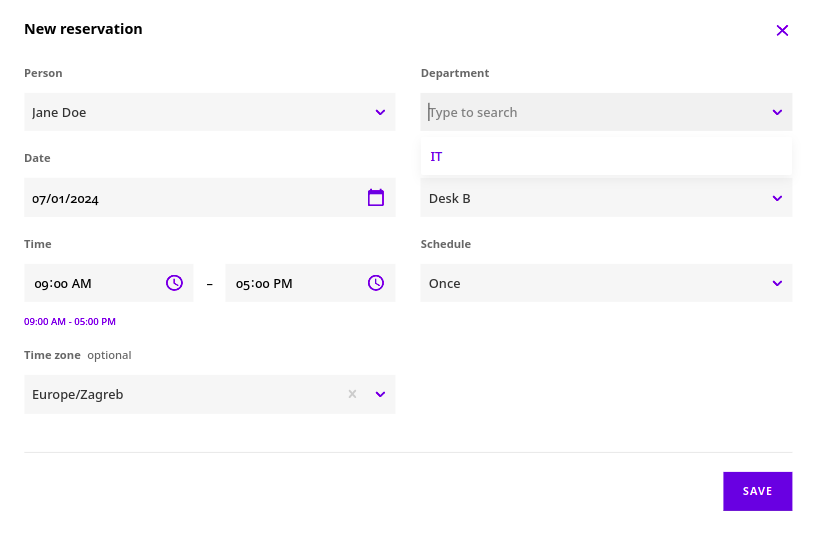
- Create a booking by selecting the resource, date, and time, then confirm.
- Delete a booking by navigating to the reserved resource and clicking Delete.
Joan also includes a Visitor Management feature that allows admins and office managers to welcome and track guests in the workplace. Learn more about setup and usage in the Visitor Management guide.
*If you encounter any issues, please contact support@getjoan.com.