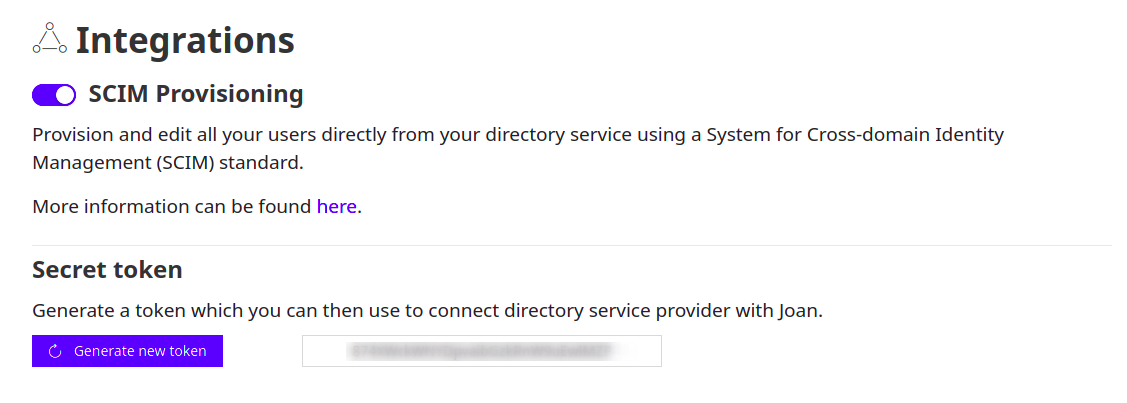
Navigate to user directory and click on SCIM Integration. When a new window opens, enable the integration and generate a new token. That token will be used to authenticate the connection between Okta and Joan.
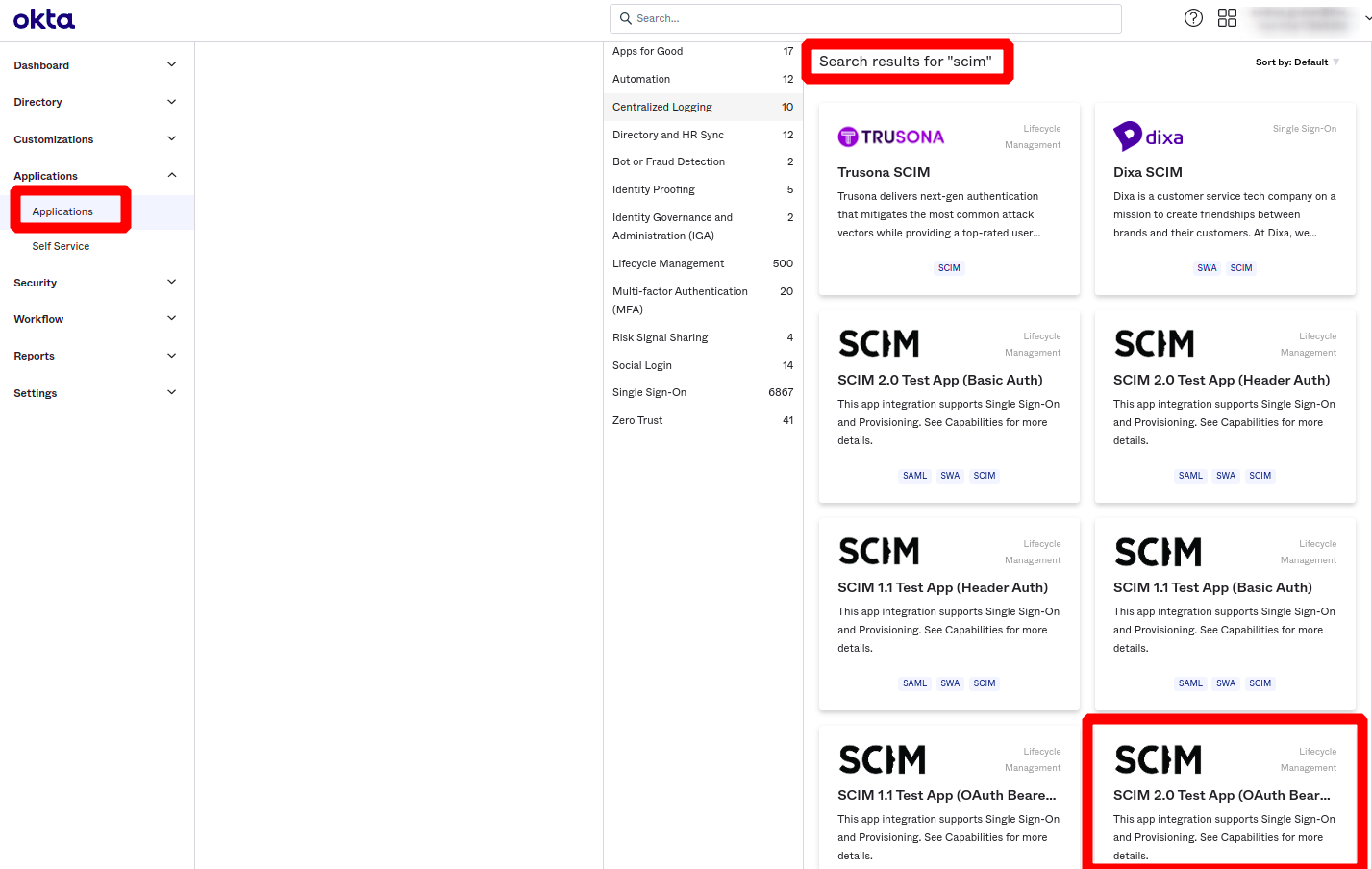
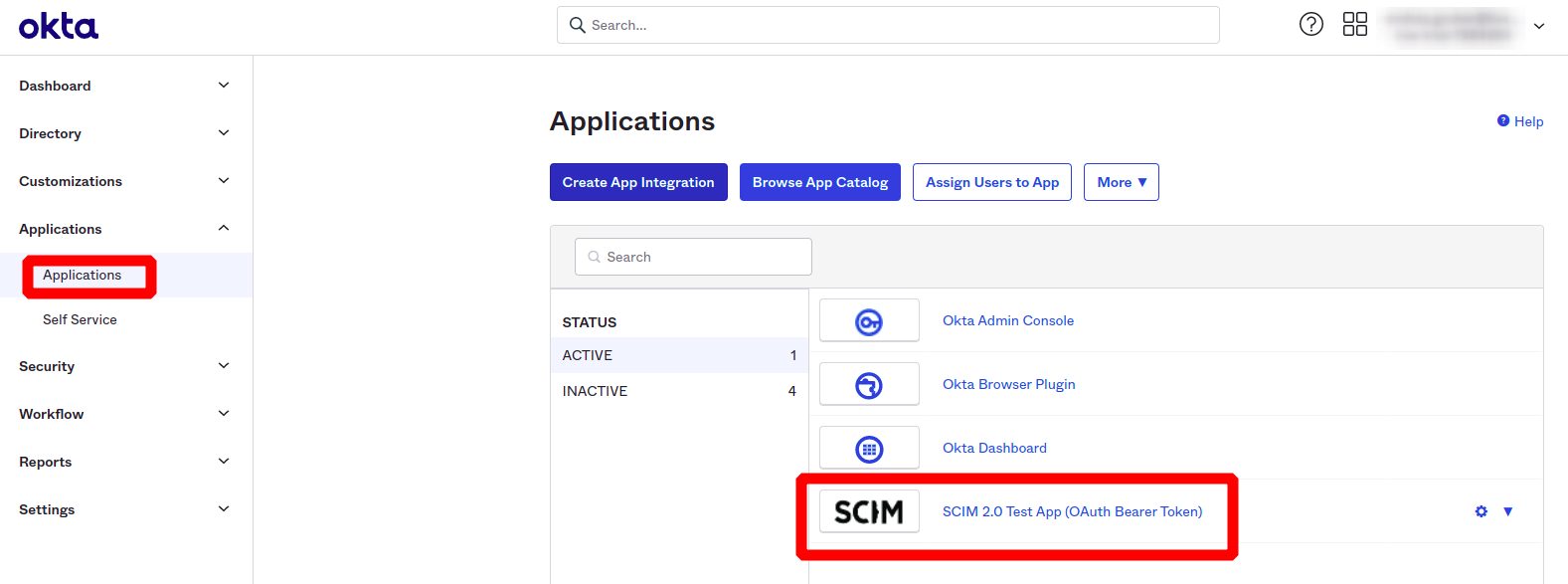
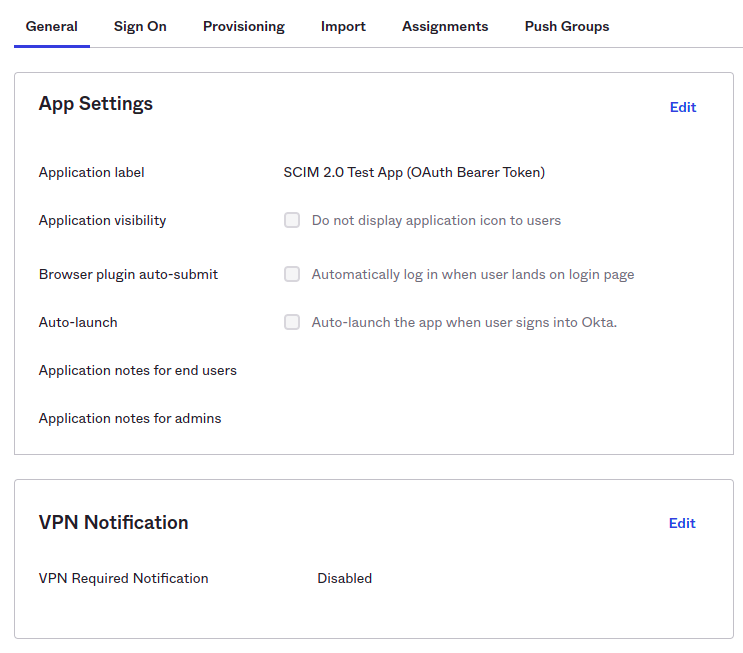
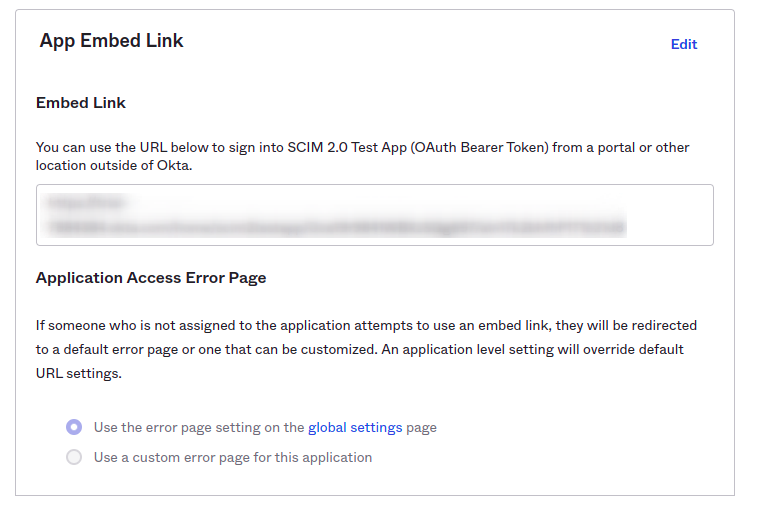
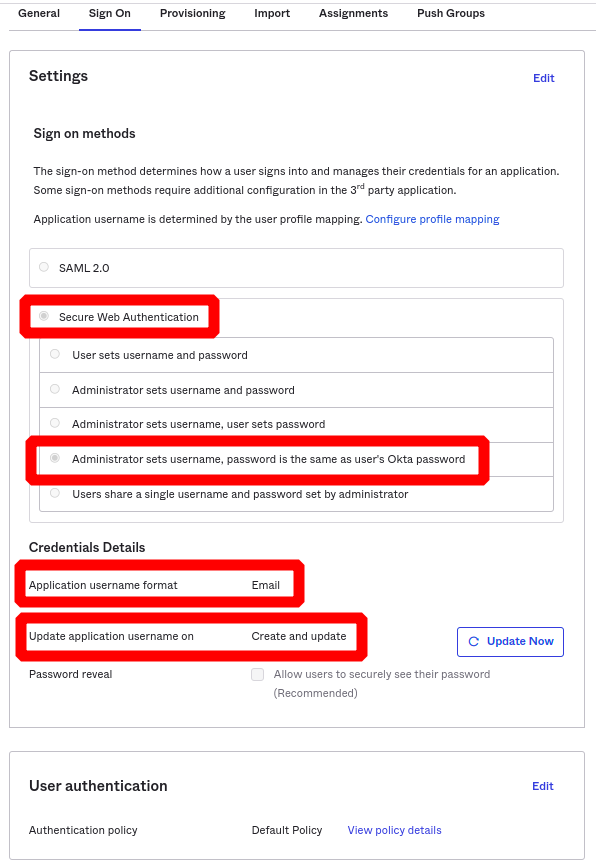
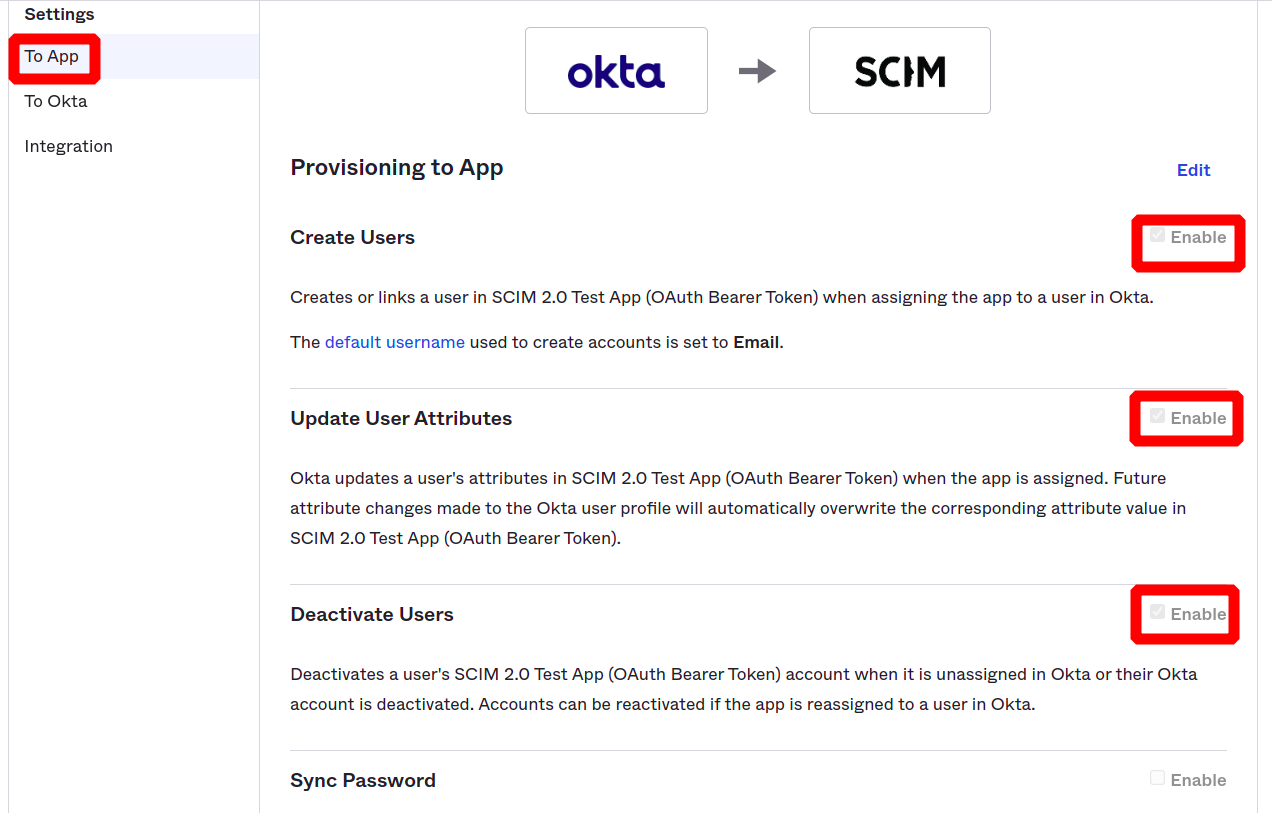
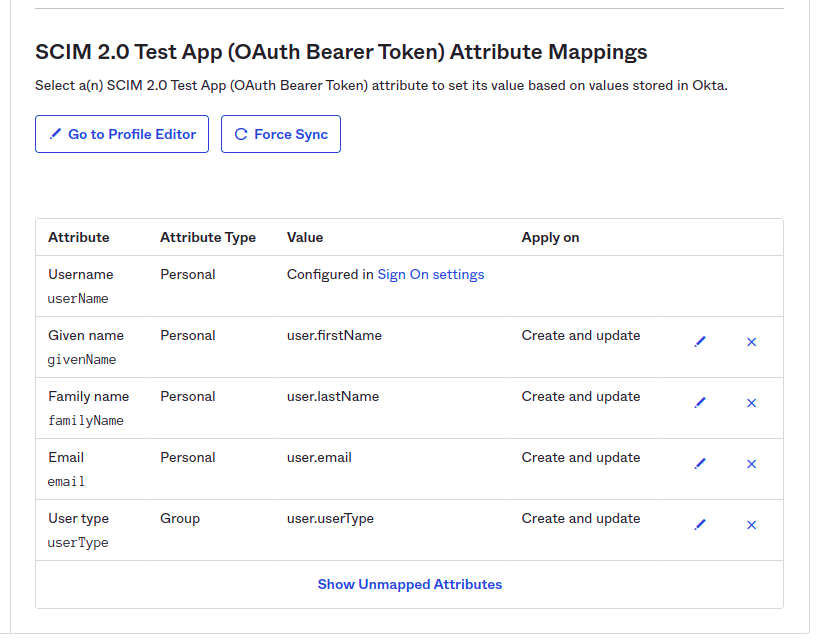
Please set the endpoint to https://portal.getjoan.com/api/scim/v2 and add the token you generated in step 1
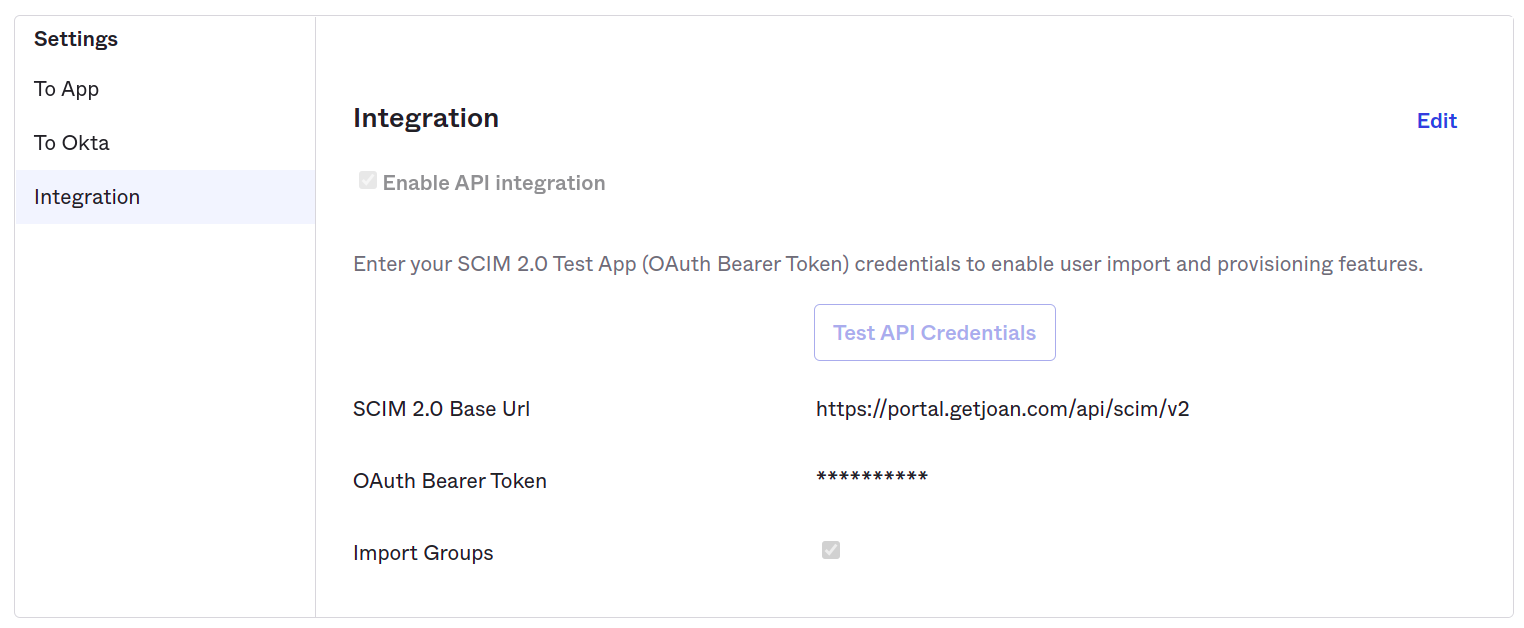
Test the API Credentials to ensure the connection has been successfully established between your organization and Joan.
If the test was successful, then the only thing left is to assign user accounts or groups to the application and that is it.
*If you encounter any issues, please contact support@getjoan.com.