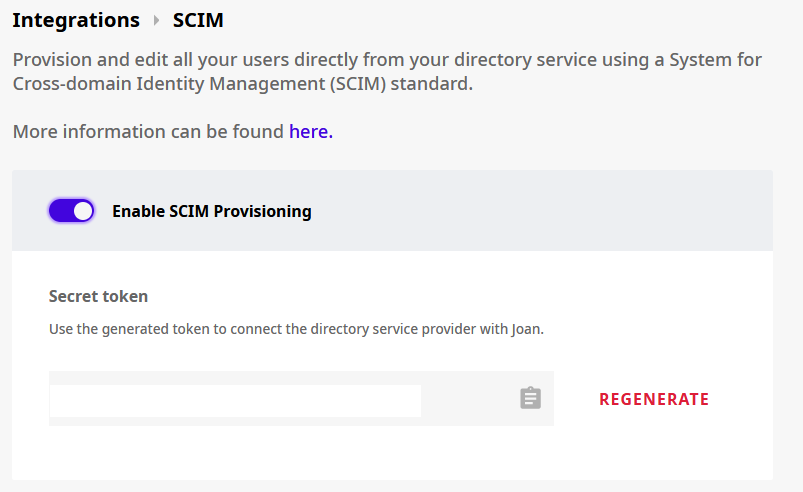
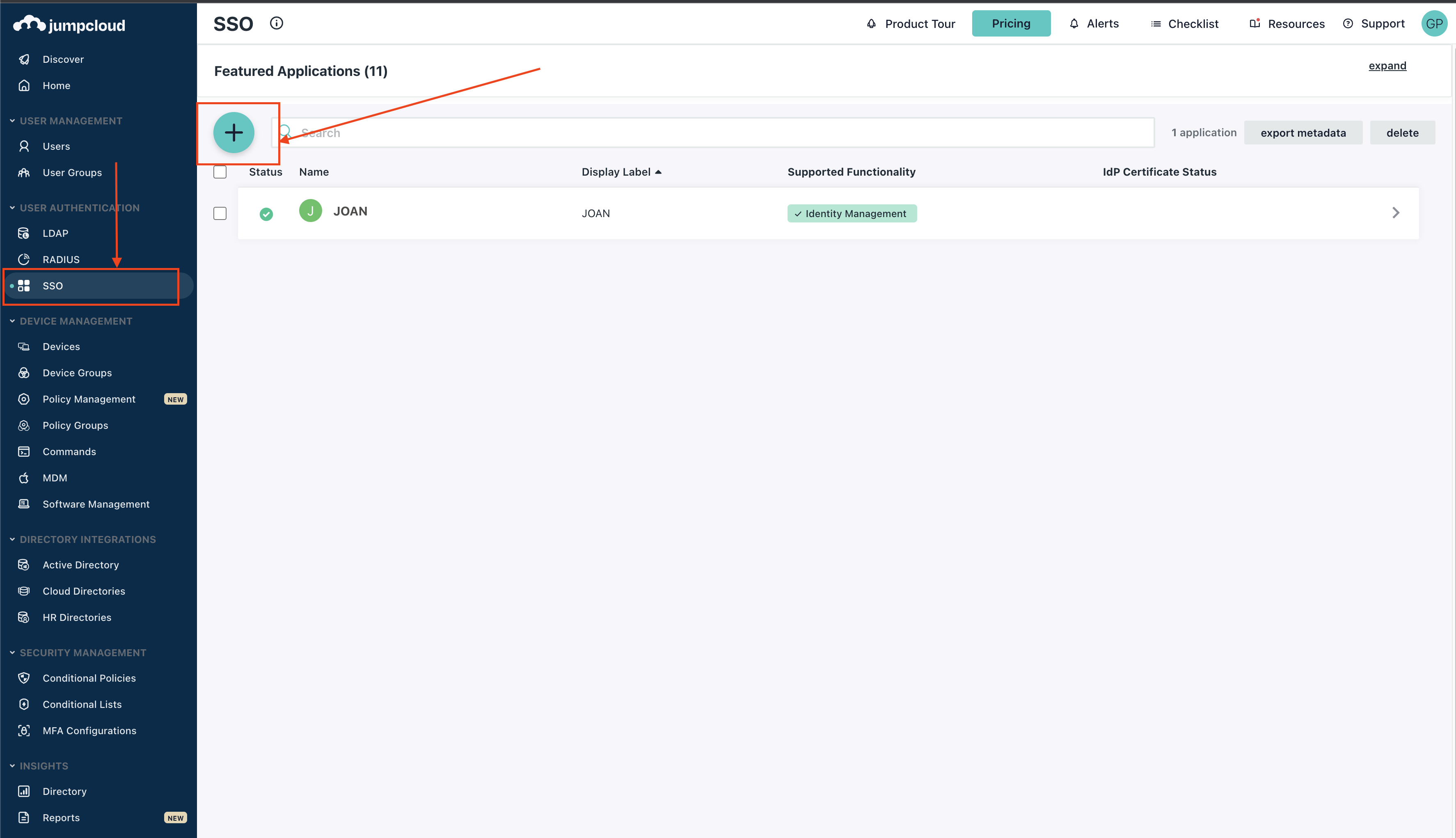
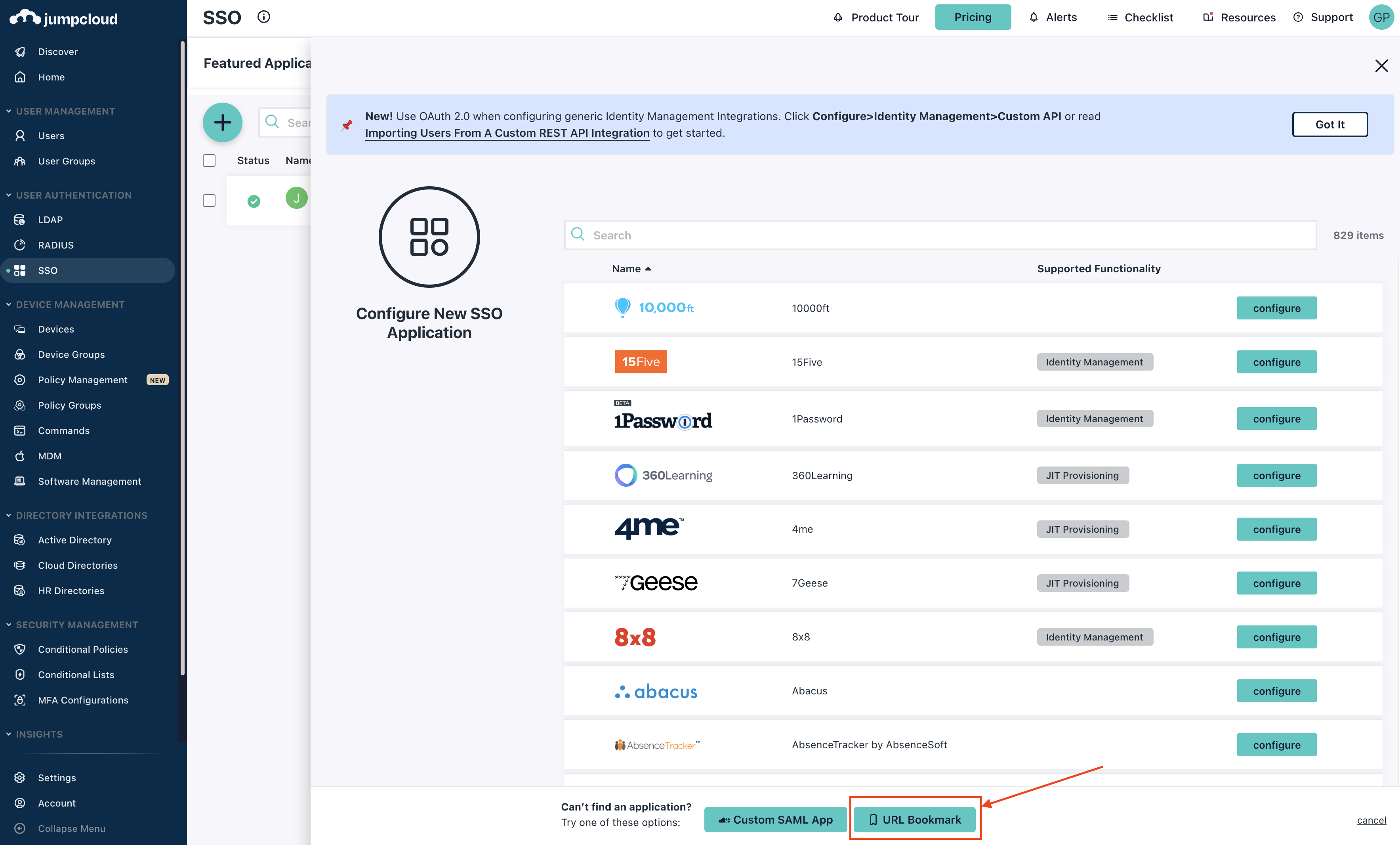
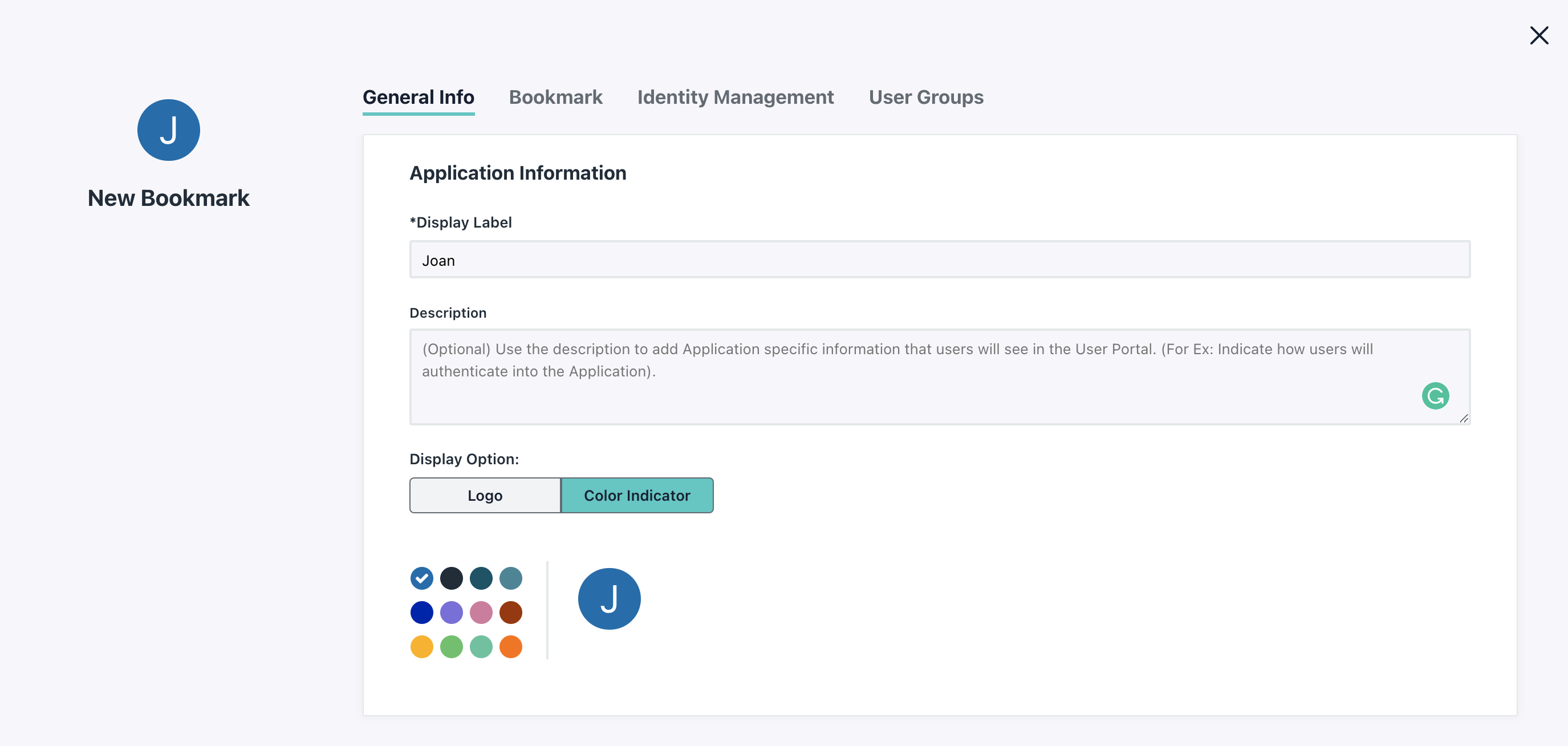
Navigate to user directory and click on SCIM. When a new window opens, enable the integration and generate a new token. That token will be used to authenticate the connection between JumpCloud and Joan.
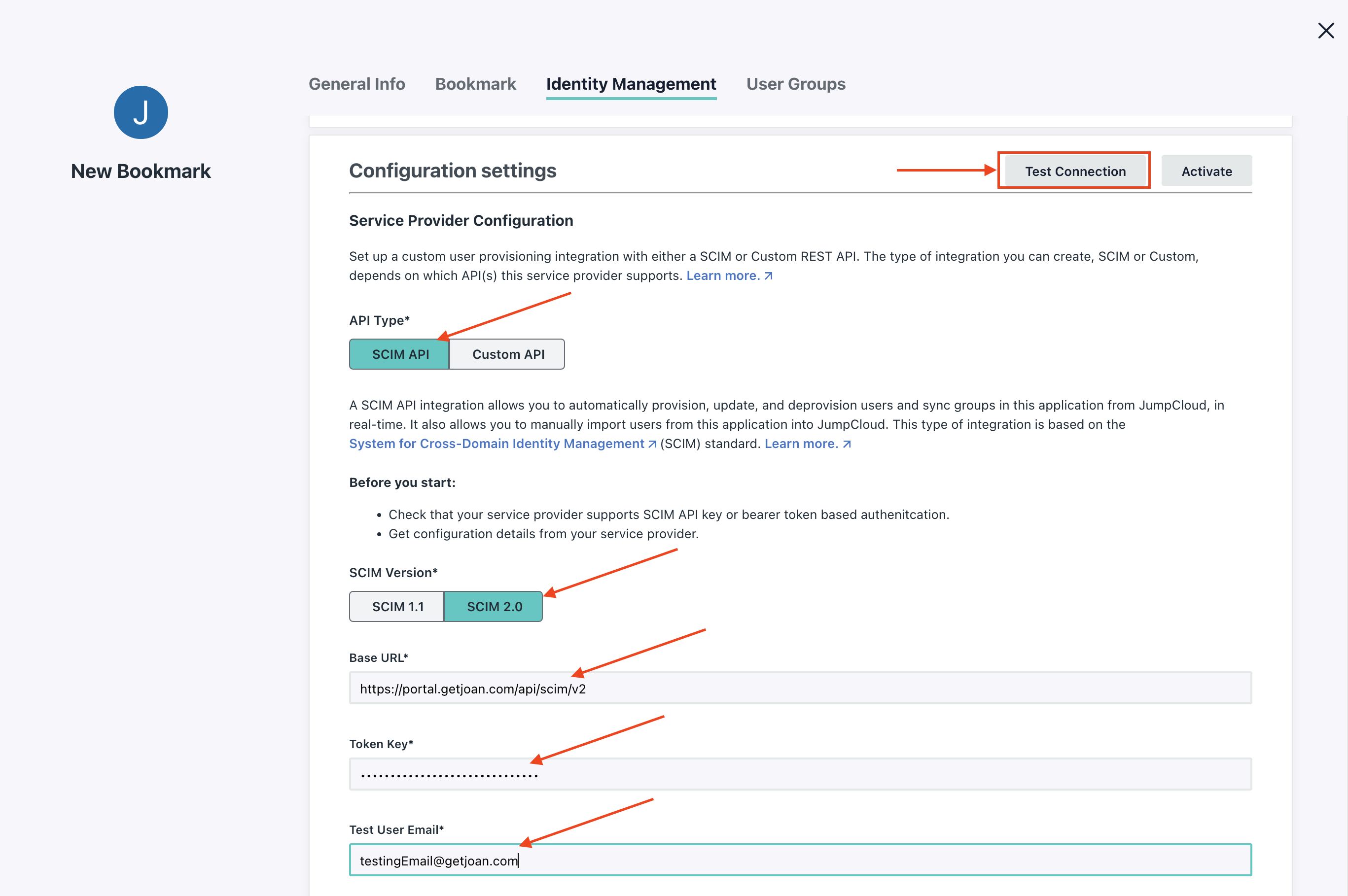
API Type: SCIM API
SCIM Version: SCIM 2.0
Base URL: https://portal.getjoan.com/api/scim/v2
Token Key: Paste the secret token from MyJoan
Test User Email: Enter a valid test email to verify the integration
After everything is entered click "Test Connection" button.
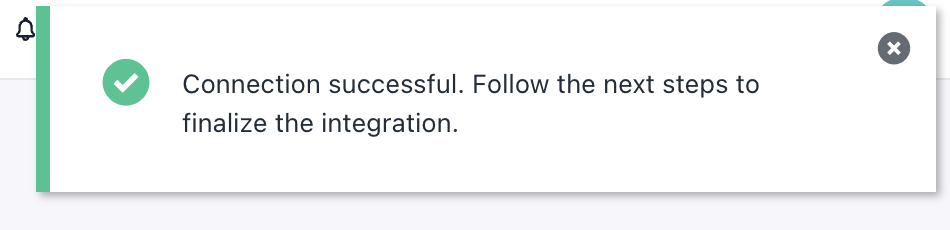
If everything is set correctly, you should see the following popup:
When the connection is confirmed disable Group Management
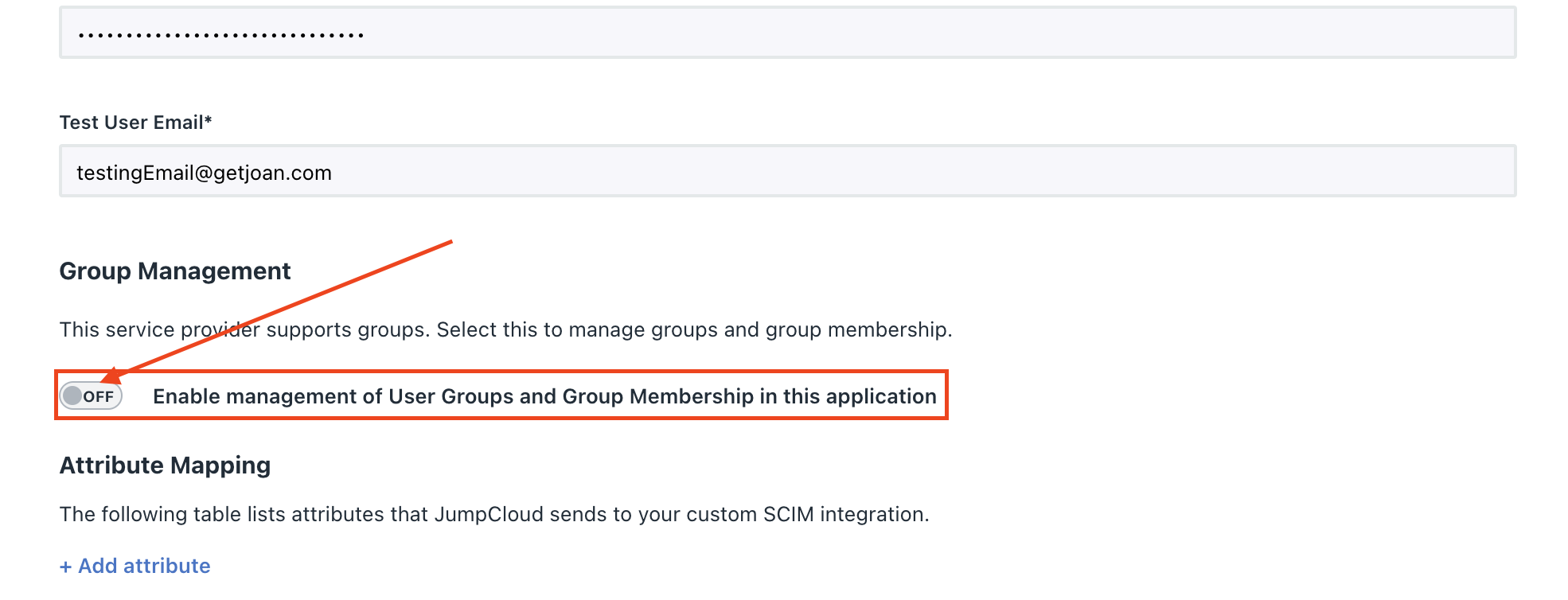
Joan supports different user types, such as Office Manager. To sync the user type from JumpCloud to Joan make sure to define Attribute Mapping for UserType. Do note that attribute mapping is not required. If no UserType attribute is defined all users synced to Joan will be normal users with no admin permissions.
After you're done click Save to apply all the changes. That's it the SCIM integration between Joan and JumpCloud has been set.