With our latest Joan Desk Booking Application, we offer an even easier option for booking a desk where each user will get a desk recommendation according to their previous preferences or assigned department.
Note: If you are not seeing this option, please make sure you have the latest version of our Joan Desk Booking Application.
- After you log into the mobile app, you will be able to select "Desk" option.
- Depending on your preference for the fixed *time slots,* you will see either of the below options
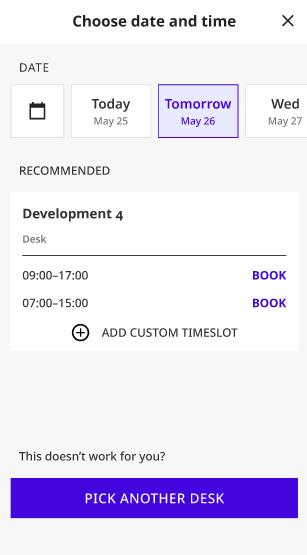
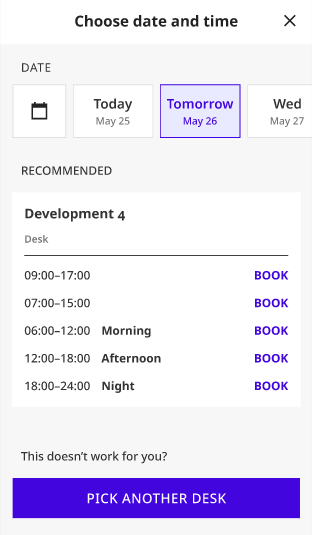
- Once you select the wanted time slot your recommended desk will be booked
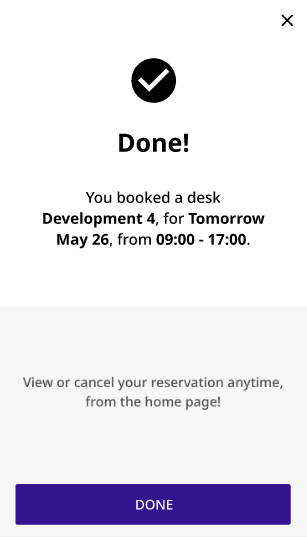
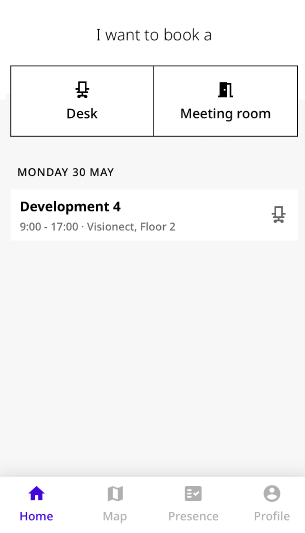
- And that is it! You will be able to edit your booking from the home screen
If you encounter any issues, please feel free to contact us via our chat platform or send your questions to the support@getjoan.com.