Note: This functionality is available on Joan 6 Pro, Joan 6 RE and Joan On Tablet. Joan 13 Pro has its own touch interface, where you can also book the room directly on the device; see Joan 13 vs. Joan 13 Pro. See Joan Functionalities to learn more.
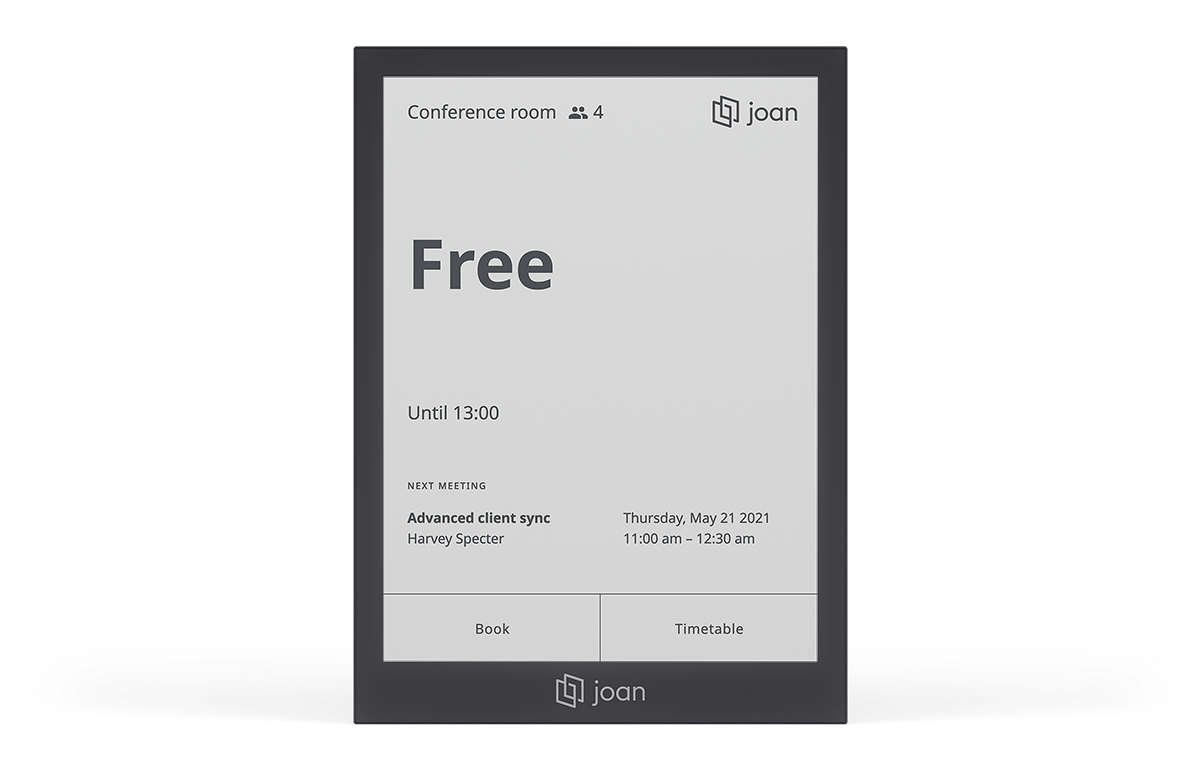
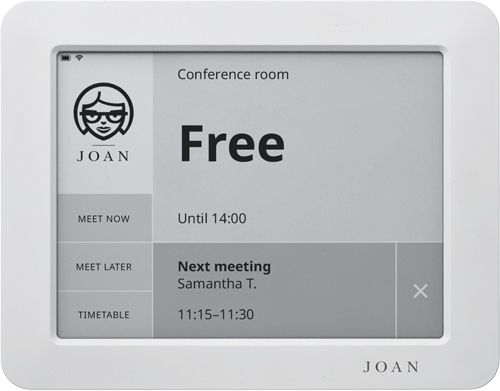
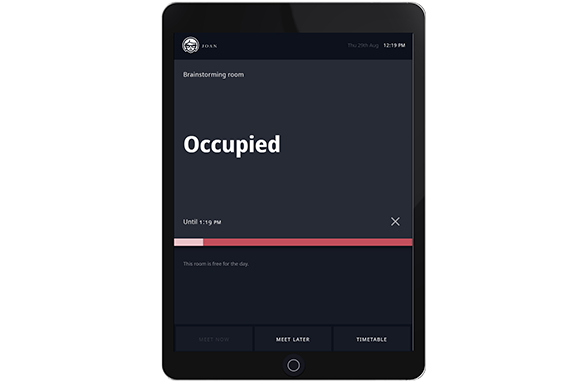
Real-time booking is one of the two functionalities that are available for Joan 6 RE devices and the only functionality currently available for Joan 6 Pro and Joan On Tablet.
This functionality utilizes the touch capabilities of the device to provide a complete meeting room booking solution by allowing you to book the resource on the spot, reserve it for a later time or check its availability of it with a timetable.
Booking the event on the spot for future dates, allows you to book the meetings up to 7 days in advance.
Real-time booking contains the following features:
- Meet now / Book now
- Meet later
- Timetable
- Custom button (Available only for the Joan 6 RE and Joan 6 Pro devices)
For more information about each of the features, click the dedicated links above.
To learn how to change the functionality of your device, see How to change the functionality of a Joan device.