Whether you want to be able to book a room on the spot or wish to have a complete overview of all your office resources and their availability, there is a Joan functionality for everyone.
Joan functionalities are essentially interfaces that are presented on your device, TV via Joan On Display, and tablet via Joan On Tablet. There is a total of 4 available functionalities at the moment, each one with specific features and purposes.
The availability of the functionalities depends on the device you have as well as the subscription plan your MyJoan Portal account is under.
For more information about each functionality, please see below:
Joan 6 Pro | Joan 6 | Joan 13 | Joan On Display | Joan On Tablet |
|---|---|---|---|---|
For information on how to add a device and select a room resource, see How to add a device to the MyJoan account.
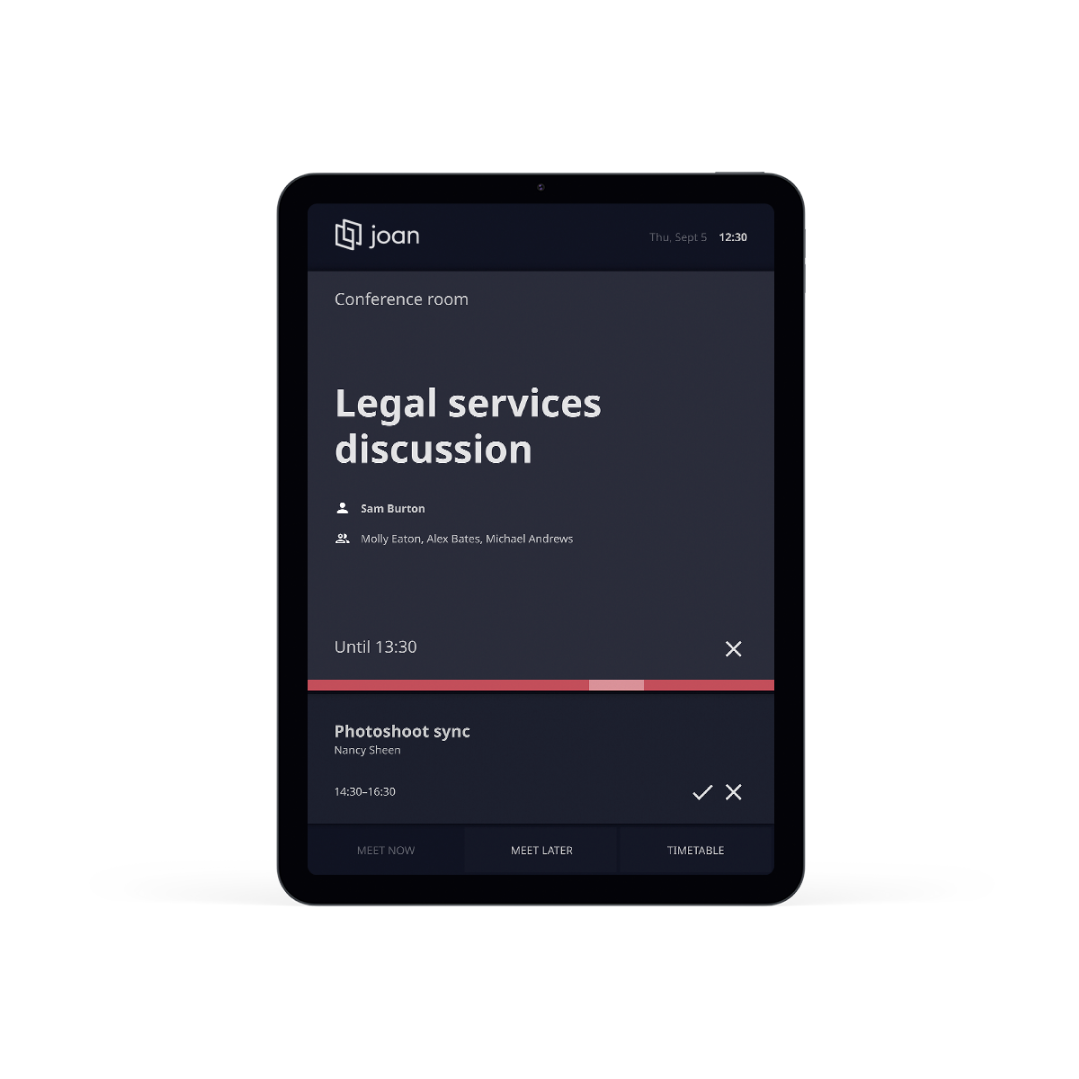
| See if a room is booked or free, see the coming up meeting or the whole timetable, book a meeting on the spot. All this is possible with the Real-time booking functionality. Features: • "Book now" option • "Timetable" option to see all scheduled meetings for that resource • Current and upcoming meeting information • Ability to cancel upcoming meetings • Ability to extend the meetings |
|---|
This functionality is available for: • Joan 6 Pro • In all subscription plans For more information about all the features of the Real-time booking functionality, see Real-time booking functionality. |
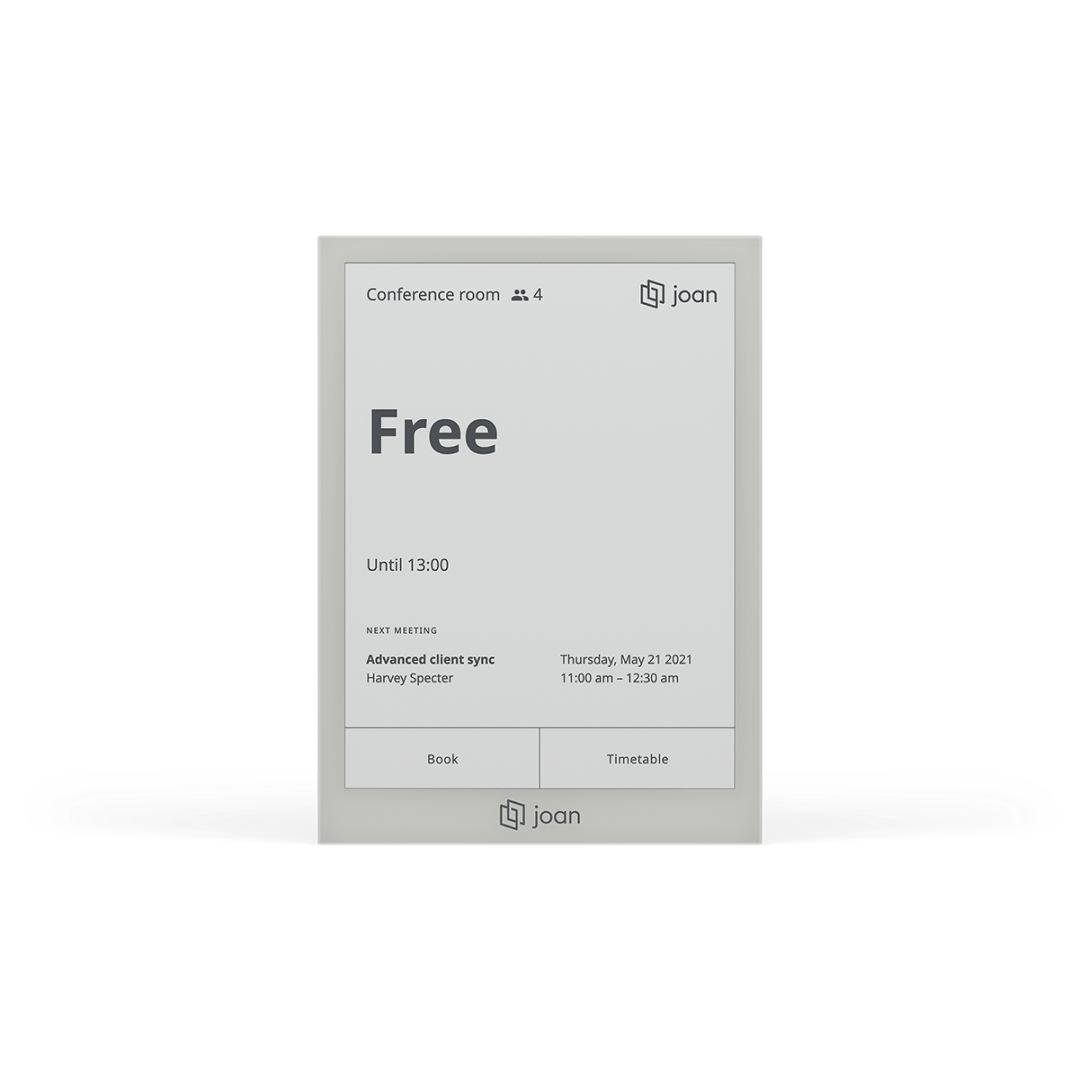
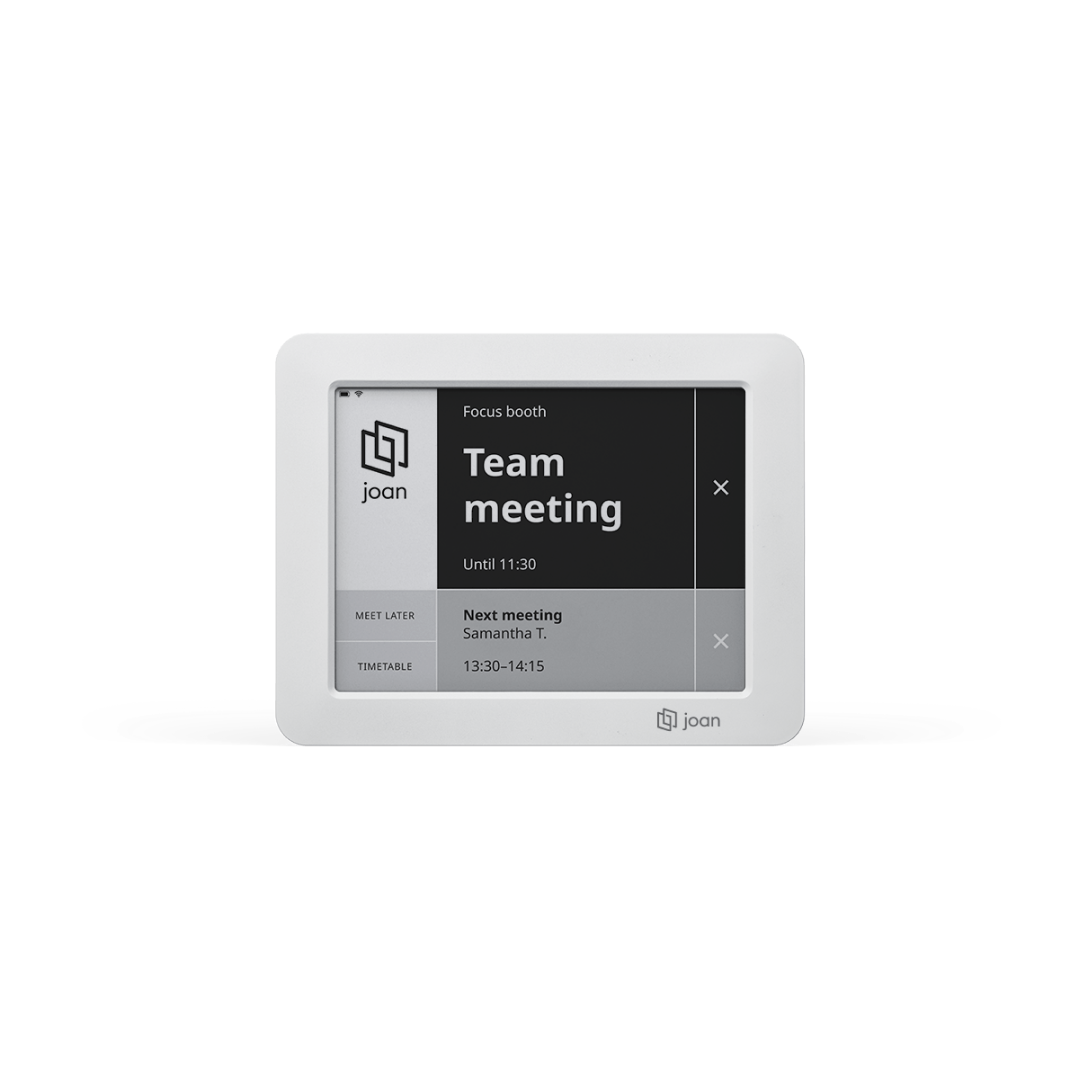
| See if a room is booked or free, when are the next and all upcoming, book it on the spot or schedule it for later. All this with the Real-time booking functionality. Features: • "Meet now" and "Meet later" options • "View timetable" option to see all scheduled meetings for that resource • Current and upcoming meeting information • Ability to cancel upcoming meetings • Ability to extend the meetings |
|---|
This functionality is available for: • Joan 6 • In all subscription plans For more information about all the features in the Real-time booking functionality, see Real-time booking functionality. |
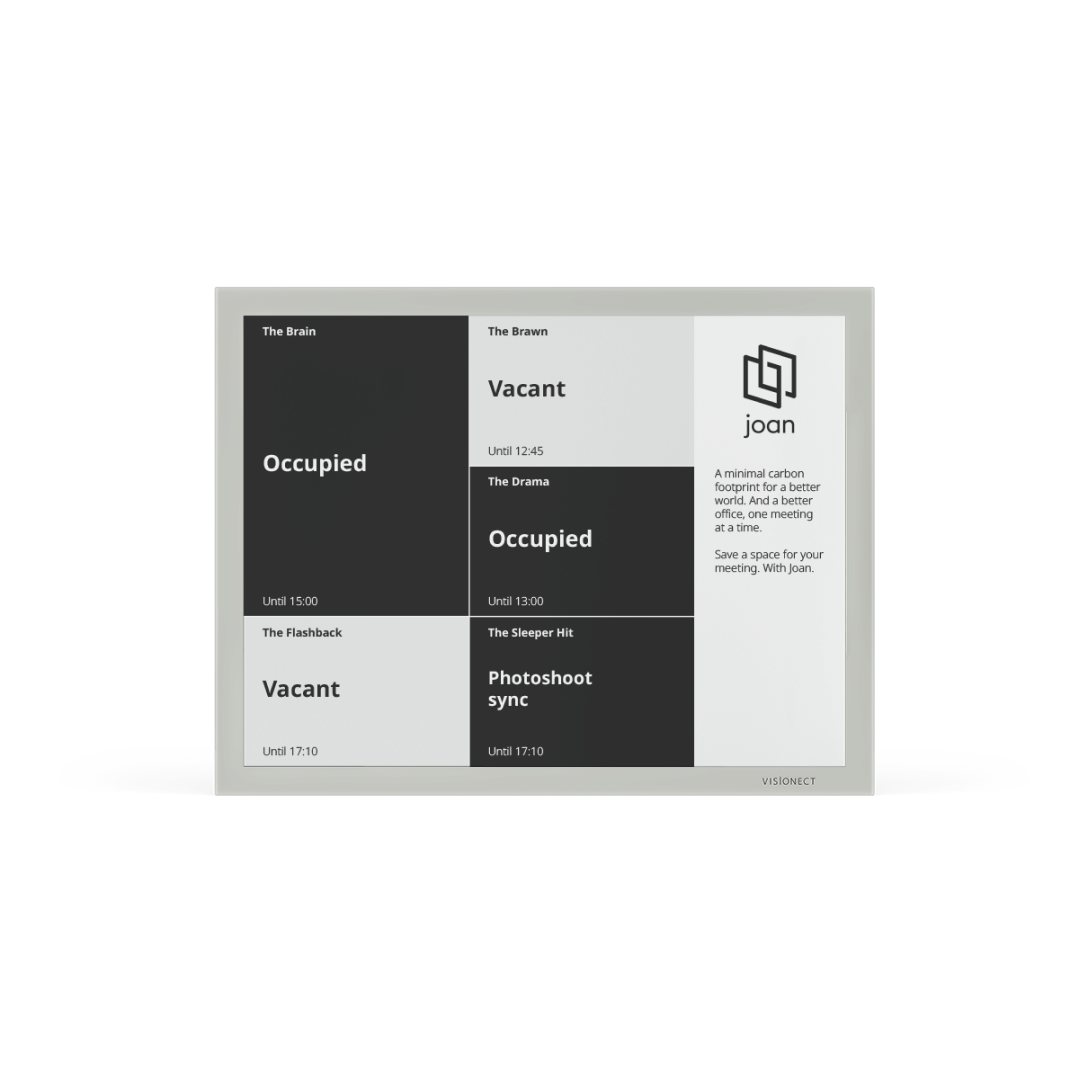
| This functionality provides you with an overview of up to 9 room resources, showing their current availability or ongoing meeting subject, location, and time until it is available/occupied. Features: • Up to 9 room resources • Room availability and location • Current meeting subject • Time until the room status changes |
|---|
This functionality is available for: • Joan 13 • In all subscription plans |
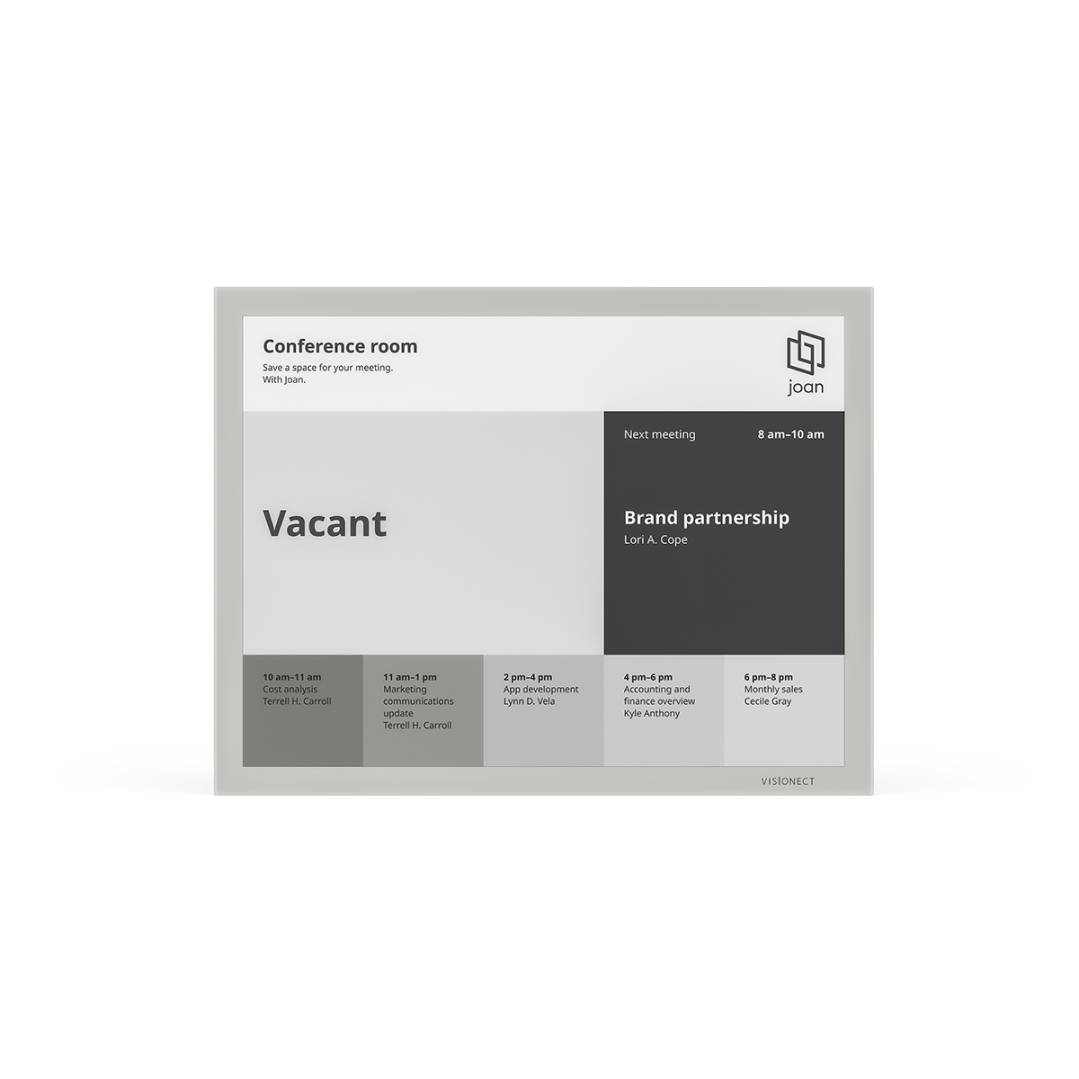
| The Schedule board provides information on the current and up to six following meetings/calendar events for a single resource. Making it the perfect functionality for any conference room, classroom, or lecture hall. Features: • Single-resource functionality • Information about the current and 6 upcoming events • Meeting subject, organizer, and time. All the information you need is displayed |
|---|
This functionality is available for: • Joan 13 • In all subscription plans |
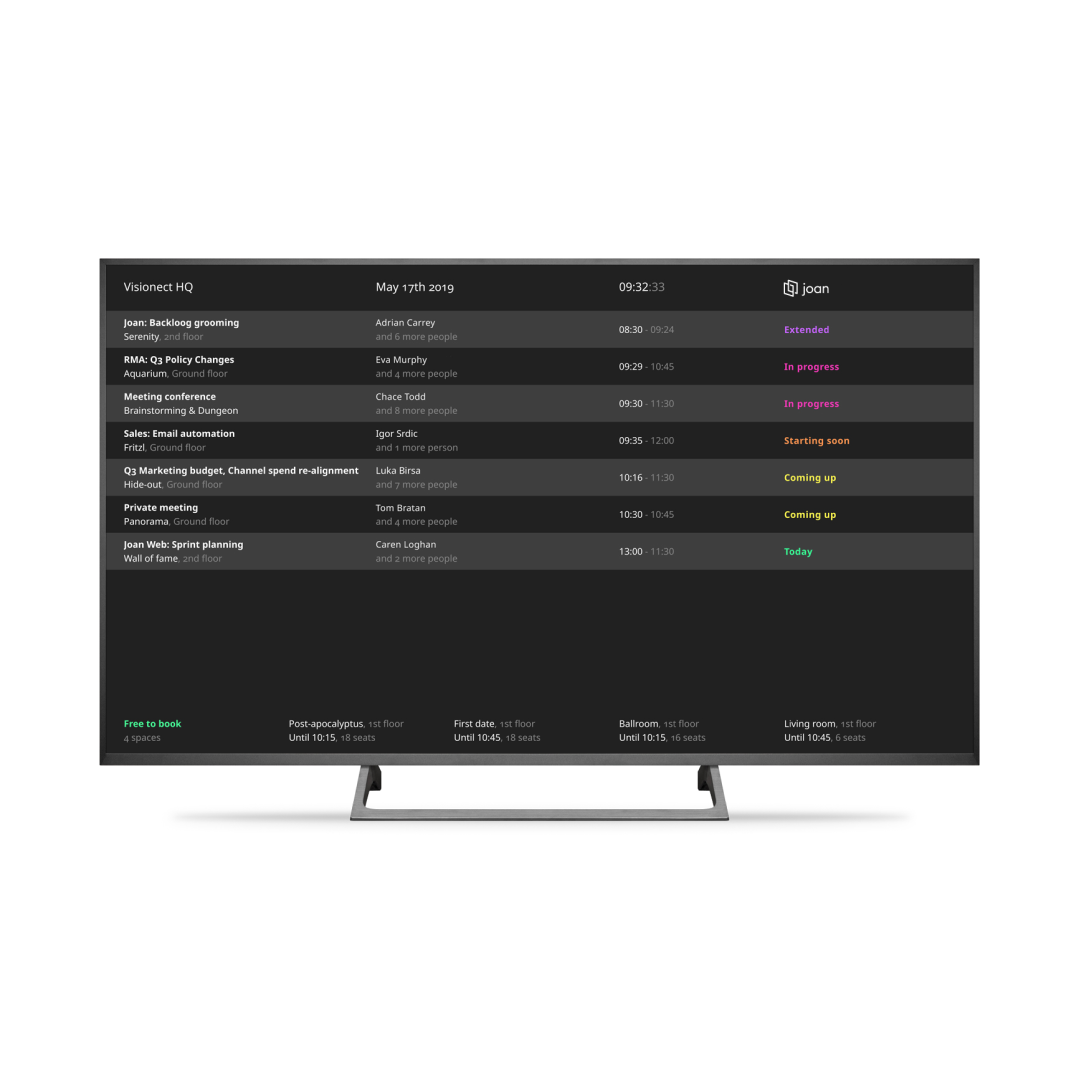
| The Status board provides you with a detailed overview of all resources and meeting schedules, both current and upcoming, from your entire office. Features: • List of current and upcoming meetings with all the necessary information (subject, location, organizer and number of confirmed attendees, date and time of the meeting) • List of "Free to Book" resources with available times • Organization name and current date and time |
|---|
This functionality is available for: • Joan On Display • In all subscription plan To learn more about Joan On Display, see Joan On Display. |
| Joan On Tablet currently offers a simplified version of the Real-time booking functionality. The version of the Real-time booking functionality provides you with all the essential tools necessary to manage a room resource and its meetings. Features: • "Meet now" and "Meet later" options • "View timetable" option to see all scheduled meetings for that resource • Current and upcoming meeting information • Ability to cancel upcoming meetings |
|---|
This functionality is available for: • Joan On Tablet • Please see our subscription plans on the Joan pricing page To learn more about Joan On Tablet, see Joan On Tablet. |