- You need to log in to our mobile app - make sure you have the latest version
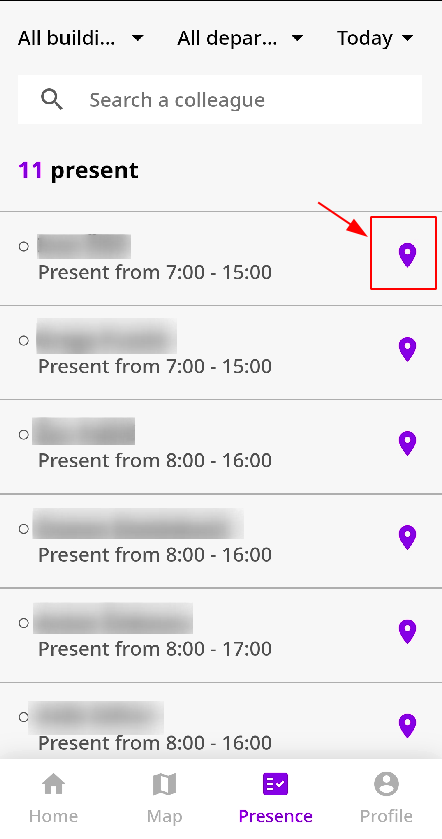
- If you click on Presence, you will see who is/will be at the office.
It is also possible to use the search bar to look for your colleague.
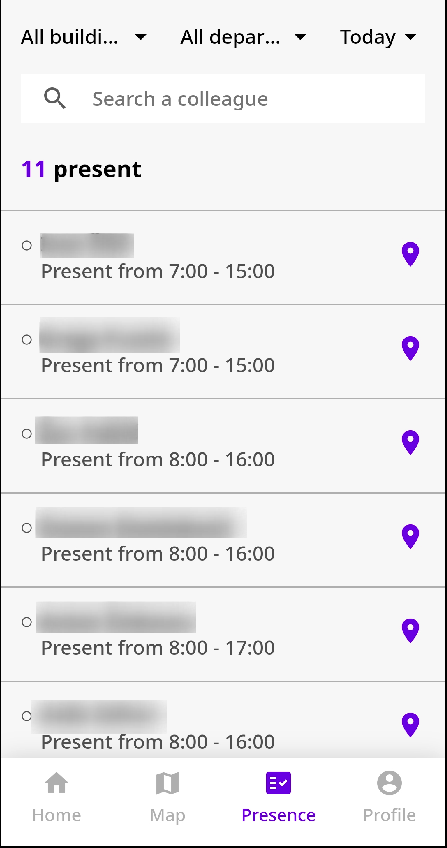
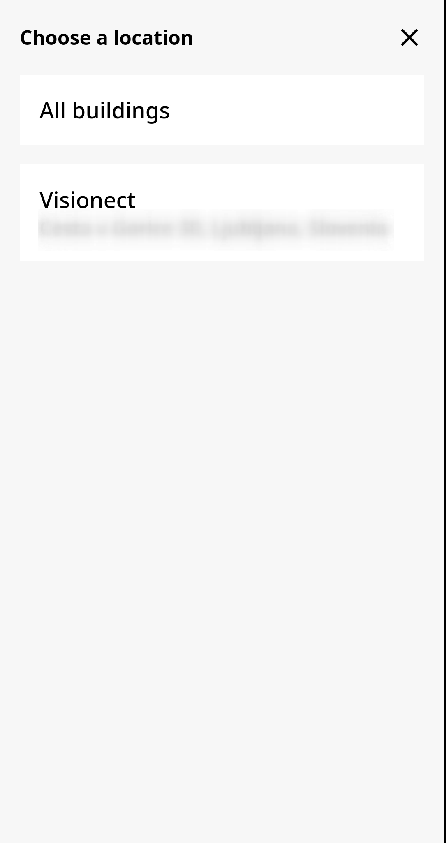
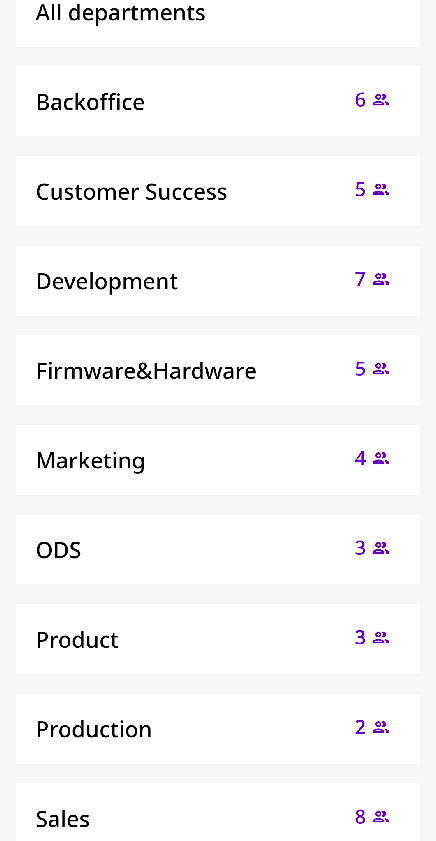
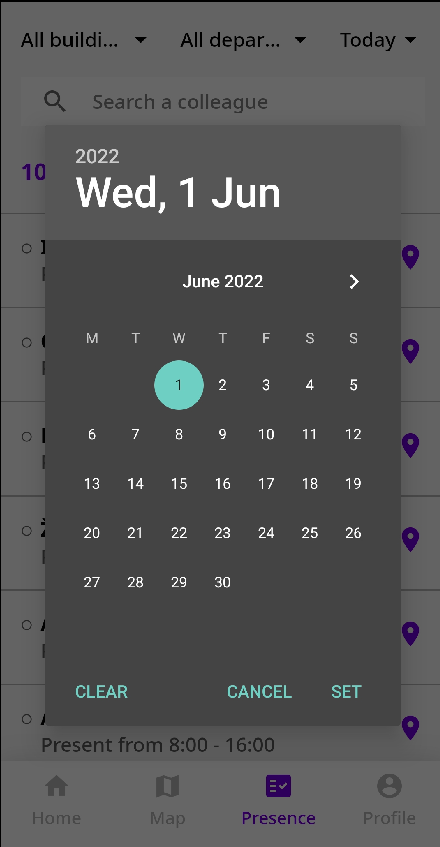
By clicking on one of these options, you can filter the employee presence.

You can filter the presence by:
- Buildings
- Departments
- Date
If you want to know which desk an employee has booked, click on the pin icon.
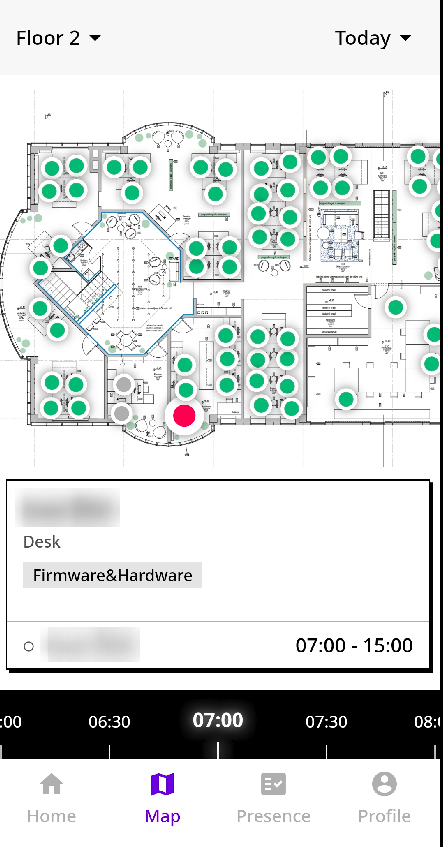
The floor plan will open up, and you will see which exact desk, the employee has booked for the day. Their (booked) desk is marked red.
And that's it!
This might help you decide whether you will go to the office or if you'd prefer to work from home that day.
In case you need any assistance, you can reach out via our support ticket form, via chat or via support@getjoan.com.