This feature can be set also as a building or device-specific setting. Allowing you to further customize your office experience. To learn more about these levels of settings, see MyJoan settings - per device, per building, and global.
- Log in to MyJoan with your account credentials
- Navigate to the “Settings” page via the top navigation menu
- Select “Rooms” and then “Device Settings” from the left-hand side menu
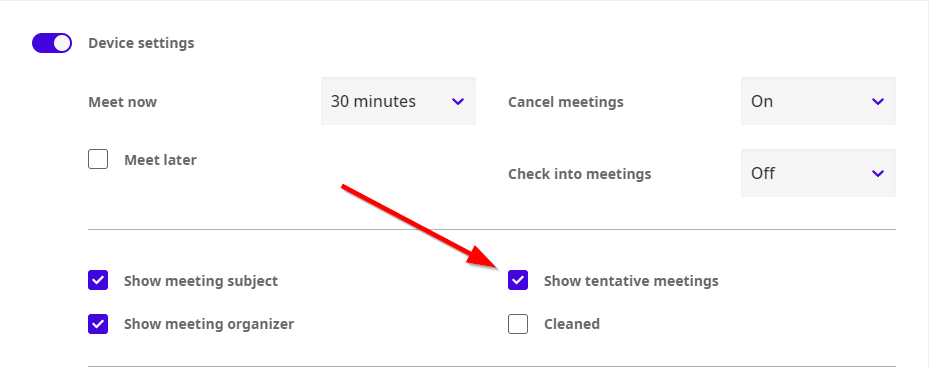
- In the “Device settings” section, locate the “Show tentative meetings” feature
- Enable or disable it
Click “Save” at the bottom of the page
And that’s it! After a few moments, all your devices will update with your new settings.
*If you encounter any issues, please contact support@getjoan.com.