Change the language of the MyJoan portal in your profile: go to Settings > Account > Profile settings and choose it under Preferred language. Follow the steps below:
- Log in to your MyJoan account at my.getjoan.com
\ - Go to Settings, then click on Account in the left-hand menu, and open the Profile settings.
\ - Scroll down to the Preferred language section and open the drop-down menu.
\ - Select the language you prefer.
\ - Click Save at the bottom of the page.
You’re all set! Your preferred language has now been applied to the MyJoan interface, making navigation easier and more comfortable.
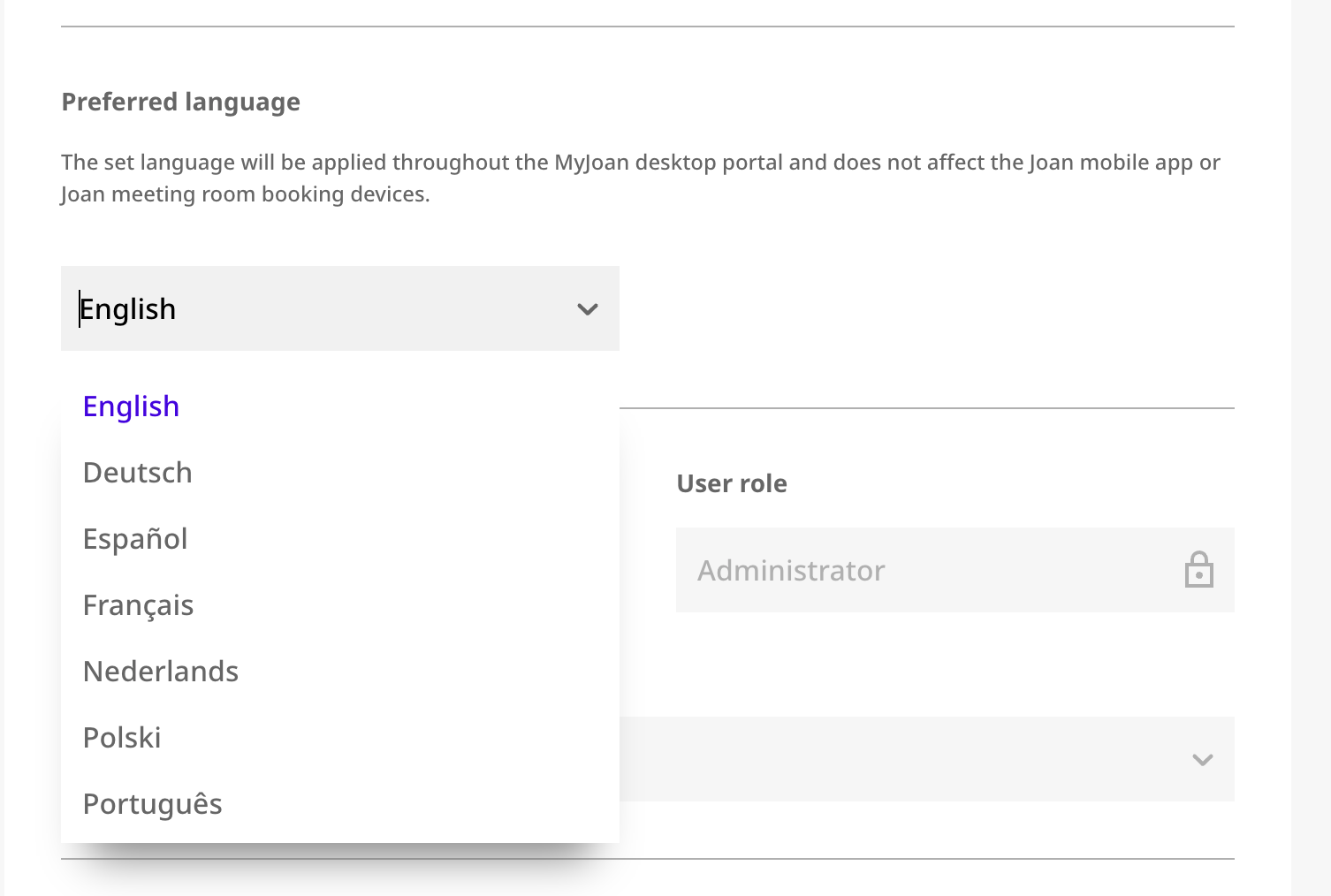
The selected language applies only to the MyJoan desktop portal.
It does not affect the Joan Workplace app or Joan meeting room booking devices.