If you forgot the password for MyJoan account, you can easily reset it on the MyJoan password reset page.
Provide the email address you created a MyJoan account with, and you will receive an email that will allow you to set a new password.
Otherwise, if you wish to just change your current password, you can do that in the “Account settings” section of the MyJoan.
- Log in to my.getjoan.com and navigate to Settings -> Account
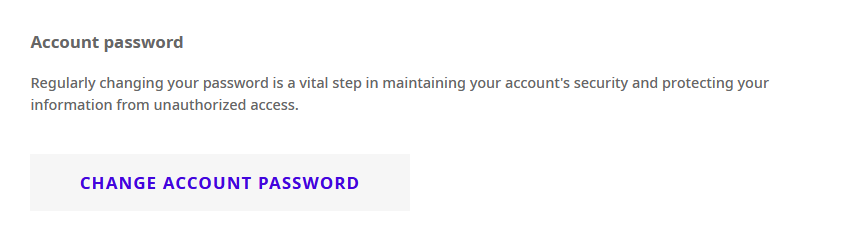
- On the Account settings page, you will notice a section "Account password"
- Click on the Change account password button
- Then, enter your new password in the “Password” field and retype it in the following “Password confirmation” field
- Click "Change password"
Once you click "Change password" the MyJoan will take a second to update your information and inform you as soon as it is done. This process should take no longer than a few seconds.
And that’s it! You have successfully changed MyJoan password.
If you need any additional support, please feel free to contact us at support@getjoan.com.