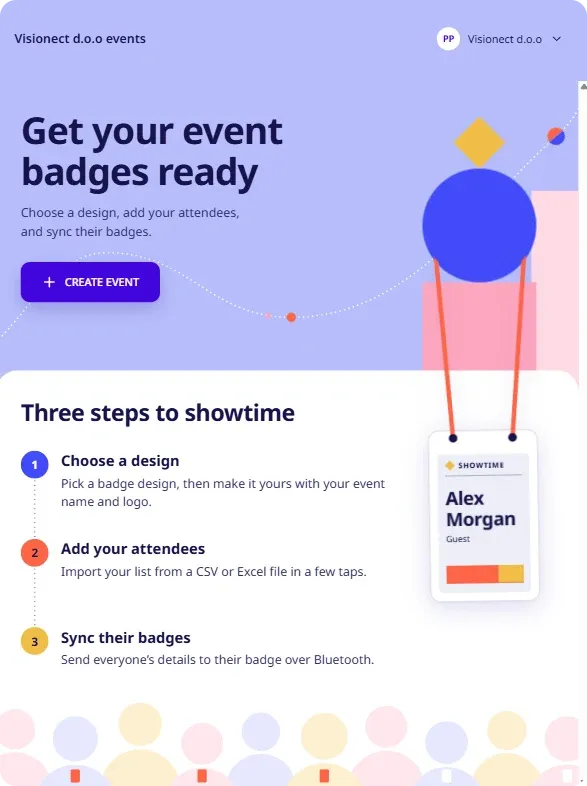
Joan event badges are ePaper badges that show each attendee’s name, photo and details, and update over Bluetooth. You prepare the event on the web at events.getjoan.com, then sync the badges with the Event Badges app on your phone or tablet.
Note
The Event Badges app is in testing. For now you install a test version of the app through an invitation, not from an app store. How you get the app will change soon.- Your Joan admin account. We give its email access to the test version of the app, and you log in with it.
- A phone or tablet with Bluetooth on, to install the app and sync the badges.
- A computer to set up your event at events.getjoan.com. We recommend it.
- Your badges, within reach of your phone or tablet when you sync.
- Install the app. Accept the test invitation on your phone or tablet and install the Event Badges app. See Install the Event Badges app (test version).
- Create your event. On a computer, create an event, choose a badge design and import your attendee list. See Create an event and import your attendees.
- Sync the badges. In the Event Badges app, send each attendee’s details to their badge over Bluetooth. See Sync event badges.