With the Cisco Webex Room Kit integration, Joan is able to automatically book and release meeting rooms when you enter/leave them, with you not having to worry about anything.
In order to make this integration work, you will need the following:
- A Cisco Webex Admin account
- A Cisco Webex Room Kit with an integrated camera
- A A MyJoan account
- A Joan device
Please make sure the Cisco Webex Room Kit is running on version 9.12.0 or higher. Once you have all the equipment ready, follow the instructions below to set it up:
- Log in to your Cisco Webex Admin account
- Navigate to “Devices” in the left-hand side menu
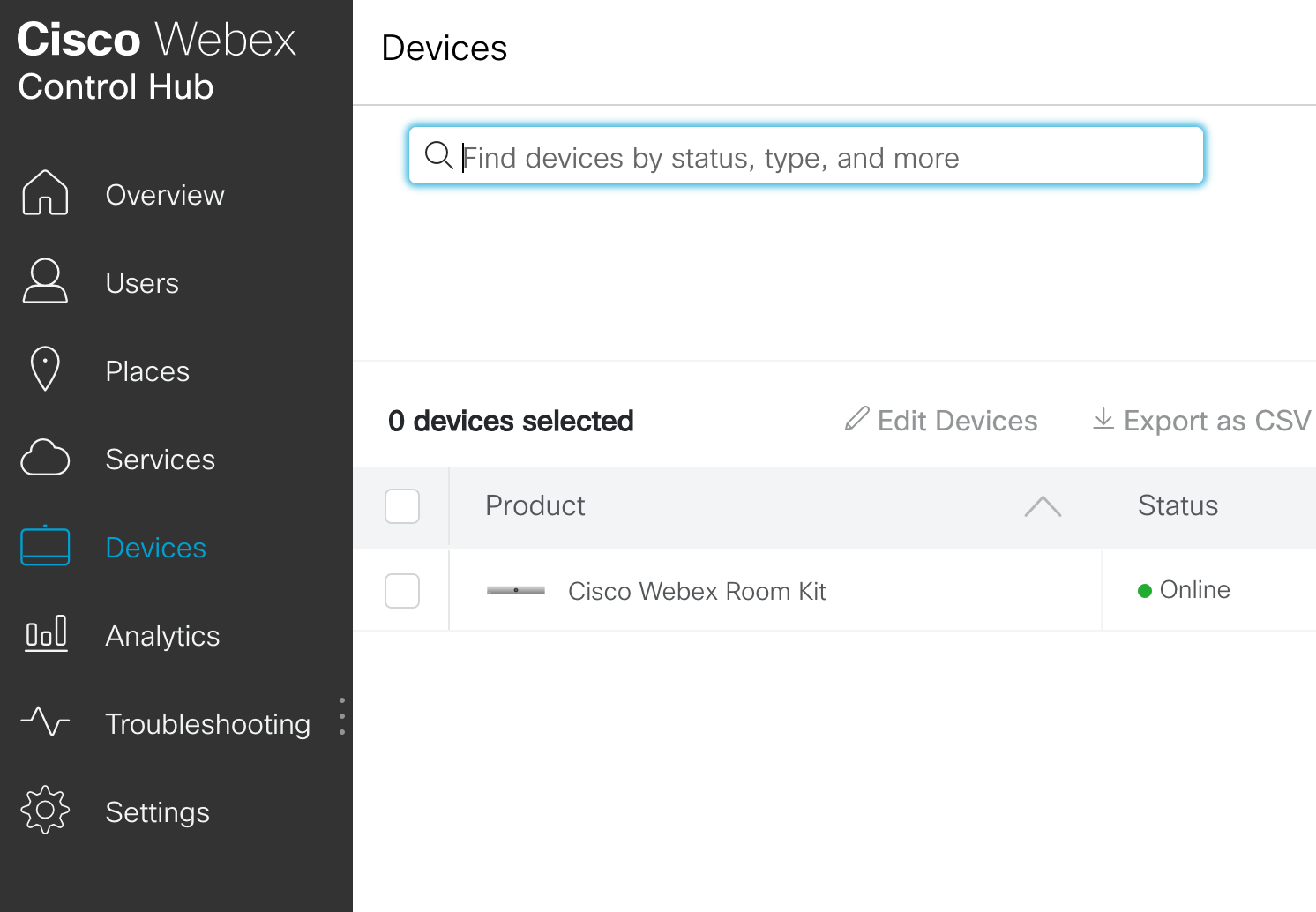
- Here you will be able to configure the connected Cisco Webex Room Kit. Select a device and in the bottom-right corner click on "Launch web portal"
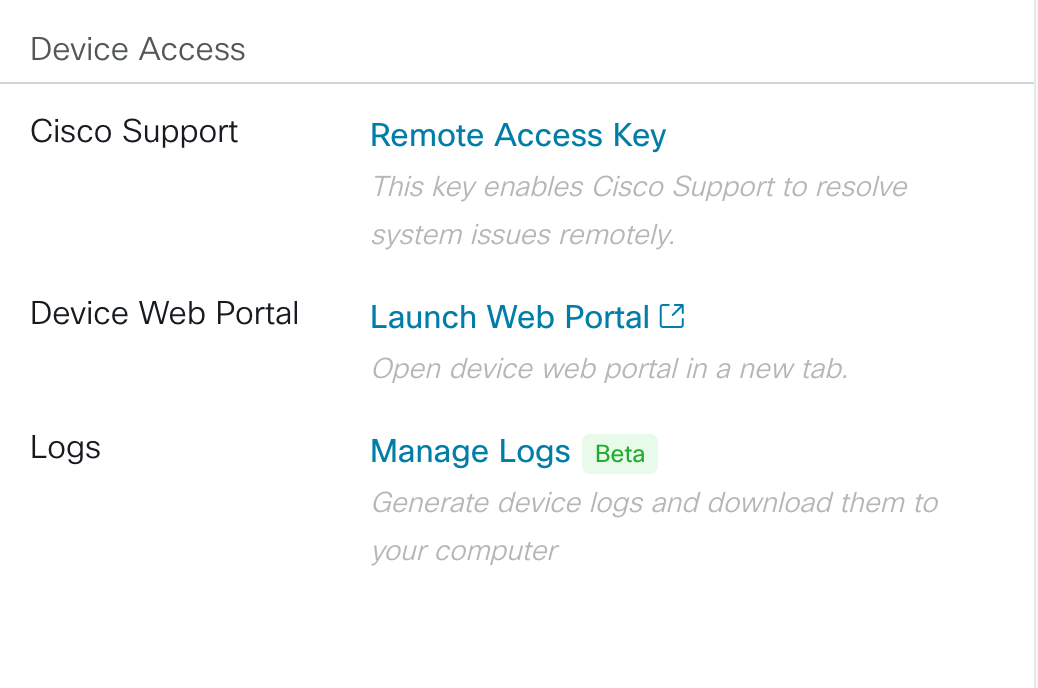
- After clicking on the link, you will be redirected to the Cisco Webex Room Kit "Set up" interface
- Click “Integration”
- Followed by “Macro Editor”
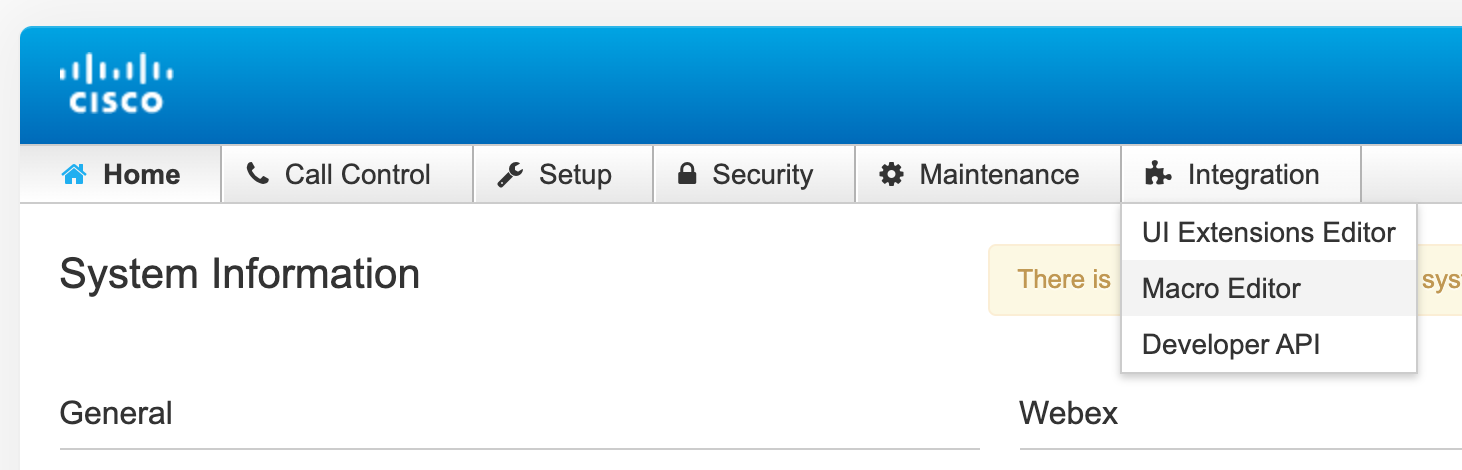
- In the top left corner click “Import from file” and upload this file here.
- When uploaded you will need to configure the following:
- Connect your Joan account with Cisco device by creating a new API client id and secret under https://portal.getjoan.com/settings/integrations/
- Copy/paste client id and secret to the uploaded macro file, under the variables:
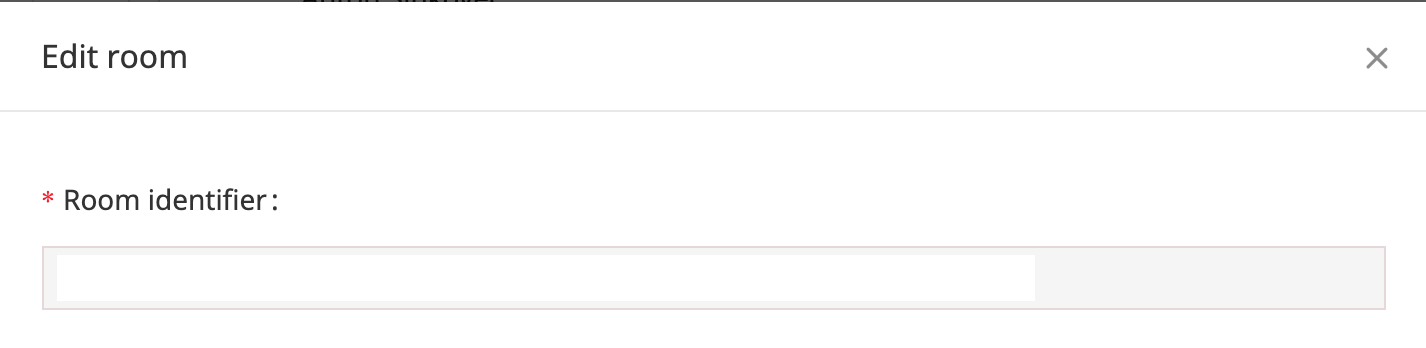
JOAN_CLIENT_ID and JOAN_CLIENT_SECRET - Copy/paste room id to ROOM_ID variable. You can find it here: https://portal.getjoan.com/manage/resources/ by clicking on a room
- Edit MIN_BEFORE_BOOK and MIN_BEFORE_RELEASE variables (set in minutes) to suit your needs. Those two variables set the threshold for how many minutes does the room need to be occupied or empty before an action (auto book/release/check-in) occurs. We recommend setting those two numbers lower for a huddle space (e.g. 2 or 5 minutes) and higher for large boardrooms (5 or 10 minutes).
- When you have all the variables set up, you can turn the integration ON by toggling the button.

- If everything is set up correctly you should see the logs starting to populate.
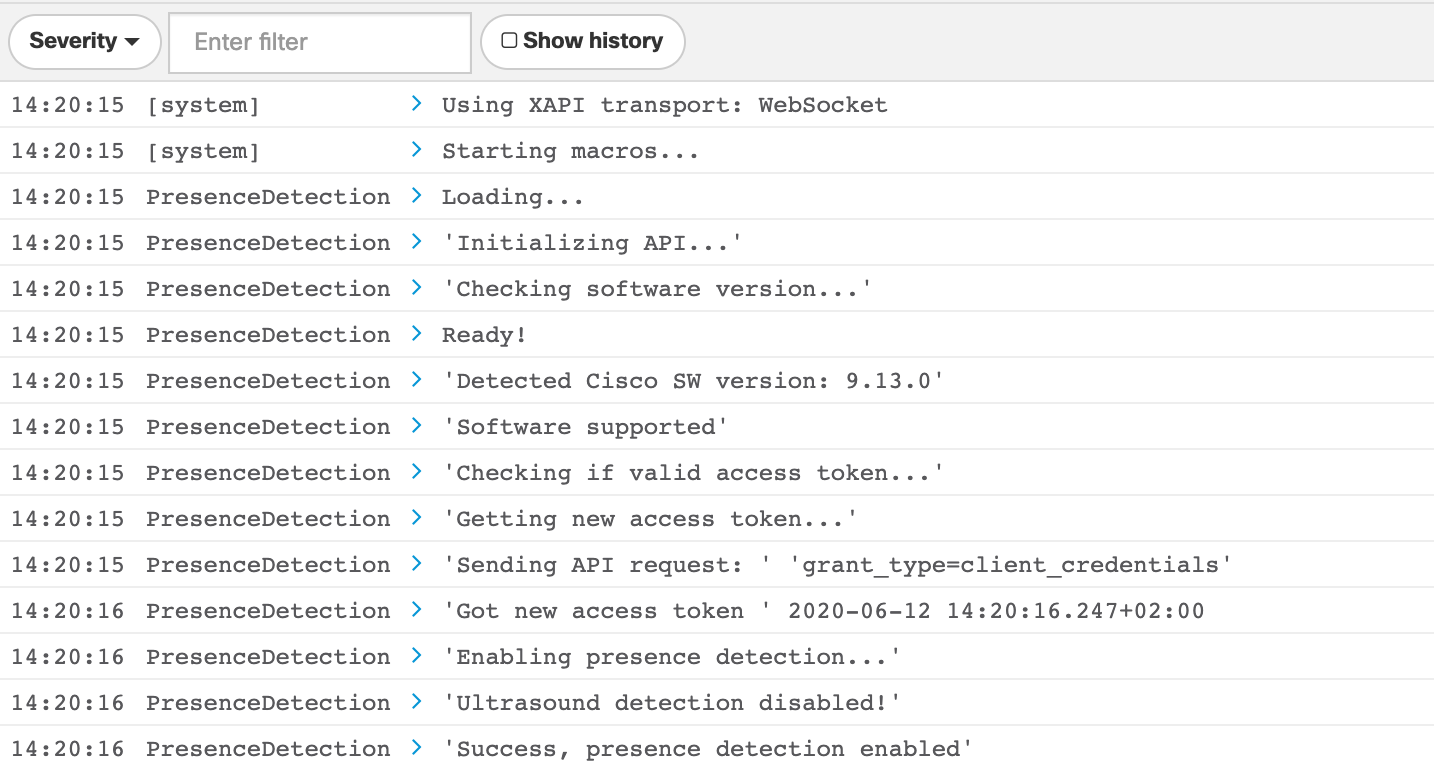
And that’s it! You have successfully integrated Joan with your Cisco Webex Room Kit. You can now simply walk into your meeting room, and it will automatically be booked.