For SMS notifications to work in eligible countries, each host needs a phone number on their account.
Before you start
- Log in to MyJoan.
- Go to Settings > Account and click Edit.
- Check that a phone number is filled in for every user who will be a host.
- In Device Settings, click Add field and select Host.
- Tick Required on the Host field. If a visitor leaves Host empty, no SMS is sent.
Enable visitor arrival SMS notifications
The host gets an SMS when the visitor checks in. It gives the visitor's name, the building, and the date and time of arrival.
- Log in to MyJoan.
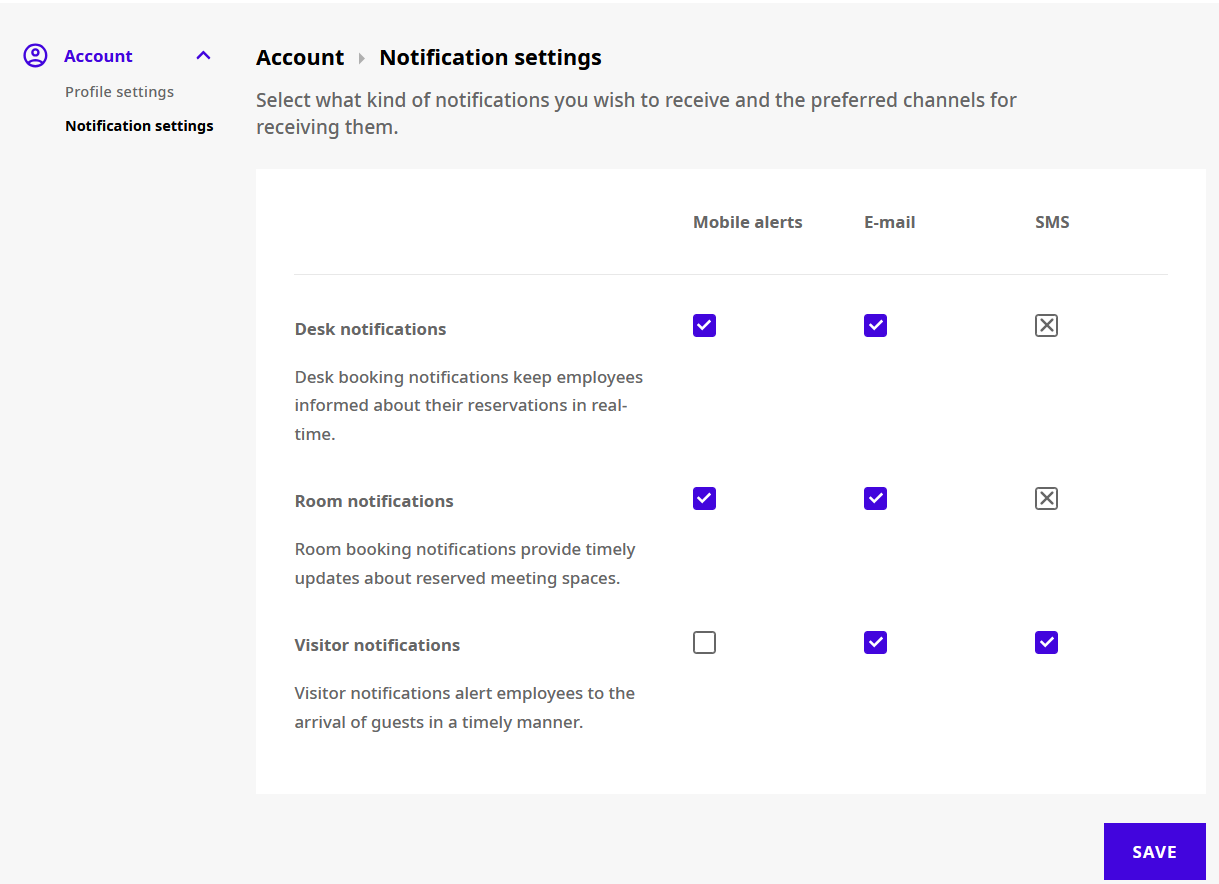
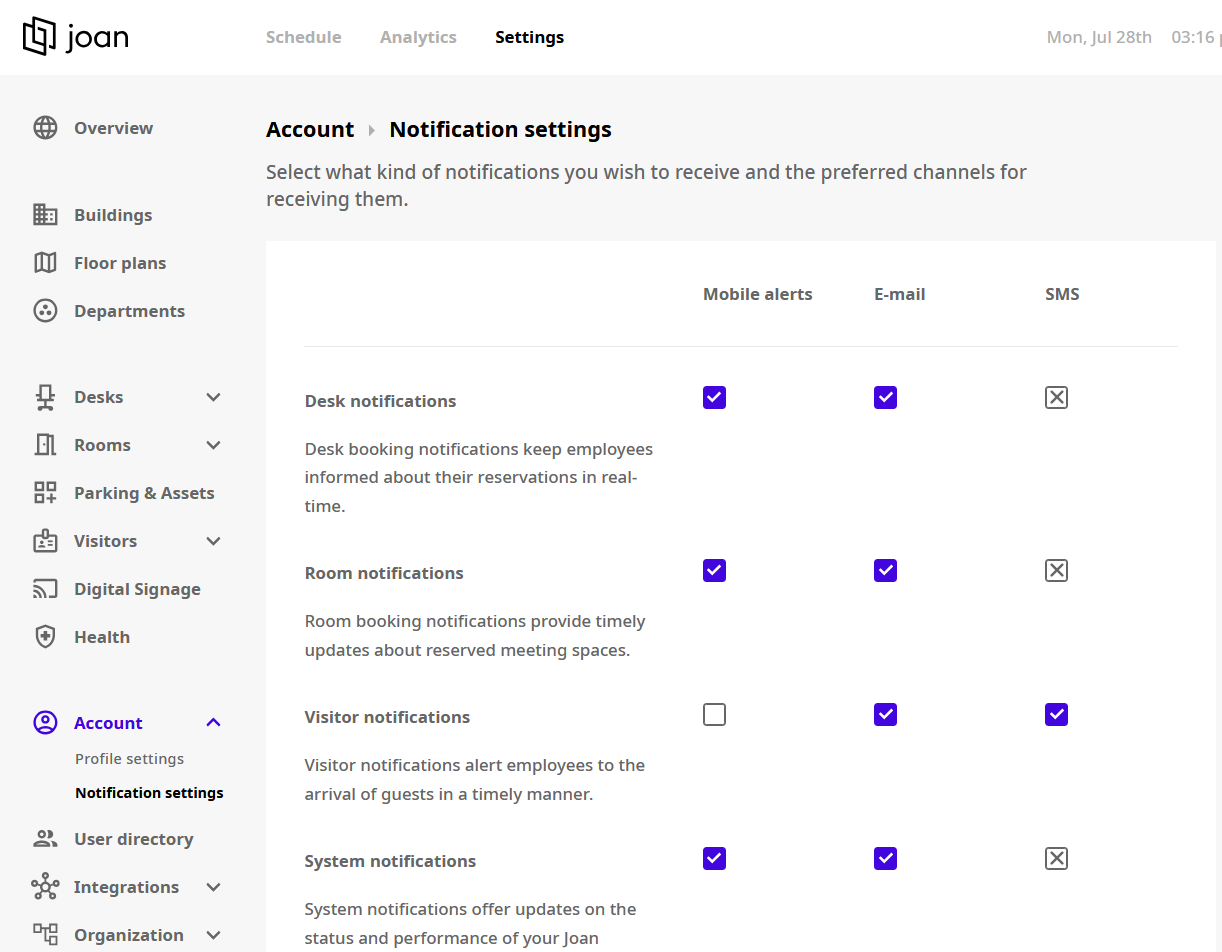
- Go to Settings > Account > Notification Settings.
- Tick the Visitor notifications boxes you want.
- Click Save.
The next time a visitor checks in and names you as host, you get an SMS.
Disable visitor arrival SMS notifications
Each user can turn these off for their own account:
- Log in to MyJoan.
- Go to Settings > Account > Notification Settings.
- Untick the Visitor notifications boxes you don't want.
- Click Save.