There are two ways to reboot your device:
- Run the Joan Configurator
- Connect the Joan device to your PC with the provided Micro USB or USB-C cable
- Select your device
- Select the Tools option in the navigation bar below
- Click Reboot device
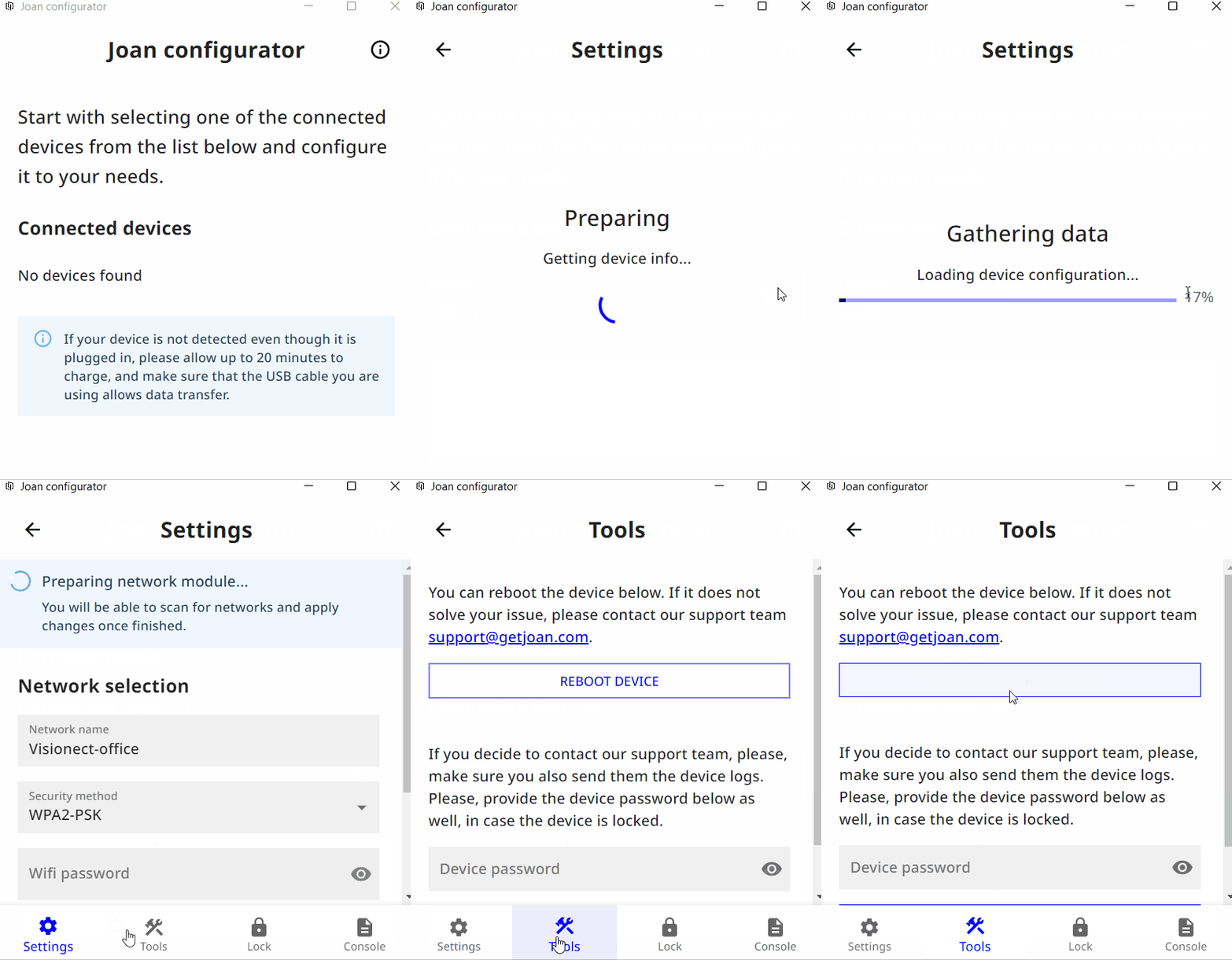
And that’s it. You have successfully rebooted your Joan device.
- Open the mobile Joan Configurator application.
- In the device list, select your device.
- Select the Tools option in the navigation bar below
- Click Reboot device
And that’s it. You have successfully rebooted your Joan device.
Is the problem still there? Don’t worry. Acquire the log file and contact us at support@getjoan.com with a description of the problem.