The network settings of the Joan devices are usually configured through Bluetooth, using the Joan Configurator mobile application. The Wi-Fi password cannot be extracted from the device, but you may want to protect the device configuration with a password.
Set a device password
- Open the latest Joan Configurator mobile app and connect to the device via Bluetooth.
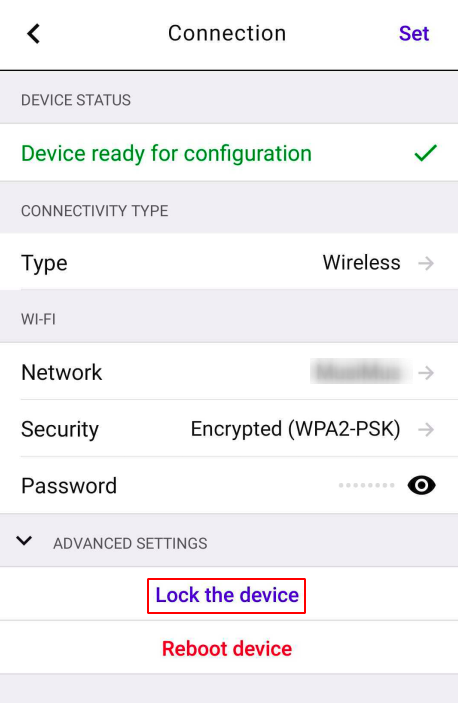
- Tap Lock the device at the bottom of the screen.
- Enter a strong password and tap Yes.
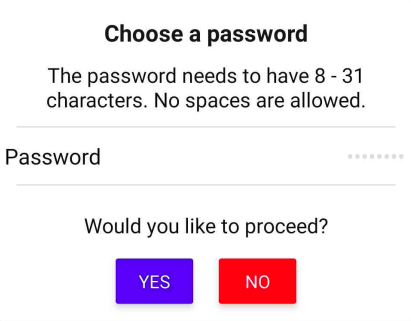
The device is now locked. A password is required to connect to it via Bluetooth or USB.
Change the password
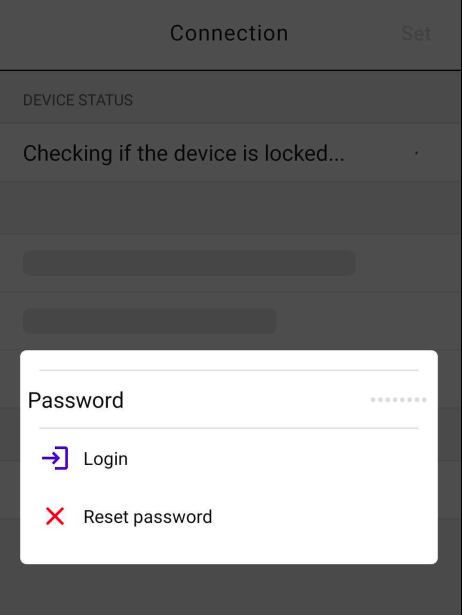
- Connect to the device and log in with the current password.
- Tap Lock the device.
- Enter the new password and tap Yes.
Forgot the password
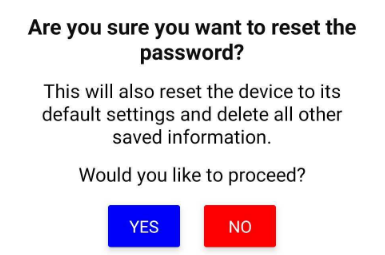
Tap Reset Password on the login screen. Please note, this is going to reset the device settings.
Should you experience any issues during the password configuration process, reach out to us at support@getjoan.com and we will do our best to help.